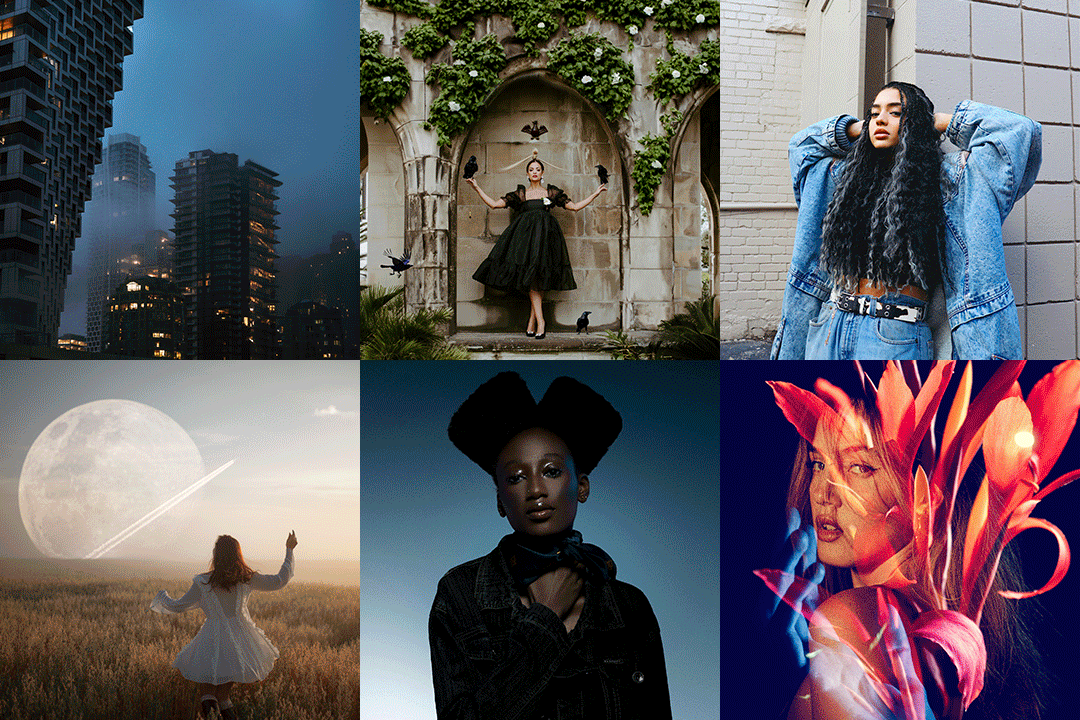
Achieve the impossible.
Add a sky, create drama, and color like mad.

Phlearn's mission is to provide the skills, confidence and encouragement for creative individuals to pursue their dreams, overcome their fears, and live their passions.

We want to provide you with the technical knowledge to make your vision become a reality AND the confidence to craft your art true to your vision. And we want to do it all with a huge smile, because having fun is fun.

Over
250,000 People
Watch Phlearn Every Month
Over
400 FREE Episodes
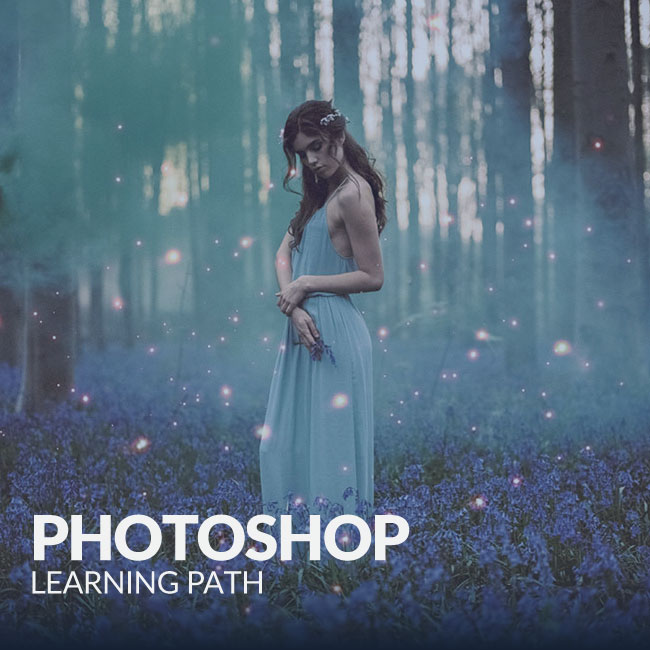
Photoshop + Photography
This is part one of a two part interview with product, food, and beverage photographer Rob Grimm. Rob has been working as a professional photography in the advertising field for 20 years and has worked with large names such as Bac...
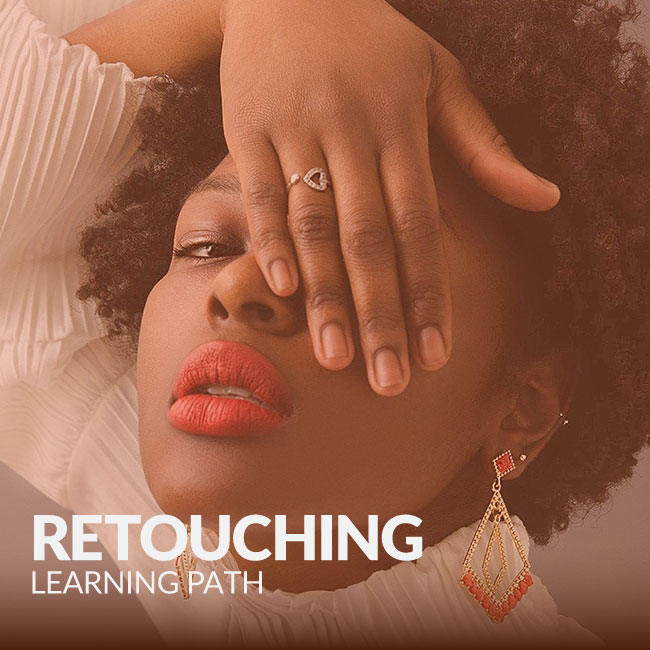
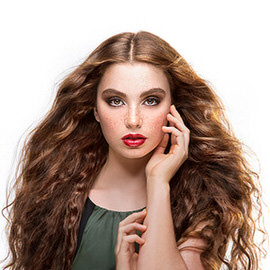
Skin retouching is an essential part of your workflow.
Learn how to take an image from straight out of the camera to a final concept in this INTERMEDIATE Photoshop Tutorial. You will learn how to color every part of an image independently, add textures and lighting effects, dodging and burning, sharpening, color theory and more!

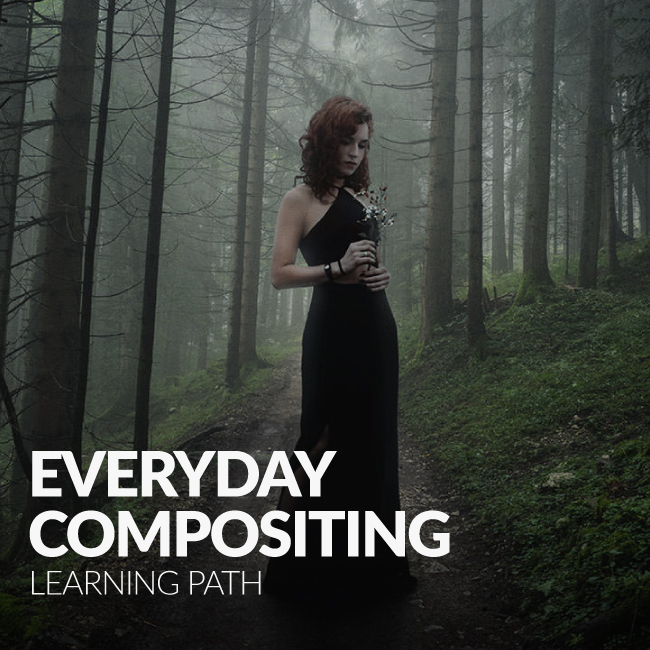
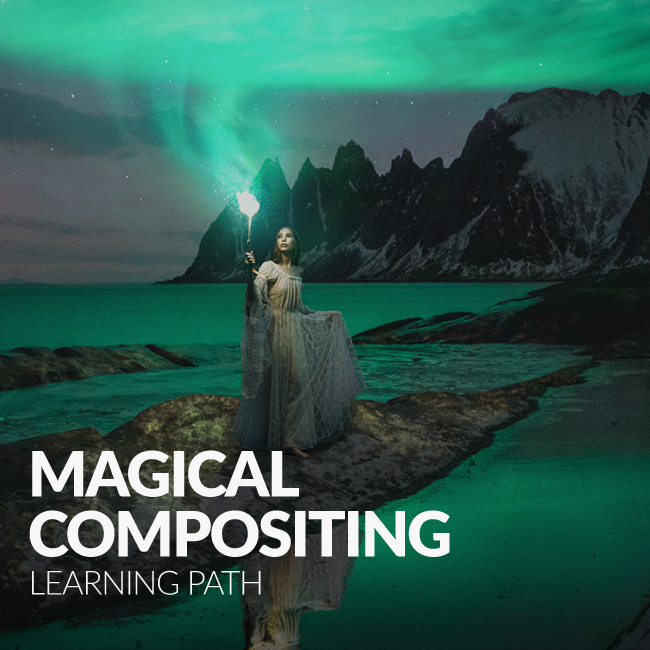
You will learn how to cut a person out of their background including getting the difficult parts like hair. We cover the most important parts about replacing a sky in a photo including lighting and color.

This special 3:30 hour Photoshop Tutorial is guaranteed to launch your knowledge to a whole new level! Join us as we create an entire image from scratch, incorporating over 20 photos, CG wings, lighting effects and perpective creation.

Every night when the boy falls asleep his best friend Bakster comes to life and they go on imaginary adventures. Make these dreams become a reality with this special 2:45 hour advanced Photoshop Tutorial.

Categories
Simply find what you are looking for.
Search
Photography
We cover everything from camera settings, lighting, posing models, building sets, grip, hardware and more.
Popular Episodes
Wouldn't it be great if you could see all of our best content in the same place? Guess what, you can!
Achieve the Impossible. Learn Unparalleled Techniques. Take Them Anywhere.
Transform any image into 1970s vintage style with this PRO Action. As simple as a few clicks, we take care of all the details.

Quickly choose from one of 8 different looks or combine them together to create a completely new style!

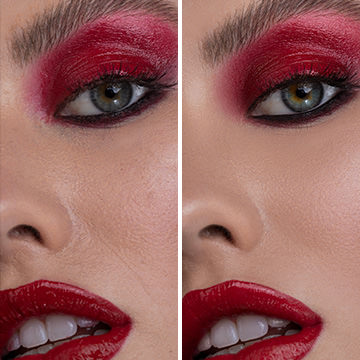
Make any set of eyes look amazing with this simple action! We provide everything you need in one step to bring excitement and beauty to your portraits.

Jeremy Cowart
There are a lot of photographers that are teaching these days. But none of them have the combined creativity/photography/photoshop skills that Aaron Nace has.

He is one-of-a-kind and legit as they get. When it comes to learning about all things digital photography, look no further than Aaron and Phlearn.
Dean Bradshaw
The internet is a wonderful thing. Without it, it would have been difficult for me to learn everything that I have.

Aaron has created an amazing resource for people to learn Photoshop. It's a new world, and Phlearn is leading the way in teaching the next generation of image makers. Never stop learning!
Julia Kuzmenko McKim
I remember having Aaron's images in my collection of inspirational artwork on my laptop when I came to Australia to study Photography in 2008. I had no idea how that awesomeness could be created and was dying to find out. Needless to say, when Phlearn was born it was like a dream come true!

I absolutely love how Aaron is laid back and fun in his video tutorials, it just makes you feel like you're hanging out with a friend, who's teaching you some cool stuff - it's easy to comprehend, it's not tiring and every video is jam packed with golden nuggets of priceless information. The entire website is full of brilliant educational materials.

I wish Phlearn was created 5 years ago, it would have saved me a lot of time learning Photoshop!

Great job! The entire Phlearn team, you guys are amazing! Keep up the great work!
Make any photo look aged in seconds by adding these distressed paper textures to them.

Grunge Textures are extremely popular, and it is not hard to see why. With very little work you can completely transform your images into a piece of distressed art.

These HD Textures make it easy to add bokeh to any image. Simply place the texture over the image and change your blending mode to screen. Done.

This amazing texture pack includes 100 high definition images that are perfect for adding lighting effects to your images.

Not every image needs to make sense, sometimes just creating something amazing is ok.

Categories

Mar 14, Episode 435 Enhancing, Photoshop
Brush Settings Most of what will make a good dodge and burn has nothing to do with the actual dodge and burn process, your brush settings are very important. When painting in Photoshop you don’t want either black/white or off/on, you need some grey area....
12 Comments
Mar 13 Business
Five Reasons Networking Is Important For Photographers It may seem like being a photographer solely consists of taking photographs, but there’s a little bit more to it than that. Networking and creating business relationships can really boost your career...
one response
Mar 11 Photoshop, Tools
Creating More of An Image To Work With For the effect we want to execute on this amazing image by Imadina, it would be nice if there was a bit more space on the top of this image. By duplicating the layer and using a layer mask, we extend the wall up, but the ...
9 Comments
Hello everyone and welcome to our 35th edition of Weekend Inspiration! In today’s feature we have 25 awesome images gathered from websites like Flickr, 500PX, DeviantArt and photographers’ own personal websites. There are images featured from both ...
5 Comments
See all the post processing techniques used in the Phlearn Pro Tutorial: Fashion Trip The Lensbaby For those unaware of the amazing lens that is the Lensbaby, allow us to explain. The Lensbaby Composer Pro is a selective focus lens that uses a swivel ball and ...
5 Comments
A few weeks back we had the opportunity to join food, product, and beverage photographer extraordinaire Rob Grimm for two days of shooting in his St.Louis studio. With over twenty years of experience and clients such as Bacardi, Microsoft, Budweiser, and Energ...
19 Comments
Phlearn-Interviews-Kirsty-Mitchell-Icon
Kirsty Mitchell was born in 1976 in the English county of Kent, known to many as the ‘Garden of England’. Growing up, art became Kirsty’s sole passion. She studied until 25, taking courses in the history of art, photography, fine art, and the...
9 Comments
Creating Shapes in Photoshop While it may be foreign to most photographers, knowing how to create shapes in Photoshop can be an important part of the editing process. By creating just one shape and using the transform tool in different ways, we are able to cre...
10 Comments
Hello everyone and welcome to our 34th edition of weekend inspiration! This week we have photos from both amateur and professional photographers, as well as some photos from the Phamily. These photos are gathered from 500px, Flickr, and photographers’ pe...
3 Comments
Today we’re editing an amazing self portrait by Amelia Fletcher. Make sure to check out the rest of her work, she rules! Blurring Hard Lines The ghosts in this photo create some heard lines that become slightly distracting. By using the smudge tool to bl...
11 Comments
Combine Multiple Photos for Maximum Scenery If you’ve ever been to a beautiful place, you know that it can be hard to capture the entire scene in one photograph. By bringing together multiple photographs, you’re able to combine different elements f...
3 Comments
Michael Vincent Manalo is a visual artist, photographer, and a designer. He was born in 1986 in Manila, Philippines. His works are inspired by the imagined memories of nostalgic and dream-like environments; his work documents their decline into post-apocalyp...
4 Comments
Feb 26 Photoshop, Tools
…Until Now. If you use the extended version of CS6, there’s a feature lurking deep within Photoshop that you’ve been completely unaware of. Well, it’s an adjustment layer so maybe it’s not lurking that deep. The Color Lookup adjus...
15 Comments
Feb 25 Contest
Over $1,000 In Prizes! Our friends at Lowepro, Lensbaby, SLR Lounge, and Lens Rentals have teamed up to bring the contest winner some seriously amazing prizes. One (1) grand prize winner will receive: $150 Phlearn gift card. Choose from any of our PRO Photosho...
274 Comments
Hello everyone and welcome to a special black and white edition of Weekend Inspiration! This week we have featured 28 beautiful black and white photos from photographers all around the world. These images are from both amateur and professional photographers, a...
2 Comments
Feb 21 Photoshop, Tools
Bakster is back! Today we teach you how to set up a workflow and file organization system using Adobe Lightroom. Make Your System Foolproof A big part of taking photos is making sure you can find the photos after you take them! If you stay organized and follow...
15 Comments
1 2 3 4 5 6 7 8 9 10 36
Free PRO Tutorial
Sign up for our newsletter and instantly receive a free PRO Tutorial!
Over 10,000 people
are already signed up.
PRO Bestsellers