PHLEARN Classics
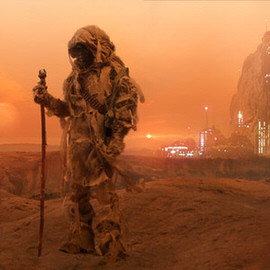
Create a sci-fi themed composite from start to finish. Learn how to photograph with a composite in mind. Then jump into Photoshop to build a background, create elements from scratch, and integrate subjects into the environment.
Photoshop | Advanced | 4.25 hours
24 Sample Images | 1 Photoshop Action | 7 Photoshop Brushes
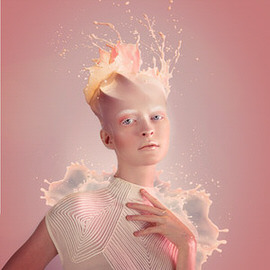
In this tutorial, you’ll learn how to do the photography and retouching necessary to add an amazing liquid splash effect to any portrait. Learn compositing, coloring, retouching, cutting subjects out, painting details, and dodging and burning.
Photoshop | Advanced | 3.25 hours
10 Sample Images | 1 Photoshop Brush | 1 Photoshop Action
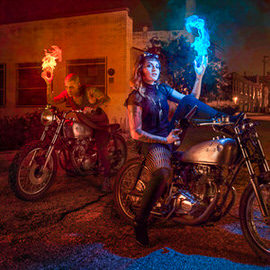
Learn how to calculate advanced perspectives, create shadows, cut out subjects, and add light sources to an image. We also cover how to photograph and composite your subjects into a new background so they really stand out.
Photoshop | Advanced | 3.25 hours
20 Sample Images | 4 Photoshop Brushes | 1 Photoshop Action
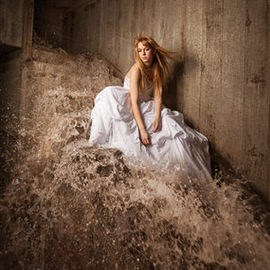
In this tutorial, we show you how to add and balance lighting in any situation to capture all of the images needed to make a perfect composite. Then we put it all together in Photoshop.
18 Sample Images | 1 Photoshop Brush

Take your Photoshop knowledge to a whole new level with this advanced tutorial. Learn how to create an entire world from scratch, incorporating more than 20 photos, computer generated wings and lighting effects all with perfect perspective.
Photoshop | Advanced | 3.75 hours
25 Sample Images | 2 Photoshop Brushes