PHLEARN PRO
Photoshop & Lightroom Learning Paths
Step-by-step courses in Photoshop and Lightroom, taught by Aaron Nace. Each path takes a handful of PRO tutorials and puts them in the order the skills build, so you always know what to watch next. Follow along on the included sample files, one step at a time, until you can make the work yourself.
- 24 paths
- 130+ tutorials
- 430+ hours
- Included with PHLEARN PRO
Software
Learn the programs first. Start with Getting Started, then Photoshop, Lightroom and the new AI tools, plus the everyday editing workflow and the core Photoshop skills.
6 paths · 36 tutorials · 117+ hours
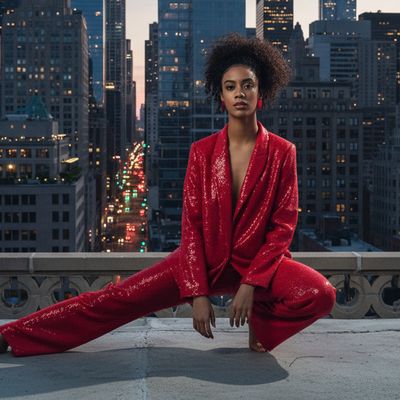 Start hereGetting Started Learning Path7 tutorials · 29+ hours · Beginner
 Lightroom Learning Path7 tutorials · 13+ hours · Beginner to Advanced

 Tools & Techniques Learning Path8 tutorials · 29+ hours · Beginner to Advanced
 NewPhoto Editing Essentials Learning Path7 tutorials · 25+ hours · Beginner to Intermediate
Photography and editing
Take better photos of people and places, then finish them: skin and beauty retouching, fashion, landscapes and removing anything that does not belong.
6 paths · 38 tutorials · 142+ hours
 Photography Learning Path7 tutorials · 37+ hours · Beginner to Advanced
 Portraits Learning Path6 tutorials · 13+ hours · Intermediate to Advanced

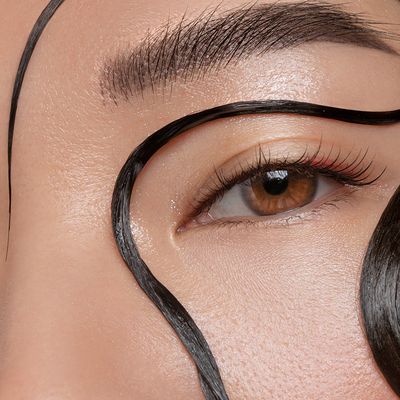 Retouching Learning Path8 tutorials · 28+ hours · Beginner to Advanced
 NewObject Removal & Cleanup Learning Path7 tutorials · 19+ hours · Beginner to Advanced
Compositing and products
Cut out subjects, swap backgrounds and build scenes that never existed, from everyday composites to fantasy worlds, plus clean product images that sell.
6 paths · 37 tutorials · 128+ hours
 Products Learning Path6 tutorials · 29+ hours · Beginner to Advanced
 Cutouts & Backgrounds Learning Path8 tutorials · 19+ hours · Beginner to Advanced

 Everyday Compositing Learning Path7 tutorials · 17+ hours · Beginner to Advanced
 NewCompositing Projects Learning Path7 tutorials · 28+ hours · Beginner to Advanced
Color, style and effects
Color grade your photos, create signature looks and special effects, turn photos into artwork, and design with type and graphics.
6 paths · 38 tutorials · 98+ hours
 Coloring Learning Path7 tutorials · 19+ hours · Beginner to Advanced
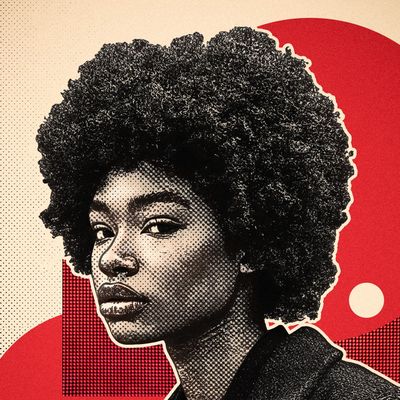 Creative Looks Learning Path8 tutorials · 14+ hours · Beginner to Advanced

 Special Effects Learning Path7 tutorials · 17+ hours · Beginner to Advanced
 Graphics & Text Learning Path7 tutorials · 20+ hours · Beginner to Advanced
Free to start
Not a PRO member yet?
Start with a free series: one short lesson a day, free to watch, with the sample files when you sign up for a free account. Or browse all free tutorials.
70 free lessons


Start here
Not sure where to start?



Questions
Learning Paths FAQ
What is a Learning Path?
A Learning Path is a set of PHLEARN PRO tutorials put in the order the skills build. You watch them one after another, follow along on the sample files, and finish able to do the work yourself.
Which Learning Path should I start with?
If you are new to editing, start with Getting Started. If you shoot photos and edit mostly in Lightroom, start with the Lightroom path. If you already know the basics, take the Photoshop path, then pick a subject like Retouching or Compositing.
What order should I learn Photoshop in?
Start with the interface, layers and masks, then selections, non-destructive editing, retouching and color, and finish with compositing and effects. The Photoshop Learning Path follows that order, one tutorial at a time.
How long does a Learning Path take?
Most paths have 6 to 8 tutorials and between 13 and 37 hours of video. Every step shows its length, so you can watch one lesson a day or a whole tutorial over a weekend.
Do I need PHLEARN PRO?
The 24 Learning Paths are part of PHLEARN PRO. To start free, watch 30 Days of Photoshop, 30 Days of Lightroom or 10 Days of AI in Photoshop and Lightroom.
Are the sample files included?
Yes. Every PRO tutorial in a path comes with its sample files, so you can practice on the same images you see in the lesson.
Every Learning Path is included with PHLEARN PRO, with the sample files for every lesson.