
Download Sample Images
Click the link below to download the sample images and follow along with this tutorial.
DownloadPhamily Photo
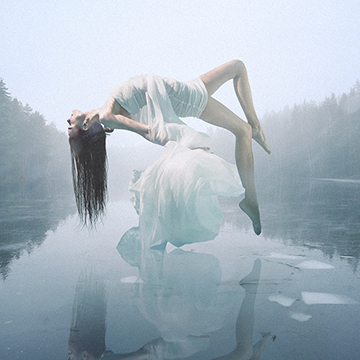
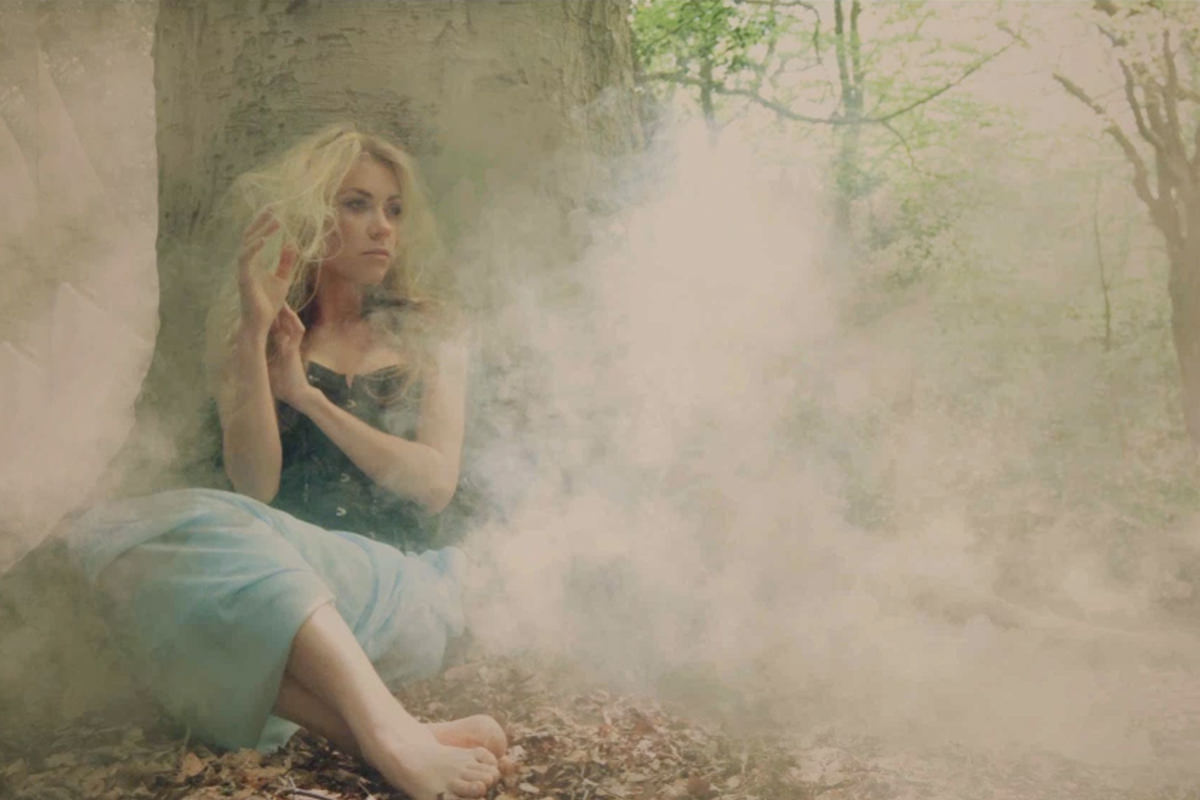
Today we’re doing another start to finish edit! This image was submitted by Stevie Keen.
What’s Covered
First I’ll start off with curves to slightly darken the highlight areas. Using apply Image with a layer mask will make this layer more visible in the lighter areas, fixing any exposure problems. Next I’ll use a custom brush to add in more fog. This looks the most natural when its built up slowly in layers. Using a darker color and then lighter on top will make it look realistic.
After we finish building up the fog I’ll select out the tree using the Lasso Tool for the Layer Mask. The Pen Tool is great for making selections that are crisp and clean, but for this I’ll use the lasso tool to mimc the rough edge of the tree.
Lastly I’ll add in some color toning using levels and curves. Color is a great way to add mood and effect to your photos and can be done in a few simple steps.
Episode Timeline
- 0:30- Instagram
- 0:50- Contest Winners
- 1:35- Starting with curves
- 1:45- Apply Image
- 2:15- Using a custom Brush for fog
- 3:00- Building the effect
- 4:05- Adding blue using Levels Adjustment Layer
- 4:35- Making a selection with the Lasso Tool for the layer mask
- 6:00- Color toning using Levels
- 7:00- Curves
- 7:45- Adding gradients to Darken
- 8:10- Fading out the fog
- 9:10- Using the High Pass Filter to Sharpen
- 10:00- Burning using a Darken blend mode
- 10:40- New Texture contest