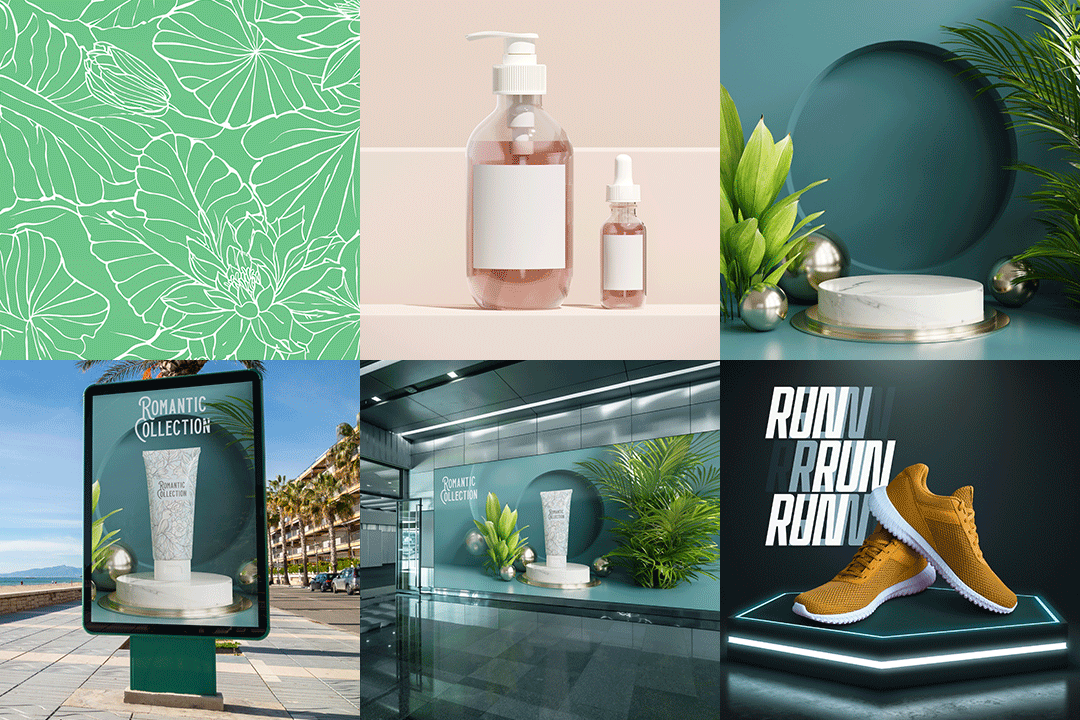
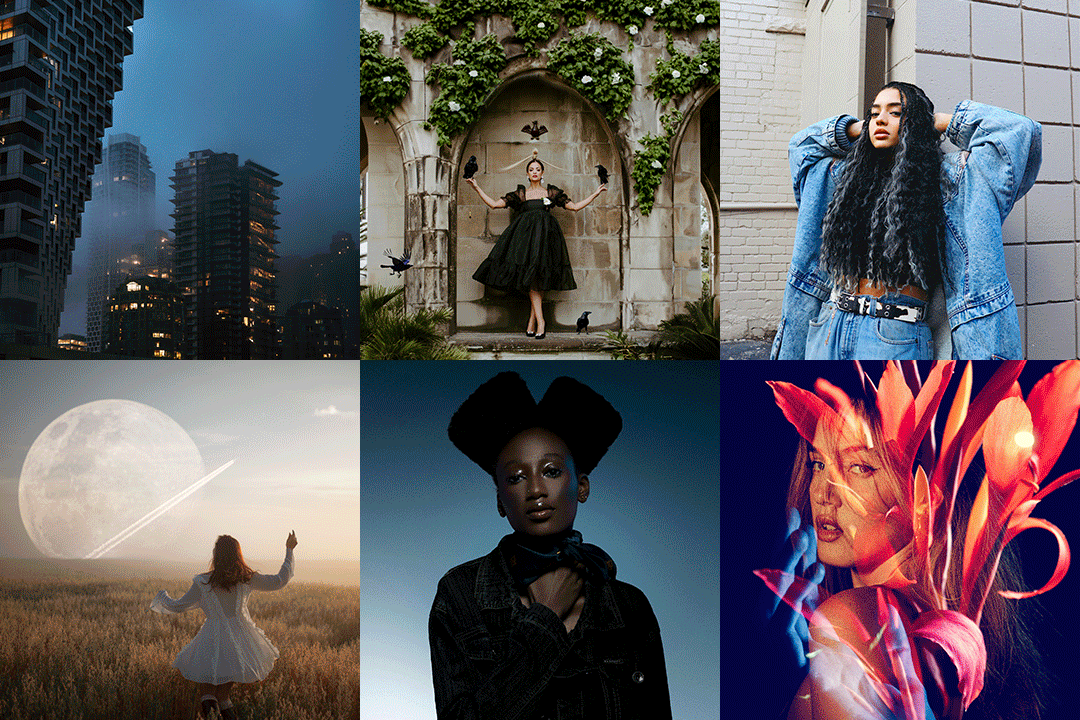
Achieve the impossible.
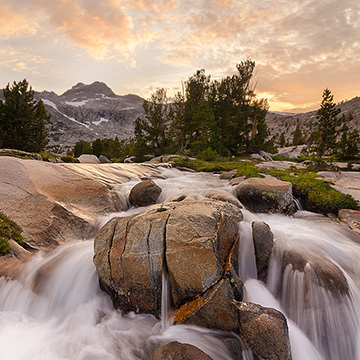
Add a sky, create drama, and color like mad.

Phlearn's mission is to provide the skills, confidence and encouragement for creative individuals to pursue their dreams, overcome their fears, and live their passions.

We want to provide you with the technical knowledge to make your vision become a reality AND the confidence to craft your art true to your vision. And we want to do it all with a huge smile, because having fun is fun.

Over
250,000 People
Watch Phlearn Every Month
Over
400 FREE Episodes
Photoshop + Photography
Turning Day Into Night In today’s episode you are going to learn how turn day into night, and all the tips and tricks that go along with it. Light falls completely different during the day than it does at night, so making th...
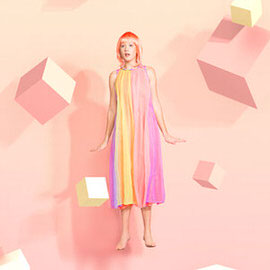
Bring an imaginary best friend to life.
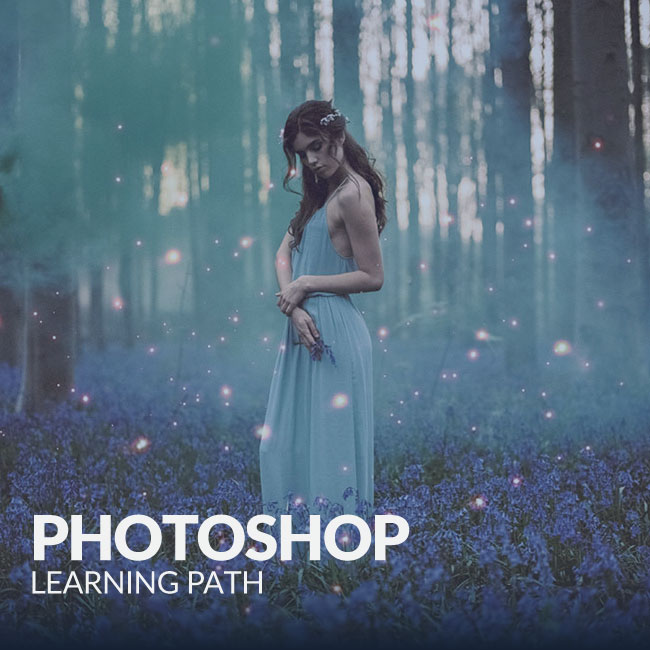
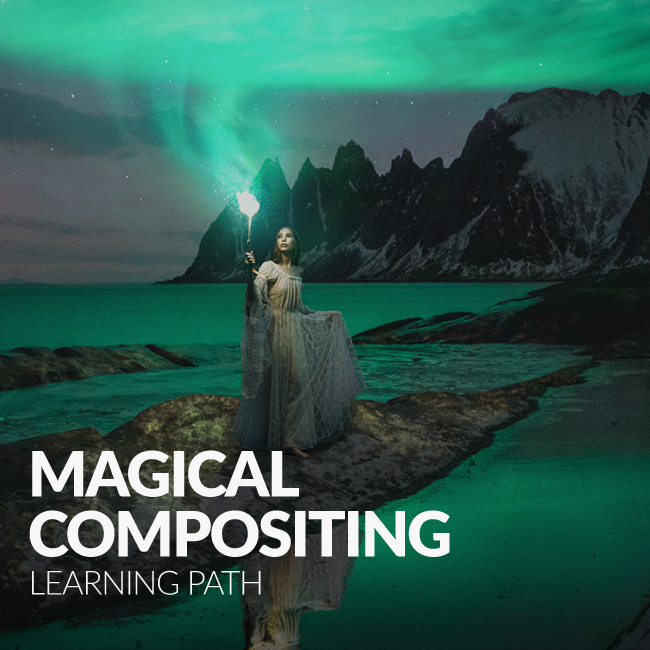
This special 3:30 hour Photoshop Tutorial is guaranteed to launch your knowledge to a whole new level! Join us as we create an entire image from scratch, incorporating over 20 photos, CG wings, lighting effects and perpective creation.

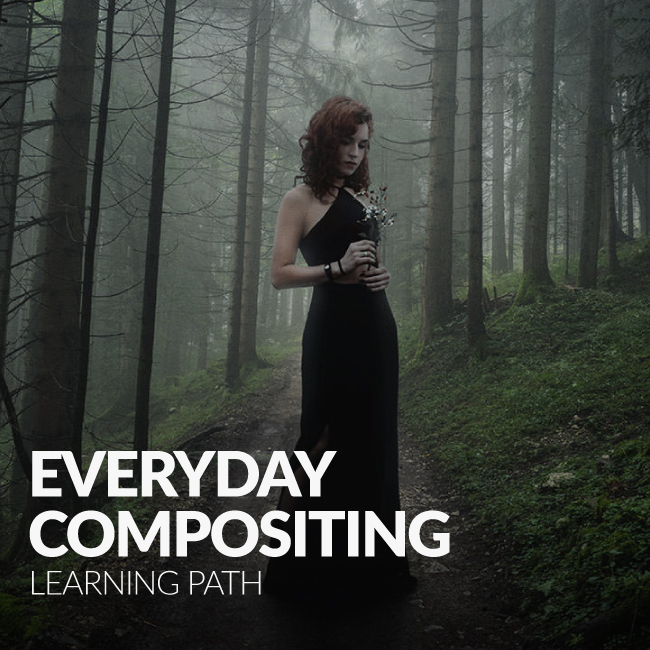
Learn how to take an image from straight out of the camera to a final concept in this INTERMEDIATE Photoshop Tutorial. You will learn how to color every part of an image independently, add textures and lighting effects, dodging and burning, sharpening, color theory and more!

Never before has there been a Photoshop Tutorial like this one. Created with help from the Phamily, this image is a part of us all. In this very in depth tutorial we cover every single step from choosing images to coloring, and adding amazing distortion effects.

You will learn how to cut a person out of their background including getting the difficult parts like hair. We cover the most important parts about replacing a sky in a photo including lighting and color.

Categories
Simply find what you are looking for.
Search
Photography
We cover everything from camera settings, lighting, posing models, building sets, grip, hardware and more.
Popular Episodes
Wouldn't it be great if you could see all of our best content in the same place? Guess what, you can!
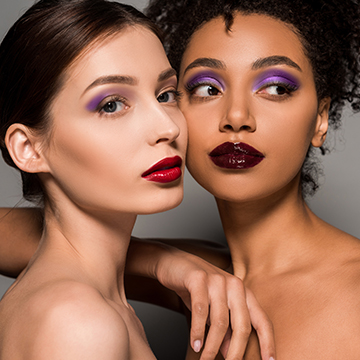
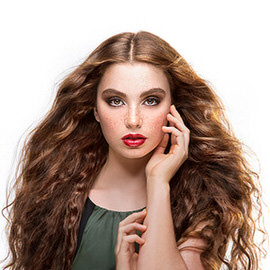
Create images ready for Vogue. Master Color. Free Textures Included.
Transform any image into 1970s vintage style with this PRO Action. As simple as a few clicks, we take care of all the details.

Quickly choose from one of 8 different looks or combine them together to create a completely new style!

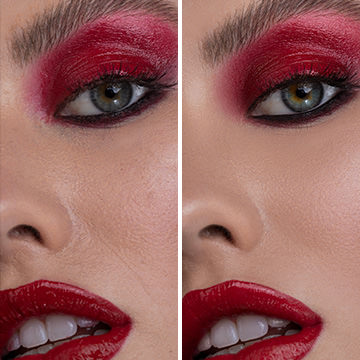
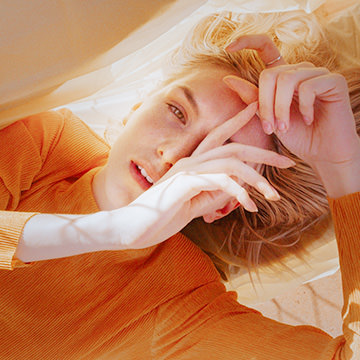
Make any set of eyes look amazing with this simple action! We provide everything you need in one step to bring excitement and beauty to your portraits.

Jeremy Cowart
There are a lot of photographers that are teaching these days. But none of them have the combined creativity/photography/photoshop skills that Aaron Nace has.

He is one-of-a-kind and legit as they get. When it comes to learning about all things digital photography, look no further than Aaron and Phlearn.
Julia Kuzmenko McKim
I remember having Aaron's images in my collection of inspirational artwork on my laptop when I came to Australia to study Photography in 2008. I had no idea how that awesomeness could be created and was dying to find out. Needless to say, when Phlearn was born it was like a dream come true!

I absolutely love how Aaron is laid back and fun in his video tutorials, it just makes you feel like you're hanging out with a friend, who's teaching you some cool stuff - it's easy to comprehend, it's not tiring and every video is jam packed with golden nuggets of priceless information. The entire website is full of brilliant educational materials.

I wish Phlearn was created 5 years ago, it would have saved me a lot of time learning Photoshop!

Great job! The entire Phlearn team, you guys are amazing! Keep up the great work!
Adam Elmakias
Phlearn got me out of my own slump. I was looking to learn some new PS skills but all the resources online seemed to just be rehashed and reposted, then I found Aaron/ Phlearn.

I have learned a great deal from the site, but my favorite part is referring other people in a similar situation to the site.
Add interest and color to your images with these full resolution color blur photos! Simulate shallow depth of field by placing these textures over your photos.

Make any photo look aged in seconds by adding these distressed paper textures to them.

Add depth to a photo by simulating the camera shooting through leaves.

Grunge Textures are extremely popular, and it is not hard to see why. With very little work you can completely transform your images into a piece of distressed art.

Create a portrait to match a giant ego.

Categories

May 15 Photography
Compositing 101 We are very excited to announce that I (Aaron Nace) will be teaching  a 3 day course on compositing with Creative Live starting Thu, 5/30/2013 at 9AM. Compositing is about making complex, visual masterpieces driven by your creative vision. Thr...
19 Comments
Bare Bulb + Shot Into Camera = Lens Flare Goodness A crucial part of what gives this image mood is the lens flare on the left side. Lens flares can be a great way of adding pizzazz to an image, but only when used correctly. Always try creating them in camera, ...
4 Comments
Stephen Criscolo is a 19 year old conceptual photographer. He just graduated high school and is now currently attending the University of Georgia working towards a major in Photojournalism (he’s considering double majoring in fine art but is unsure yet)....
2 Comments
Extreme Speed-Editing Today we’re editing this image by Aleksandar Jaredic, and we only have five minutes to do so! Sometimes you need to be able to edit quickly for clients. We start by correcting blown out highlights using a combination of curves adjus...
13 Comments
May 20 Contest
This Week’s Contest: Three Or More Subjects Time to round some people up for photos! This week’s contest theme is three or more subjects. This is a great challenge for both posing and lighting, and a great way to tell a story. You can also get a lo...
71 Comments
May 17 Contest, Video
We Want YOU For Our New Commercial! Commercial might be the wrong word. This isn’t going on cable TV, but it will be posted on Phlearn’s homepage, YouTube channel, etc., and seen by thousands of other photographers! The video will be approximately ...
4 Comments
Hello everyone and welcome to the 45th edition of Weekend Inspiration! Every week we gather 25 photographs in hopes to give an inspiring kick start to your weekend! These photos are shot by both amateur and professional photographers, and there’s some sh...
3 Comments
Click here for a behind the scenes video from this shoot! Using the Pen Tool The pen tool is a tricky tool to use at first, but once mastered it is a great option for making clean selections. By using it to select only the wall behind our model, we can create ...
5 Comments
Your series on color that was featured in Vogue is amazing. Did you shoot these as well as retouch them? How were you inspired to create them? Can you take us through the lighting? Thank you, Aaron! Yes, I photographed and retouched these images myself. It is ...
5 Comments
Using an ND Filter For this particular image, we wanted a sky that was not blown out and even a little bit dark. To do this we used a neutral density filter, or ND filter. What is a ND filter, you ask? An ND filter decreases your exposure by a certain number o...
5 Comments
Emil Nystrom is an upcoming creative photographer based in Umeå, Sweden. He’s only been doing photography full time for about a year now, but he has some amazing pictures to show for it! Since beginning the career path to become a photographer Emil has ...
no responses
Opening Up Your Aperture… In Photoshop The definition of depth of field is the distance between the nearest and farthest objects in a scene that appear acceptably sharp in an image. Everything outside of the depth of field gets gradually blurrier the clo...
7 Comments
May 13 Contest
This Week’s Contest: Hard Lighting This week’s contest is hard lighting! This is basically the opposite of our soft light contest back in April. If you’re shooting indoors, try using a lamp without the shade or a strobe with no diffusion or r...
215 Comments
Click here to watch behind the scenes video of this shoot explaining the lighting! Layer Stacking Since we’ll be pulling together three separate images, it’s important that they’re aligned to each other correctly. Doing this manually we be a ...
9 Comments
Hello everyone and welcome to the 44th edition of Weekend Inspiration!! This week we have 25 amazing photos gathered from websites like Flickr, 500PX, Behance, and also from photographer’s personal websites. These photos are gathered weekly from both ama...
3 Comments
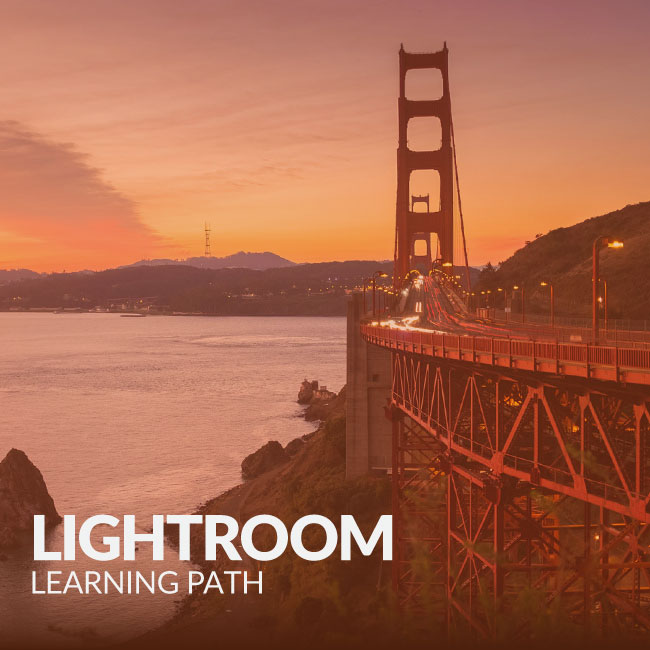
Matching Two Different Lights The key for this photoshoot was to match our strobe to the light already underneath the bridge. Since the light was already very orange, we decided to gel the inside of of a stripbox to make our strobe warmer in color temperature....
13 Comments
1 2 3 4 5 6 36
Free PRO Tutorial
Sign up for our newsletter and instantly receive a free PRO Tutorial!
Over 10,000 people
are already signed up.
PRO Bestsellers