
Download Assets
description
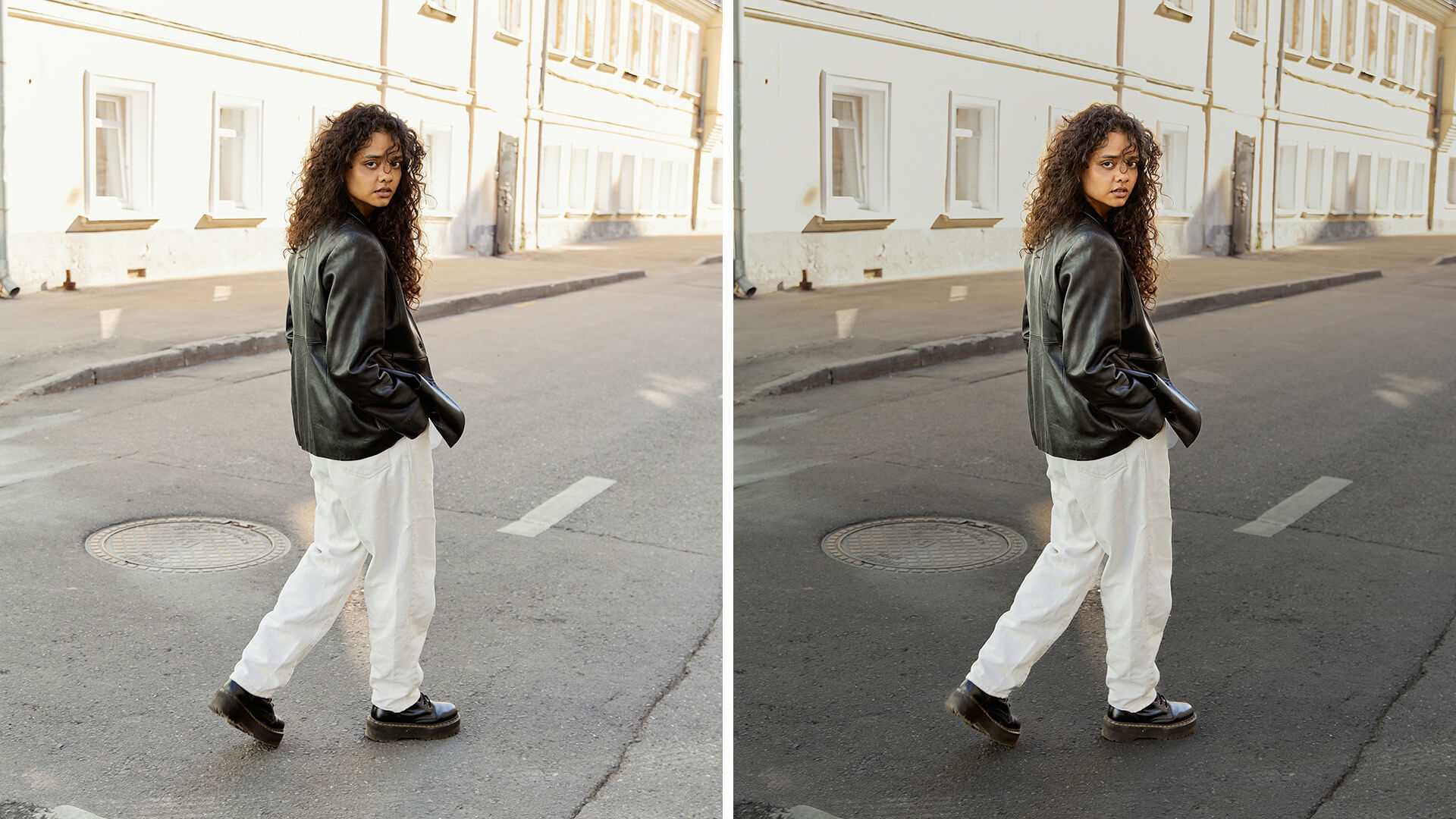
Learn to correct exposure on both the subject and the background using Lightroom’s masking tools including Select Subject.
In this tutorial we’ll show you how to isolate the people in your images so you can edit them separately from the background, giving you more control over the exposure in your photos. This will help you create better images in less time!
Artist Credit
Special Thanks to the following artist for uploading their images and making them available for free for everyone to use.
Share
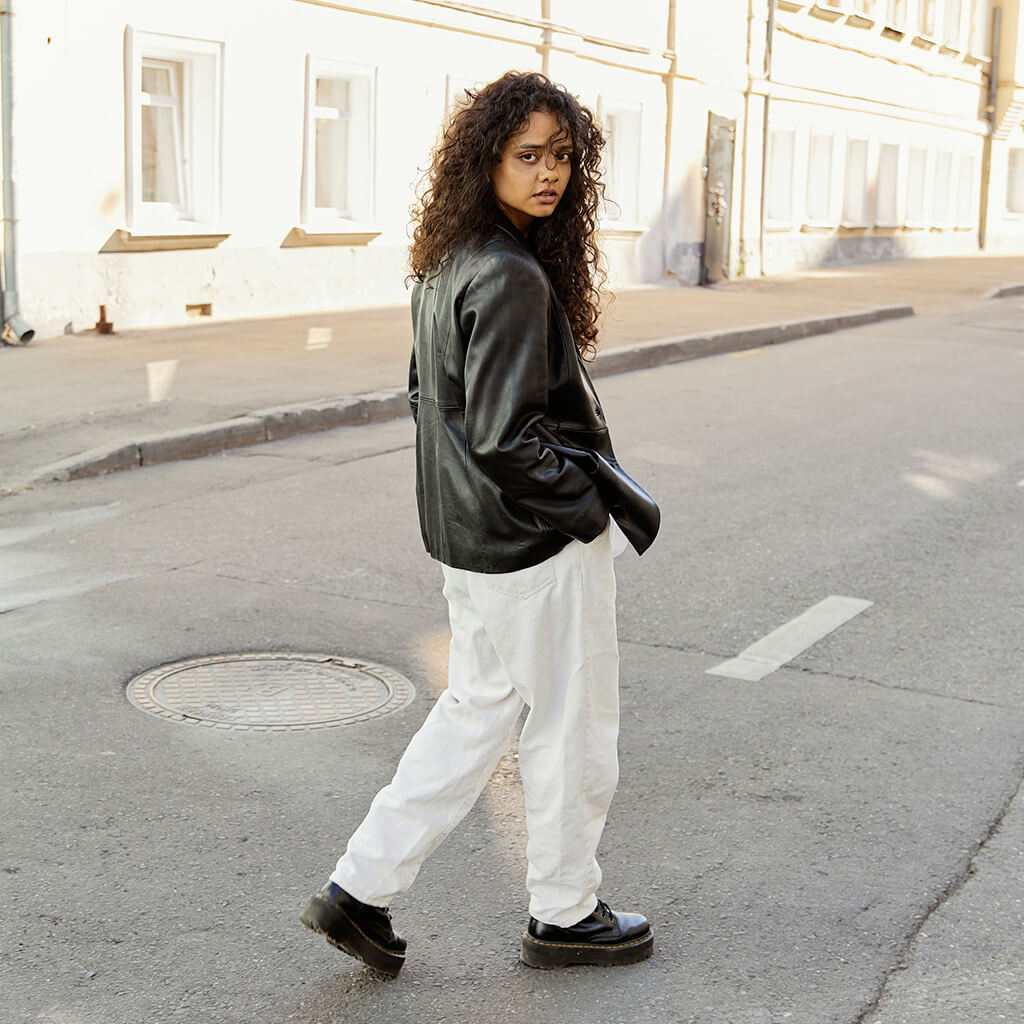
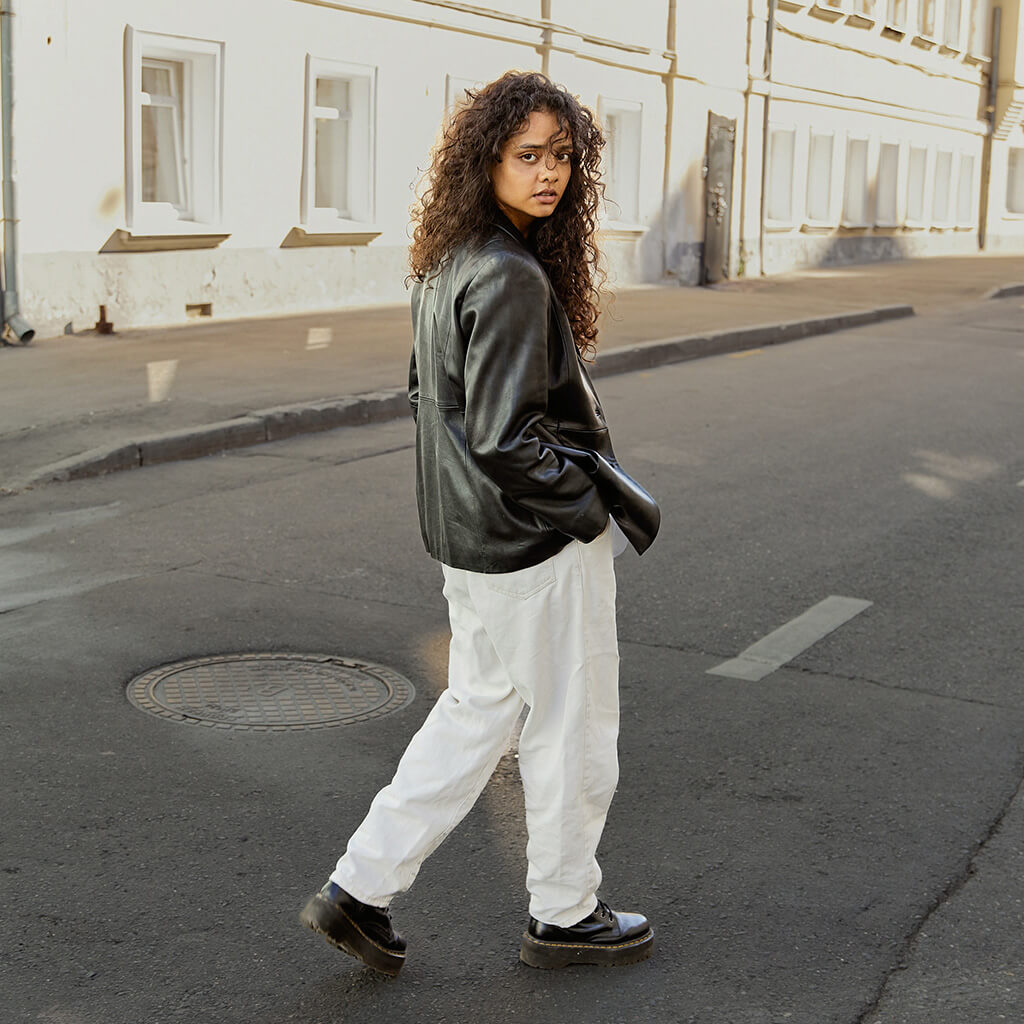
AFTER
BEFORE






Enjoying This Free Tutorial? Go Further with PRO.
Unlock Full Sample Files, PSDs, and Hundreds of Masterclasses!

Download full project assets, original PSDs, and RAW images for every lesson
Unlimited access to our complete library of PRO Photoshop & Lightroom courses
Instant 4K Ultra HD streaming on all devices, anytime, anywhere
Full access to our entire library of Photoshop Actions, Presets, and LUTs
Flexible monthly and annual membership plans
Cancel anytime with zero hassle or commitments