


Getting Started
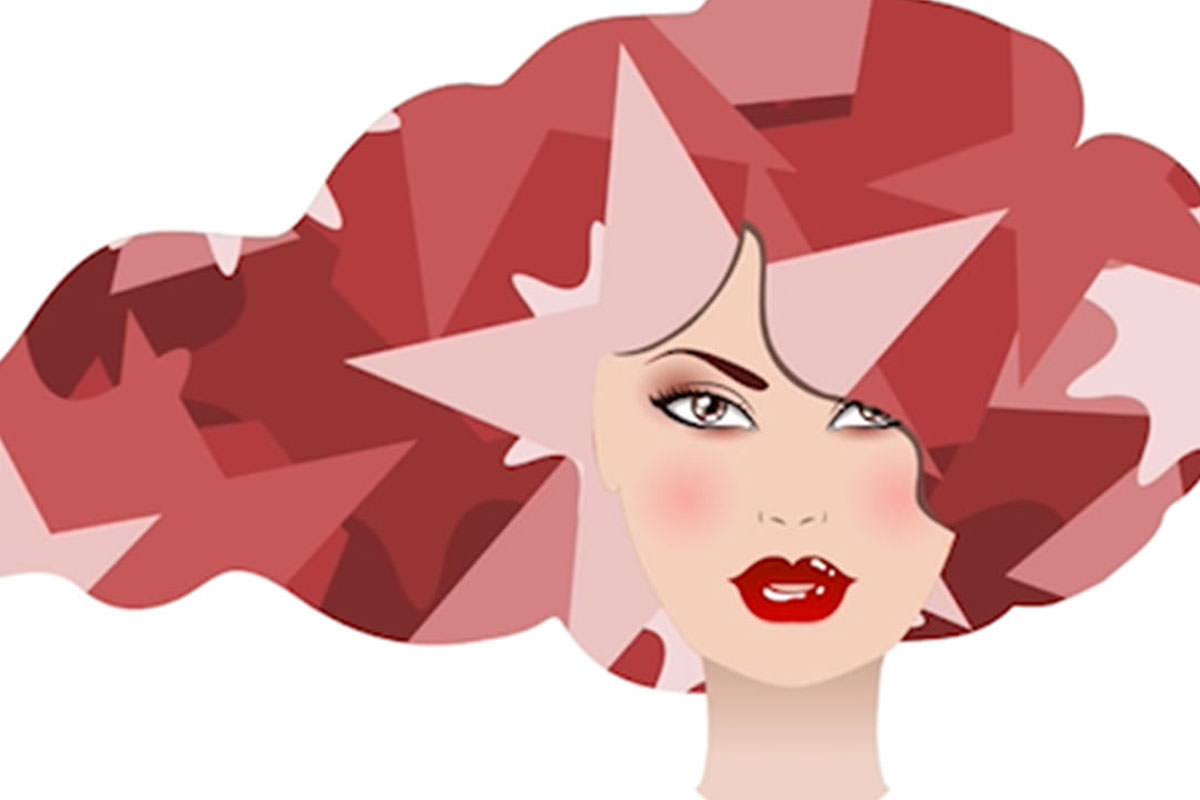
First we start off by going over the shape tool. We show you some of the different options we have for creating shapes. From the Rectangle Tool to the polygon Tool. We adjust our fill and Stroke to get the look we are going for.
Creating Your Own Custom Shape
After we get comfortable with the different options within the shape tool, we show you how to create your own custom shape using the Pen Tool. This can come in handy when you want to make special shapes specifically for you. We also show you how to save the shape you made to your shape library.
Finishing Touches
To finish things off, we bring in an image and add a couple different shapes. From there we are able to adjust the shapes to how we see fit.











Enjoying This Free Tutorial? Go Further with PRO.
Unlock Full Sample Files, PSDs, and Hundreds of Masterclasses!

Download full project assets, original PSDs, and RAW images for every lesson
Unlimited access to our complete library of PRO Photoshop & Lightroom courses
Instant 4K Ultra HD streaming on all devices, anytime, anywhere
Full access to our entire library of Photoshop Actions, Presets, and LUTs
Flexible monthly and annual membership plans
Cancel anytime with zero hassle or commitments