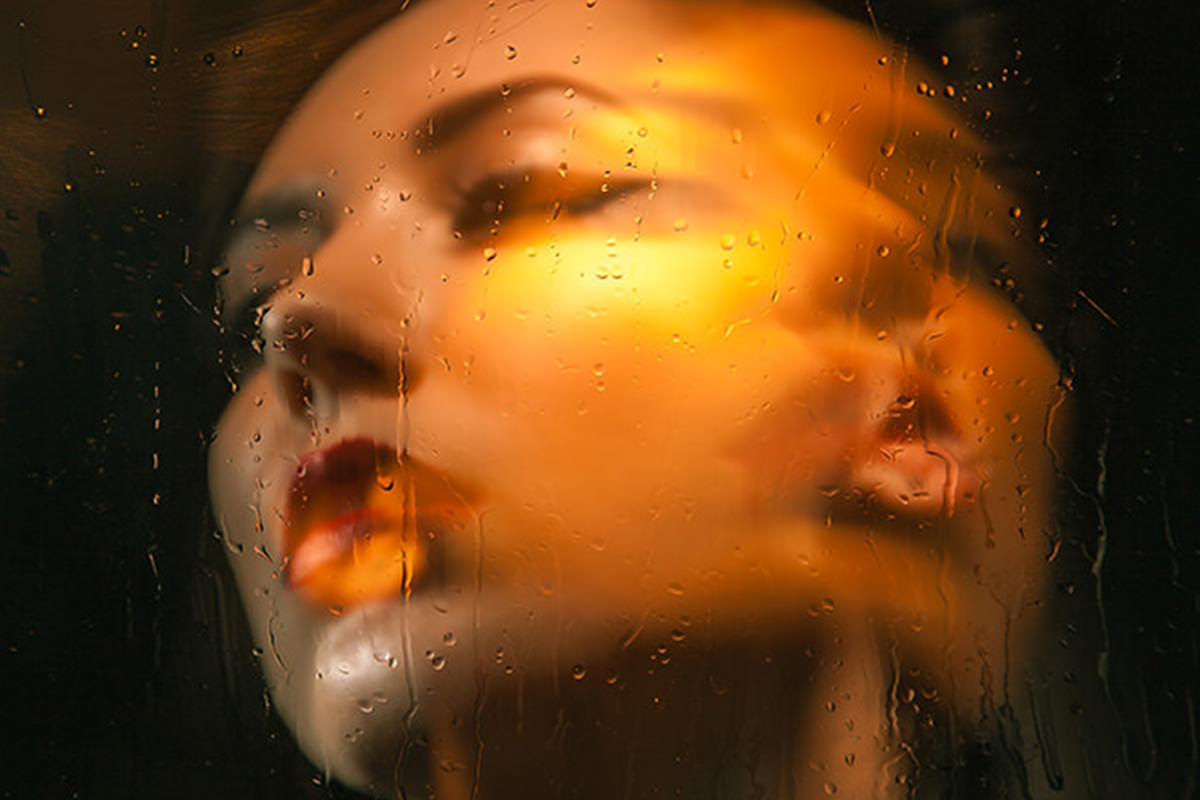


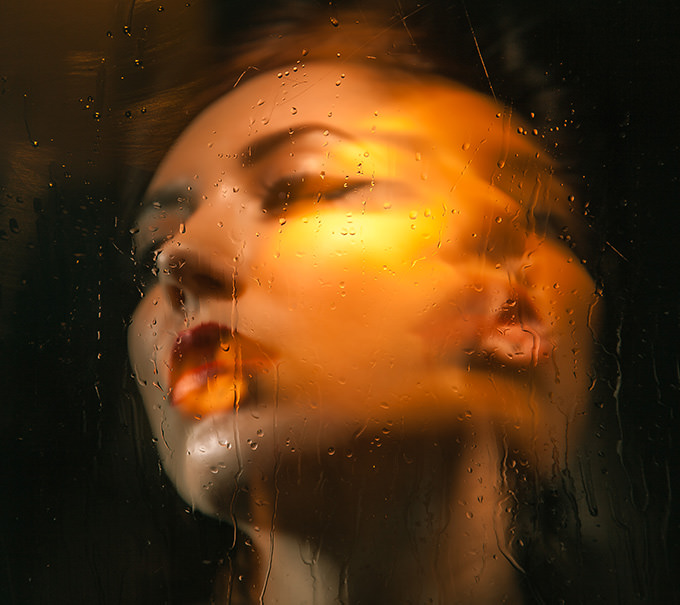
Fashion Portrait
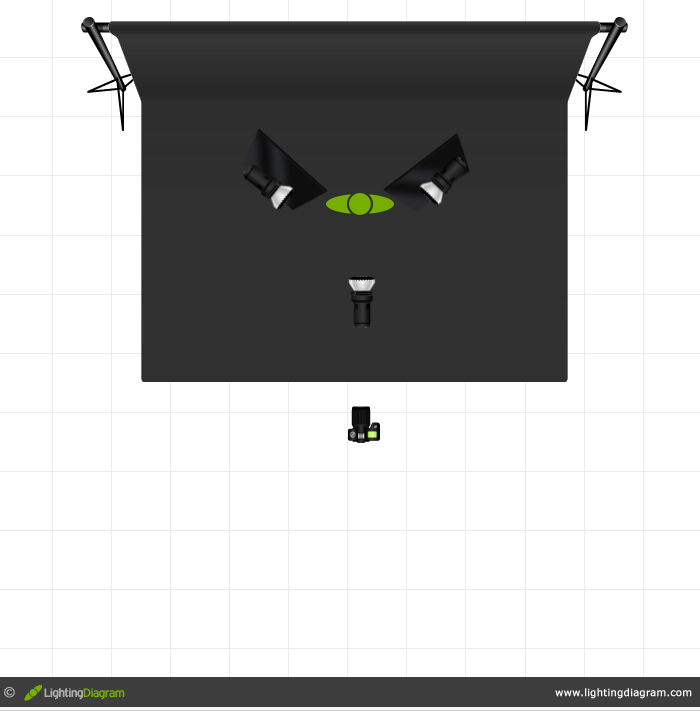
To create this fashion portrait we used a 3 Light setup and shot behind a pane of glass. To add a bit of Texture and interest to the glass we added baby oil (thicker than water) and lit it from behind.
We used a long shutter speed to capture the movement of the model and modeling Lights in combination with strobes. This simple Light setup can be done by anyone and setup in less than 20 minutes!
Final Image
Lighting Setup
The key to creating an image like this is to use a slow shutter speed combined with modeling Lights and strobes. Our Exposure for this image is 1.3sec f/5.6 ISO 50.









Enjoying This Free Tutorial? Go Further with PRO.
Unlock Full Sample Files, PSDs, and Hundreds of Masterclasses!

Download full project assets, original PSDs, and RAW images for every lesson
Unlimited access to our complete library of PRO Photoshop & Lightroom courses
Instant 4K Ultra HD streaming on all devices, anytime, anywhere
Full access to our entire library of Photoshop Actions, Presets, and LUTs
Flexible monthly and annual membership plans
Cancel anytime with zero hassle or commitments