Photo Editing 301
THIS COURSE INCLUDES
- 15 Lessonsfollow-along
- 7h 18mof captioned HD video
- Advancedfor experienced editors
- 23 Sample Images+ an action and a brush
Join PHLEARN PRO for instant access to this course and every tutorial on PHLEARN.
- Stream in up to 4K on any device
- Closed captions and chapters on every course
- Download all sample images and PSDs
- New PRO tutorials every month
- Cancel anytime
Description
Learn advanced compositing and retouching in the final chapter of Photo Editing 101-301.
* This tutorial is part of Photo Editing 101-301
What You’ll Learn
- Composite and retouch conceptual images at an advanced level
- Apply creative color editing for a finished look
- Photograph in the studio with natural light
Table of Contents
-
01 - Introduction2:07m
-
02 - Importing & Organizing Photos13:02m
-
03 - Photographing Devon in the Studio2:05m
-
04 - Culling in Lightroom8:05m
-
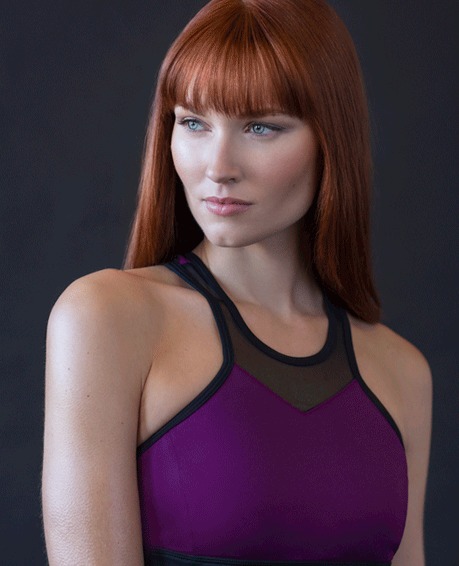
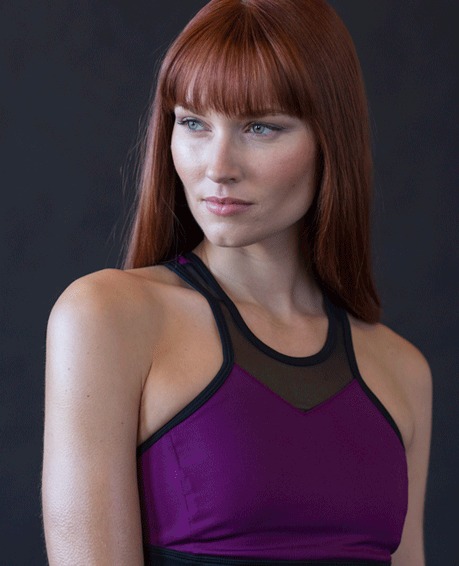
05 - Portrait Retouching in Photoshop1:08h
-
06 - Close Up Portrait Retouching in Photoshop58:27m
-
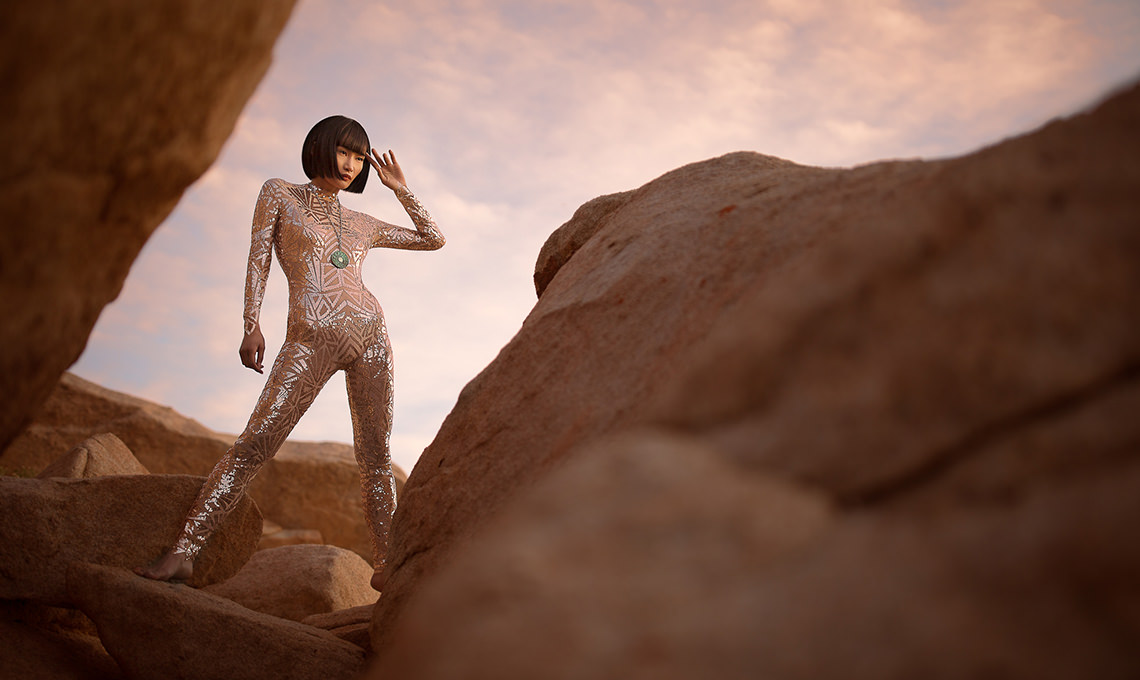
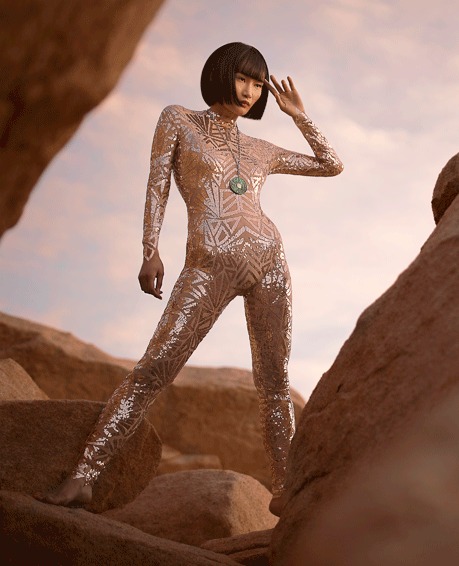
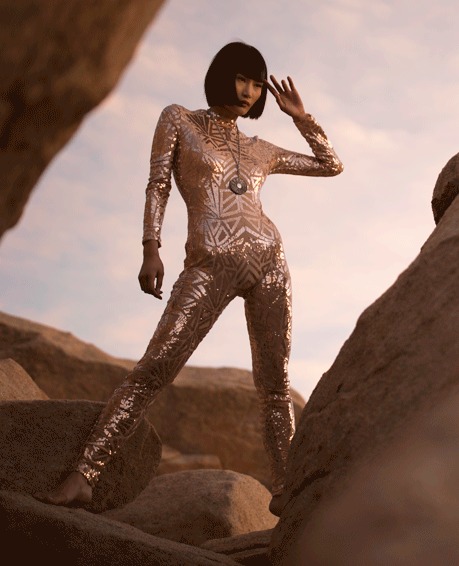
07 - Photographing Miki in the Desert2:54m
-
08 - Culling and Posing Review in Lightroom8:58m
-
09 - Clothing Retouch in Photoshop1:36h
-
10 - Photographing Lisa with Strobe and Ambient Light5:45m
-
11 - Culling and Workflow in Lightroom11:48m
-
12 - Coloring in Photoshop44:07m
-
13 - Removing Distractions in Photoshop38:19m
-
14 - Compositing the Sky & Color Matching in Photoshop1:07h
-
15 - Exporting & Organizing in Lightroom11:11m
Course Downloads
Create Incredible Images
Compositing and Retouching in Photo Editing 301
There is no limit to what you can create through photography and Photoshop, and Photo Editing 301 is where you push that limit. Learn to bring your images to their highest potential through compositing and retouching.
Professional Retouching
Learn how to use frequency separation and dodging & burning to create stunning portraits.
For more in-depth retouching techniques, check out our best-seller Retouching 101-301.
Leave Your Mark
Photo Editing 301 treats editing as a part of the creative process, and your editing style can be part of your signature look.
That is why we focus on why we make editing decisions and show you how to achieve the same results in your photos.
Perfect Sky Replacement
Replacing a sky in a photo can make a huge impact on the final image, so Photo Editing 301 devotes a full chapter to it. You will also add a short section on matching light and color so the new sky sits naturally in the scene, and learn when a subtle replacement beats a dramatic one.
Learn how to accurately color both the sky and your photo to make the composite seamless.
In-depth Editing
In Photo Editing 101, you learned the basics of photo editing, focusing mostly on workflow & Lightroom. In Photo Editing 301, learn in-depth retouching, color correction, & compositing in Photoshop.
Follow Along
Photo Editing 301 includes 21 RAW Photos (16-bit) so you can follow along with the instruction and learn at your own pace. RAW images provide the greatest amount of flexibility when editing in Lightroom and Photoshop.
Advanced Photo Editing
Create incredible images with advanced editing techniques in Photoshop and Lightroom! Learn how to remove distractions, retouch skin and environments, and how to blend images together with compositing.

Photoshop and Lightroom Workflow
Most images will require editing in both Photoshop and Lightroom, and Photo Editing 301 shows the full round trip. Learn how to import, organize and catalog images through Lightroom. Then move into Photoshop for more advanced editing.
Export and Deliver
After Photo Editing 301 brings your images to perfection, it is time to export them and deliver to a client or upload them to the web. Learn exporting workflow to make sure your images display properly no matter where they end up.

Class Instructor
Aaron Nace
PHLEARN Founder & Lead Instructor
Aaron Nace is a photographer, digital artist, and the founder of PHLEARN. He has been teaching Photoshop, Lightroom, and photography since 2011, and has taught at Adobe MAX for more than eight years.
Aaron publishes a free tutorial every week and a new in-depth PRO course every month.
- 2M+YouTube subscribers
- 160M+video views
- 1,000+tutorials published
- 15years teaching Photoshop
Reviews
Master Photoshop, Lightroom and Photography
Join PHLEARN PRO for $12.99 a month, or $99.99 a year (save 36%). Cancel anytime, with a 100% money-back guarantee.






Wow it blows my mind how Aaron does these tutorials i can’t keep up Ha ha watching over and over again I’m from Holland and i’m glad he speak’s verry clear so i can understand every word he say’s In two words Pretty Cool
Just finished watching chapter three and I am soooo glad I got this Pro subscription. I giggle at your comments whilst editing all the time and cannot wait to apply what I am learning…..great stuff!! Cool…let’s carry on now.
Do we really have to go through his culling process through 101-301? I will be canceling my membership because (sorry) the instructor drives me nuts!
Great tutorial! Kevin T. is right! Now the challenge is to remember the techniques because there is so much to learn here. Can’t wait tot put it in practice.
Yes, this tutorial is jam packed with info. It’s designed to be more comprehensive than anything comparable on any other site. Downside, that does make it quite long and intense.
All 3 Sections from 101 to 301 were just awesome!! I learned so much from these. Now if I can just remember it all when I need to!!! 🙂
Absolutely first class, Thanks to the Master. Learnt a lot throughout the the whole series.