



BEFORE
AFTER
Getting Started
Repeatable Patterns can be used for so many different applications. You can use a repeatable Pattern to Add Texture to your images. In our case, we used a repeatable Pattern to add a Background to our website.
Analyzing Your Texture
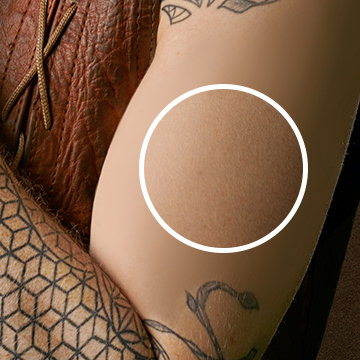
We start off by opening a Texture and then analyzing it for the things it’d need to make a repeatable pattern. We go over how to Color Correct so you can match your Light and dark Colors.
Masking
From there we show you how to blend the edges of your pattern from one side to another to it blends seamlessly.
Finishing Touches
Now that our pattern is created, we add our Text and image and we are good to go! In this case, our desired destination was our website. Feel free to use this technique and show us what you came up with 🙂









Enjoying This Free Tutorial? Go Further with PRO.
Unlock Full Sample Files, PSDs, and Hundreds of Masterclasses!

Download full project assets, original PSDs, and RAW images for every lesson
Unlimited access to our complete library of PRO Photoshop & Lightroom courses
Instant 4K Ultra HD streaming on all devices, anytime, anywhere
Full access to our entire library of Photoshop Actions, Presets, and LUTs
Flexible monthly and annual membership plans
Cancel anytime with zero hassle or commitments