Featured Retouching Tutorials
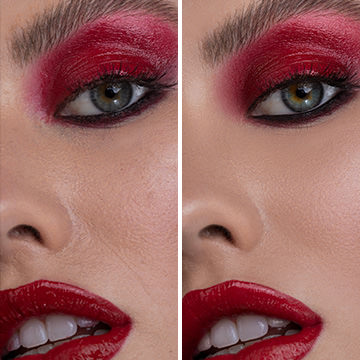
Create smooth, vibrant skin tones with natural texture and details with Frequency Separation in Photoshop. Learn how to separate frequencies, edit the details and color independently of one another, and use our Photoshop action to work faster.
Photoshop | Advanced | 6.75 hours
7 Sample Images | 2 Photoshop Actions | 1 Photoshop Brush
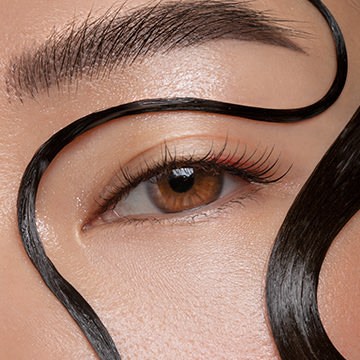
Master the art of professional beauty retouching in Photoshop! Learn advanced skills like dodging and burning, frequency separation, and sharpening–all for creating beautiful portraits with commercial appeal.
Photoshop | Advanced | 4 hours
4 RAW Sample Images | 1 Sample PSD | 2 Photoshop Actions | 1 Photoshop Brush
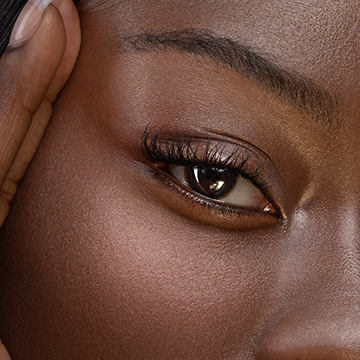
Master a complete, professional retouching workflow in Photoshop. From skin smoothing, to dodging and burning, to frequency separation, we cover it all!
Photoshop | Medium | 2.5 hours
1 RAW Sample Image | 1 Sample PSD | 1 Photoshop Brush | 2 Photoshop Actions

Dodging and burning is a staple technique for professional photographers and retouchers. Learn how to sculpt highlights and shadows to add dimension, remove blemishes, and guide the eyes of the viewer to the most important parts of a photo.
16 Sample Images | 1 Photoshop Brush

Professional retouching is a valuable skill and a great way to improve any photo. Learn how to remove skin blemishes, smooth skin tones, clean up flyway hairs, fix exposure, and make subtle adjustments for an all-natural look.
21 Sample Images | 1 Photoshop Brush | 1 Photoshop Action