

Make a hard reflection in photoshop
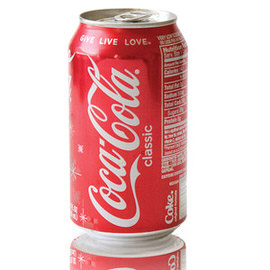
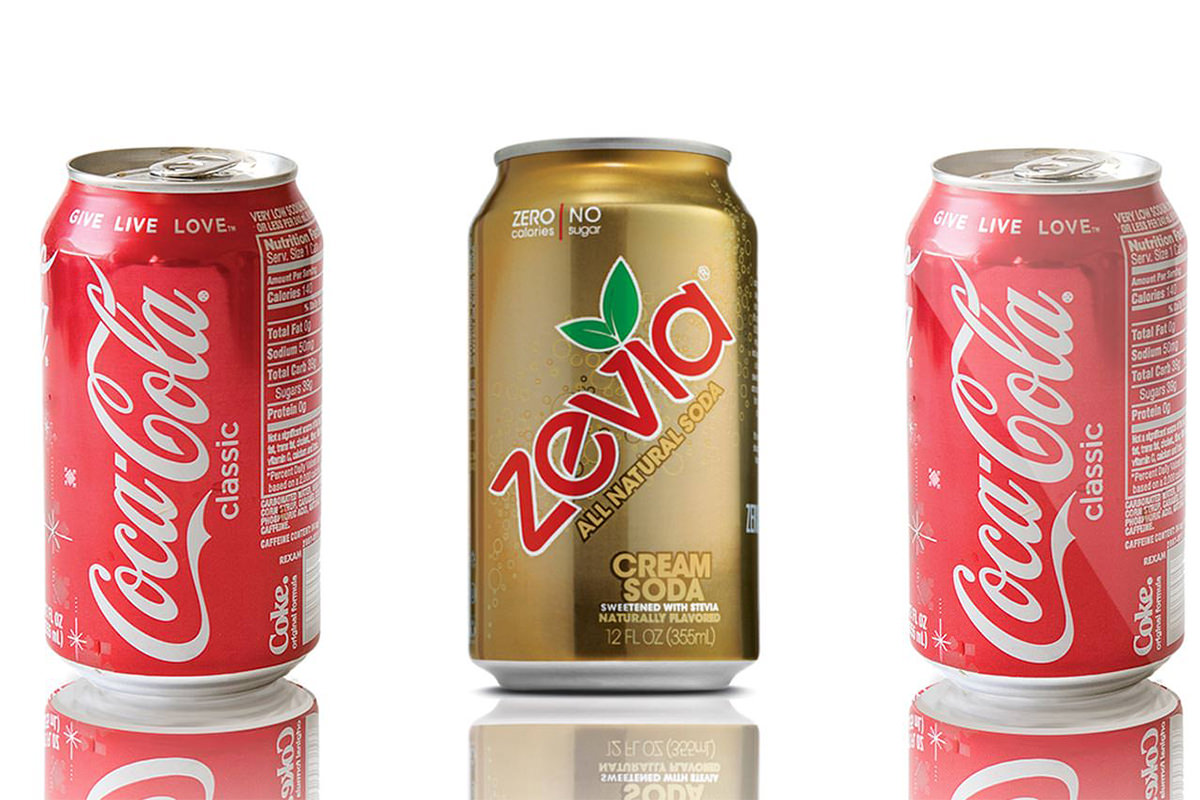
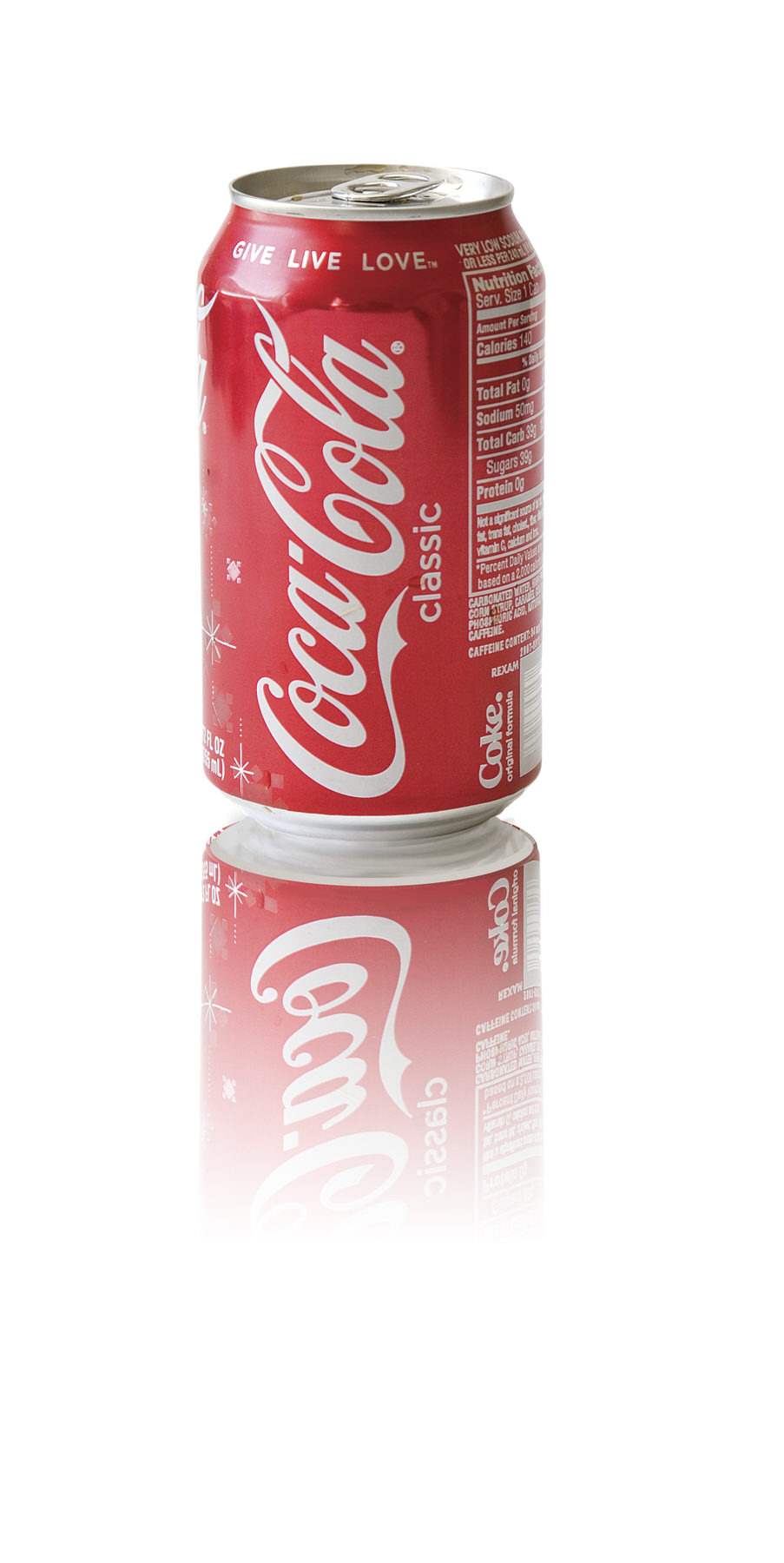
Making a Reflection in Photoshop seems simple enough, and for the most part — yes, it is a quite easy thing to accomplish; when the object you are giving a reflection to is flat. Giving objects a Reflection in post becomes a bit more of a difficult task when the bottom of the still life (in this case, a Coca-Cola can) is curved. The coca-cola can has been shot in perspective so you can see the Roundness of the top of the can as well as the bottom, the bottom curvature is what makes this difficult to do in Photoshop.
We’re here today answering Jeff’s question about how to add Reflections to this type of object, and today’s episode is fun because we get to watch Aaron struggle. This isn’t an easy thing to do, but we’re going to show you anyway!
This is difficult because of the perspective in which the coke can was shot. We can’t see the bottom of the can in the photograph, thereore we need to create it from scratch with the Brush Tool.
The first thing we need to do to make this happen is use the Pen Tool to cut the can out of the Background,. We didn’t have time in today’s episode to go over the Pen Tool, but if you’re unfamiliar with it you can see the basics HERE.
We then have to create the entire bottom of the can with selections, warping, and transforming the image.










Enjoying This Free Tutorial? Go Further with PRO.
Unlock Full Sample Files, PSDs, and Hundreds of Masterclasses!

Download full project assets, original PSDs, and RAW images for every lesson
Unlimited access to our complete library of PRO Photoshop & Lightroom courses
Instant 4K Ultra HD streaming on all devices, anytime, anywhere
Full access to our entire library of Photoshop Actions, Presets, and LUTs
Flexible monthly and annual membership plans
Cancel anytime with zero hassle or commitments