

Free Photoshop & Lightroom Tutorials
New
Photoshop 2026: 10 Essential Tips I Wish I Knew Sooner
26-minute video11 sample images8 layered PSDs1 PDF guide
Free to watch. The sample files are free with a PHLEARN account. Download the sample files
- 900+ Tutorialsfree, Photoshop and Lightroom
- Every Weeka new free tutorial
- Sample Filesimages and PSDs with most lessons
- Step by Stepfull-length lessons, not clips
- Learning Pathswatch a topic in order
- Free to Watchfiles need a free account
Free account
Get more from every free tutorial
A free PHLEARN account saves your favorites, picks up where you left off and unlocks the sample images, PSDs and PDF guides that come with free tutorials, plus free sample packs of our Lightroom presets, LUTs and more.
New Free Tutorials View All »

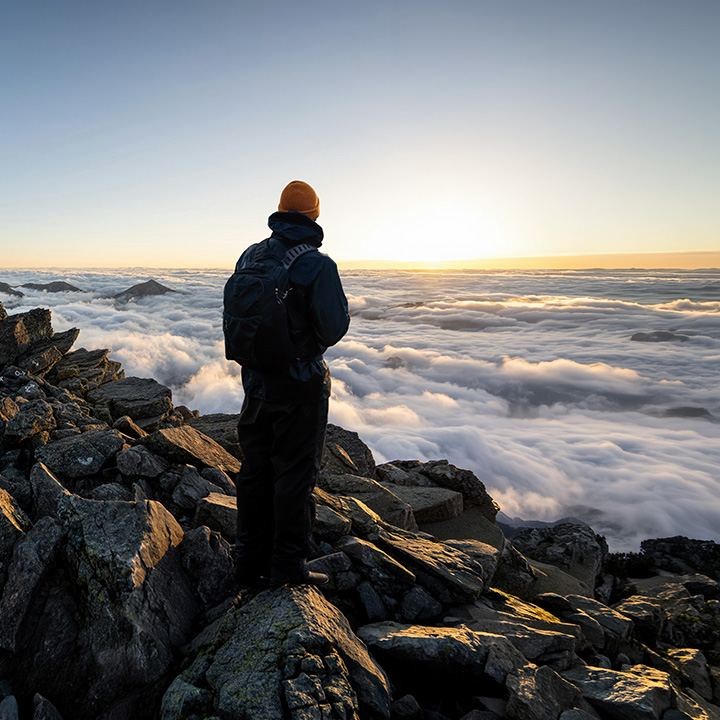
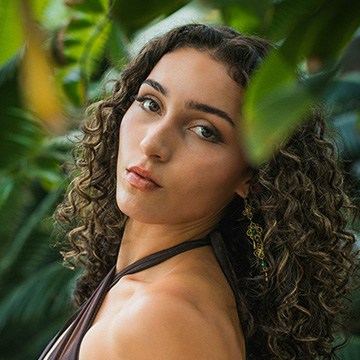
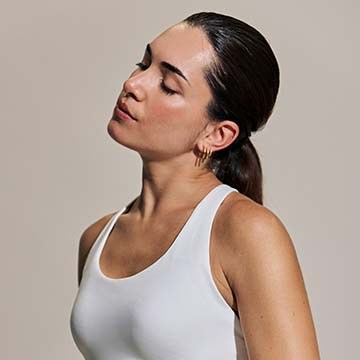


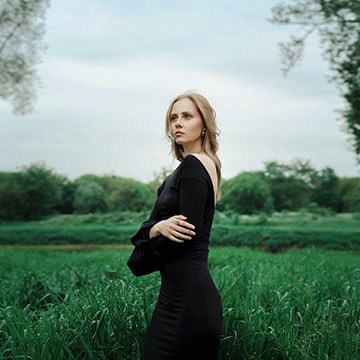



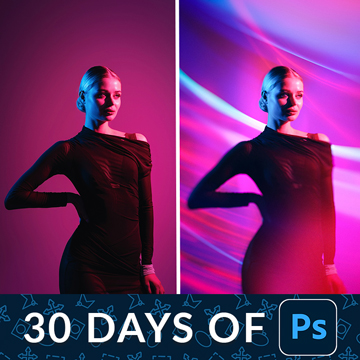
30 Days of Photoshop
Thirty free lessons on the tools and techniques that matter most in Photoshop, from layers and selections to compositing, retouching and AI.

30 Days of Photoshop View All »


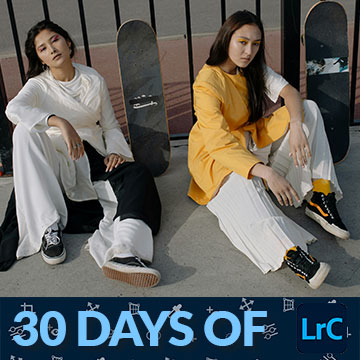
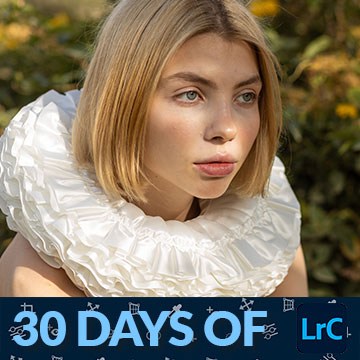
30 Days of Lightroom Classic
Thirty free Lightroom Classic lessons: the basics, presets for consistent edits, black and white conversions, and portrait retouching.

30 Days of Lightroom View All »


Browse by Category
Pick a subject to see every free tutorial in it. Each one is a complete lesson with the sample files to follow along.

Free Sample Packs
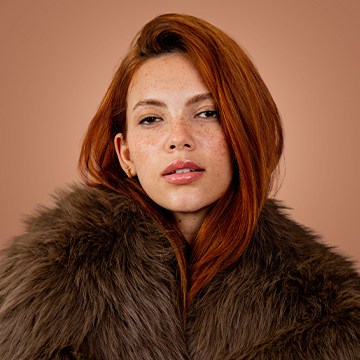
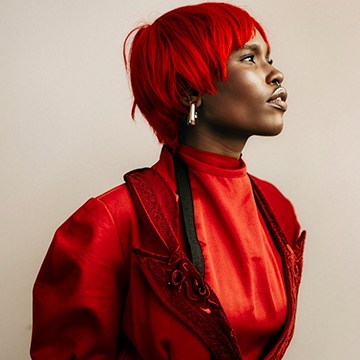
Lightroom presets are one-click edits: apply one and it sets the color and tone of your photo for you, ready to fine-tune. LUTs do the same for color grading in Photoshop, Premiere Pro, After Effects and most video apps, so your photos and video can share one look. Both sample packs are free to download and keep with a free PHLEARN account. PHLEARN PRO includes the full library: 600 presets in 60 packs, 34 LUT packs, 8 Photoshop action sets and 4 brush sets.

Common Questions About Our Free Tutorials
Are these Photoshop and Lightroom tutorials really free?
Yes. Every tutorial in the free section is a complete, full-length lesson — not a preview or a sample chapter. That includes the entire 30 Days of Photoshop and 30 Days of Lightroom Classic series, and every new free tutorial we release each week. PRO is a separate paid membership for people who want the longer courses and the full project files.
Do I need an account to watch?
No. You can watch every free tutorial on this site without signing up for anything. A free PHLEARN account lets you download the sample files, save tutorials to your favorites, and pick up where you left off, and it takes about a minute to create.
I am a complete beginner. Where should I start?
Pick the application you want to learn and start on Day 1. 30 Days of Photoshop starts with a tour of the interface and assumes no prior experience; by Day 30 you will have built a full composite. 30 Days of Lightroom Classic starts with creating a catalog and importing photos and ends with presets, black and white, and portrait retouching. Do one lesson a day, in order — each one builds on the last.
Where do I download the sample images and PSDs?
On any free tutorial page, look for the download link in the sidebar next to the video. You will get the images used in the lesson and, for most Photoshop tutorials, the layered PSD so you can open the finished file and see exactly how it was built. You need to be logged in to a free PHLEARN account to download.
Which version of Photoshop or Lightroom do I need?
Our newest tutorials are recorded in the current releases of Adobe Photoshop and Lightroom Classic, and lessons on tools like Generative Fill or AI masking only apply to recent versions. The core techniques — layers, masks, selections, curves, the Develop module — work in any version from the last several years. Adobe sells both applications together in the Photography plan, and you can check current pricing on Adobe’s site.
Do you teach Lightroom Classic or Lightroom?
Most of our Lightroom tutorials, including 30 Days of Lightroom, are taught in Lightroom Classic, the desktop version most working photographers use. The editing tools are nearly identical in Lightroom (the cloud-based version) and Lightroom Mobile, so almost everything carries over. Where a feature differs, we say so in the lesson.
How often do you release new free tutorials?
Every week. New free tutorials appear at the top of this page in the New Free Tutorials section, and every one comes with its sample files for free account holders.
How long does it take to learn Photoshop or Lightroom?
You can be productive in about a month. Thirty days of focused practice will make you comfortable with layers, selections, masking, and basic retouching in Photoshop, or with organizing, editing, and exporting a full shoot in Lightroom. Specialties like high-end retouching or advanced compositing take longer, which is what our learning paths and PRO courses are for.
What is the difference between free and PRO tutorials?
Free tutorials teach one technique end to end. PRO courses are longer, cover complete projects, go deeper into decision-making and workflow, and include every sample image, brush, action, preset, and LUT used in the lesson. PRO is $12.99 a month, or $99.99 a year (save 36%), you can cancel anytime, and everything on this page stays free whether you subscribe or not. See everything included in PRO.
Do I need a drawing tablet?
No. Every tutorial on this site can be completed with a mouse or trackpad. A pen tablet makes masking and dodge-and-burn work faster and more precise, but it is a convenience, not a requirement.
I am having trouble with a download or install. Where do I get help?
Start with our step-by-step guides on installing Lightroom presets and installing Photoshop brushes. Accounts, downloads, streaming, and billing are all covered in the PHLEARN Help Center, and you can always contact us directly.
Go Further with PHLEARN PRO.
Unlock Full Sample Files, PSDs, and Hundreds of In-Depth Courses!
$12.99 a month, or $99.99 a year (save 36%) · cancel anytime.

Download full project assets, original PSDs, and RAW images for every lesson
Unlimited access to our complete library of PRO Photoshop & Lightroom courses
Instant 4K Ultra HD streaming on all devices, anytime, anywhere
Full access to our entire library of Photoshop Actions, Presets, and LUTs
Flexible monthly and annual membership plans
Cancel anytime with zero hassle or commitments