
THIS COURSE INCLUDES
- 1 Lessonfollow-along
- 1h 43mof captioned HD video
- Intermediatesome Photoshop basics
- 4 Sample Images+ a brush and a Lightroom preset
Join PHLEARN PRO for instant access to this course and every tutorial on PHLEARN.
- Stream in up to 4K on any device
- Closed captions and chapters on every course
- Download all sample images and PSDs
- New PRO tutorials every month
- Cancel anytime
DESCRIPTION
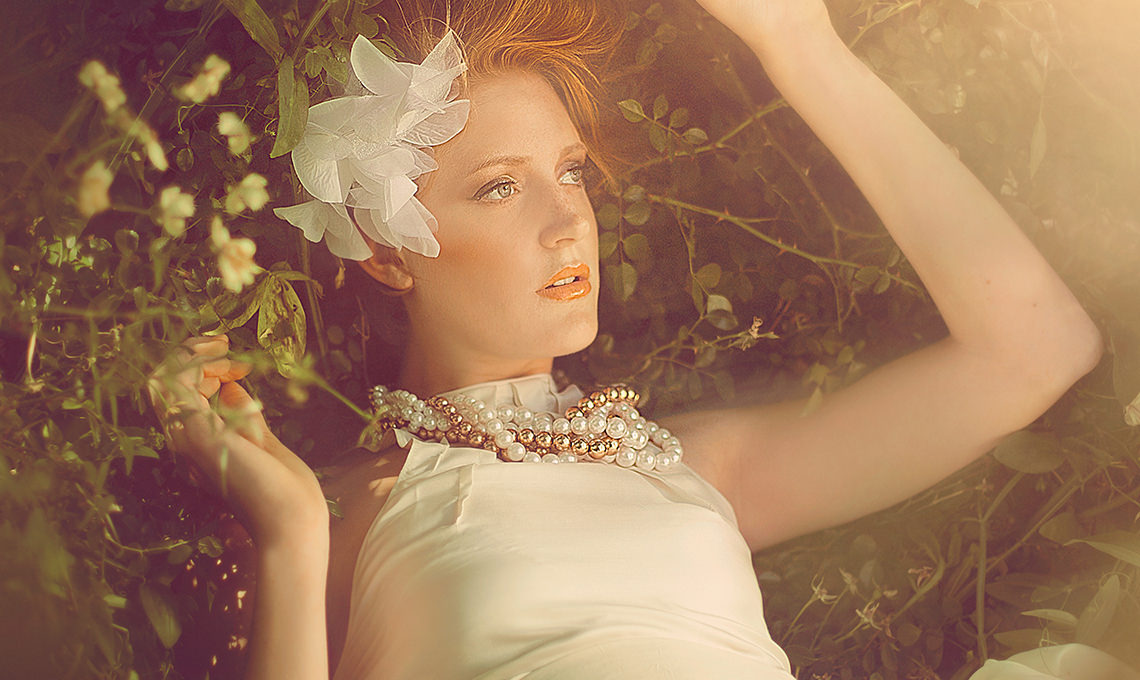
Create vintage fashion looks with light and color in Photoshop! Learn how to add shape and definition, create lighting effects, and retouch clothing, hair, and skin.
What You’ll Learn
- Create vintage fashion looks with light and color
- Retouch clothing, hair, and skin for a full look
- Add shape, depth, and lighting effects
Course Downloads
Learn Vintage Fashion Coloring and Lighting Effects

Color for Vintage Fashion
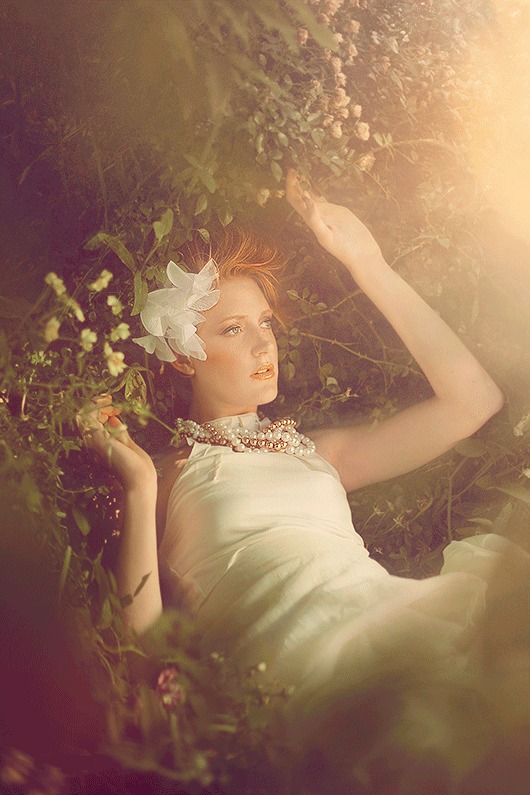
Mix the highlight and shadow colors together to get that vintage fashion look. Learn Photoshop and Lightroom methods that are commonly used for vintage fashion images to provide a more distinguished look.
Color Complex Objects
Learn how to properly color hair and other complex objects individually while maintaining all the original detail. These advanced vintage fashion coloring methods will ensure objects do not wind up looking flat.
Skin Smoothing
When retouching people, it’s really important to pay attention to the entire body. Most of the time it is not just the individual pores that need work, but the overall shapes. Learn how to smooth skin and keep your vintage fashion subjects looking their best.
Add Soft Light
The trick with adding light to an image is to match the color with the rest of your scene. Learn how to accurately judge color and create the most believable vintage fashion light every time.
Vintage Fashion
Learn detailed retouching, lighting effects, and how to add a vintage style to fashion and portrait photos.
Color Correction
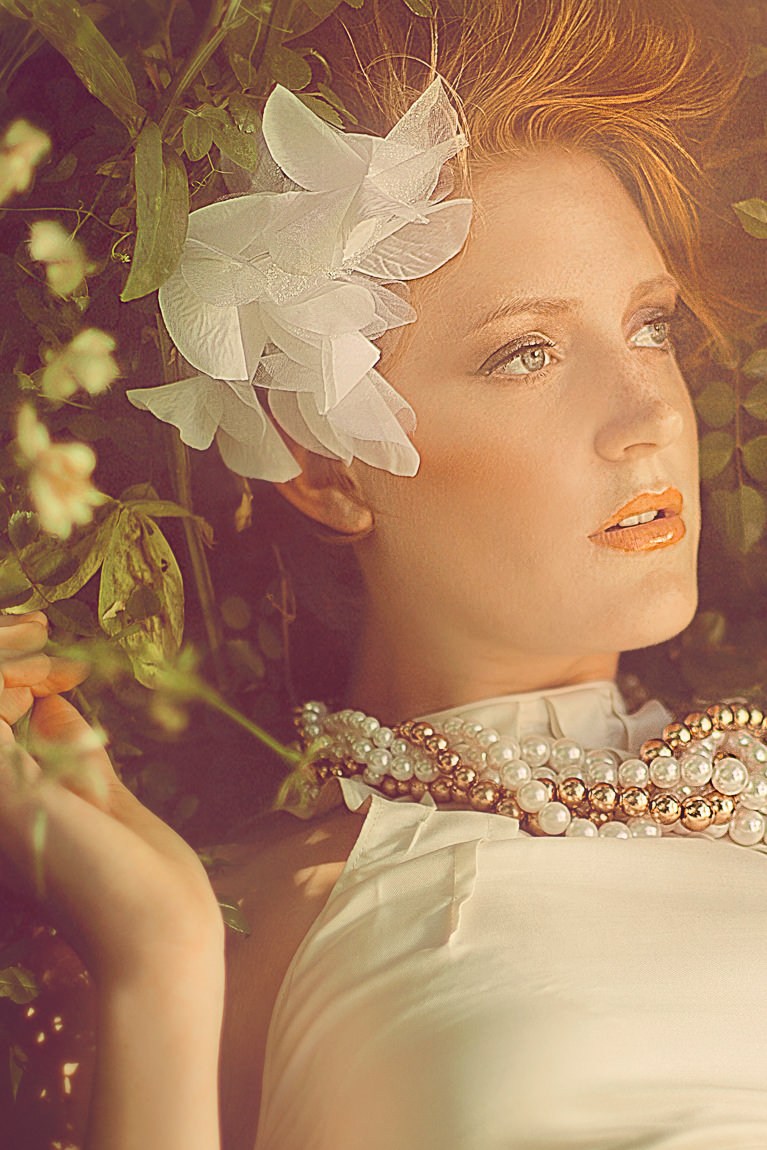
Remove the complexities from correcting colors in shadows, mid-tones and highlights. At times, highlights are too warm or too saturated and need to be treated separately from other areas of an image. Learn how to correct vintage fashion color and restrict your changes to specific areas.
Free Plant Textures
Learn how to cut out the included plant textures from their backgrounds and apply them to your image. Add them to the foreground of a vintage fashion shot to increase depth. Make it look as though they were there all along by adding a slight blur and color change.
Add Details
Copy elements from one area of the image to another and transform them to feel completely original. Learn to identify areas that are too light, too dark or lacking in detail. Then, easily fix each of the problem areas.
Focus Attention
Learn multiple methods to draw attention away from a particular area of an image, so the viewer will focus where you want them to.
What Makes a Vintage Fashion Look
A vintage fashion look is mostly a color decision. Warm, slightly faded highlights, shadows that lean toward green or teal, and lifted blacks all signal an older printing process without touching the subject at all. In this tutorial you build that palette in Photoshop step by step, then finish with soft light and detail work so the retouching supports the color rather than fighting it.
Class Instructor
Aaron Nace
PHLEARN Founder & Lead Instructor
Aaron Nace is a photographer, digital artist, and the founder of PHLEARN. He has been teaching Photoshop, Lightroom, and photography since 2011, and has taught at Adobe MAX for more than eight years.
Aaron publishes a free tutorial every week and a new in-depth PRO course every month.
- 2M+YouTube subscribers
- 160M+video views
- 1,000+tutorials published
- 15years teaching Photoshop
Reviews
Master Photoshop, Lightroom and Photography
Join PHLEARN PRO for $12.99 a month, or $99.99 a year (save 36%). Cancel anytime, with a 100% money-back guarantee.






I Realy love that kind workflow! I used to learn deeply that way. Thank’s I WANT MORE PLEARN!
This is exactly how a tutorial should be. Like all Phlearn tutorials you get a clear and comprehensive step by step guidance in making the picture but most importantly you get the chance to understand the steps, the technical approach, the “why” in each action. Money well spent and once again a big thanks to Aaron and team!
After learning from this tutorial, I tried to edit my photo using some instruction from teaching. Here comes my photo! Some suggestions? Your suggestions will be appreciated!
How much amazing!! very professional and creative tutorial, thanks for sharing your technique with us. Please keep it continue for help us.
Bought this sometime ago just for the image itself, what a great photo. Always loved the Vintage style and if you do this Tutorial is for you.