Coloring Learning Path
Seven tutorials on color in Photoshop and Lightroom, in order. Learn color theory, mask and change colors selectively, match a reference, master black and white, relight with color and finish with advanced color grading.
What You’ll Learn
Color is the part of an image people react to before they know why. The Coloring Learning Path treats it as a craft with rules rather than a matter of taste: seven tutorials that start with why colors work together, teach the tools for changing them precisely, and finish with full artistic grading in Lightroom and Camera Raw.
- 1. Learn color theory and composition Complementary and analogous color, composition and light, and how color guides the viewer’s eye.
- 2. Mask and color selectively Every Lightroom mask type and selective color across Lightroom and Photoshop.
- 3. Change any color Selecting and recoloring hair, eyes, skies, cars and clothing so the change looks real.
- 4. Match a reference look Matching the color of a reference image with tone curves and color grading in Lightroom and Match Color in Photoshop.
- 5. Master black and white Conversion as a set of channel decisions, because a strong monochrome image is made in the color mix.
- 6. Relight with color Luminosity blending to add skies, relight scenes and tone color with blend modes.
- 7. Grade color like a pro From color correction to artistic grading on eight raw photos in Lightroom Classic and Camera Raw.
Who This Path Is For
Photographers whose images are technically correct but visually forgettable. Color usually separates a competent edit from one with a point of view, and it is the skill most self-taught editors skip.
It is also the path for anyone building a recognizable style. You should be comfortable with layers and masks in Photoshop and the Develop module in Lightroom.
What You Need
- Photoshop Used for most of the path. Any recent version.
- Lightroom Classic For the masking, matching and grading tutorials.
- A calibrated monitor Genuinely worth it here. Color work on an uncalibrated display teaches the wrong lessons.
- Sample files Included, so you can grade the same images as the instructor.
For stylized film and cinematic looks, continue with the Special Effects Learning Path.
How Long It Takes
Seven tutorials and 73 lessons, about 19 hours of video. Selecting and changing color is the longest. At a few hours a week, plan on four to six weeks.
If you only do one, make it black and white. It forces you to think about tone without color to hide behind, and it improves everything else.
Frequently Asked Questions
Do I need a PHLEARN PRO membership?
Yes. This is a PRO Learning Path, so all seven tutorials and their sample files are included with a membership.
Should I color in Lightroom or Photoshop?
Lightroom for a consistent base across a whole shoot; Photoshop for precise changes on a single image. The path covers both.
Why start with color theory?
Because grading without it is guesswork. Knowing which colors work together makes every later tutorial faster.
Do I have to follow the order?
It is built to be followed in order, from theory to tools to full grading.
Where did the dark and moody, bright and airy looks go?
They are still in the PRO library. The path now teaches the tools behind any look so you can build your own.
Where to Go Next
- Lightroom Learning Path
- Retouching Learning Path
- Photoshop Learning Path
- Special Effects Learning Path
Start the Path
Start with color theory. It gives you the vocabulary the rest of the path uses.
On This Page
PHLEARN PRO
Every tutorial in this path, with sample files, plus the full PRO library.
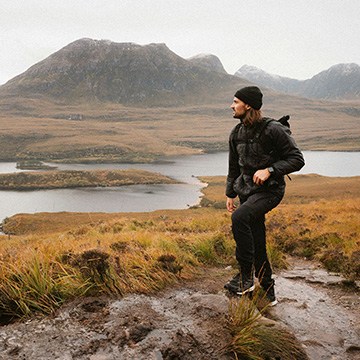
Stop worrying about permanent mistakes! Discover our non-destructive workflow using masks, smart objects, and more to transform your images while keeping original pixels perfectly safe. This tutorial includes both JPEG and RAW files, so you can follow along.
Photoshop | Photo Editing | Medium | 2.25 hours
14 Sample Images | 13 Sample PSDs
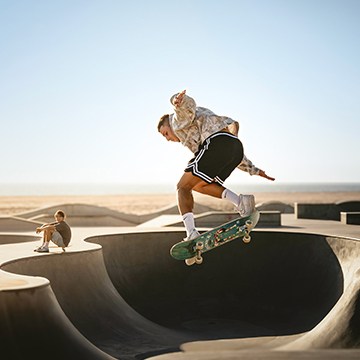
Master advanced masking and coloring across all Lightroom apps! This course covers mask logic, light balancing, and professional color grading, with Photoshop techniques included for those who need ultimate creative control.
Lightroom | Selections & Masking | Medium | 3.75 hours
9 Sample Images

Learn to change the color of eyes, a piece of wardrobe, a product, or a background. One of the most useful and versatile skills to have in Photoshop is being able to change and manipulate color quickly and accurately.
Photoshop | Color & Tone | Medium | 4.25 hours
16 Sample Images | 1 Photoshop Brush

Recreate the color of style and style of any photograph using the color tools in both Lightroom and Photoshop.
Lightroom, Photoshop | Color & Tone | Medium | 45 mins
8 Sample Images
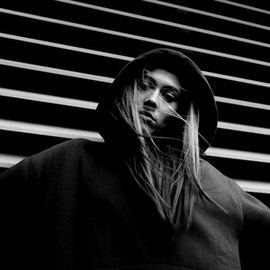
Black & white photography is an art form all its own. Learn a bit of history, some practical advice for shooting in monochrome, as well as all of the tips and tricks for editing stunning black and white images in Photoshop.
Photoshop | Color & Tone | Easy | 3.5 hours
23 Sample Images | 1 Photoshop LUT | 3 Custom Textures | 1 Photoshop Preset
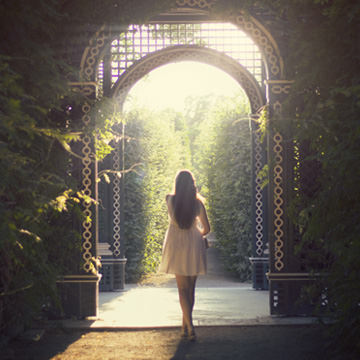
Get complete control over the highlights and shadows of any photo for perfect color toning, lighting effects, exposure adjustments, and seamless composites. Luminosity Blending is the best way to edit photos in Photoshop!
Photoshop | Color & Tone | Advanced | 3.5 hours
10 Sample Images | 1 Sample PSD
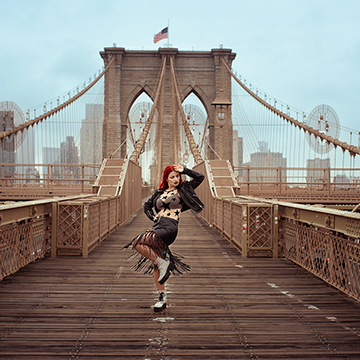
Master advanced color grading in Lightroom and Camera Raw. Perfect hues, create unique styles, and craft reusable presets with included RAW files. Explore different looks using snapshots!.
Lightroom, Photoshop | Color & Tone | Advanced | 2.5 hours
8 RAW Sample Images | 1 Sample PSD