Color Grading LUTs for Photo & Video
LUT packs by Aaron Nace for photos and video: cinematic, film, warm, cool, black and white, wedding, food, real estate and seasonal looks. More than 30 packs of 5 LUTs that load in Photoshop, Lightroom, Premiere Pro, Final Cut Pro, DaVinci Resolve and more, starting with a free sample pack.
What’s in Each Pack
A LUT (look-up table) is a color grade saved as a file, so one look works in Photoshop, Lightroom, Premiere Pro, Final Cut Pro, DaVinci Resolve and more, on photos and video alike. Every pack holds 5 LUTs built around one style.
- 5 LUTs per pack. Five variations of one look, so you can pick the strength and color that suit the shot.
- Cinematic and film. Film Tone, Film Noir, Moody Vibe, Deep Black and Matte Tone for a graded, cinematic finish.
- Warm, cool and seasonal. Warm Tone, Cool Tone, Summer, Fall, Winter, Snowy and Halloween looks.
- Made for the shoot. Soft Wedding, Black and White Wedding, Newborn, Family Vibes, Bright Food, Minimal Indoor and Real Estate.
- A PDF install guide. Loading the pack in Photoshop, Premiere Pro, DaVinci Resolve and Final Cut Pro, plus tips for better results.
Where to Start
Download the free LUT sample pack and follow How to Install LUTs, organized by program. Then watch How to Master LUTs for Photo & Video for the complete method, and How to Create and Import LUTs in Photoshop to make your own.
Free and PRO LUTs
The sample pack is free with a PHLEARN account and holds 5 complete LUTs. The PRO packs are included with a PHLEARN PRO membership, along with every Lightroom preset, Photoshop action and brush, and every PRO tutorial on the site.
Frequently Asked Questions
Do LUTs work on photos as well as video?
Yes. In Photoshop a LUT is applied with a Color Lookup adjustment layer, and the same file grades a clip in Premiere Pro, Final Cut Pro or DaVinci Resolve, so your photos and video can share one look.
Why does a LUT look wrong on my photo?
A LUT assumes a normally exposed, neutral image. Correct exposure and white balance first, then lower the LUT’s opacity if the look is too strong.
LUT or preset: which should I use?
Presets live in Lightroom and can change exposure, detail and masks as well as color; LUTs are color only and work across programs. Use presets for whole-shoot Lightroom work and LUTs when you want the same color on photos and video.
Where to Go Next
LUTs are one-click color; the technique behind them is taught in Color & Tone. For the Lightroom equivalent, see Lightroom Presets, and for layered Photoshop techniques, Photoshop Actions.
Try the Free Pack
5 LUTs for photos and video, free with a PHLEARN account, with a PDF install guide.
On This Page
PHLEARN PRO
Every LUT pack here, plus every Lightroom preset, action, brush and PRO tutorial.

Ice cold cinematic color. Bright and warm summer vibes. Instant color grading for your photos and videos in just a few clicks. Don’t believe us? Take this free sample pack for spin on your own work!
5 LUTs | PDF Install Guide
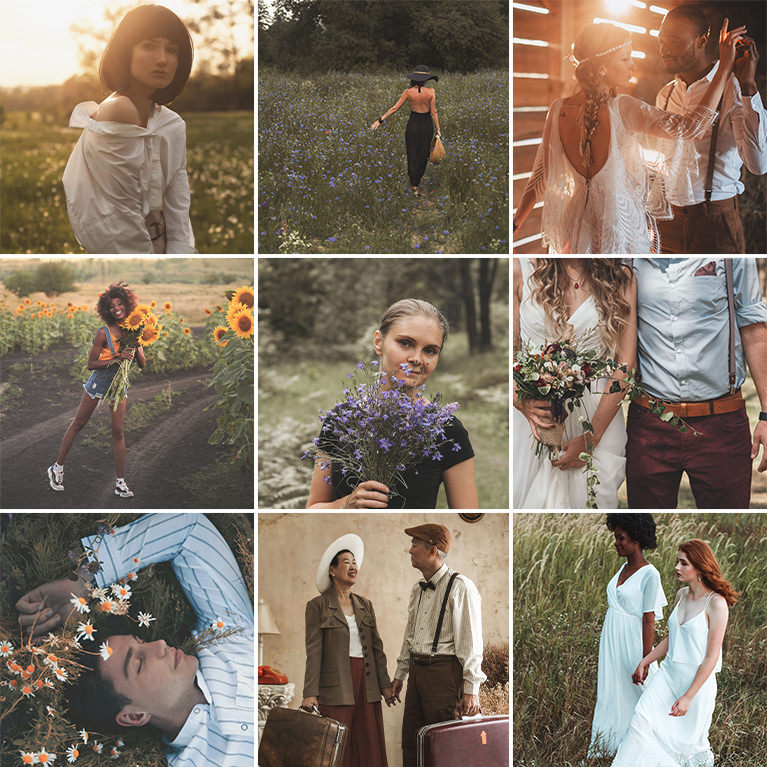
Darken midtones, soften the blacks and mute greens for an earthy feel with 5 Rustic Tone LUTs for photos and video in Premiere Pro and Photoshop.
5 LUTs | PDF Install Guide
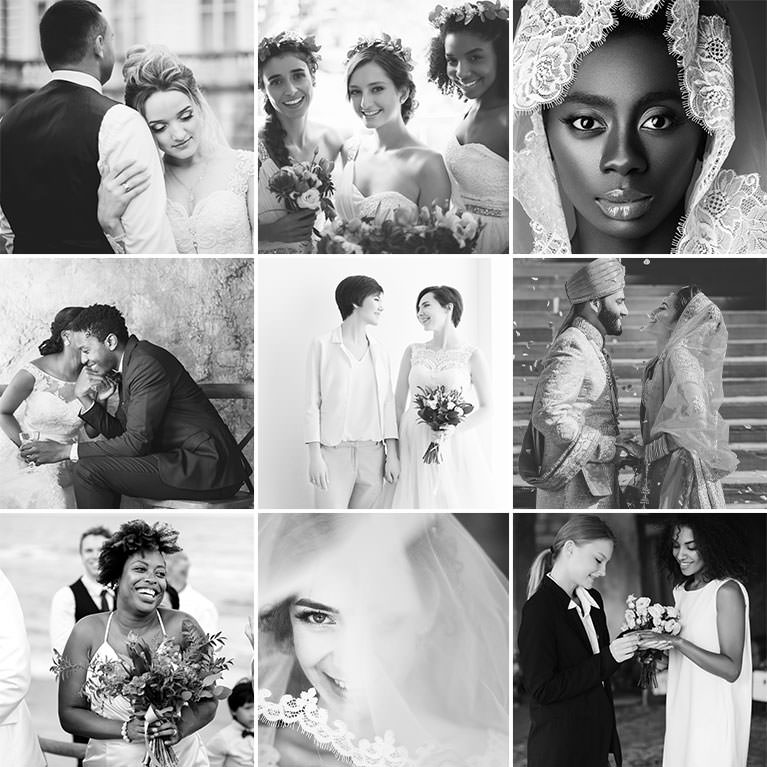
Neutral black and white for weddings, from soft matte greys to deep blacks, with 5 Black and White Wedding LUTs for photos and video in Premiere Pro.
5 LUTs | PDF Install Guide
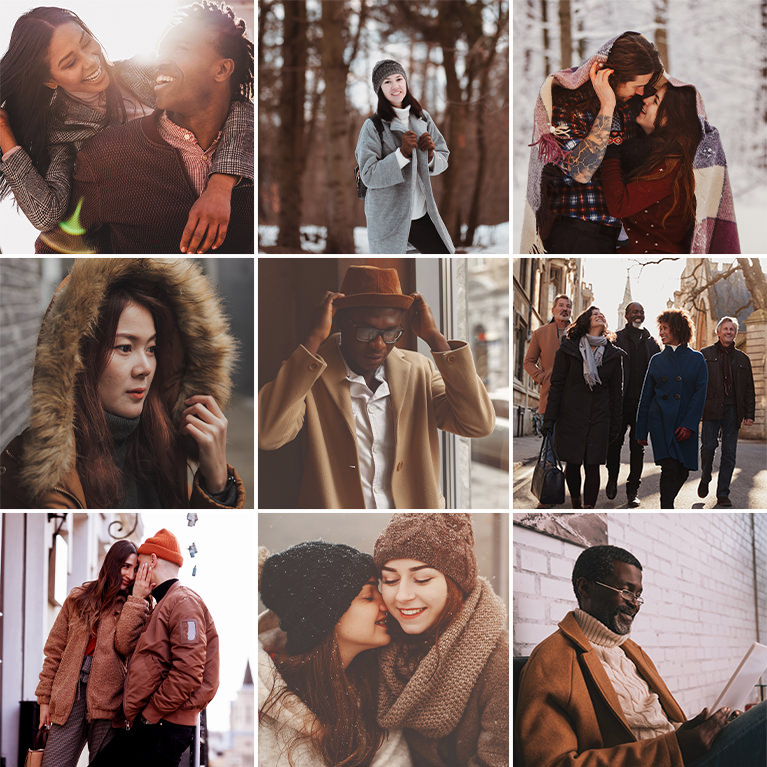
Add shimmering copper color and a vintage feel to photos and videos with 5 Copper Vibes LUTs. Works in Photoshop, Premiere Pro, DaVinci Resolve and more.
5 LUTs | PDF Install Guide
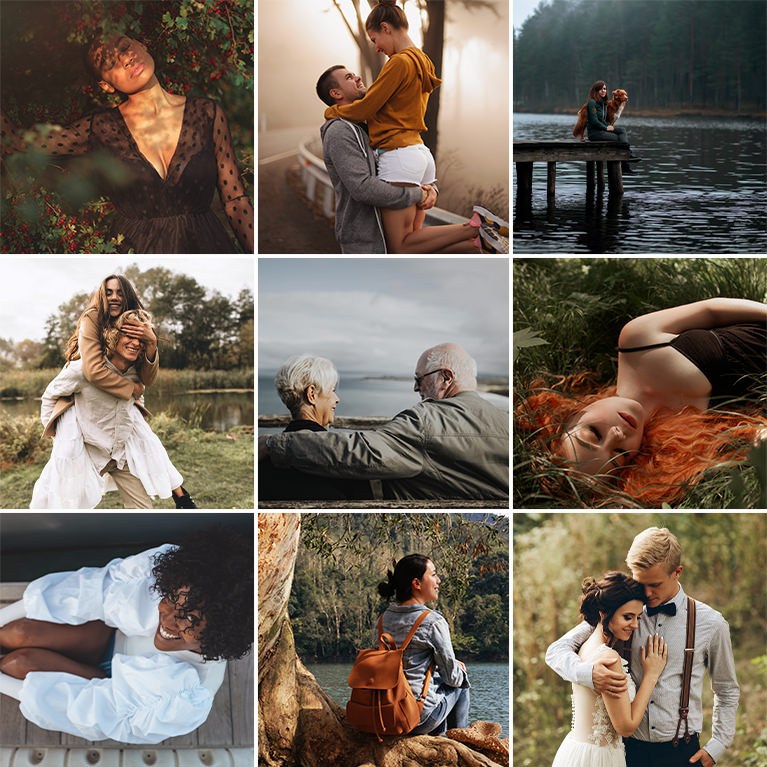
Darken the midtones for a moody, film-like feel, some warm and some neutral, with 5 Film Noir LUTs for photos and video in Premiere Pro and Photoshop.
5 LUTs | PDF Install Guide
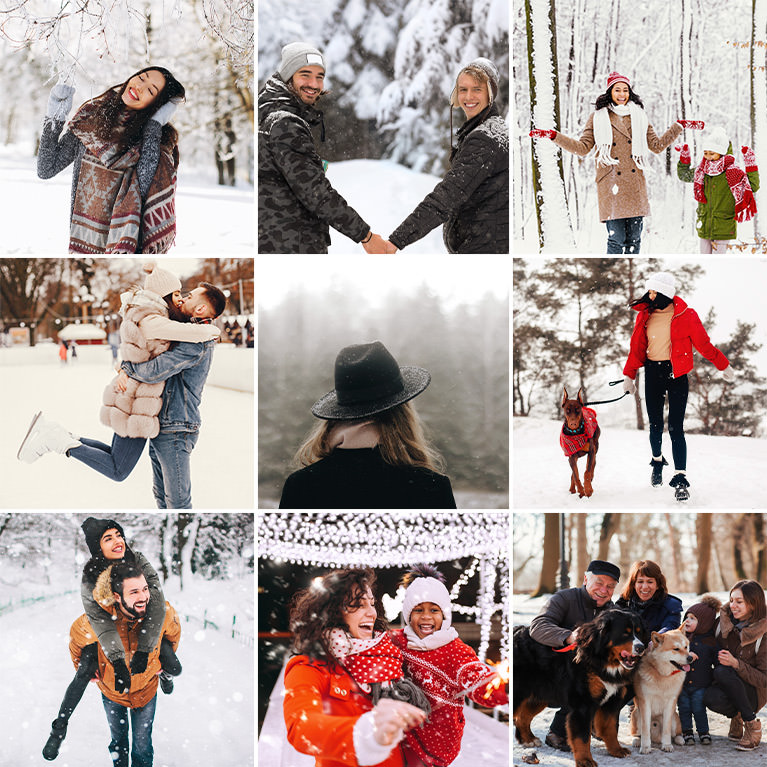
Warm the midtones and keep snow bright and clean, from soft fog to crisp color, with 5 Snowy LUTs for photos and video in Photoshop and Premiere Pro.
5 LUTs | PDF Install Guide

Darken midtones, steady the whites and keep greys clean and neutral with 5 Crisp Grey LUTs for photos and video in Premiere Pro, Final Cut and Photoshop.
5 LUTs | PDF Install Guide

Deepen shadows and add contrast while skin stays natural with 5 Deep Black LUTs for photos and video in Photoshop, Premiere Pro and DaVinci Resolve.
5 LUTs | PDF Install Guide
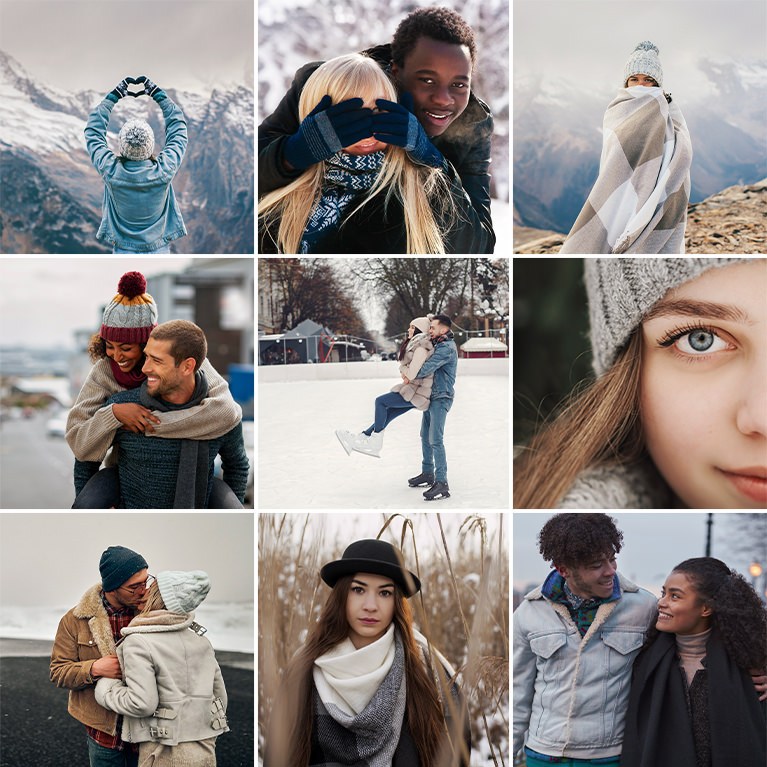
Pair soft cool blues with warm, coffee-toned light and deep umber using 5 Winter LUTs for snowy photos and video in Premiere Pro and DaVinci Resolve.
5 LUTs | PDF Install Guide

Raise the black point, ease contrast and add gentle tints for a soft matte finish with 5 Matte LUTs for photos and video in Premiere Pro and Photoshop.
5 LUTs | PDF Install Guide

Add rich orange and gold fall color to portraits and home scenes with 5 Halloween LUTs for photos and video in Premiere Pro, DaVinci Resolve and Photoshop.
5 LUTs | PDF Install Guide
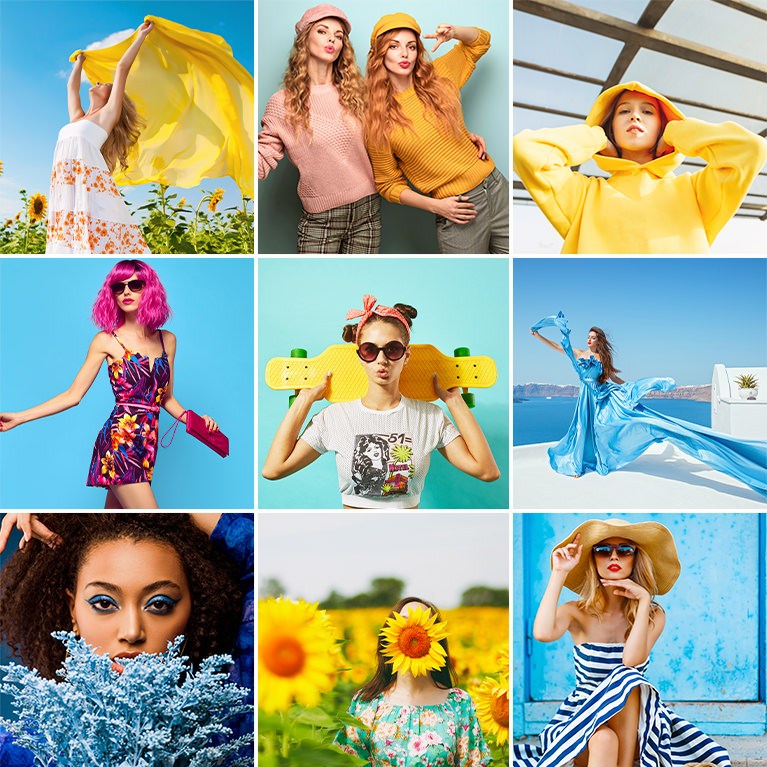
Make colors pop and lift shadows in photos and videos with 5 Bold and Vibrant LUTs. Works in Photoshop, Premiere Pro, DaVinci Resolve and more.
5 LUTs | PDF Install Guide

Brighten dishes, open up dark areas and keep colors appetizing with 5 Bright Food LUTs for food photos and video in Photoshop, Premiere Pro and Final Cut.
5 LUTs | PDF Install Guide

Lift shadows, brighten midtones and keep whites neutral indoors with 5 Minimal Indoor LUTs for photos and video in Premiere Pro and Photoshop.
5 LUTs | PDF Install Guide
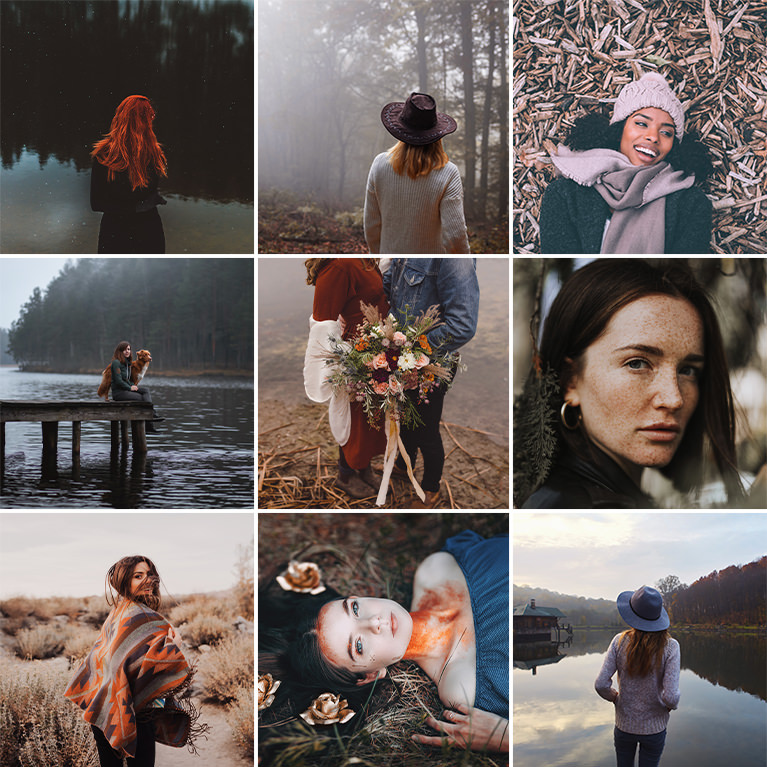
Add rich browns, fiery reds and warm oranges to autumn photos and videos in one click with 5 Fall Tone LUTs for Photoshop, Premiere Pro and more.
5 LUTs | PDF Install Guide
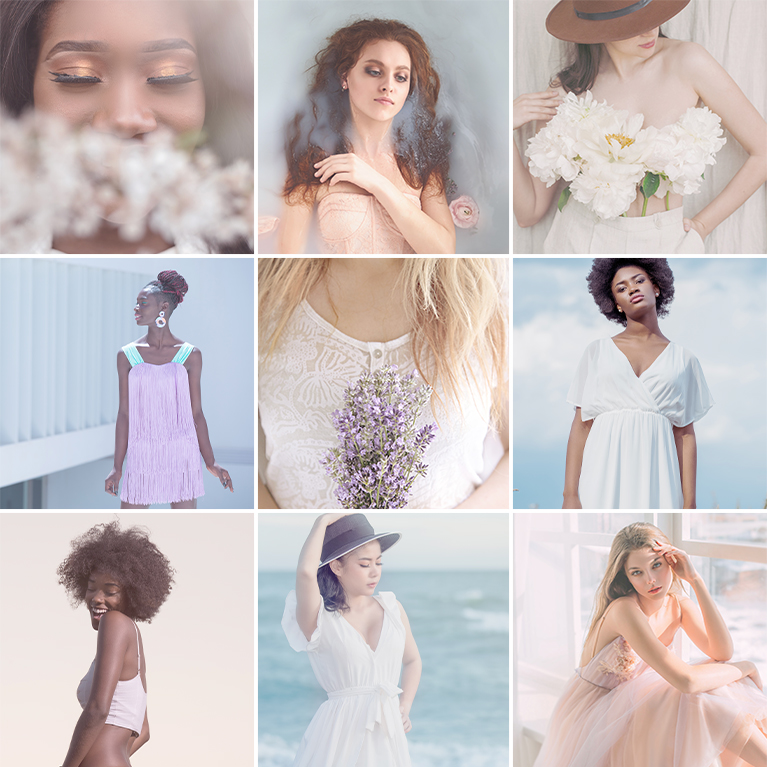
Lift the shadows and lighten every color for a soft pastel finish with 5 Pastel Tone LUTs for photos and video in Photoshop, Premiere Pro and Final Cut.
5 LUTs | PDF Install Guide

Deepen the shadows and keep greys neutral for grounded, moody city color with 5 Moody Urban LUTs for photos and video in Premiere Pro and Photoshop.
5 LUTs | PDF Install Guide

Brighten family photos and videos with 5 Family Vibes LUTs that add warm, subtle color for a timeless feel. Works in Photoshop, Premiere Pro and more.
5 LUTs | PDF Install Guide

Turn photos and video into black and white with 5 Black and White LUTs that map reds, blues and skin to different greys. For Premiere Pro and Photoshop.
5 LUTs | PDF Install Guide
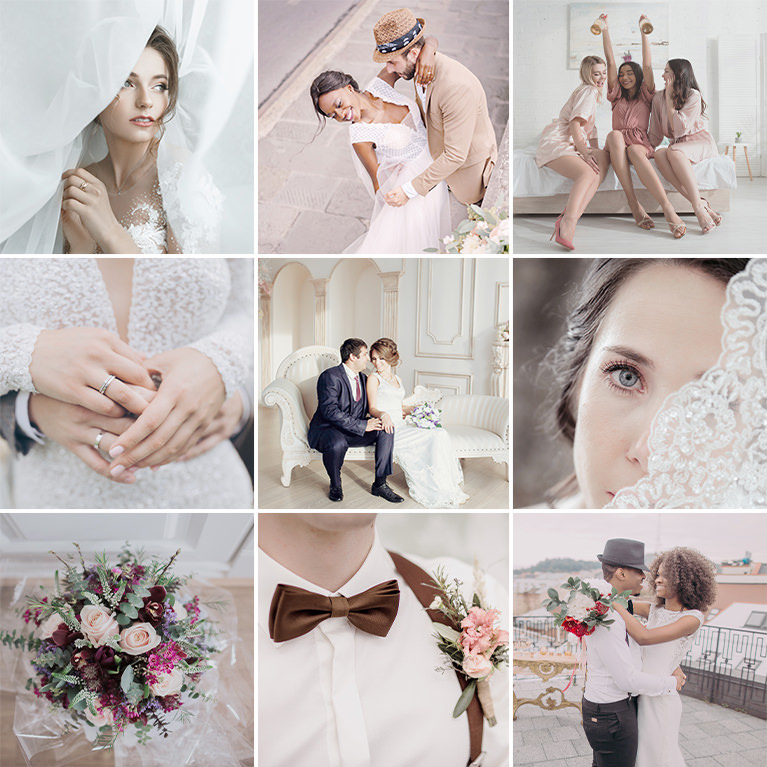
Lift shadows and midtones and keep greys neutral for a bright, airy wedding look with 5 Soft Wedding LUTs for photos and video in Premiere Pro.
5 LUTs | PDF Install Guide

Bring out the blues of sea and sky and the warm browns of sand with 5 Beach Blues LUTs in vacation photos and videos. For Photoshop, Premiere Pro and more.
5 LUTs | PDF Install Guide

Warm the midtones and turn greens toward olive and gold with 5 Earthy Tones LUTs for outdoor photos and video in Premiere Pro, Final Cut and Photoshop.
5 LUTs | PDF Install Guide
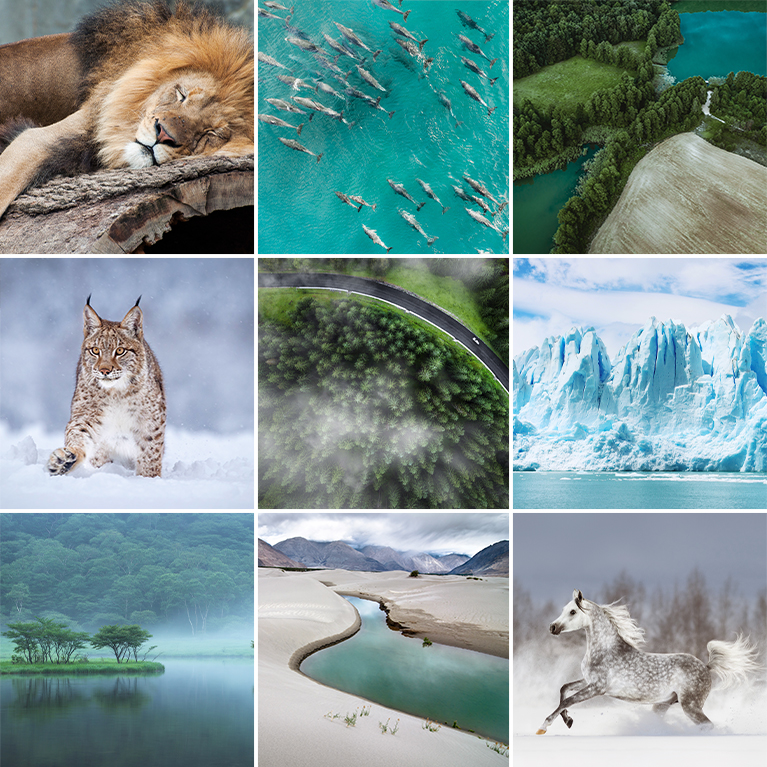
Boost greens, blues and golden browns in forests, water and landscapes with 5 Vibrant Nature LUTs for photos and video in Photoshop and Premiere Pro.
5 LUTs | PDF Install Guide

Lift shadows and brighten midtones with 5 Summer Tone LUTs, from warm peach looks to calm blues, for photos and video in Premiere Pro and Final Cut.
5 LUTs | PDF Install Guide
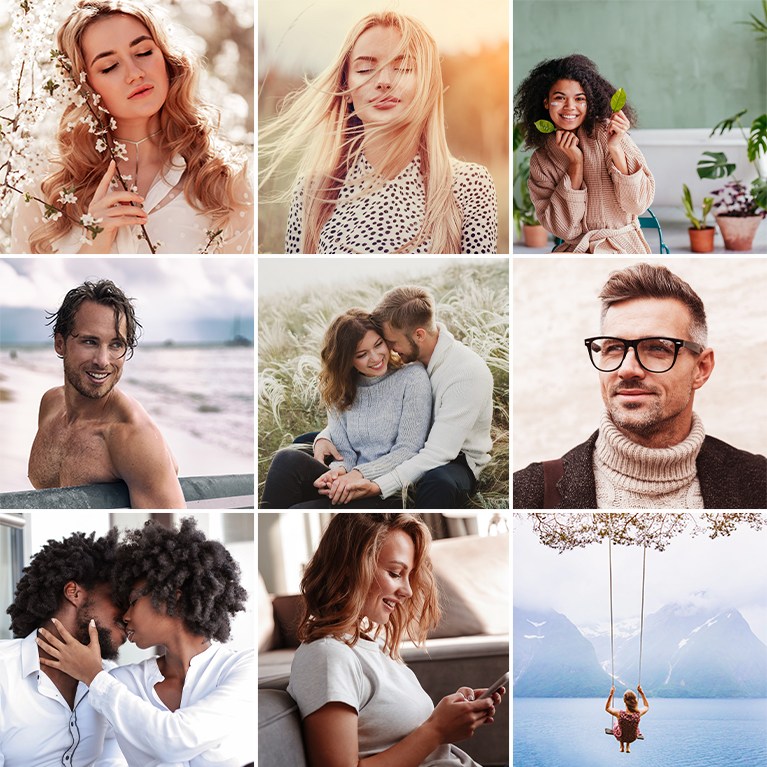
Deepen shadows, add contrast and bring rich color to photos and videos using 5 Moody Vibe LUTs. Works in Photoshop, Premiere Pro, Final Cut Pro and more.
5 LUTs | PDF Install Guide
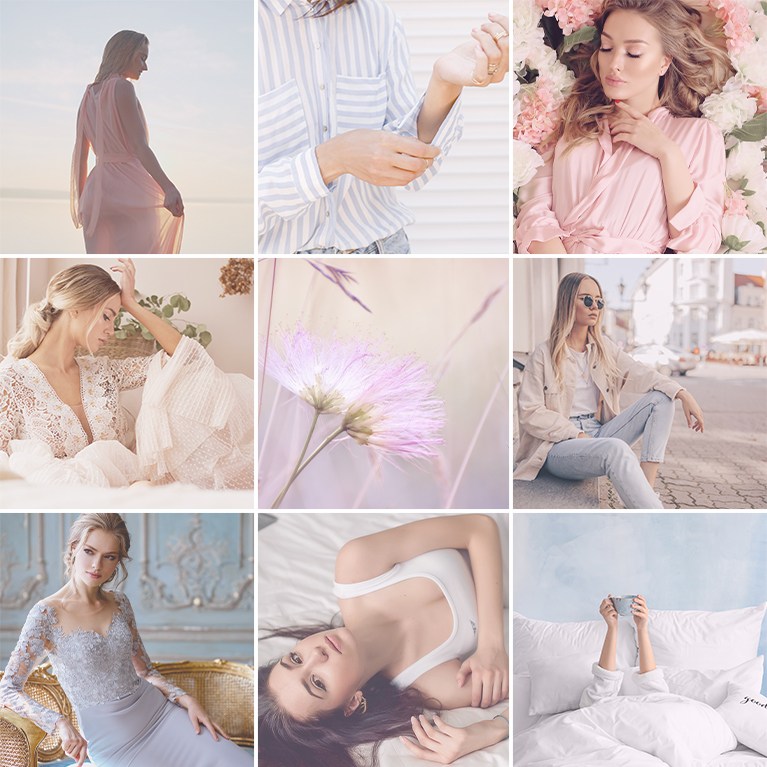
Brighten the frame, lift shadows and add soft pink and lilac tints with 5 Bright and Airy LUTs for photos and video in Premiere Pro and Photoshop.
5 LUTs | PDF Install Guide
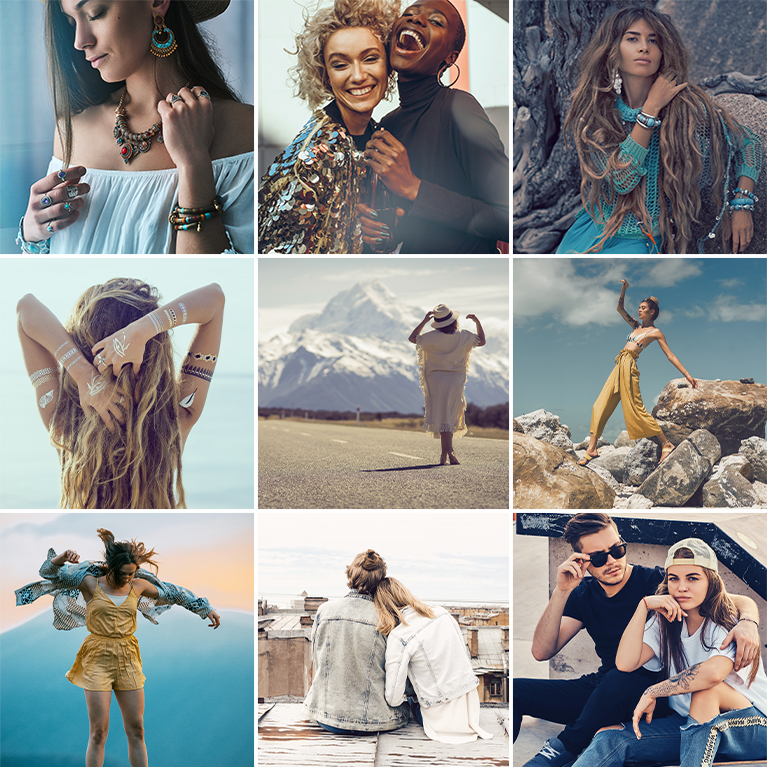
Add a blue or teal tint to the shadows while skin stays warm with 5 Cinematic Film Tone LUTs for photos and video in Premiere Pro and DaVinci Resolve.
5 LUTs | PDF Install Guide
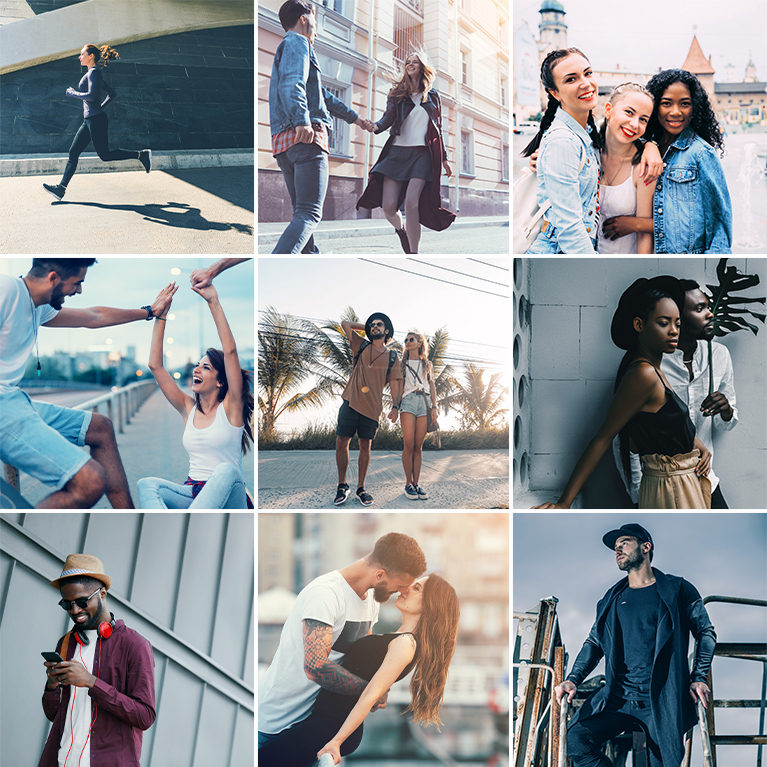
Add a cool blue tint to shadows and midtones while light skin stays natural with 5 Cool Tone LUTs for photos and video in Premiere Pro and Photoshop.
5 LUTs | PDF Install Guide
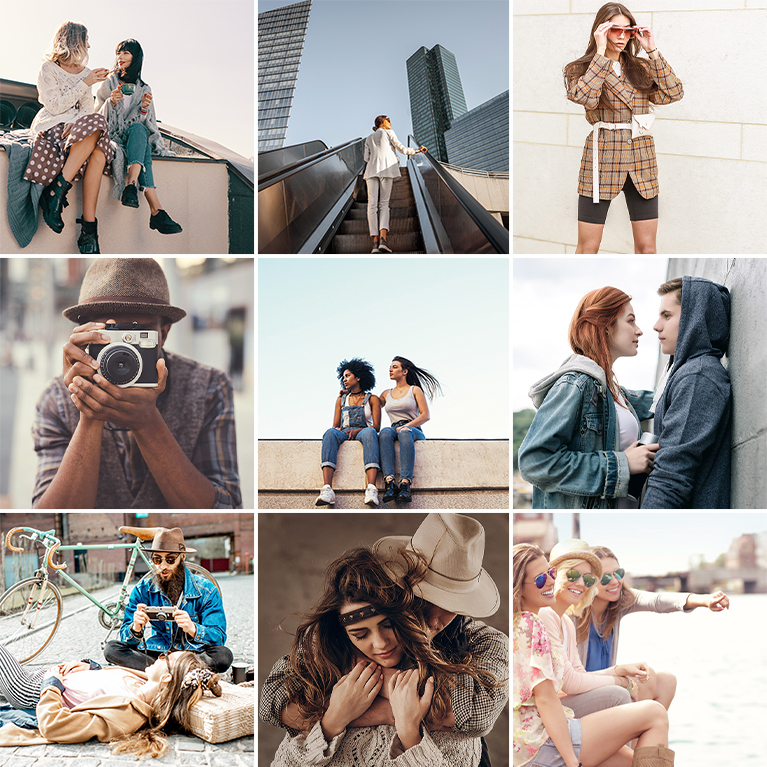
Add a warm orange or red cast to the midtones and a healthy glow to skin with 5 Warm Tone LUTs for photos and video in Premiere Pro and Photoshop.
5 LUTs | PDF Install Guide
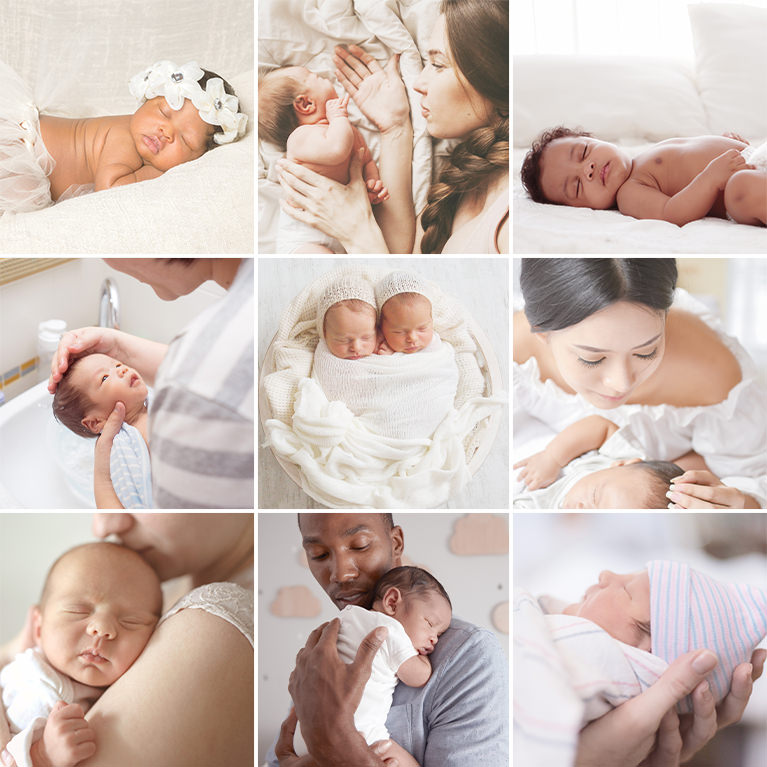
Give newborn photos and videos a bright, fresh look with soft colors and smooth skin tones using 5 Newborn LUTs for Photoshop, Premiere Pro and more.
5 LUTs | PDF Install Guide

Create bright, open indoor spaces in architecture and real estate photos and videos with 5 Real Estate LUTs for Photoshop, Premiere Pro and more.
5 LUTs | PDF Install Guide