

THIS COURSE INCLUDES
- 10 Lessonsin 2 sections
- 4h 2mof 4K video
- Beginner-Friendlynew to Photoshop? start here
- 37 Sample Images36 JPEGs + 1 RAW file
- 21 Sample PSDsto follow along
- Captionsand chapters on every lesson
Part of a Learning Path
Join PHLEARN PRO for instant access to this course and every tutorial on PHLEARN.
- Stream in up to 4K on any device
- Closed captions and chapters on every course
- Download all sample images and PSDs
- New PRO tutorials every month
- Cancel anytime
Description
Learn Photoshop fundamentals with Aaron’s top 10 essential tools and techniques, the ones he recommends every Photoshop user master, whether you are just starting out or have used Photoshop for years. Each of the 10 lessons takes one tool in depth through real projects, from a sky composite and an athletic ad to a yoga flyer and a product placed on a new background, with more than 25 examples to follow along with in JPEG and RAW.
Master blending with Blend If and blending modes, along with clipping masks, layer masks and non-destructive editing with smart objects and adjustment layers. You’ll learn to use Adobe Camera Raw on any image, not only RAW files, build and refine selections all the way to Select and Mask, and change the color of anything in a photo, even neutral skin tones, with levels, curves and color grading. Discover tricks for selecting, removing and changing objects with Photoshop’s AI tools, and see how smart objects let you resize without losing quality or swap the contents of a composite at any time. Plus, learn how to work efficiently to save time and keep every edit changeable.
Note:
Included in your class assets is a PDF containing a free download link for the Adobe Stock image used in this tutorial.
What You’ll Learn
- Learn Aaron’s top ten essential Photoshop tools and techniques
- Master blending, clipping masks, and non-destructive editing
- Pick up tricks for selecting and retouching that save real time
Table of Contents
-
01 - Adobe Camera Raw16:37m
-
02 - Blend If24:02m
-
03 - Clipping Masks20:05m
-
04 - Selection Tools42:05m
-
05 - Smart Objects16:38m
Course Downloads
Master Aaron’s Secrets
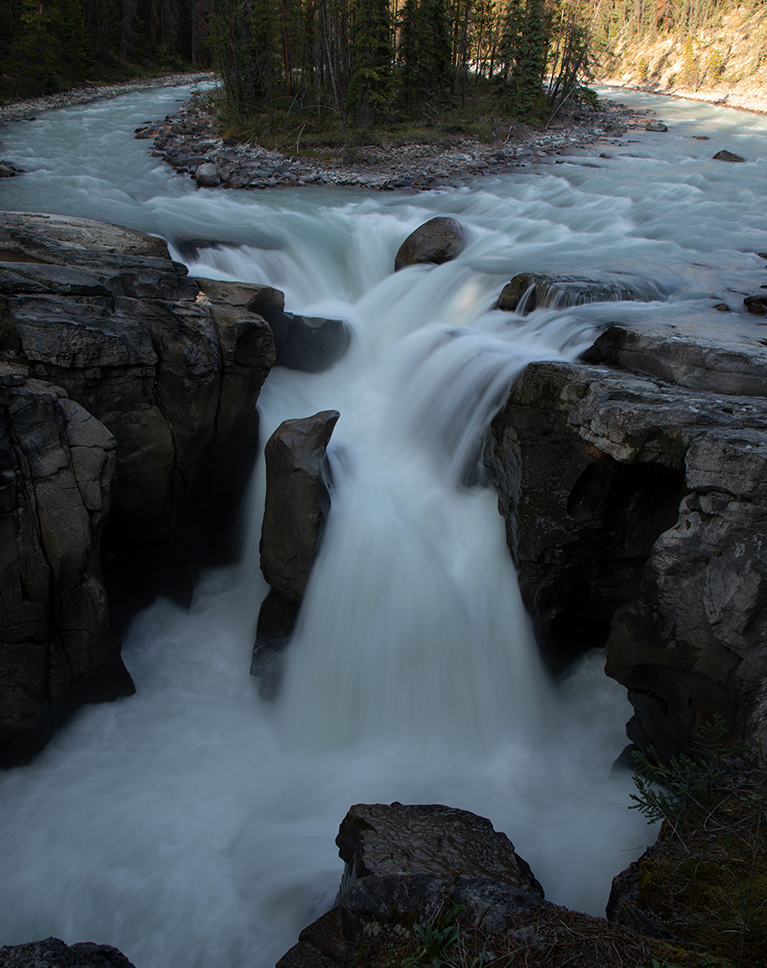

Photoshop Fundamentals: Your Journey Starts Here
If you’re new to Photoshop fundamentals, chances are you’re feeling pretty overwhelmed. This tutorial is designed to help you build a solid foundation and gain the confidence to explore further! Aaron’s insights into key tools and techniques will make your Photoshop journey more manageable and enjoyable.
Explore The Latest Updates
Photoshop fundamentals are your foundation. Once you’ve built it, our PRO tutorial Photoshop 2025: Explore All New Tools And Features will guide you through all the exciting new features in both the full release and Beta versions, expanding your creative potential.
Adobe Camera RAW
Your first stop when importing an image into Photoshop is Adobe Camera Raw, one of the Photoshop fundamentals most people skip. Often underestimated, ACR is a powerhouse! It allows you to dramatically improve your photos before they even enter Photoshop. In this tutorial, we’ll show you how to adjust colors, fix lighting, and even do some basic touch-ups without fear of damaging your original image.
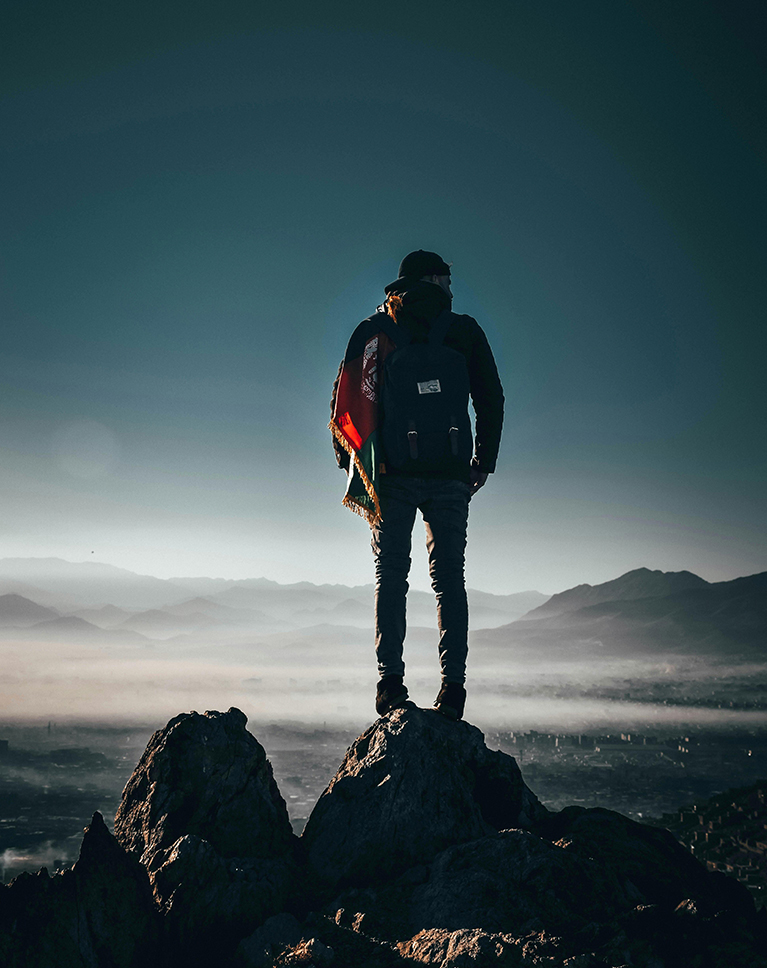

The Power of Blend If
Blend If is one of the most useful tools in Photoshop, but one that not many people know about. We’ll show you how to seamlessly merge images, control brightness interactions, and create stunning effects like adding clouds or graphics.
Using Clipping Masks
Clipping masks are one of the Photoshop fundamentals every editor needs. They control which parts of one layer are visible by using the shape of another layer as a guide. In this tutorial, you’ll learn how you can apply clipping masks to create realistic composites that look natural and professional.
Working With Selection Tools
Selections are Photoshop fundamentals that give you the power to target specific areas, adjusting colors, brightness, and more without touching a single pixel beyond your chosen zone. In this tutorial we’ll show you how to use tools like the Marquee, Lasso, and Color Range to precisely select and manipulate your images.
Streamline Your Workflow
AI tools allow you to streamline your workflow by automating tasks like removing unwanted elements or integrating new content, freeing you to dedicate more time to what truly matters: bringing your creative ideas to life.
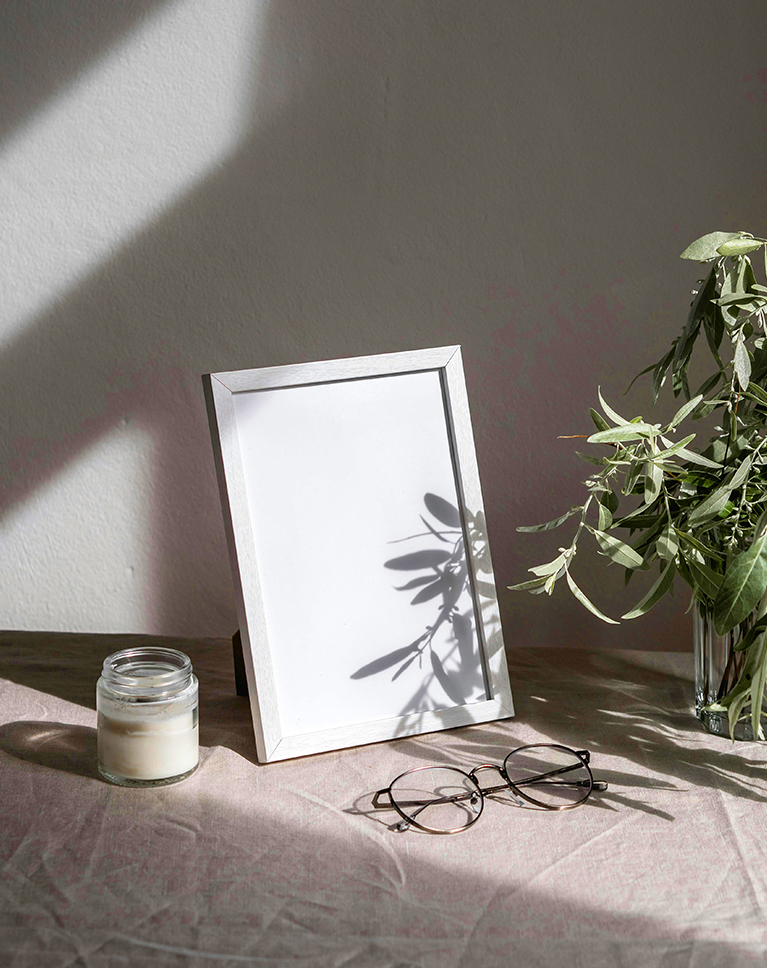
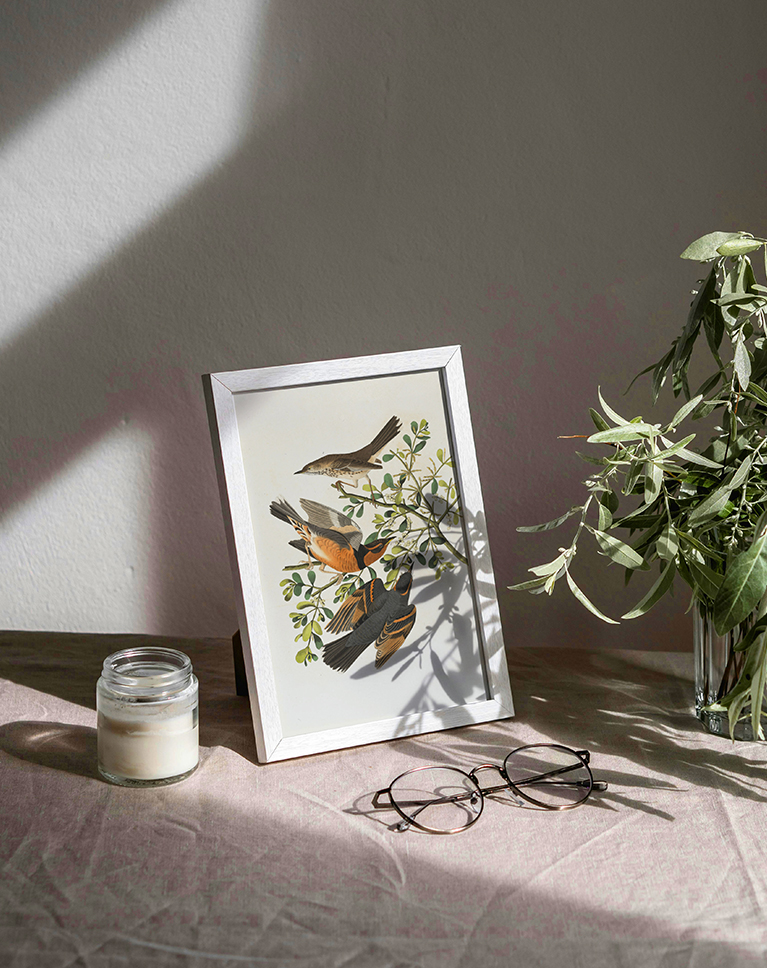
Using AI Tools
We value the importance of mastering traditional Photoshop techniques, but we also recognize the incredible potential of Artificial Intelligence. We’ll show you how to utilize AI tools to simplify tasks and maximize the impact of every image you create.
Non-Destructive Edits
Smart Objects, another of the Photoshop fundamentals in this course, can drastically improve the way you work in Photoshop, providing a non-destructive way to transform layers and apply effects that can be changed or removed at any time. This tutorial will guide you in creating and effectively utilizing Smart Objects to make your edits easier than ever!
Blending Modes
Discover the world of Blending Modes in Photoshop! This tutorial will guide you through key techniques like Screen, Multiply, and Soft Light, to create stunning visual effects.
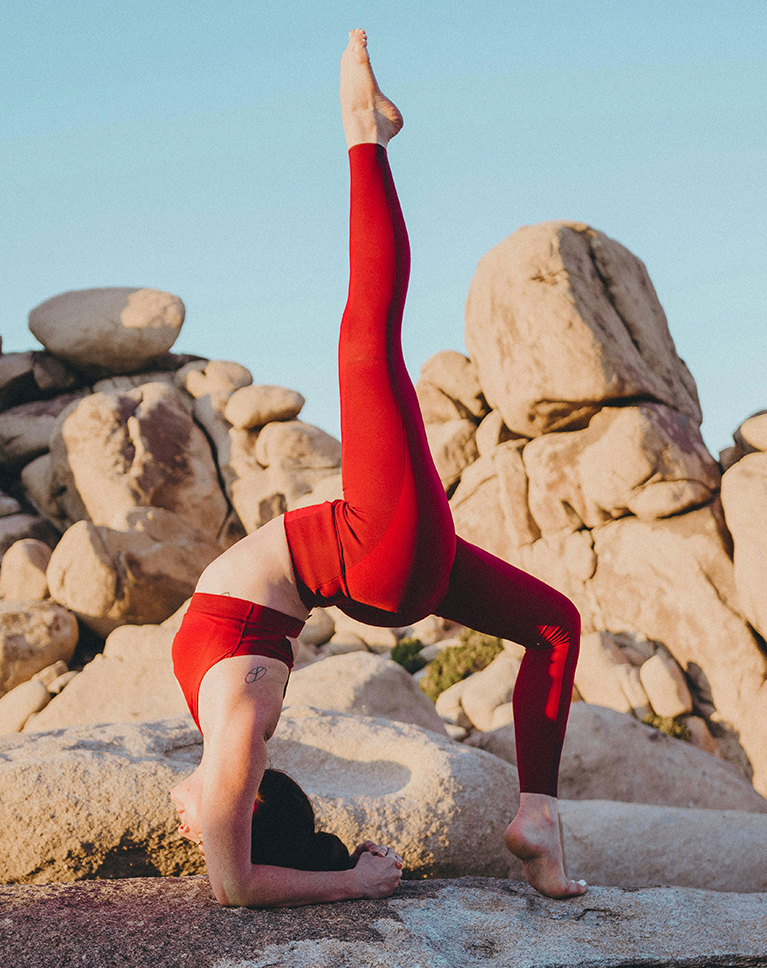
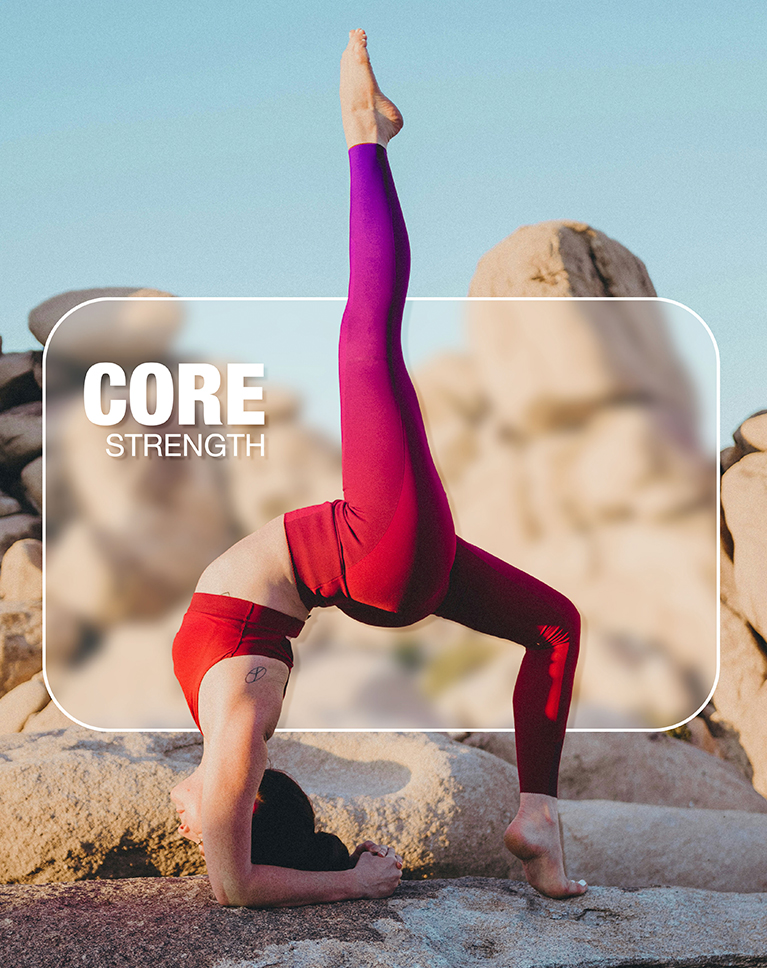
The Power of Layer Masks
Layer Masks are a cornerstone of Photoshop fundamentals, offering incredible control over your images. They let you selectively reveal or hide parts of a layer, all while maintaining the original data. This means you can experiment freely, knowing any changes are reversible. Join us as we explore essential tips and techniques for mastering Layer Masks.
Creating Adjustment Layers
Adjustment Layers give you the most control when editing your images. We’ll show you how to work with them to transform your photos in incredible ways without ever altering the original image.
Easy Color Grading
Get ready to transform your photos with the power of color grading! This tutorial will guide you through the exciting world of color manipulation. You’ll learn to use tools like Hue/Saturation and explore techniques like color matching and creating unique color palettes to give your images a professional and eye-catching look.

Class Instructor
Aaron Nace
PHLEARN Founder & Lead Instructor
Aaron Nace is a photographer, digital artist, and the founder of PHLEARN. He has been teaching Photoshop, Lightroom, and photography since 2011, and has taught at Adobe MAX for more than eight years.
Aaron publishes a free tutorial every week and a new in-depth PRO course every month.
- 2M+YouTube subscribers
- 160M+video views
- 1,000+tutorials published
- 15years teaching Photoshop
Special thanks to Cora Rose and Jose Vilchez of Art We There Yet for providing the RAW image used in this tutorial.
Reviews
Master Photoshop, Lightroom and Photography
Join PHLEARN PRO for $12.99 a month or $99.99 a year. Cancel anytime, with a 100% money-back guarantee.






Excellent tutorial, at the same high level of quality that Mr Nace has been delivering for years.
What a great tutorial. Your examples are well thought out and you have a really good way of passing on the information. Your email responses to my issues were handled efficiently and solved my problem. Thank you for another series of great lessons.
Great tutorial, I cold not stop watching until the end! Getting refreshed with PS tools from time to time it is key. Thank you Aaron for another outstanding learning material.
Excellent! Every lesson/tool so well explained. Thank you. Peggymac
So well taught! Everything covered was perfectly organized, deep and though yet surprisingly easy to understand. The overall structure of the course was so well thought out. I loved the cool sample images and enjoyed following along with everything Aaron did, and was charmed by Aaron’s laugh out loud humor which kept things totally fun.
Great course. Enjoyed the part on changing colors and blend modes.
HI Arron: I’ve been watching your free content for a year plus. And recently subscribed to the paid version. I’m a retired guy who wants to do creative composites. Great Content. Thanks very much. Dan S Portland ME
I always learn new shortcuts and tiny details from Aaron! Keep up the great work… BTW! I like the way you sung!
Aaron is phenomenal teacher and his tutorials are incredibly informative and beyond helpful.
Well done. I did not use Photoshop for a while and I was looking for a refresher tutorial. This one is perfect, just going back to some basics mixed with new features. Well done Aaron … and I love your way to present your tutorials … never bored with you !
even if you have been working in photoshop for years, Aaron has new tips and tricks! highly recommended
Thank you for another excellent tutorial!
Absolutely fabulous as always. Detailed, and full of inspiration as well as a bit of fun here and there. I’d also love to see a similar course, but using still life and products etc as the subjects (non people). Great stuff 👌🏻
Great learning! Aaron is a true master., his skill level is awesome.