

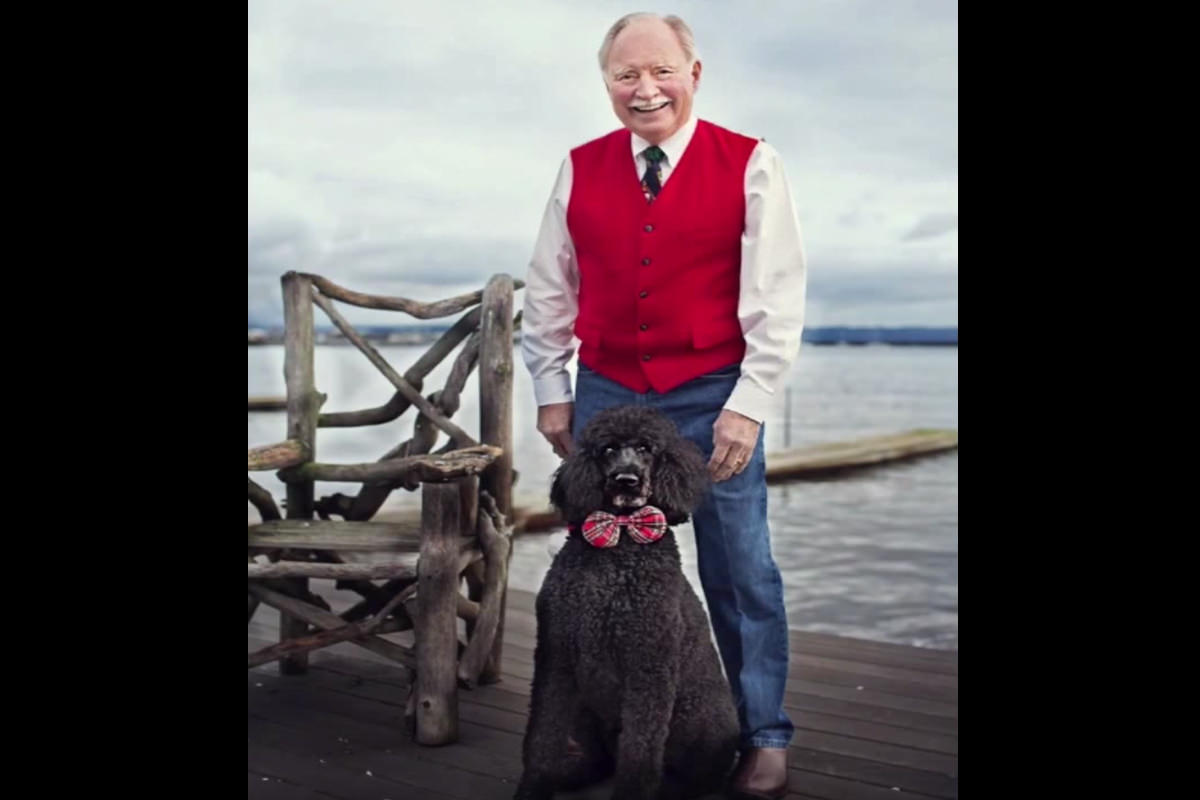

Tutorial Description
In this tutorial we show you how to use the Pen Tool to cut out your subject. Using the Pen Tool can seem a bit daunting but you can see how easy it can be. We are able to cut the subject out of the Background in less than one minute! The key is knowing how detailed the selection has to be.
Selecting Out Your Subject
Once we have the subject cut out we can use that selection to enhance the sky behind him. We use the Clone Stamp tool as well as Levels to change the Color of the sky as well as bring more information into the Highlights
.
Highlights/Shadows
One of the easiest ways to fix an Exposure is to use the Highlights/Shadows command in Photoshop. It is a great way to start your editing process and you can see the results of your sliders live. The best part about this Tool is that there is no “right answer”, it is based purely on taste.










Enjoying This Free Tutorial? Go Further with PRO.
Unlock Full Sample Files, PSDs, and Hundreds of Masterclasses!

Download full project assets, original PSDs, and RAW images for every lesson
Unlimited access to our complete library of PRO Photoshop & Lightroom courses
Instant 4K Ultra HD streaming on all devices, anytime, anywhere
Full access to our entire library of Photoshop Actions, Presets, and LUTs
Flexible monthly and annual membership plans
Cancel anytime with zero hassle or commitments