

THIS COURSE INCLUDES
- 6 Lessonsin 2 sections
- 3h 9mof captioned 4K video
- Advancedfor experienced editors
- 14 RAW Files+ Frequency Separation action
Part of a Learning Path
Join PHLEARN PRO for instant access to this course and every tutorial on PHLEARN.
- Stream in up to 4K on any device
- Closed captions and chapters on every course
- Download all sample images and PSDs
- New PRO tutorials every month
- Cancel anytime
Description
Master fashion photo editing in Photoshop and Lightroom. This tutorial takes you from raw images to finished portraits the way a real workflow runs: each image starts in Lightroom Classic, moves into Photoshop for the work only Photoshop can do, and comes back to Lightroom. Along the way you’ll learn the thinking behind a stronger fashion portrait, drawing more attention to your subject and removing the distractions that pull the eye away.
In 6 lessons, you’ll learn background replacement, sky enhancement, and frequency separation retouching in Lightroom Classic and Photoshop. Get the most out of features like Generative Remove and Lens Blur in Lightroom Classic, and balance exposure with its masks. Then use Generative Fill in Photoshop to expand a composition, add new elements and give your subject a new floor or a whole new setting. You’ll recover the detail hiding in a bright sky, and when there’s nothing left to recover, replace it with a sky from the same shoot, even in the reflection. The retouching evens out skin while keeping all of its texture. Download the 14 raw files to edit along with the tutorial and turn your fashion pics into works of art.
What You’ll Learn
- Replace backgrounds and enhance skies for editorial-ready shots
- Retouch skin with frequency separation for a flawless finish
- Move between Lightroom and Photoshop in one smooth workflow
Course Downloads
From RAW to Runway
Fashion Photo Editing in Lightroom: Getting Started
Dive into the world of Lightroom Classic, the cornerstone of your editing journey! In this tutorial, we’ll guide you through the first steps, covering techniques to clean up, refine, and prepare your photos for stunning transformations.
Fashion Photo Editing in Photoshop: Advanced Editing
The magic of fashion photo editing in Photoshop doesn’t stop in Lightroom! This tutorial seamlessly bridges the gap between Lightroom and Photoshop for a powerful editing experience. Learn how Lightroom Classic prepares your images for Photoshop’s advanced tools. We’ll show you the exact workflow professional photographers use to achieve breathtaking results.
Expand & Rotate
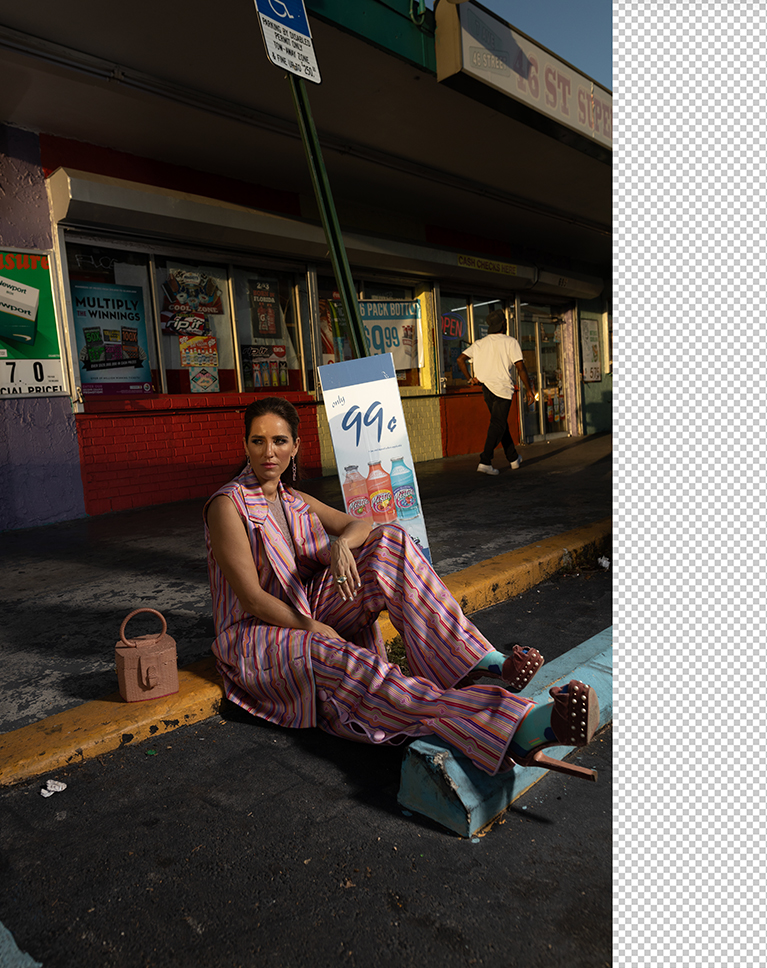
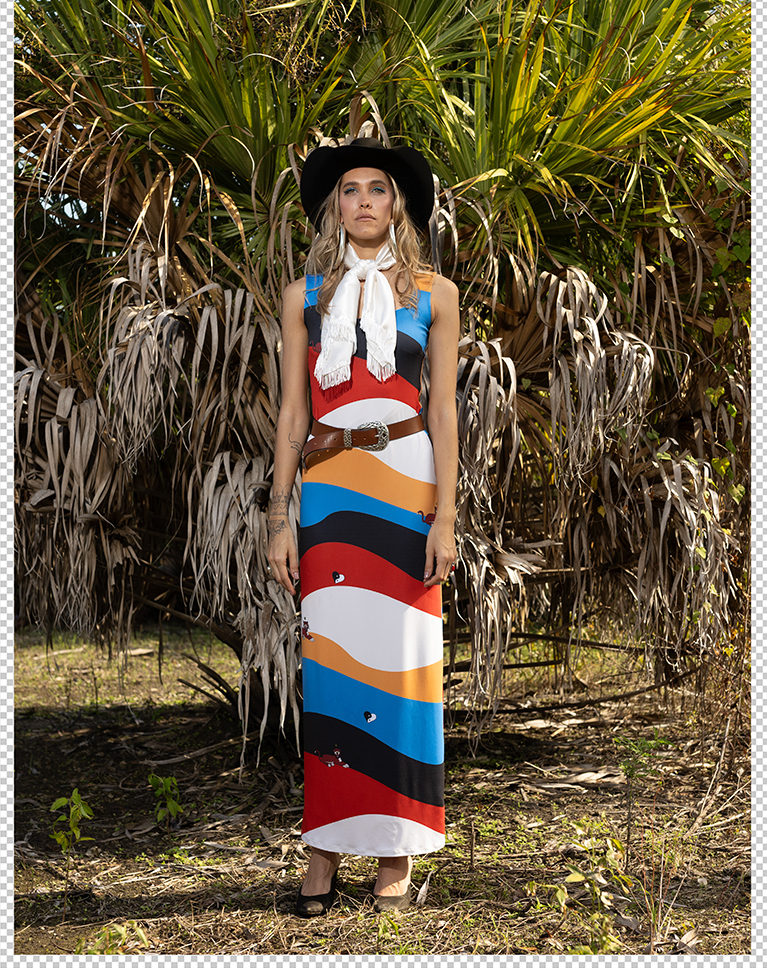
Once we get the basics edits are done. We’ll show you how to leverage Photoshop’s AI tools to expand, rotate, and manipulate backgrounds to perfectly frame your subject.

Add & Remove Elements
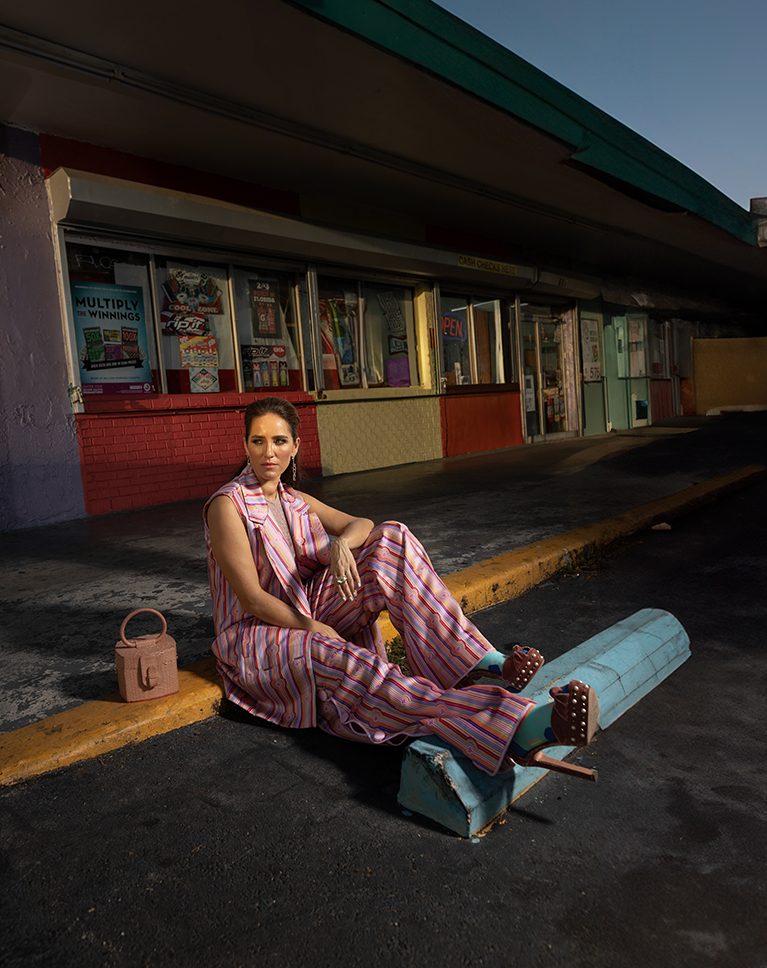
Learn how fashion photo editing in Photoshop removes and adds elements to enhance the composition of your photos. By selectively masking areas and using generative fill in Photoshop and Lightroom, you can remove distracting objects and replace them with more visually pleasing elements.
Fix Exposure
Striving for that flawless, perfect exposure in-camera is the dream. Yet, the real world loves throwing curveballs, be it unpredictable environments or pesky technical glitches. We’ve all been there, missing the mark on exposure now and then. Learn how to save any image using the powerful tools in Lightroom.
Correct Horizon Lines
A tilted horizon can throw your fashion photo editing in Photoshop off balance. In this tutorial, you’ll learn how to easily fix this issue using the Straighten Tool in Lightroom. With a single click and a straight line drawn across your photo, this tool swoops in and saves the day, giving you a leveled and ready to impress image.
Instantly Transform The Scene
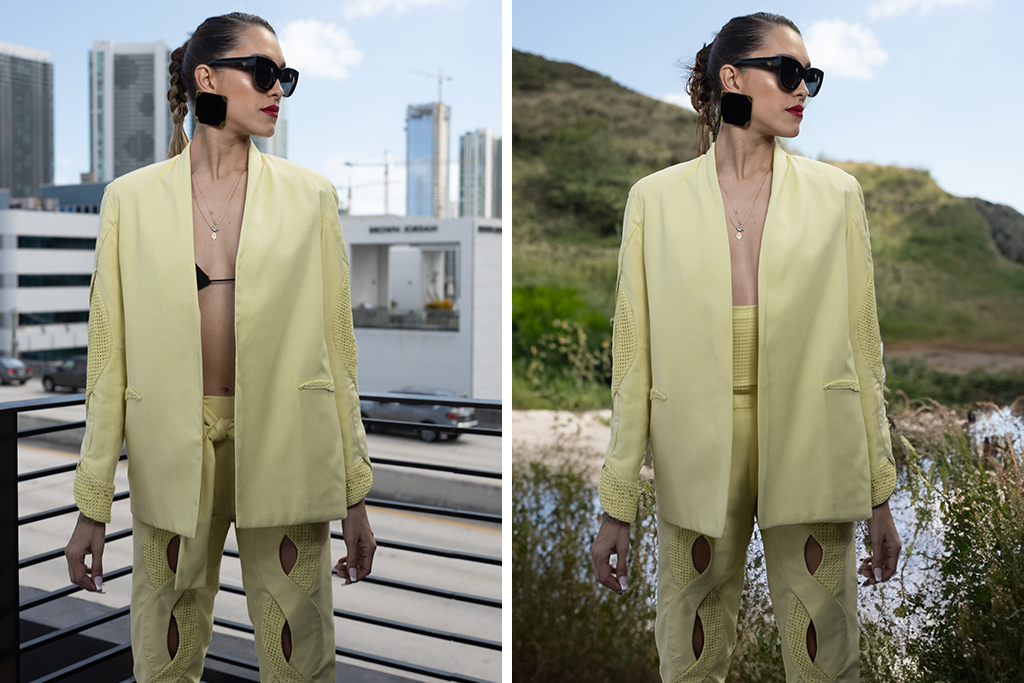
With the magic of AI, Photoshop lets you swap out any background in seconds, placing your subject in a whole new scene.


Create Dream Backdrops
Ditch the green screen! Fashion photo editing in Photoshop has better tools. Photoshop’s AI lets you swap backgrounds like magic. Want a mountain landscape instead of city streets? Just a few clicks and a text prompt transports your photo, creating a stunning new scene in seconds.
Explore Lightroom’s New AI Tools
Learn how to get the most out of brand new features in Lightroom Classic, including Generative Remove and Lens Blur. These features are a complete game changer and make the app more powerful than ever!
Sky Replacement
Artificial intelligence is revolutionizing fashion photo editing in Photoshop! Discover how AI-powered tools can help you seamlessly swap skies in seconds, replacing the dull with the dazzling.


The Power of Frequency Separation
Frequency Separation is one of the most powerful and most difficult techniques to master in fashion photo editing in Photoshop. In this tutorial, we’ll show you how to seamlessly remove imperfections, achieve flawless skin tones, and leave your subjects looking their absolute best!.
Photoshop Action Included
Take all the hassle out of Frequency Separation with our powerful, easy-to-use Photoshop Action! Simply download the action and get all the benefits of professional retouching in a fraction of the time.
Explore Portrait Retouching
Ready to take your retouching skills to the next level? Follow this link to access our Retouching Learning Path. This in-depth curriculum covers the fundamentals with introductory courses, dives into retouching features, fabric, and materials, and concludes with advanced techniques and applications.

Class Instructor
Aaron Nace
PHLEARN Founder & Lead Instructor
Aaron Nace is a photographer, digital artist, and the founder of PHLEARN. He has been teaching Photoshop, Lightroom, and photography since 2011, and has taught at Adobe MAX for more than eight years.
Aaron publishes a free tutorial every week and a new in-depth PRO course every month.
- 2M+YouTube subscribers
- 160M+video views
- 1,000+tutorials published
- 15years teaching Photoshop
Special thanks to Yorch Sans for providing the images used in this tutorial.
Reviews
Master Photoshop, Lightroom and Photography
Join PHLEARN PRO for $12.99 a month or $99.99 a year. Cancel anytime, with a 100% money-back guarantee.






Thank you!
Fantastic!
Again a great tutorial. Lots of tips. Great recap about HF seperation