

THIS COURSE INCLUDES
- 5 Lessonsin 2 sections
- 1h 46mof 4K video
- Intermediatesome Photoshop basics
- 16 Sample Imagesto follow along
- 8 Layered PSDsto follow along
- Captionsand chapters on every lesson
Part of a Learning Path
Join PHLEARN PRO for instant access to this course and every tutorial on PHLEARN.
- Stream in up to 4K on any device
- Closed captions and chapters on every course
- Download all sample images and PSDs
- New PRO tutorials every month
- Cancel anytime
Description
Compositing 101 teaches the basics of compositing in Photoshop, fast. Learn to seamlessly blend elements like subjects, products, and backgrounds, and to match color and light so the finished image looks real. In 5 lessons, you’ll work through the composites photographers reach for most: a subject on a new background, sky replacements, face swaps, products on a new set, and a slogan or logo placed into a photo.
We’ll show you advanced tools, like Generative Fill and the Selection Brush Tool, alongside traditional techniques like Select and Mask, channels, layer masks and levels adjustment layers. You’ll learn how to line up horizons and light direction, add background blur with Lens Blur in Camera Raw, swap in a better expression for someone in a group photo, carry a product’s shadow onto its new background, fix reflections that give a composite away, and tuck a graphic behind your subject. We’ll explore the best techniques to get the most realistic results in no time, with sample images for every lesson so you can follow along.
What You’ll Learn
- Blend subjects, products, and backgrounds into one photo
- Match color and lighting for realistic results, fast
- Replace skies and use new AI tools like Generative Fill
Course Downloads
Compositing Made Easy
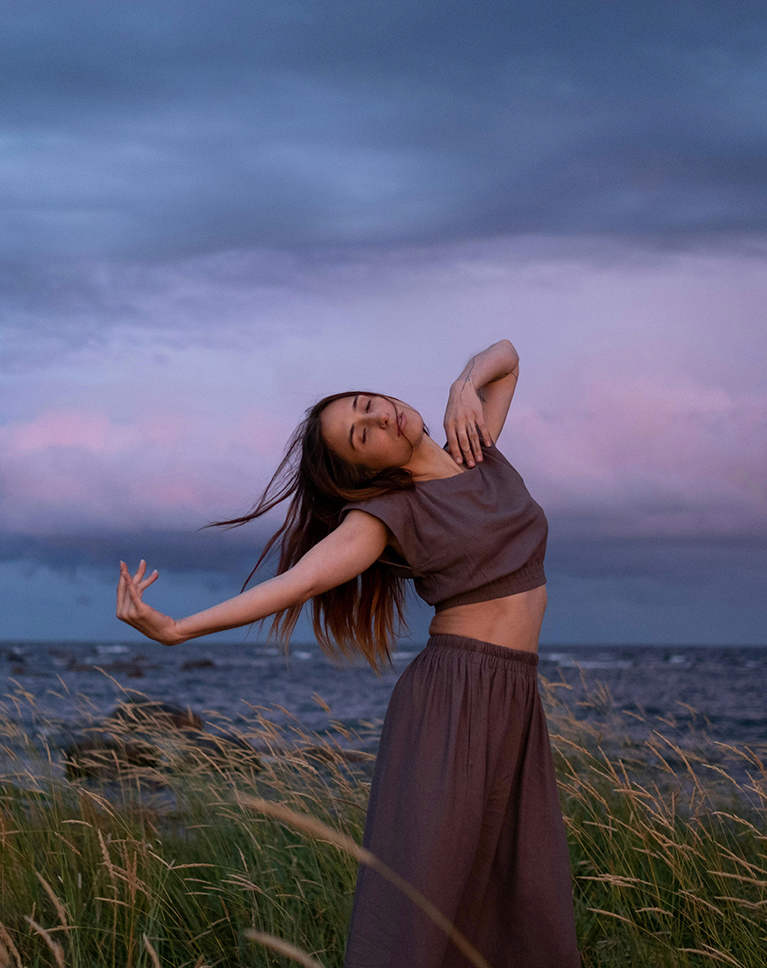
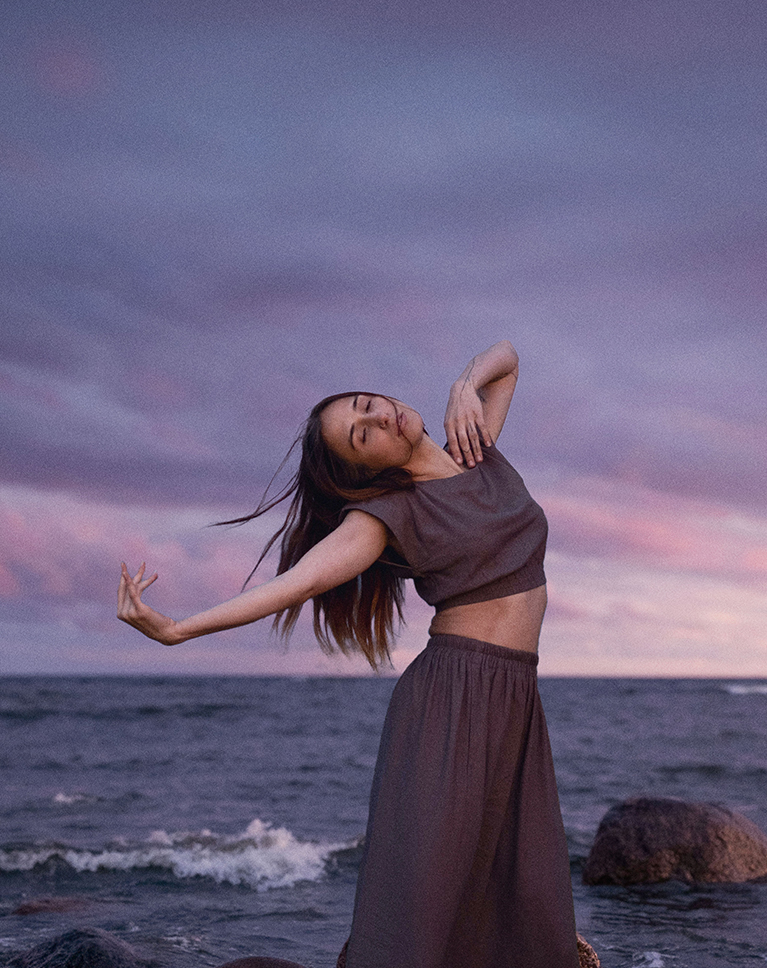
Compositing 101: The Power of Compositing
Compositing 101 starts with the magic of combining multiple images into one stunning picture. It’s like playing a real-life puzzle, but with cameras and creativity! Whether you want to replace a boring background, add elements to a scene, or even create something completely out of this world, compositing is a must-have skill in today’s creative world.
Non-Destructive Editing
Non-destructive editing is essential in Compositing 101 to maintain flexibility and control. In this tutorial you’ll learn how to work with smart objects and adjustment layers, so you can easily modify and refine your composite without affecting the original image.
Matching Skin Tones
Ensuring that skin tones are consistent with the overall lighting environment is crucial when creating composites. In this tutorial, we’ll teach you effective techniques for matching skin tones to get an harmonious final image.
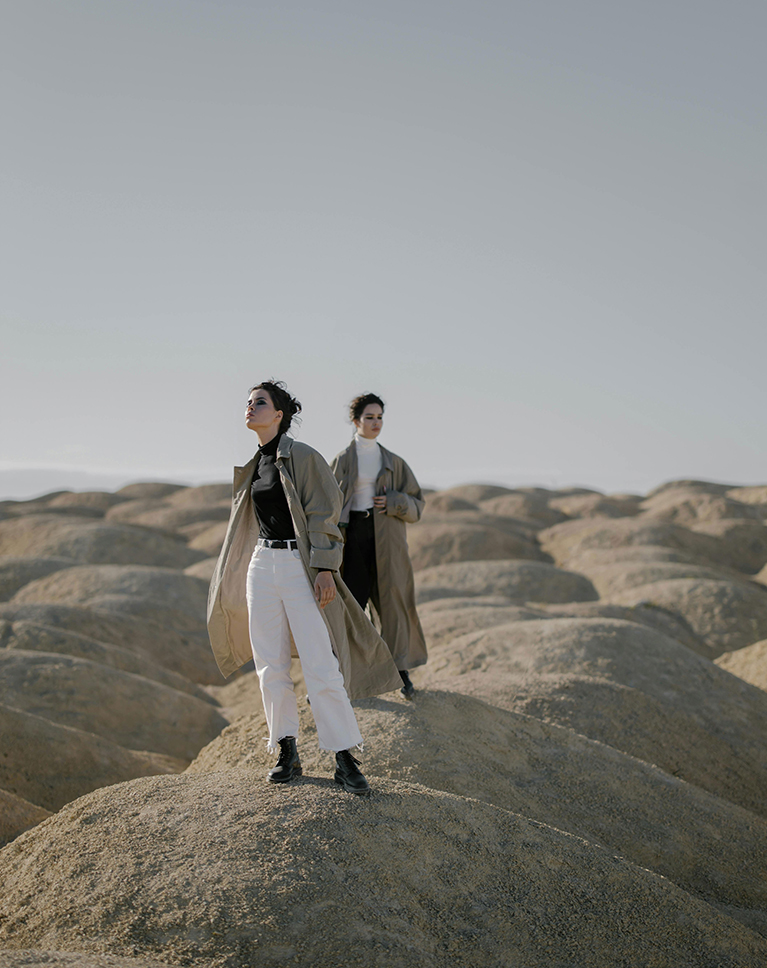
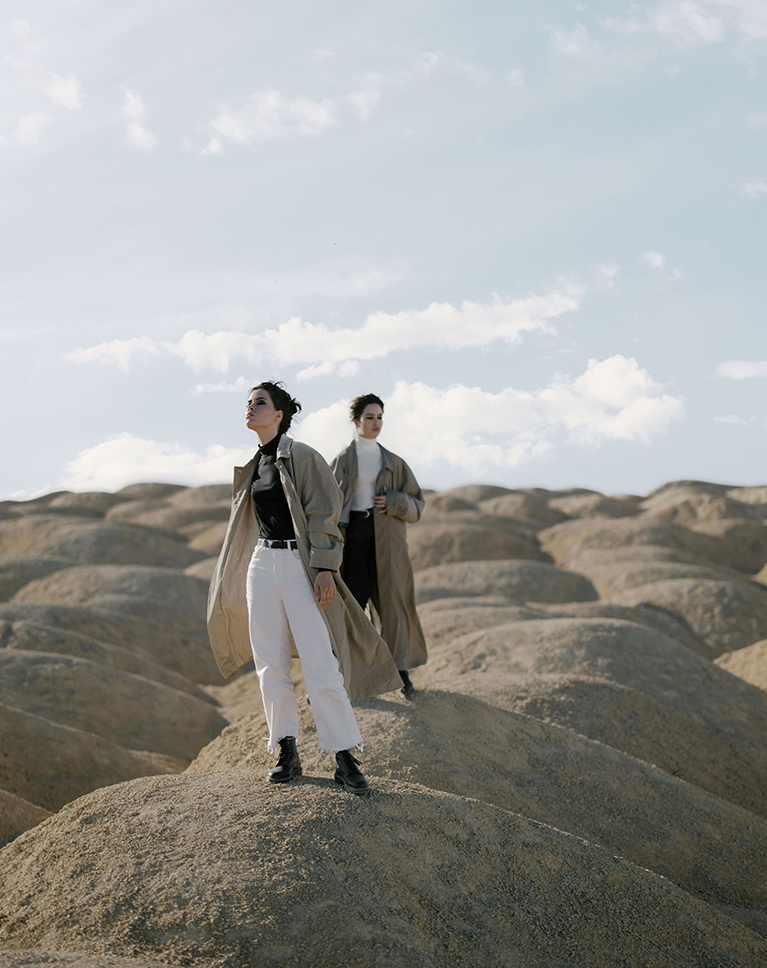
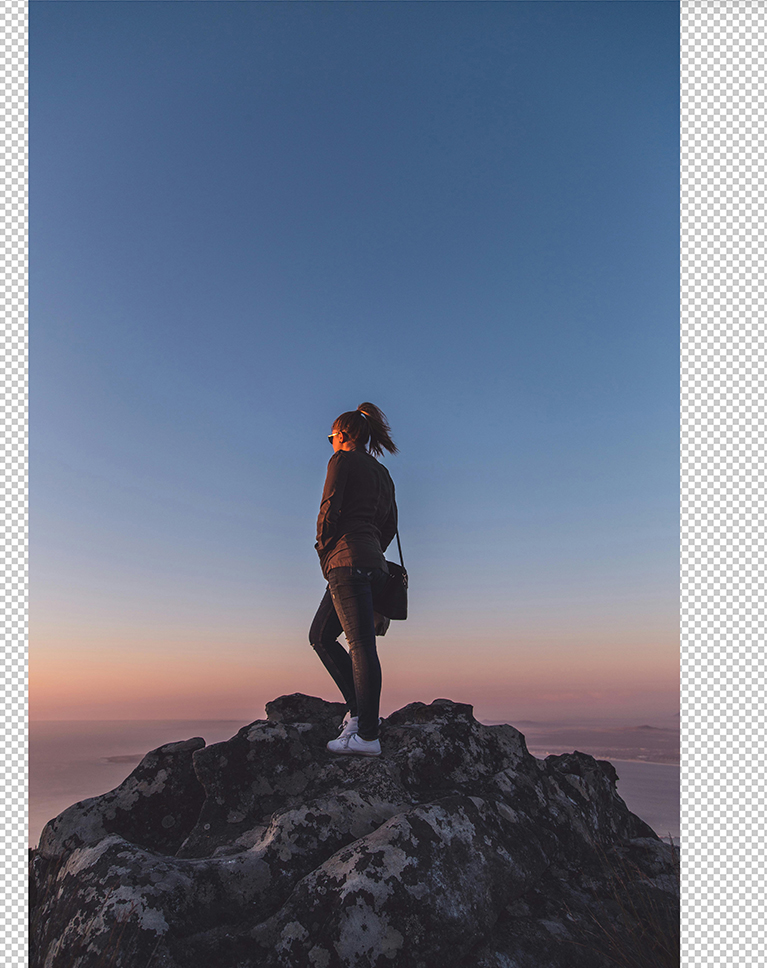
Sky Compositing
In this Compositing 101 lesson, learn the art of seamlessly integrating different skies into your photographs. Discover how to replace existing skies, match lighting and colors, and create stunning visual effects.
Essential Tools & Techniques
Gain expertise in using essential tools like the Move tool, Layer Masks, and Adjustment Layers to manipulate and blend images effectively. Master the art of color matching and fine-tuning details for a seamless integration.
Creative Possibilities
Beyond sky replacement, Compositing 101 opens up a vast array of creative possibilities. You can use it to add elements to a scene, remove unwanted objects, or even create entirely new realities. In this tutorial we’ll explore different scenarios to help you transform your images and tell compelling stories.

Transform Your Portraits
Compositing can enhance portraits by seamlessly replacing facial expressions, ensuring the subject looks their best even in less-than-ideal moments.

Perfect Portraits, Every Time
Compositing 101 shows how compositing is a powerful tool for enhancing family portraits, especially when you want everyone to look their best! In this tutorial, we’ll show you how to carefully select and blend facial features from different shots to create a final natural-looking image.
Integrate Graphics
Learn how Compositing 101 seamlessly integrates text or graphics into your photos. Discover the power of the Levels Adjustment tool for creating clean selections and the versatility of the Layer Mask for precise control over visibility.
Color Customization & Blending
Explore the Color Overlay option to change your graphic’s color to seamlessly integrate it into your photo’s palette. Plus, we’ll experiment with different blending modes and opacity settings to achieve the perfect balance.

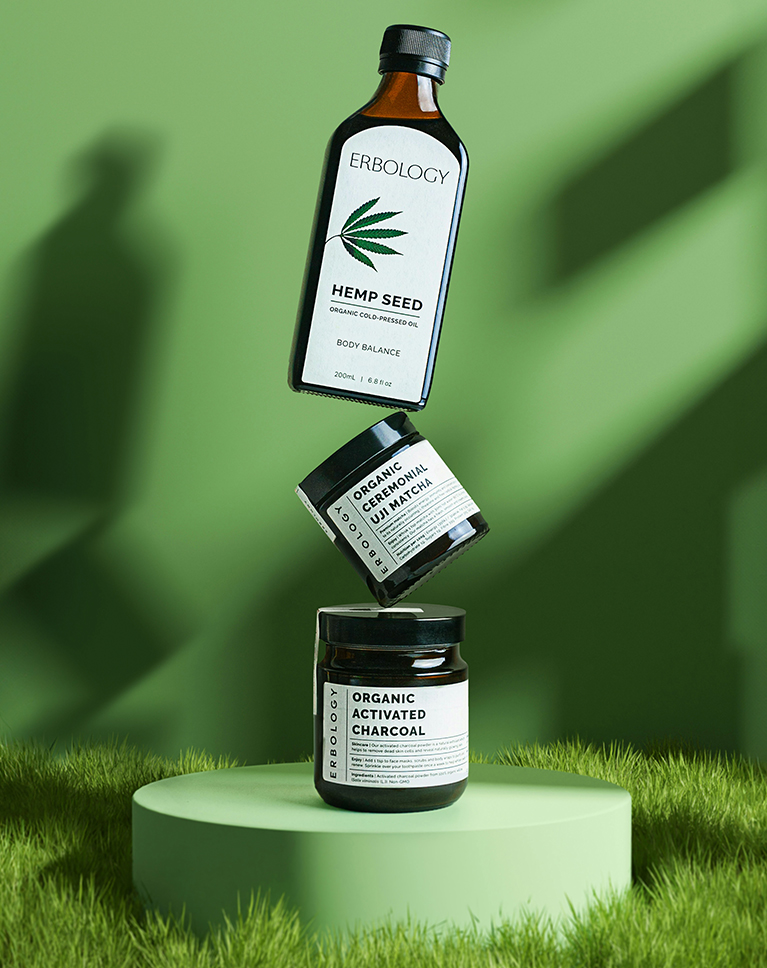
Product Compositing
Compositing 101 is also a valuable skill for product photographers as well! It allows you to create unique and visually appealing images by combining different elements. Discover essential techniques for matching lighting and colors, as well as refining selections and applying effects.
Adding Shadows
Adding realistic shadows to your Compositing 101 projects is essential for creating a sense of depth and dimension. Learn how to carefully analyze the existing shadows in your background and subject images, so you can craft your very own shadow effects!
Explore Conceptual Compositing
Once you learn the basics we recommend exploring our Magical Compositing Learning Path. From mastering light and color with stock images to exploring mind-bending creations by guest artists, and even discovering some of our most classic composites, this learning path empowers you to bring your wildest visions to life. Follow this link to access the Magical Compositing Learning Path.

Class Instructor
Aaron Nace
PHLEARN Founder & Lead Instructor
Aaron Nace is a photographer, digital artist, and the founder of PHLEARN. He has been teaching Photoshop, Lightroom, and photography since 2011, and has taught at Adobe MAX for more than eight years.
Aaron publishes a free tutorial every week and a new in-depth PRO course every month.
- 2M+YouTube subscribers
- 160M+video views
- 1,000+tutorials published
- 15years teaching Photoshop
Special thanks to Cottonbro Studio, Darius Krause, Angelica Reyn, Brett Sayles, Anna Shvets, August de Richelieu, Abik Peravan, Alex Lvrs, Arthur Brognoli, and Josh Hild. Images for this PRO course were sourced from Pexels, Unsplash, and Adobe Stock.
Reviews
Master Photoshop, Lightroom and Photography
Join PHLEARN PRO for $12.99 a month or $99.99 a year. Cancel anytime, with a 100% money-back guarantee.






Wonderful information! Thank you!
Content and presentation were excellent. The system does not seem to save which videos I have watched though; when I come back to it (if the browser has been closed or re-launched, it does not know how far I have gotten).
Great ! Thank you for this nice tutorial focusing on what are the things to focus on when compositing ! However, in the last chapter (slogan compositing), the logo images are different and seems protected by adobe stock watermark, making the work a little bit more difficult.
Hey there! We can only show you a preview image here, due to copyright restrictions. However, you’ll find a PDF with a link to download the FREE high-resolution image in the assets folder.
I am Turkish and I do not speak English. Is there a language or subtitle option in your pro videos?
I was always intimated of getting into Digital Editing and especially Compositing, but Aaron breaks it all down beautifully and makes it understandable for even beginners. I would highly recommend this course for anyone who is looking to learn Compositing regardless of skill level.
Fantastic course by Aaron, as usual. His teaching style has always been great and the skills and techniques he passes on are very useful. I’ve been a Phlearner for years and will continue to be. Thanks Aaron!
Always awesome. Your explanations and methods make so much sense. Thank you!