
THIS COURSE INCLUDES
- 9 Lessonsin 2 sections
- 1h 56mof captioned HD video
- Intermediatesome Photoshop basics
- 8 Sample Images+ 15 brushes, 7 textures
Part of a Learning Path
Join PHLEARN PRO for instant access to this course and every tutorial on PHLEARN.
- Stream in up to 4K on any device
- Closed captions and chapters on every course
- Download all sample images and PSDs
- New PRO tutorials every month
- Cancel anytime
Description
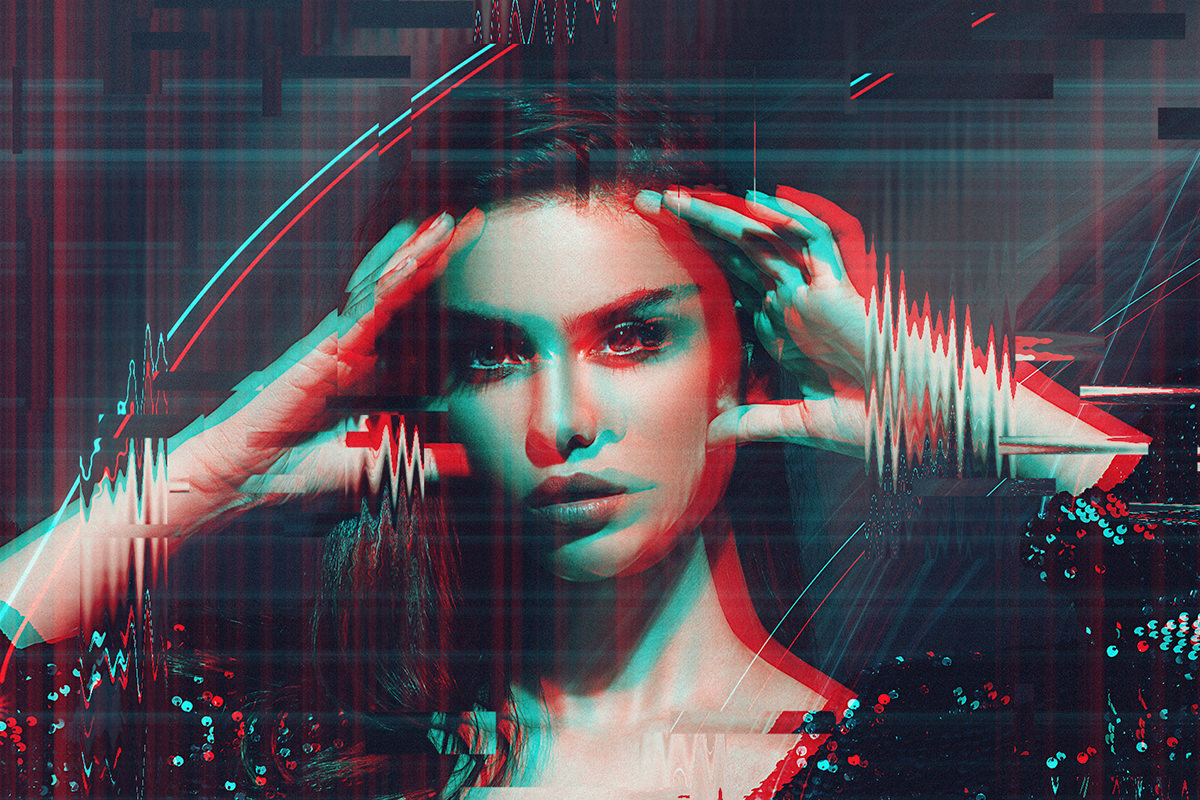
Digital distortion. VHS vibes. The glitch is one of the most powerful and popular special effects, and in this course we show you how to create a glitch effect in Photoshop from scratch. We build the effect by hand first, so you understand exactly how it works, then show you how the included action does the same thing in one click, in 9 lessons with every sample image included.
Learn how to add pixelation, distorted lines, 3D fades, digital noise, and even create dynamic glitch animations. We include an exclusive Action, 15 custom glitch and smudge brushes, and a batch of textures that you can use to make your own glitch effects from scratch. Across six examples, from a Polaroid camera and a ski jumper to a tower, a double exposure portrait and a halftone effect, you’ll learn to control how subtle or dramatic the glitch gets, use the Wave filter and Color Halftone for different kinds of distortion, and keep faces and eyes readable. The final lesson strings the effects together into an animation you can export as a video or a GIF for the web and social media.
What You’ll Learn
- Create digital glitch and VHS effects from scratch
- Add pixelation, distorted lines, and digital noise
- Animate your glitch effect for dynamic motion
Table of Contents
-
01 - What You'll Learn1:09m
-
02 - Installing Actions2:44m
-
03 - Installing Brushes7:50m
-
04 - How to Use Textures7:39m
Course Downloads
Dynamic Glitch Effects


The Glitch Effect in Photoshop
Glitch effects are one of the most popular types of special effects for both photos and video. In this course, we break down the tools and techniques to make your own custom glitch effect in Photoshop from scratch. If you’re looking to create eye-catching images with a retro VHS feel, a futuristic theme, or a truly unique look, then you’ve come to the right place!
Stunning Special Effects
Special effects are some of the most fun you can have in Photoshop, and this course is designed to help you make your own stunning glitch effects from scratch. With 2 hours of step-by-step instruction, 15 custom Brushes, 7 textures, and a Photoshop Action, we give you everything you need to get creative today.
Create Glitch Animations
Take your images to the next level with dynamic glitch animations. Learn how to use the video timelines in Photoshop to create and export your own custom videos and animations to share on the web and social media.
Enhance Action
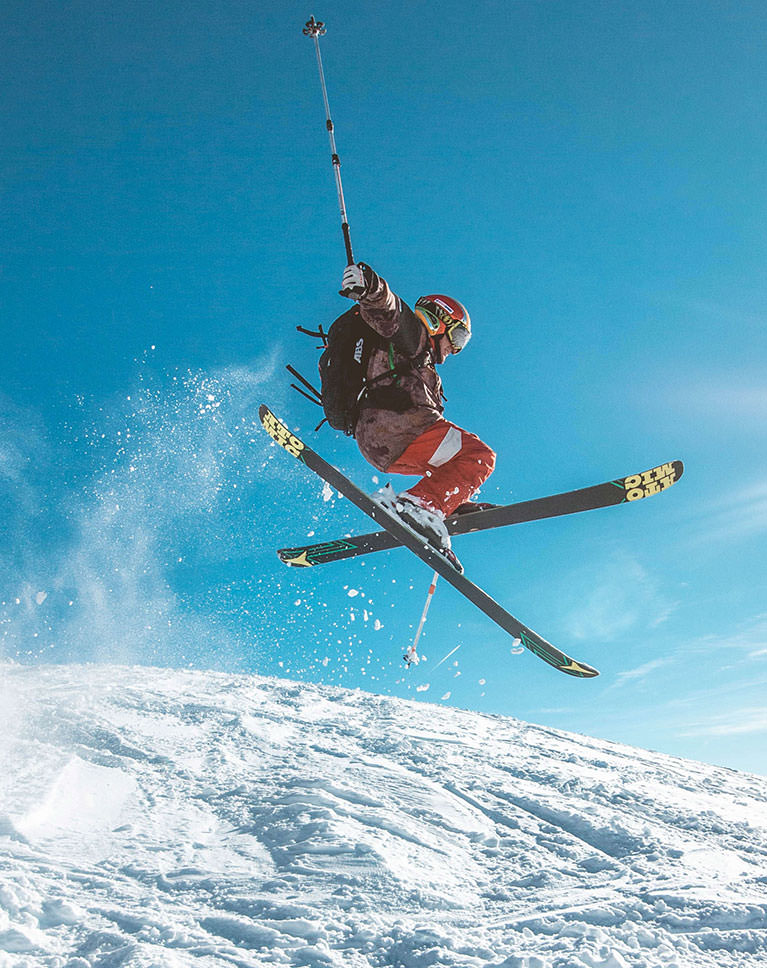
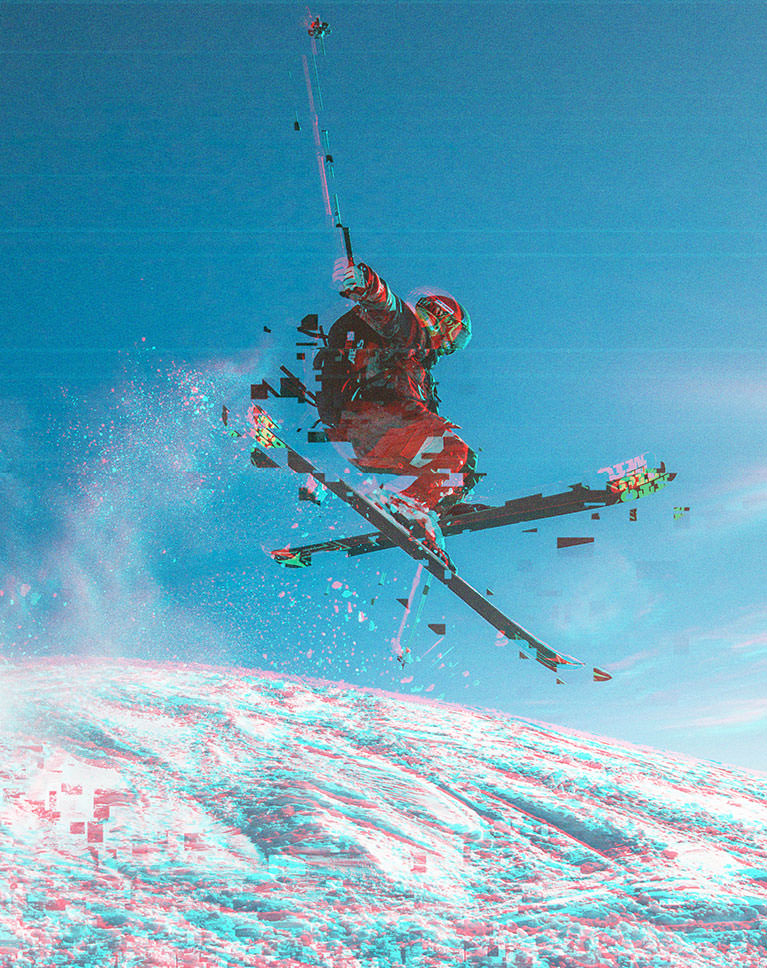
A glitch effect in Photoshop can give action and athletic images a more kinetic feel. Try combining these glitch effects with images from other PHLEARN tutorials like How to Photograph & Retouch Athletes and Photo Editing 101-301!
Scan Lines and Distortion
Make your images look like a screen from an ’80s science fiction movie. Add flickering, static, and distorted lines for a glitched-out, sci-fi feel.
Custom Photoshop Brushes
Create scan lines, pixelation, noise, and distortion with our custom-made collection of Glitch Photoshop Brushes! We walk you through the process of installing the including Photoshop Brushes, as well as how to use them to make an endless variety of glitch and distortion effects.
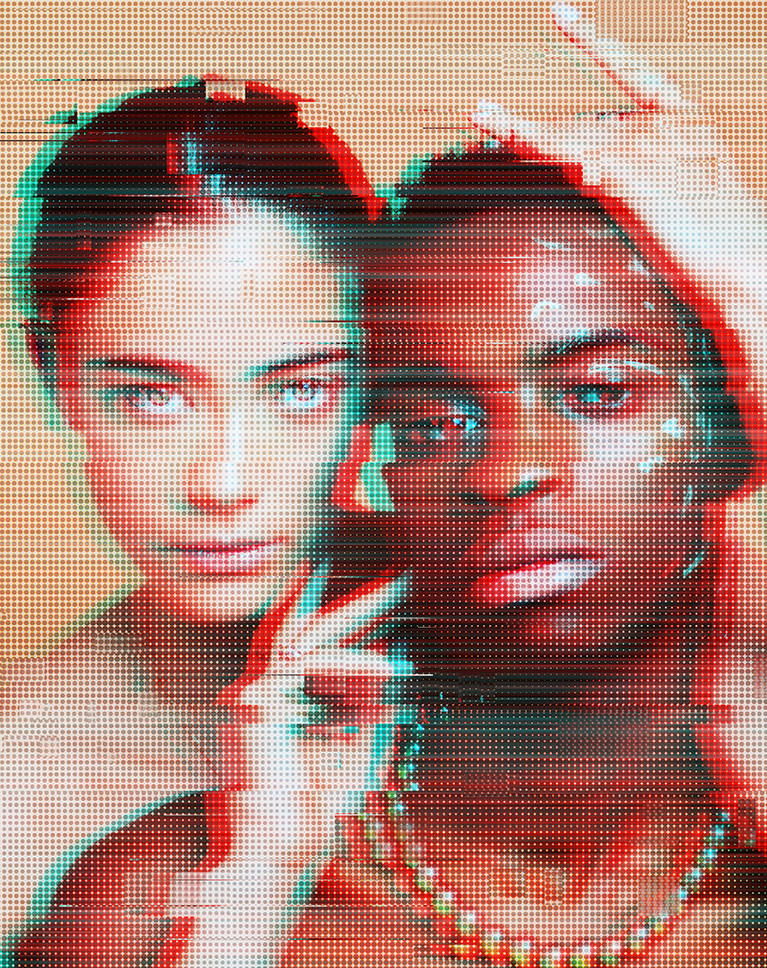
Halftone Effect
Halftone is a technique where an image is recreated using tiny dots of color and tone. Learn how to pair a halftone look with your glitch effect in Photoshop for a look and feel that is truly unique.
Posters and Advertisements
Glitch effects are all about drawing attention. Perfect for event posters and advertisements, a glitch effect in Photoshop grabs the eye, and we walk you through 6 different looks that are bound to catch people’s eye.
Unique Style
Once you’ve finished the course, you’ll have everything you need to start creating your own out-of-this-world glitch effects. Follow along with the course and practice on the sample images, and then take what you’ve learned and glitch out your own photos!
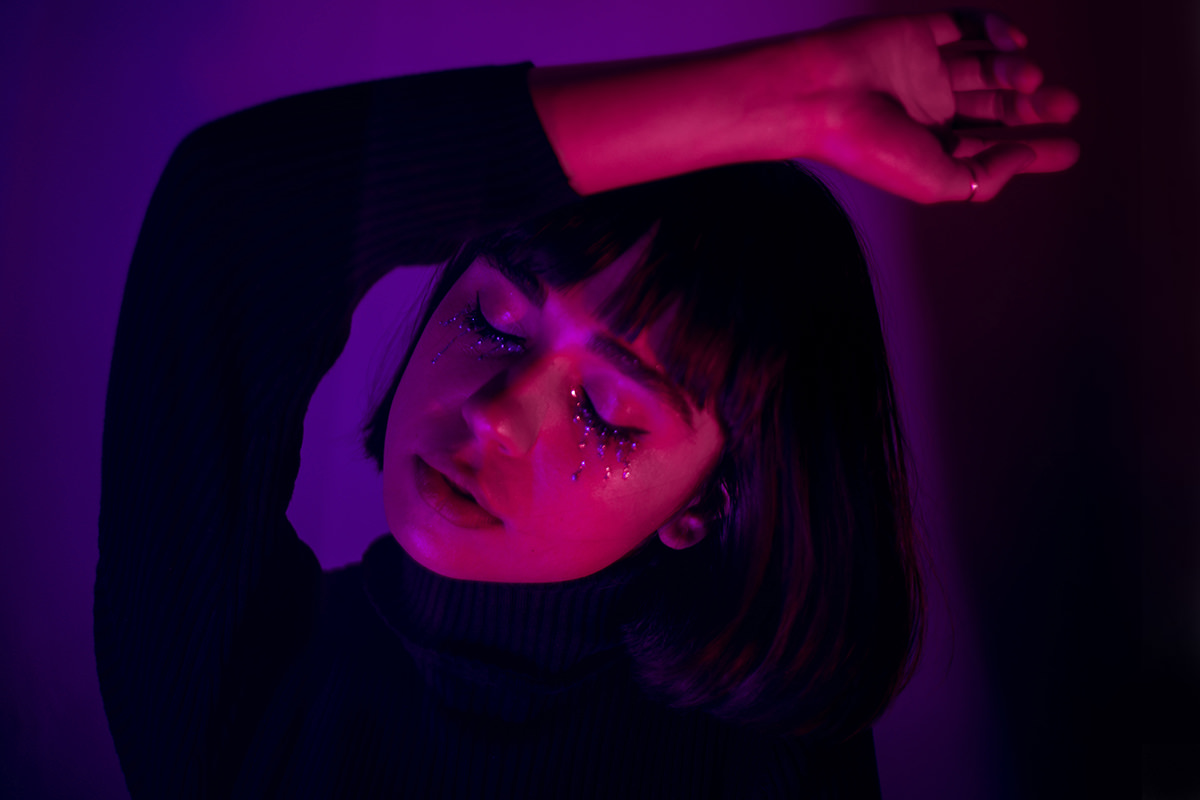
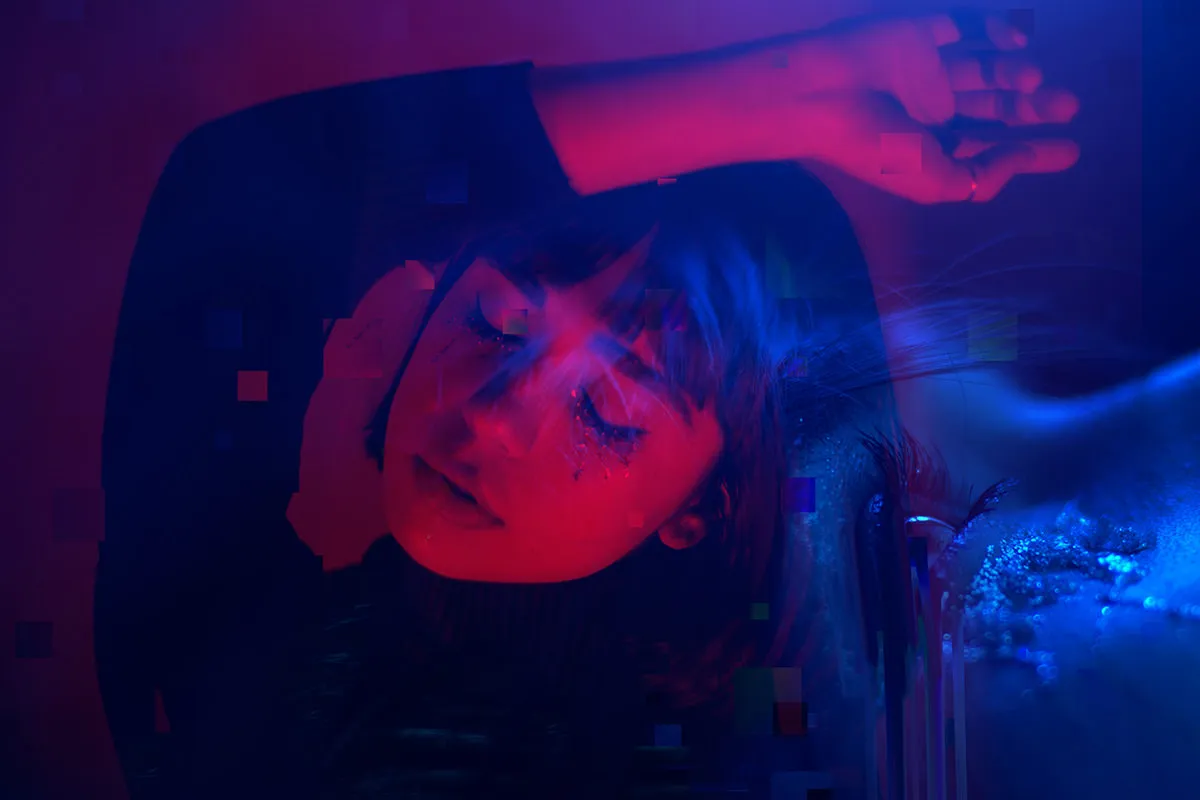
Get Creative with Glitch Effects
We show you how to add glitch effects to a variety of photos, and even combine it with other stunning effects like double exposure!
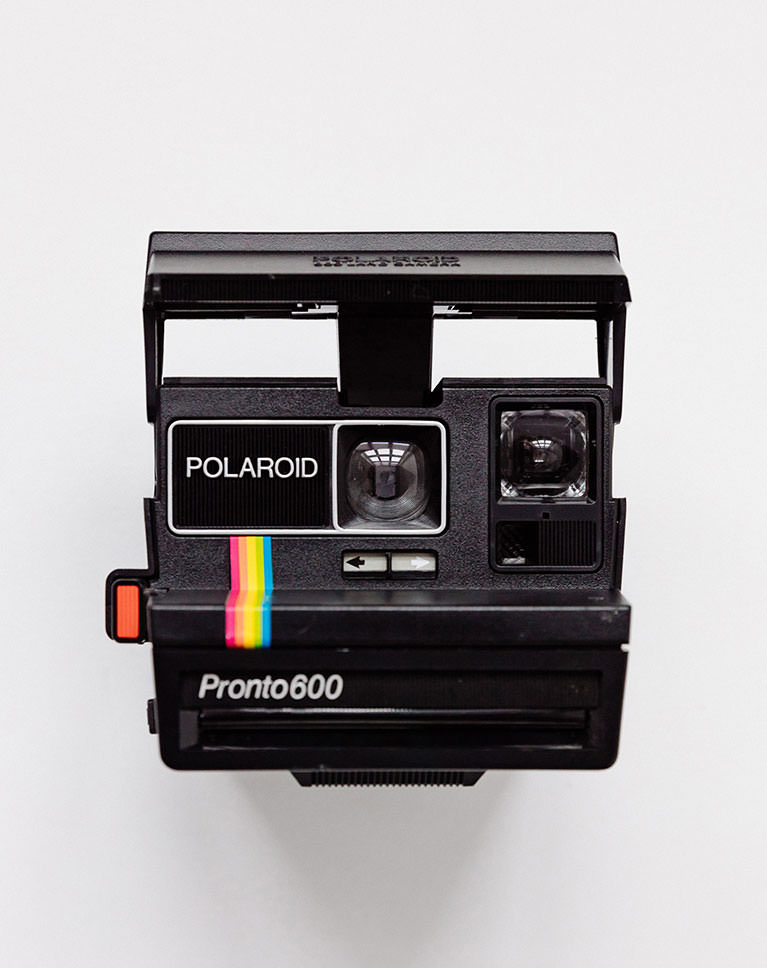
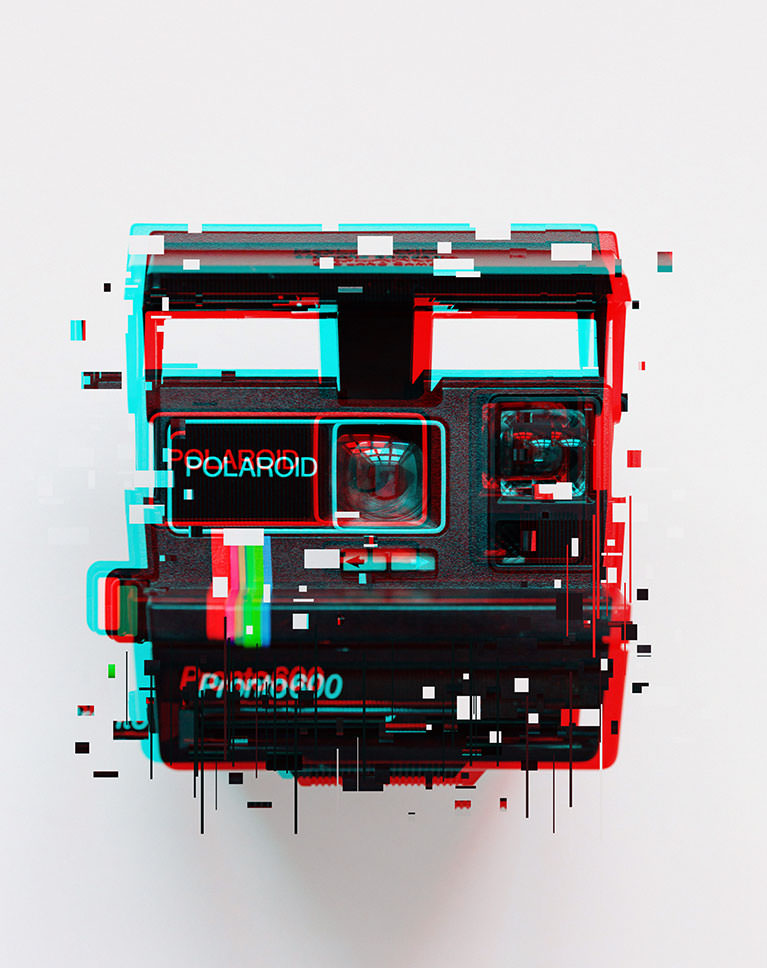
3D Glitch Effect
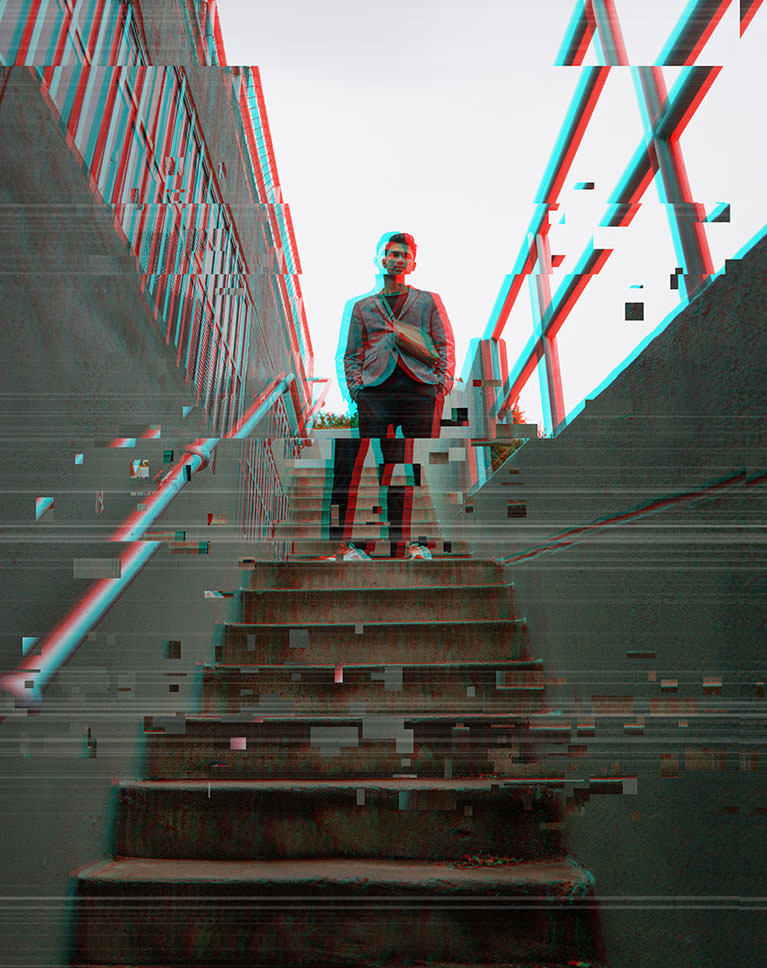
If you remember the days of those red and blue tinted 3D glasses, then you’re going to love this effect! Learn how to create a retro 3D glitch effect in Photoshop, and add some vintage charm to your glitched out photos.
Glitch Photoshop Action
We show you how to make your own glitch effects from scratch, but we make it even easier with the included Glitch Photoshop Action. Now you can create a powerful glitch effect in Photoshop in just a few clicks.
Modern Effects
Digital and analog distortion effects are the perfect way to add some modern style to your photos. Whether you’re going all out for a tech theme, or you just feel like a photo needs a little something extra, add these special effects to your Photoshop toolbox.
Portraits & Landscapes
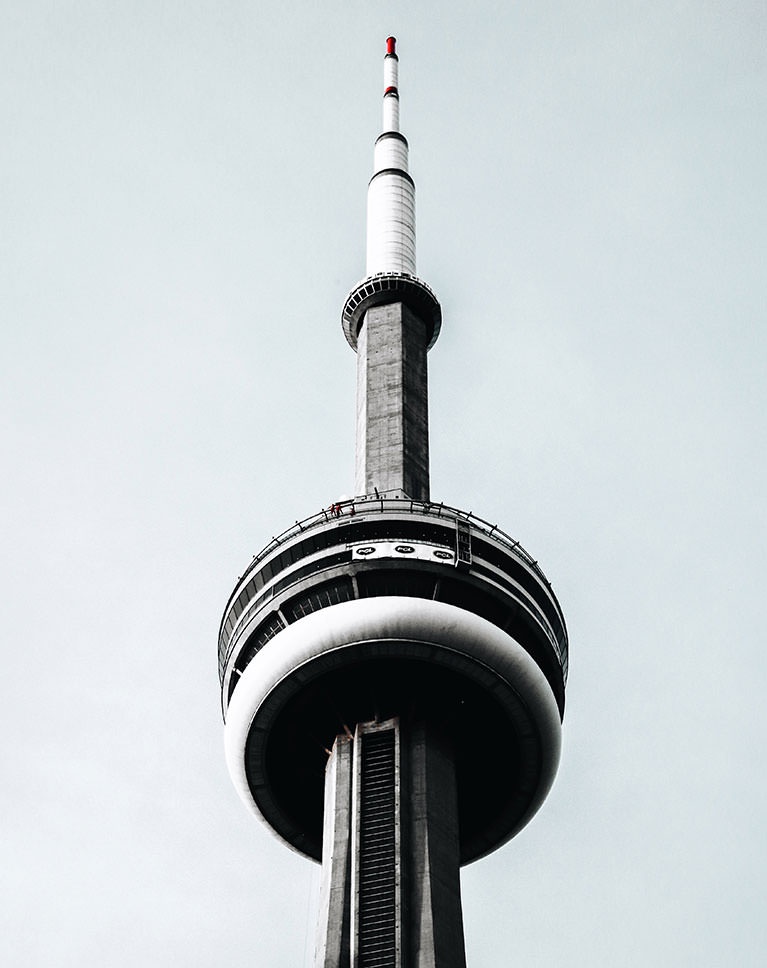
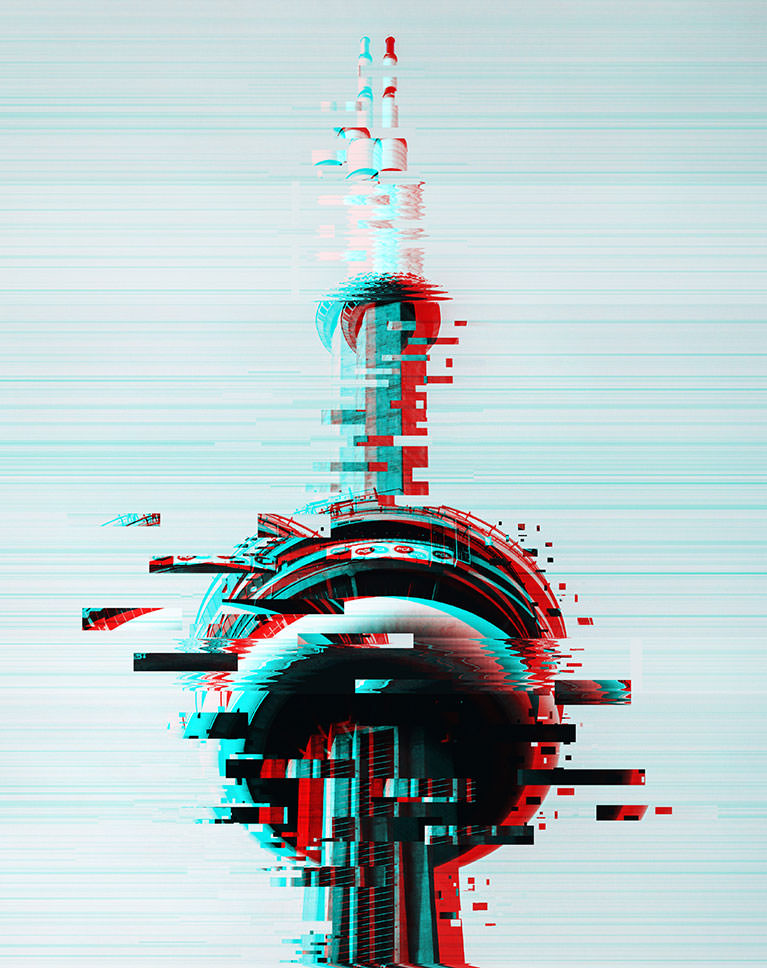
No matter what kind of photos you have, these glitch effects can add some style and pop. Follow along as we add retro and digital glitch effects to a wide variety of portraits and landscapes.
Double Exposure
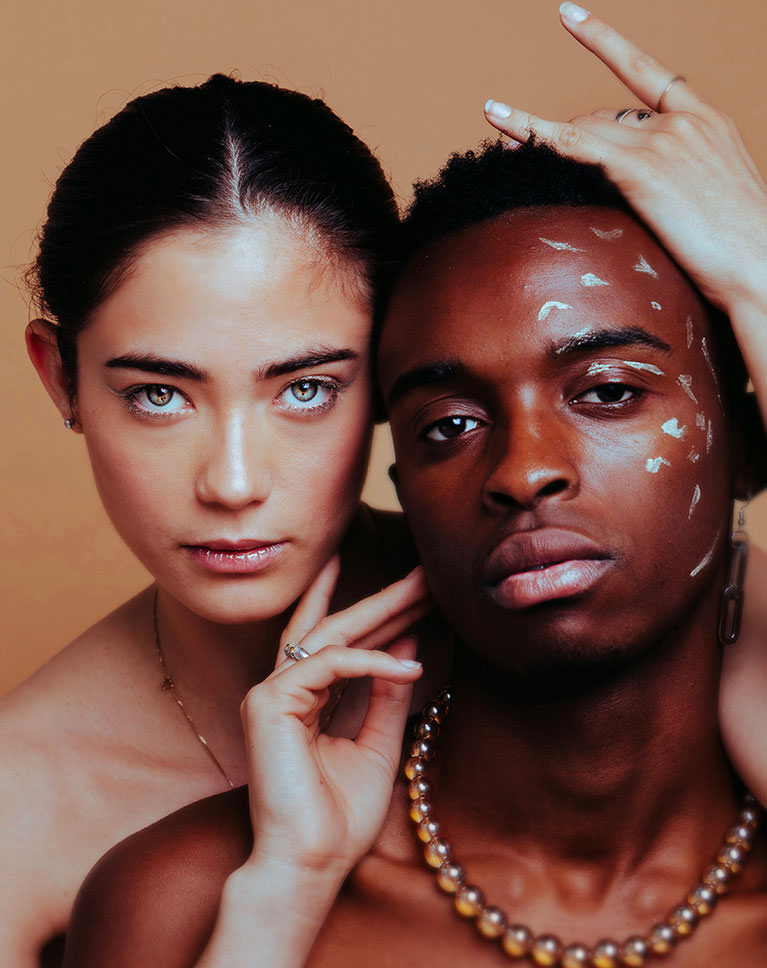
Learn how to combine glitch effects with a powerful double exposure effect, creating an extraordinary image with drama and style. If you want to learn more about creating double exposure effects, check out How to Master Double Exposure in Photoshop!
Custom Textures
Learn how to integrate custom textures into your photos for a more tactile feel. We include 7 custom-made textures photographed in our studio that are yours to keep and use forever!
Multiple Applications
We cover a broad range of glitch effects and photo types. Whether you want to make sci-fi portraits, a dystopian cityscape, or a retro VHS look, these dynamic glitch styles will help you get there.
Professional Techniques
Special effects can be easy to overdo. We show you how to combine popular effects with professional Photoshop techniques, giving your images just the right balance of style and substance.
Photoshop Special Effects
Photoshop is the go-to software for making the impossible come to life. If you love creating out-of-this-world effects and surreal images, try creating unreal composite images on your phone, learning the basics of Photoshop compositing, and making an epic sci-fi composite!

Class Instructor
Aaron Nace
PHLEARN Founder & Lead Instructor
Aaron Nace is a photographer, digital artist, and the founder of PHLEARN. He has been teaching Photoshop, Lightroom, and photography since 2011, and has taught at Adobe MAX for more than eight years.
Aaron publishes a free tutorial every week and a new in-depth PRO course every month.
- 2M+YouTube subscribers
- 160M+video views
- 1,000+tutorials published
- 15years teaching Photoshop
Reviews
Master Photoshop, Lightroom and Photography
Join PHLEARN PRO for $12.99 a month or $99.99 a year. Cancel anytime, with a 100% money-back guarantee.






I recently went through the glitch-effect Photoshop tutorials and found them excellent. The instructions were clear, well-organized, and easy to follow, and they helped me understand both the technique and its underlying logic. Overall, it’s high-quality material that I would definitely recommend to anyone looking to enhance their Photoshop skills.
Loved it. Thank you for the action, brushes, and textures.
Amazing tutorial. Thanks to Phlearn !
I saw another way of doing this yonks ago, but this is far simpler and with many more options. Thanks muchly Aaron
Glitches love special FX!!! Thank you for the many approaches and options for the effect application. I cannot wait to play with the presets!
So fun!! Thanks!
Great ideas to add creativity to your photos, and well explained.
It’s amazing! I followed the last video with my own photo so I could see how it turned out right away, and it’s awesome! Found myself a new hobby!
This is easy and tremendous amount of fun. I have already created a glitch gif and had a great time doing it. Thanks so much, Aaron, and keep up the good work!
So good for this cyberpunk theme I’ve got going on in my mind that will probably last forever…
as always fun and amazing
Excellent tutorial, as always.
This is a really phantastic technique and great learning videos. But why can’t I find the example videos of Chapter 2 Parts 1 to 5 after having passed through the whole set?
Another amazing tutorial!
Fantastic ! I jumped already on this with my photography and have created very cool effects. Great tutorial, I really like when Aaron explains different options creating the image. These videos are easy to follow, not too short, not too long, it keeps you motivated all the way. Very cool set of brushes. Definitely I will be using them a lot.
This was so fun, I recommend Phlearn to everyone who would like to learn Photoshop. Aaron makes learning fun, love his teaching style. Great work Aaron, would love to see even more of these creative tutorials. Thanks 🙂
This is such a cool effect, so went ahead and did my first one, definitely going to do more
Another well delivered tutorial, and more tricks from Aaron who btw seems to be less and less hairy 😉 For those who work on CS6 or older – it still works exept some filters require changing bit depth to 8 -that is -if you work on 16bit image in the first place.
Another great job,,,, many thanks for all your efforts,…. you always take us to the next level of ideas,,, we need to practice, practice , and practice
“Fan-tastic!”