
THIS COURSE INCLUDES
- 2 Lessonsfollow-along
- 1h 52mof captioned HD video
- Intermediatesome Photoshop basics
- 2 Sample Images+ a brush and 7 textures
Join PHLEARN PRO for instant access to this course and every tutorial on PHLEARN.
- Stream in up to 4K on any device
- Closed captions and chapters on every course
- Download all sample images and PSDs
- New PRO tutorials every month
- Cancel anytime
DESCRIPTION
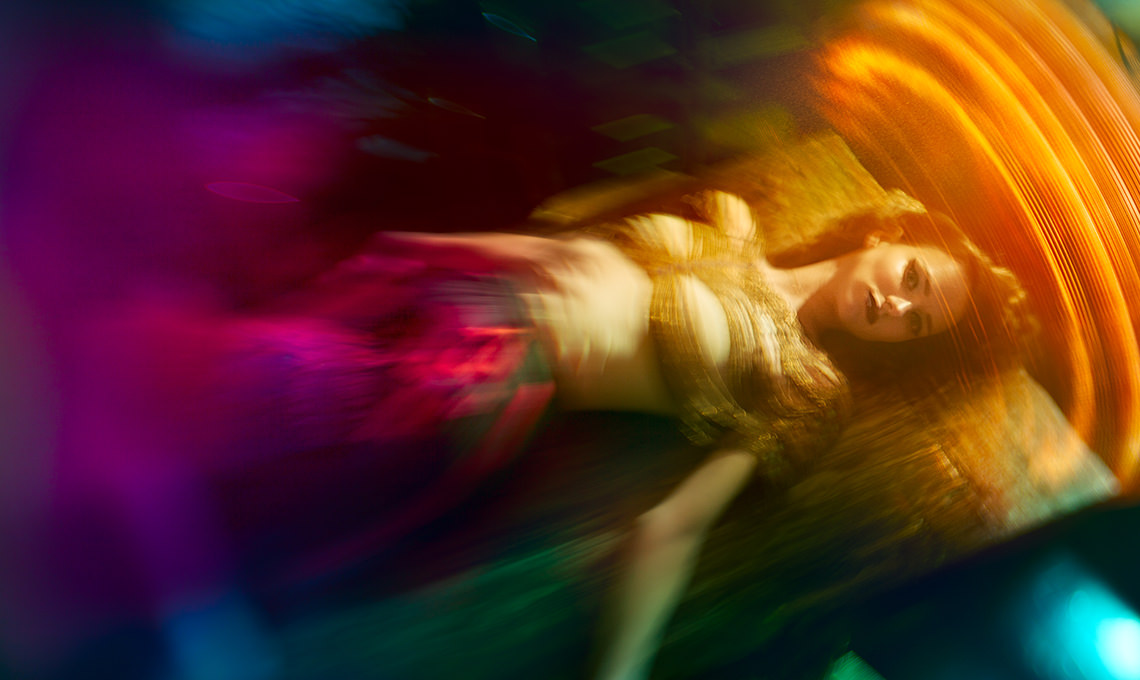
Add amazing textures, stunning color and lighting effects, and warp your images for dramatic results! In this tutorial, you’ll learn about Photoshop’s LAB color mode, color theory, and the color and lighting effects techniques that will help you create extraordinary images.
What You’ll Learn
- Master Photoshop’s LAB Color Mode for vivid color
- Add long exposure and lighting effects
- Warp images for dramatic results with color theory
Course Downloads
Advanced Lighting Effects
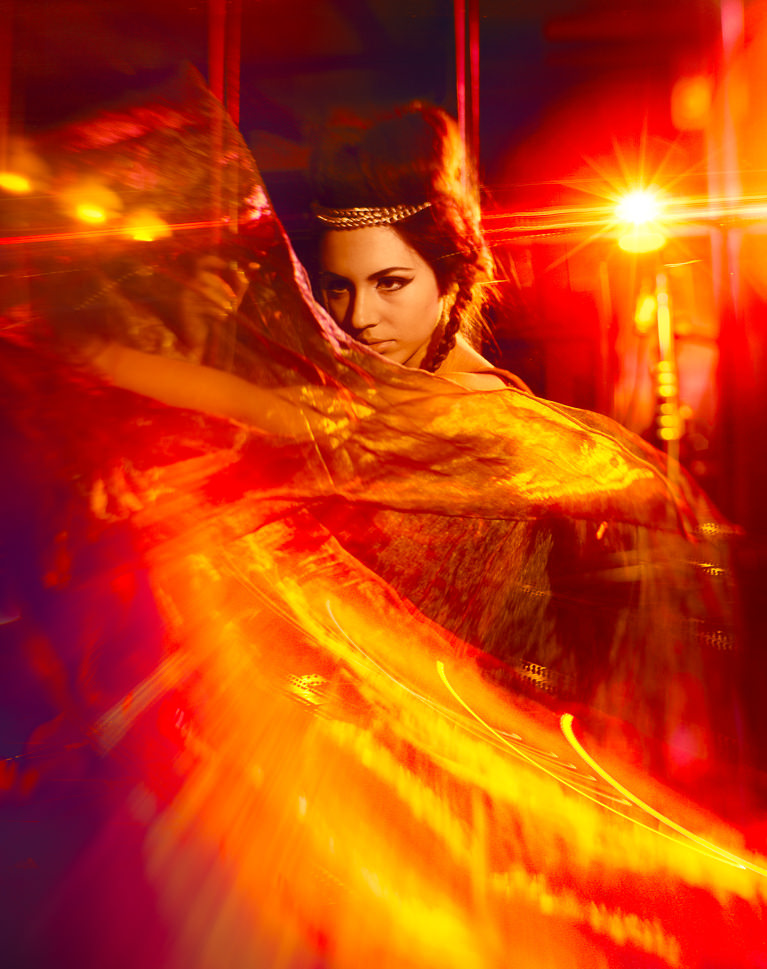
Build a Color Palette for Color and Lighting Effects
Use color theory to determine how to use complimentary colors as well as other color harmonies. Learn how to use color in shadows to help balance other strong color presence within your images.
LAB Color Mode
Use the principles of color theory and discover the advantages of working in LAB Color Mode. Bring more dynamic color and lighting effects to your images, even if the colors you want aren’t originally in the image.
Adjust Skin Tone
There’s no specific formula for creating a perfect skin tone. Especially when an image is flooded with color and lighting effects. Follow along and learn different processes for adjusting these tones to keep your
subjects looking great.
Fashion Trip
Master creative coloring! Learn the rules of color theory and how to break them for amazing effects.
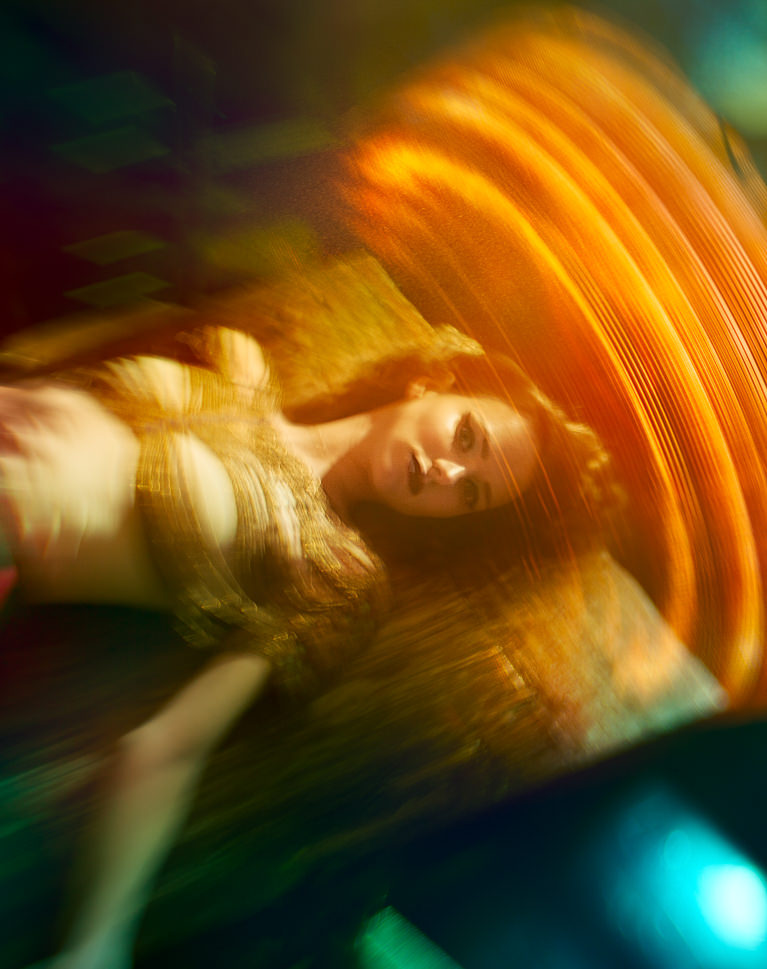
Add Beautiful Movement
Learn how to take a key element like fabric and warp it to create a more fluid shape. Through warping, adding detail and using a special blur technique, you can create the illusion of an object moving right at the camera.
Add Light Flares and Other Color and Lighting Effects
Separate lights and flares from any image so you can use them as color and lighting effects that create more detail and interest in your compositions.
Color Correction
Remove the complexities from correcting colors in shadows, mid-tones and highlights. At times, highlights are too warm or too saturated and need to be treated separately from other areas of an image. Learn how to correct color and lighting effects and restrict your changes to specific areas.
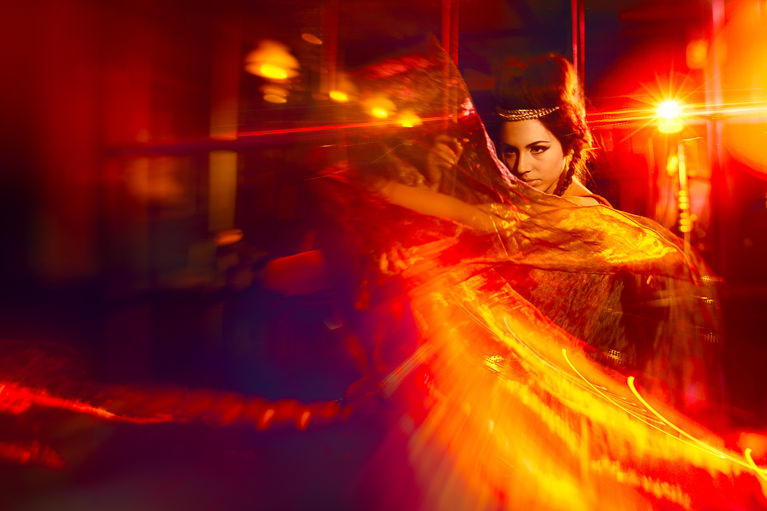
Plan Your Vision
Every Photoshop project should start by creating a plan of action. Understanding your goals for color and lighting effects will help you to outline your editing process and ensure you don’t miss anything.
Composite with Color
Take pieces from different images and bring them together to create amazing effects. Add more details to your image and then color them so they fit within your new color palette.
Why Color and Lighting Effects Work Together
Color and lighting effects are two halves of the same decision. A light flare only looks real when its color matches the palette you built for the scene, and a bold LAB color grade falls flat if the highlights and shadows do not carry that same hue. This tutorial treats them as one workflow: pick the palette first, place the light second, then correct skin tones so the subject still reads as human inside all that color.

Class Instructor
Aaron Nace
PHLEARN Founder & Lead Instructor
Aaron Nace is a photographer, digital artist, and the founder of PHLEARN. He has been teaching Photoshop, Lightroom, and photography since 2011, and has taught at Adobe MAX for more than eight years.
Aaron publishes a free tutorial every week and a new in-depth PRO course every month.
- 2M+YouTube subscribers
- 160M+video views
- 1,000+tutorials published
- 15years teaching Photoshop
Reviews
There are no reviews yet.


Unlock This Course & Every PRO Tutorial.
200+ courses. 1,000+ practice files. One membership.

Unlimited access to every PRO course
New PRO courses every month
Layered PSDs and RAW files to follow along
100+ Lightroom Presets, LUTs, Actions and Brushes
Stream in up to 4K, with captions and chapters
Watch on any device: desktop, tablet or phone
4.93 average from 3,900+ reviews · 2M+ students