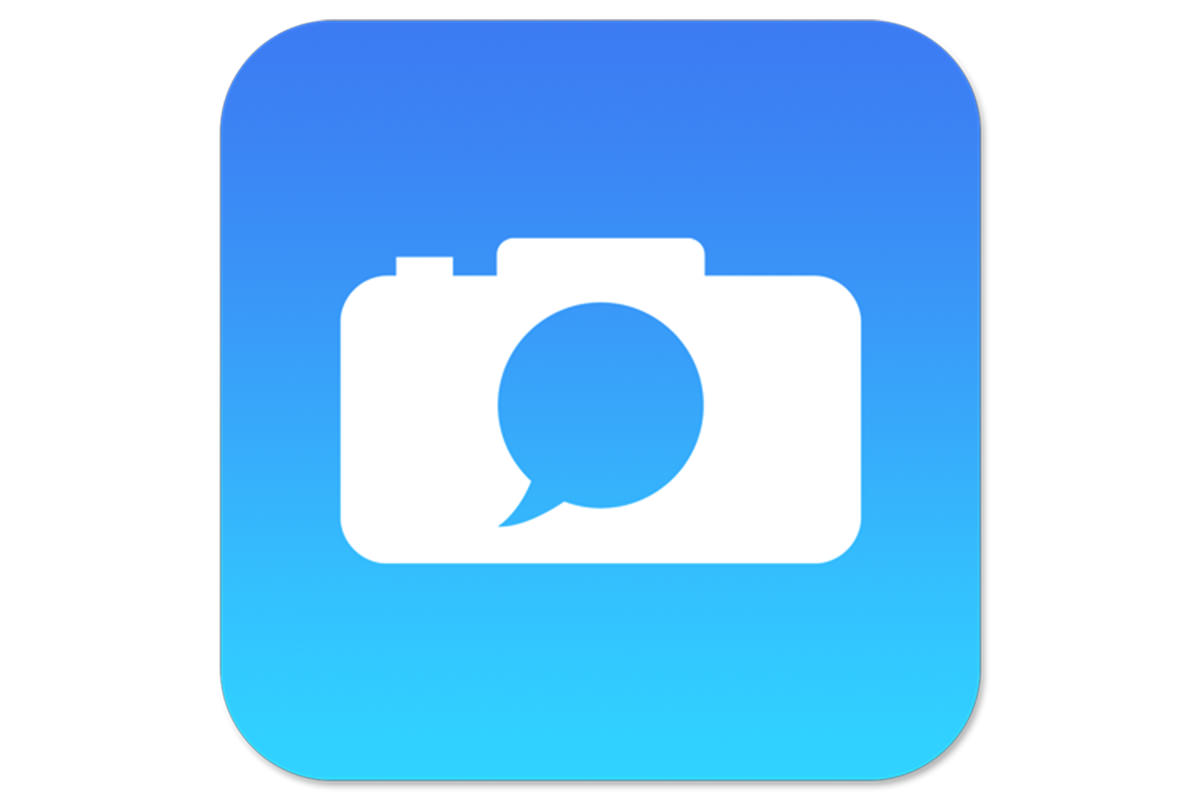


Tutorial Description
How often do you use the rounded rectangle tool?
Almost never right? In today’s episode, the rounded rectangle tool comes in handy as we create our icon. The rounded rectangle Tool helps us create are shape and there are enough options available for us to be really specific.
Sampling Colors
Next we sample Colors from the actual iOS 8 app and use a gradient to Color our rounded Rectangle.
Logo and Finishing Touches
Next we place our Logo right in the center of our shape using some alignment Tools. And to finish it all off we add a Drop Shadow, turn the Background Transparent, and save it out as a PNG file.










Enjoying This Free Tutorial? Go Further with PRO.
Unlock Full Sample Files, PSDs, and Hundreds of Masterclasses!

Download full project assets, original PSDs, and RAW images for every lesson
Unlimited access to our complete library of PRO Photoshop & Lightroom courses
Instant 4K Ultra HD streaming on all devices, anytime, anywhere
Full access to our entire library of Photoshop Actions, Presets, and LUTs
Flexible monthly and annual membership plans
Cancel anytime with zero hassle or commitments