
DESCRIPTION
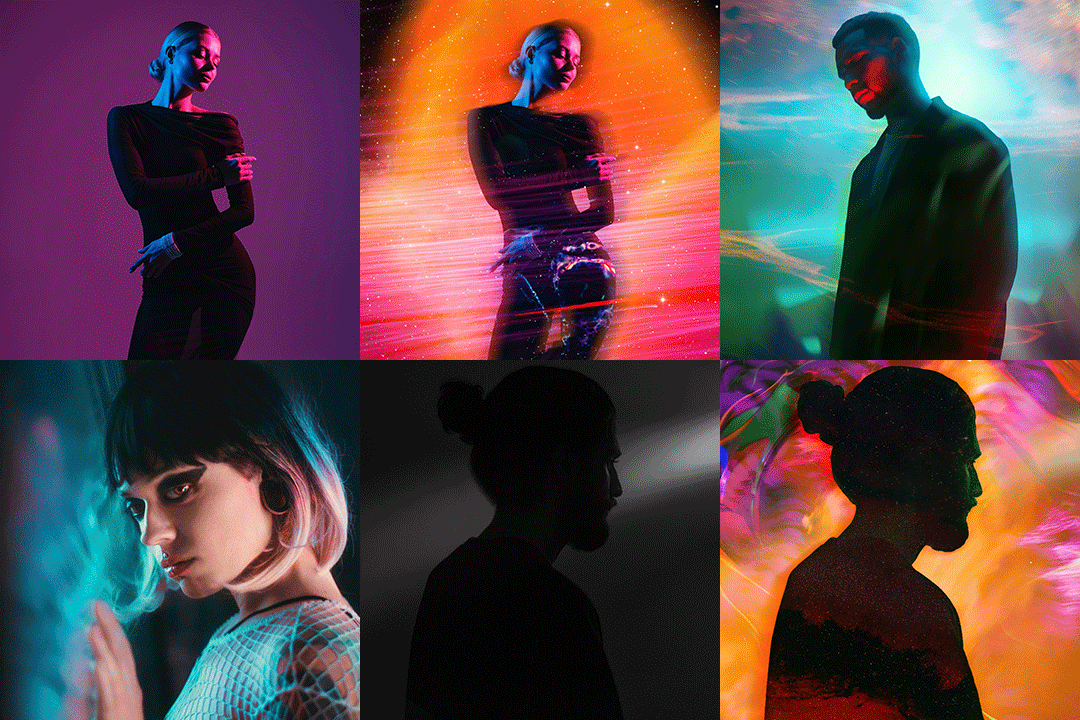
In this special composite and lighting Phlearn PRO Tutorial we will learn how to create remarkable, detailed fantasy images. Create light rays, glows, composites with multiple people, increased highlights & shadows, sharper details and much more!
THIS COURSE INCLUDES
- 6 Sample Images
- 3 Photoshop Brushes
Share
Table of Contents
Course Downloads
Create a Fantasy Composite.

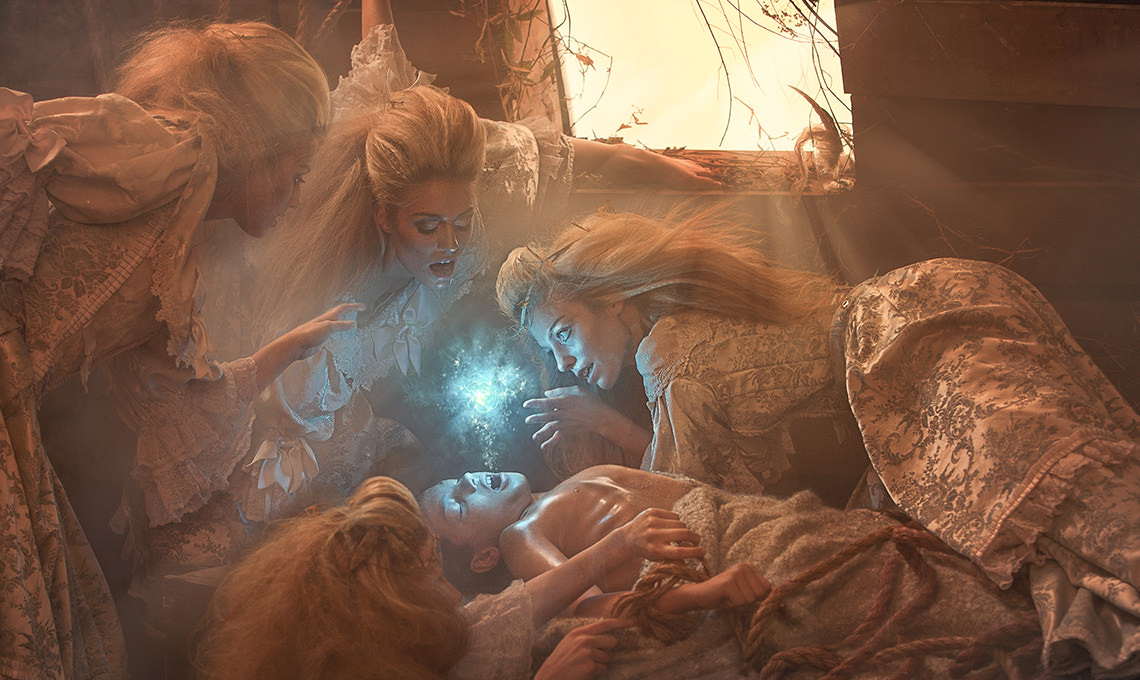
Create a Soul
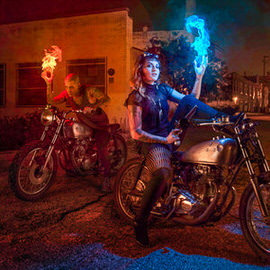
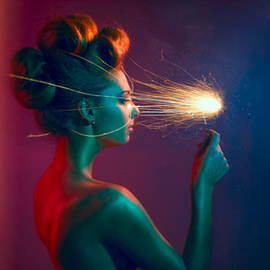
See how to use special shapes and custom brushes to create incredible special effects. You will learn how to make the glow from this blue soul actually look like it is casting light onto the models!
Tell Your Story
Develop your backstories to give your conceptual photography the framework it needs. Whenever you create a new world or fantasy scene, planning out all the details will make for a more successful shoot.
Create Light Rays
Easily add your own light rays and learn the best methods for making them blend seamlessly into your image. Adding light with Photoshop is a great way to bring atmosphere and attention to your images.
Dodge and Burn
Learn how to dodge and burn to draw attention to your subject. Alter the highlights and shadows to create extra details in specific areas. Use what you learn to add style and interest to any image.
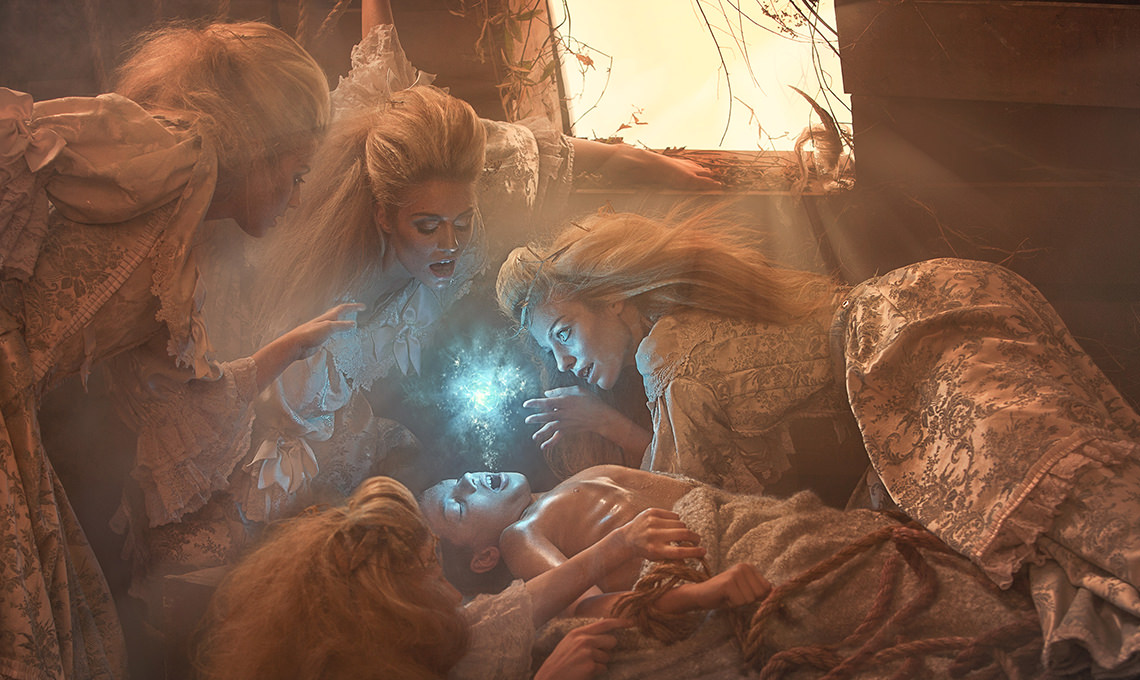
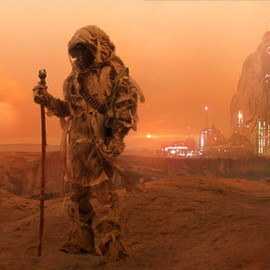
Island of Morel
Light Rays, Glowing Orbs, and more. From photoshoot to Photoshop, we’ll guide you through every step.
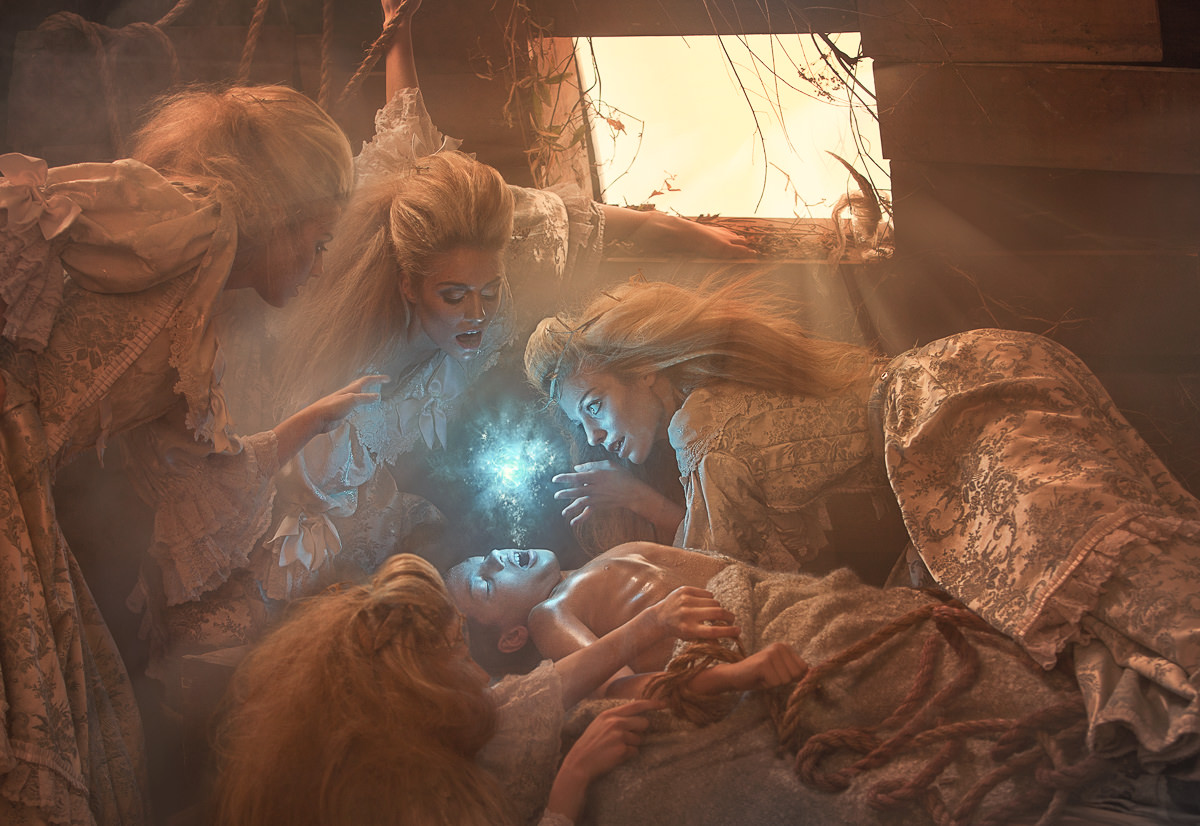
Tone Your Color
Learn how to color tone the image to create a more cohesive, artistic feel. We show you how to manipulate and enhance the warm and cool tones to draw attention and add style.
Custom Photoshop Brushes
Create your own Photoshop brushes so you’ll always have the right brush for the job. Custom brushes are excellent for advanced retouching and adding special effects to your images.
Build the Lighting
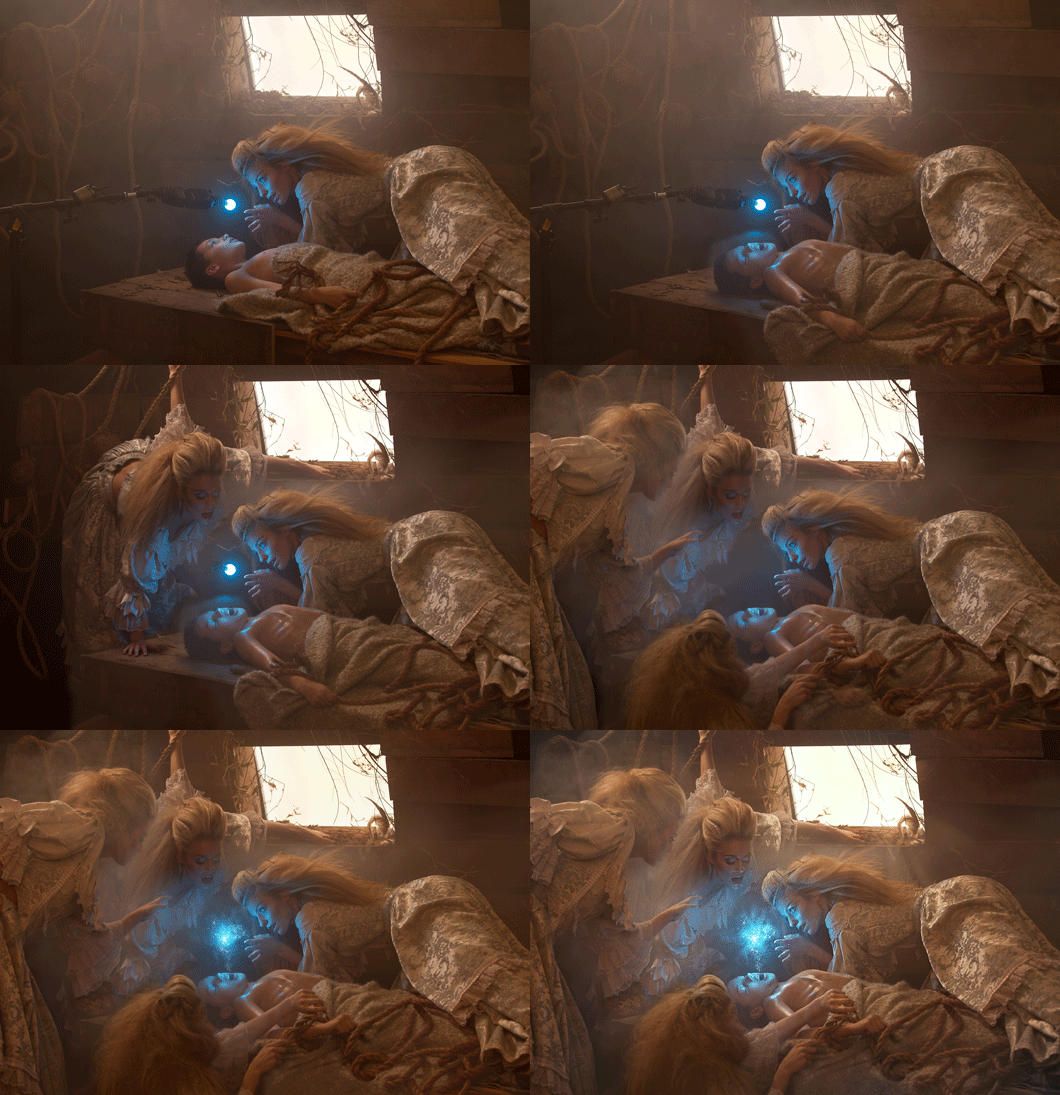
See how we set the lighting during our photo shoot. Discover how to match the lighting when shooting the same model for composite. We also show you some DIY tips and tricks to add special effects.
Blend and Composite
Learn the secrets to compositing and blending multiple photos together to create seamless, stunning effects. From start to finish, you will see how each image is adjusted and combined using Photoshop.
Reviews
New & Popular Tutorials

Training Site in
the World
Tutorials!
Ratings
and Counting
Subscribers


Master Photoshop, Lightroom, and Photography.
From $8.50/month

Unlimited access to a vast library of Photoshop, Lightroom, and photography tutorials
Exclusive downloadable resources, including Lightroom Presets and sample files
Instant streaming on all devices, anytime, anywhere
Flexible monthly and annual plans to suit your needs and budget
100% Money Back Guarantee
Fantastic composition. The making of the soul layers was very interesting and then the blurring method you did was awesome I learned many new little things that i will use in my compositions Thanks Aaron you rock
Really like the mood and everything about this composite, great tutorial!
“I’m just mentally exhausted with all this rope.” Sooo funny! O.k, back to the tutorial!
Haha. Yea, Aaron can be a little silly sometimes ?
In my first try with a mouse LOL
hey guys this is my second try but this time as a movie poster 😉 😉 😀
very very cool tutorial . Thank you so much
I love it !
Wow. Lots and lots of layers! I definitely learned several techniques that I have never used before. Amazing tutorial. Here is my result! Definitely makes me want to learn more compositing techniques!
Thank you so much for this training. I love it!
I greatly appreciate the Pro tutorials. Aaron lets us see his thought process and work flow. These are worth watching twice. Little tricks, shortcuts, and ideas (like a keyboard shortcut for a Gaussian Blur) just appear as sidebars in the videos. I had watched many of the free videos, but the pro videos are worth the investment. Frankly, I felt I owed Phlearn a purchase since I had watched so many YouTube videos free. These are more detailed and worth it. I won’t be making a soul emerging from a body since I prefer not to simply copy concepts, but I will use these basic techniques in other images. Thanks.
How much amazing!! very professional and creative post, thanks for sharing your technique with us. Please keep it continue for help us.
Hi PHLearn
Here is my version of island of Morel, what another great tutorial from you guys 🙂
would like more tutorials like this one guys, fantasy type would be great if you could work on some thing in this area ?
nice one guys 🙂
Regards Terry
Great tutorial by Aaron, the techniques taught in this tutorial are things that I would have never thought of in my previous edits. It was hard for me to believe that I would be able to get a similar result, but I am proud to say that I feel I did, not as good as Aaron, but it is good with me haha. I love this tutorial. Thank you Aaron.
An incredible and detailed tutorial by Aaron! The tutorial itself goes very much in depth into compositing images and I would highly recommend it to anyone who knows their way around Photoshop 😀
Thanks
Another amazing tutorial by Aaron. This is another must watch for anyone that is interested in compositing images. I would highly suggest you get The Beginners Guide To Compositing first. The techniques taught in this tutorial are things that I would have never thought of in my previous edits. Aaron does such an amazing job. It was hard for me to believe that I would be able to get a similar result, but I am proud to say that I feel I did. Not as good as Aaron, but it is good. I will return to this after I have more experience compositing.
light aejustment so great
Unreal, I learnt so much, trying to up load my photo but I cant! you guys, seriously. My photography has jumped incredible leaps and bound because of you guys! only way I can express my thanks is to keep buying tutorials !