

THIS COURSE INCLUDES
- 3 Lessonsfollow-along
- 3h 38mof captioned HD video
- Intermediatesome Photoshop basics
- 3 Sample Images+ a brush and a breakdown video
Part of a Learning Path
Join PHLEARN PRO for instant access to this course and every tutorial on PHLEARN.
- Stream in up to 4K on any device
- Closed captions and chapters on every course
- Download all sample images and PSDs
- New PRO tutorials every month
- Cancel anytime
description
This PHLEARN PRO course takes you step-by-step through the high-end fashion retouching of not just one, but three different images! Each look uses different lighting and calls for a different approach. We guide you through everything.
What You’ll Learn
- Retouch high-fashion images three different ways
- Remove blemishes and objects for a clean final shot
- Add stylistic color and light effects to any look
Course Downloads
Master Fashion Retouching
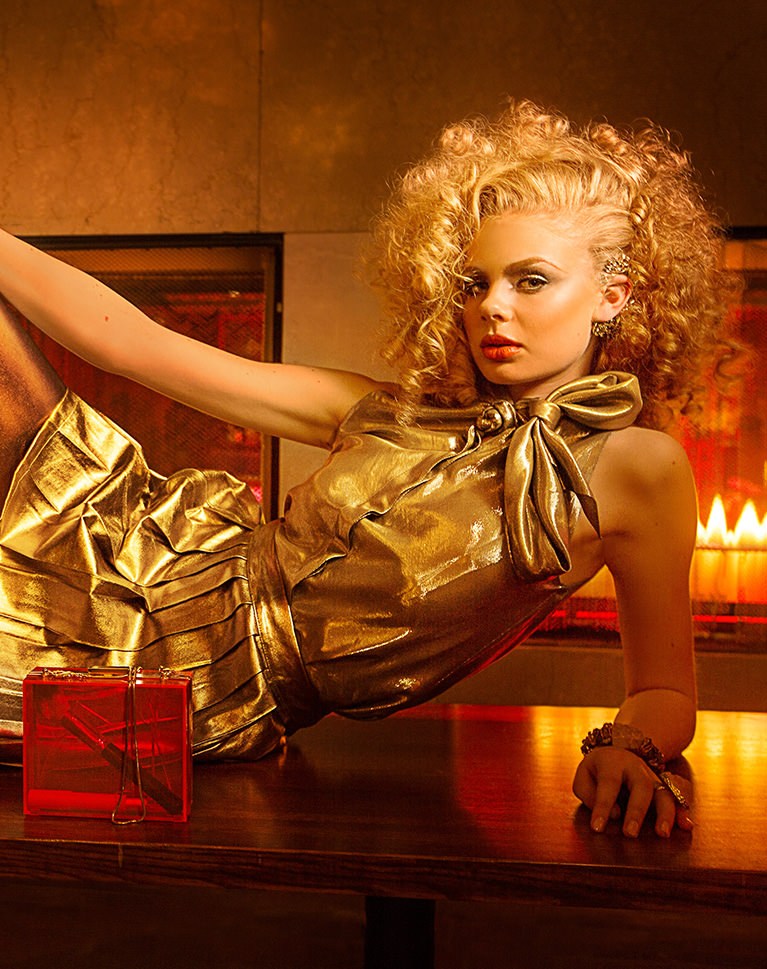
Fashion Retouching Across 3 Incredible Looks
Get more with Phlearn PRO Tutorials and learn everything from all 3 images. In this fashion retouching course we will teach you skin retouching, object removal, creating textures, lighting effects, advanced image coloring and more.
3D Lighting Diagram Videos
Go behind the scenes to see how and why each image was lit. The included 3D Lighting Diagram Videos explain all of the lighting and camera angles in detail so you can recreate each fashion retouching look easily.
Object Removal
Learn multiple methods for object removal that will work for any fashion retouching job or any one of your photos. You will even learn some special features of the Clone Stamp tool that will make it much more effective.
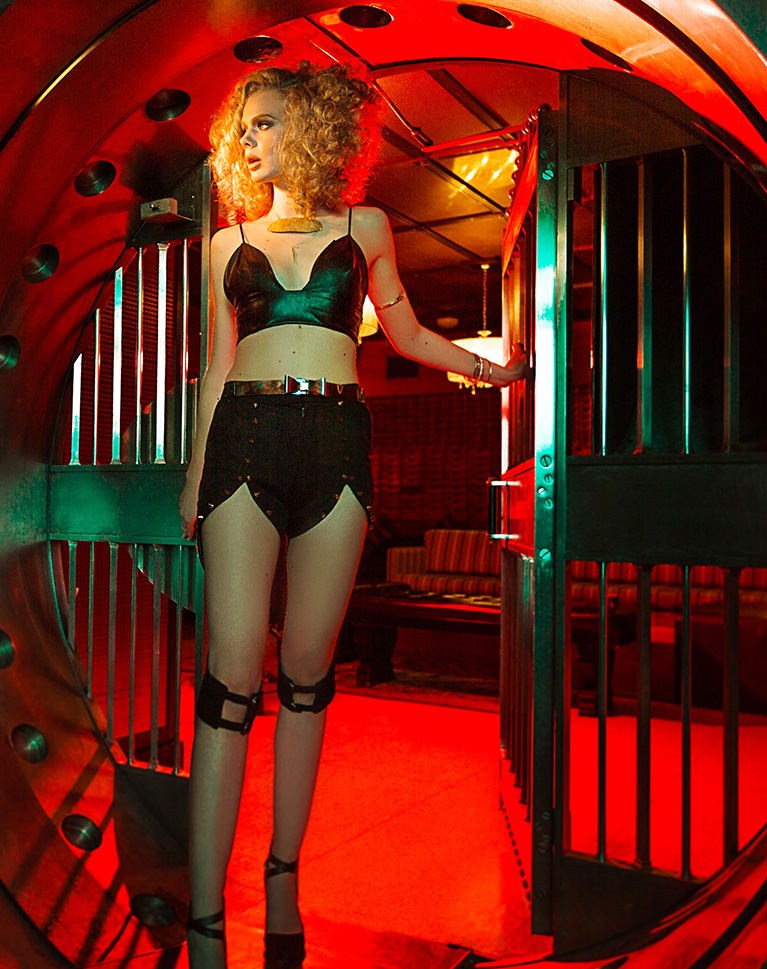
Skin Smoothing for Fashion Retouching
Be sure to pay attention to the entire body. Most of the time it is not just the individual pores that need work, but the overall shapes. Learn how to smooth skin the way high-end fashion retouching demands and keep your subjects looking their best.
Sharpen the Details
Learn how to selectively sharpen different areas of the image to draw attention to where it’s needed. See exactly where and how to sharpen for the greatest impact in fashion retouching.
Fashion Retouching Is All About Color and Lighting
Create amazing high-fashion images by mastering color and lighting. Both on-set and in post. Learn how to balance the lighting to give your subject more even lighting from head to toe. Correct color in the shadows and highlights to keep your fashion retouching more natural.
Professional Fashion Retouching Tools and Techniques
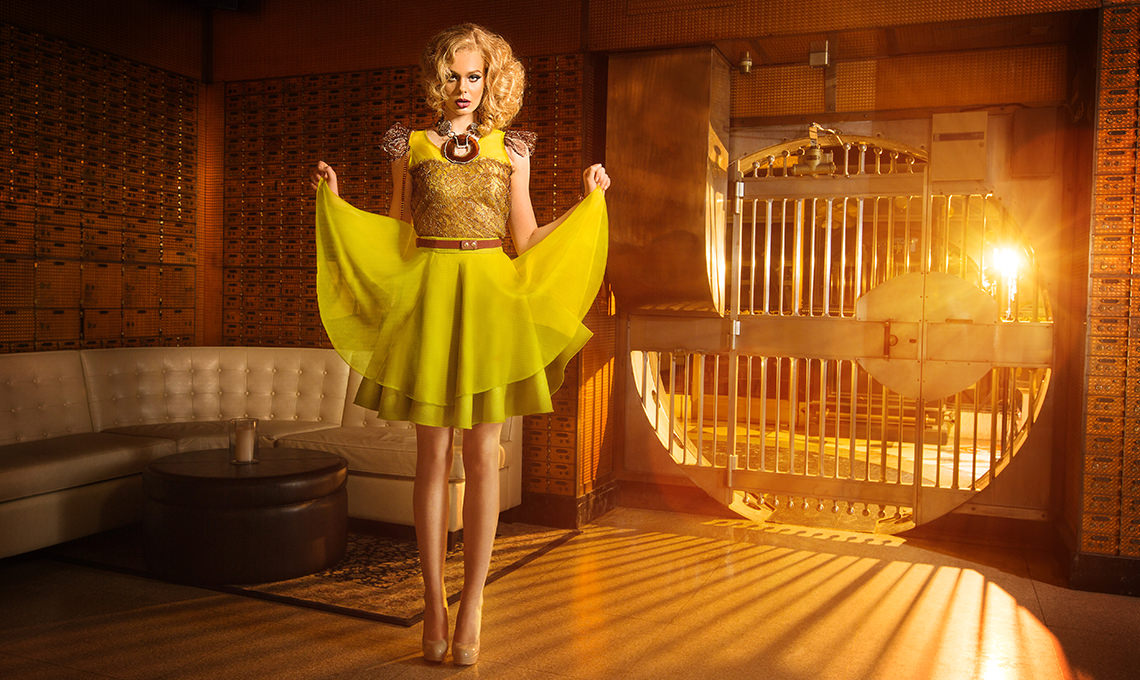
High Fashion, Detailed Retouching
Learn professional Photoshop fashion retouching techniques for beauty and fashion images. From cleaning up wardrobe and backgrounds, to stunning color and lighting adjustments, we show you everything you need to know!
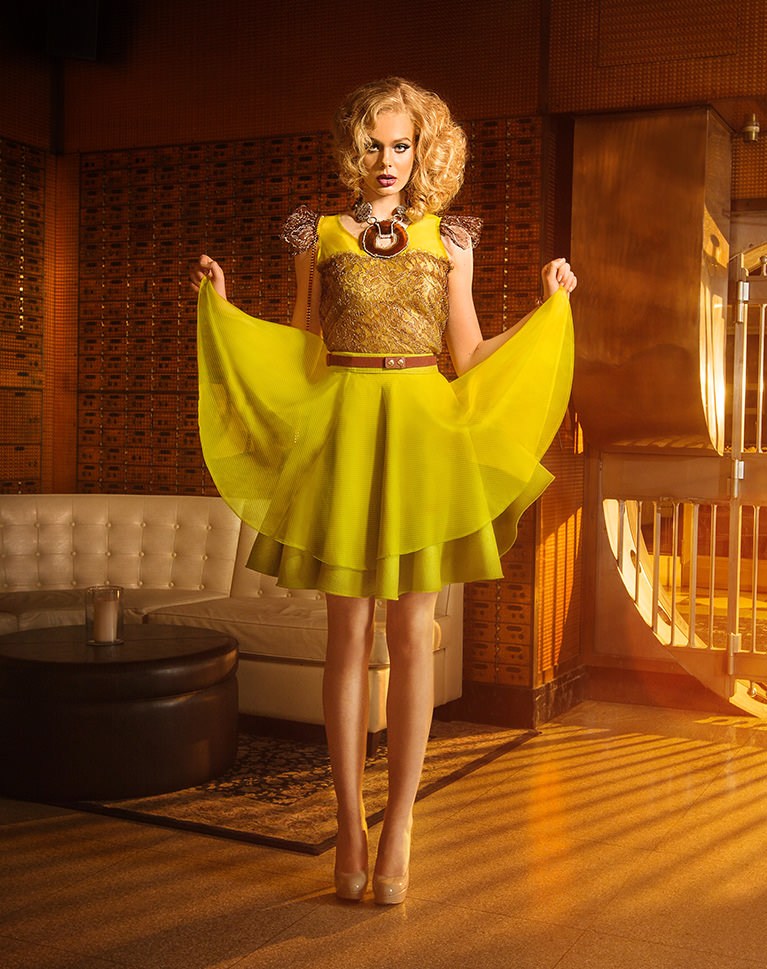
Change Colors
Learn our two-part process to changing colors. First even out the colors, then color the base and the highlights separately. This provides more options for coloring and makes the final fashion retouching more realistic.
Create Texture
Learn an amazing technique to apply a realistic texture to almost anything. Sometimes during heavy fashion retouching, you can smooth an area too much. We show you how to bring detail and texture back to your image.
Remove Flyaway Hair
Learn how to easily remove flyaway hairs and keep the hairline looking realistic at the same time. Flyaway hair is very common in fashion retouching and almost always needs to be fixed in post.
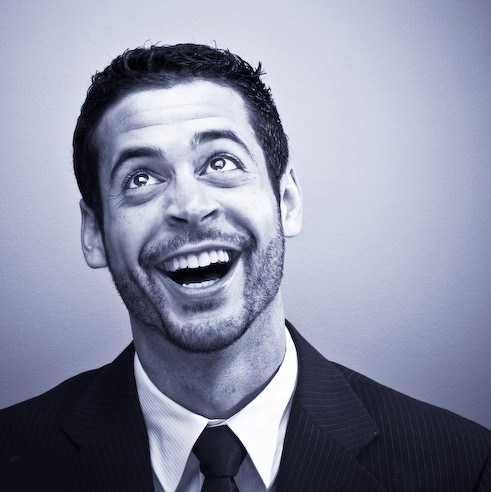
Class Instructor
Aaron Nace
PHLEARN Founder & Lead Instructor
Aaron Nace is a photographer, digital artist, and the founder of PHLEARN. He has been teaching Photoshop, Lightroom, and photography since 2011, and has taught at Adobe MAX for more than eight years.
Aaron publishes a free tutorial every week and a new in-depth PRO course every month.
- 2M+YouTube subscribers
- 160M+video views
- 1,000+tutorials published
- 15years teaching Photoshop
Reviews
Master Photoshop, Lightroom and Photography
Join PHLEARN PRO for $12.99 a month or $99.99 a year. Cancel anytime, with a 100% money-back guarantee.






pretty good tutorial , Ive been following quite a bit, really god tutorials. thanks a lot aaron
This is great! One of the things i like most about your tutorials is that they don’t only teach you Photoshop tools, they go beyond that. Like giving information about compositing and how to drive the focus of the viewer to certain parts of an image and other things like that.
Hello. I really like this tutorial. Keep up the good work!!
i’ve just started retouching 2 months ago and have already entered a few competitions and won.
when people ask whats my secret… PHLEARN!
the fashion retouching does wonders for guys like me who just started editing. im sure it gets more complex but this tutorial is easy to follow and easy to learn from.
on top of that its 3 in 1 which helps with editing your own photographs.