

THIS COURSE INCLUDES
- 4 Lessonsfollow-along
- 59mof captioned HD video
- Intermediatesome Lightroom basics
- 4 Sample Imagesto follow along
Join PHLEARN PRO for instant access to this course and every tutorial on PHLEARN.
- Stream in up to 4K on any device
- Closed captions and chapters on every course
- Download all sample images and PSDs
- New PRO tutorials every month
- Cancel anytime
Description
Some photographs are all about the people and moments in our lives that matter most. And it’s images like these that require a delicate touch during the editing process. Join us through four complete edits as we show you how to edit family photos in Lightroom Classic, fixing the problems family portraits run into all the time: faces a little too dark, noise from shooting later in the day, flat light, and small distractions that pull the eye away from the people.
Learn how to balance exposure, add subtle color toning, draw more attention to subjects, and help those precious memories last a lifetime. You’ll read the histogram to set your darks and lights, brighten faces with the Radial Filter, and guide the eye with the Graduated Filter and Adjustment Brush while keeping skin tones natural. You’ll remove blemishes, stray hairs, and a logo with Spot Removal, clean up color and luminance noise, try Color Grading, and save Snapshots so you can compare versions. When one distraction is too big to remove in Lightroom, we show a workaround and are honest about when Photoshop would do it better. Sample images are included so you can follow along.
What You’ll Learn
- Balance exposure and natural color with a delicate touch
- Draw attention to your subject with a strong focal point
- Edit family photos in Lightroom Classic with subtle toning
Course Downloads
Subtle Changes for Timeless Photos


Subtle Changes that Make a Big Difference
Four sample photos. Four complete edits. Everything you need to know to make small, but effective, edits to help the people and moments in a photo stand out.


Edit Family Photos in Lightroom Classic
Family photos stay with people throughout entire lives and generations. Learn how to edit family photos in Lightroom Classic with exposure, color, and contrast to create images with a fresh and timeless feel.
Lift Shadows, Balance Exposure
We show you the fundamentals of balancing exposure in Lightroom Classic, using the histogram and Lightroom’s adjustment tools to restore detail and help subjects look their absolute best.
Draw Attention to Subjects
Sometimes just taking a photo of a person isn’t enough. When you edit family photos in Lightroom Classic, we demonstrate some tried-and-true tricks to help make sure the subjects in your images are the center of attention.
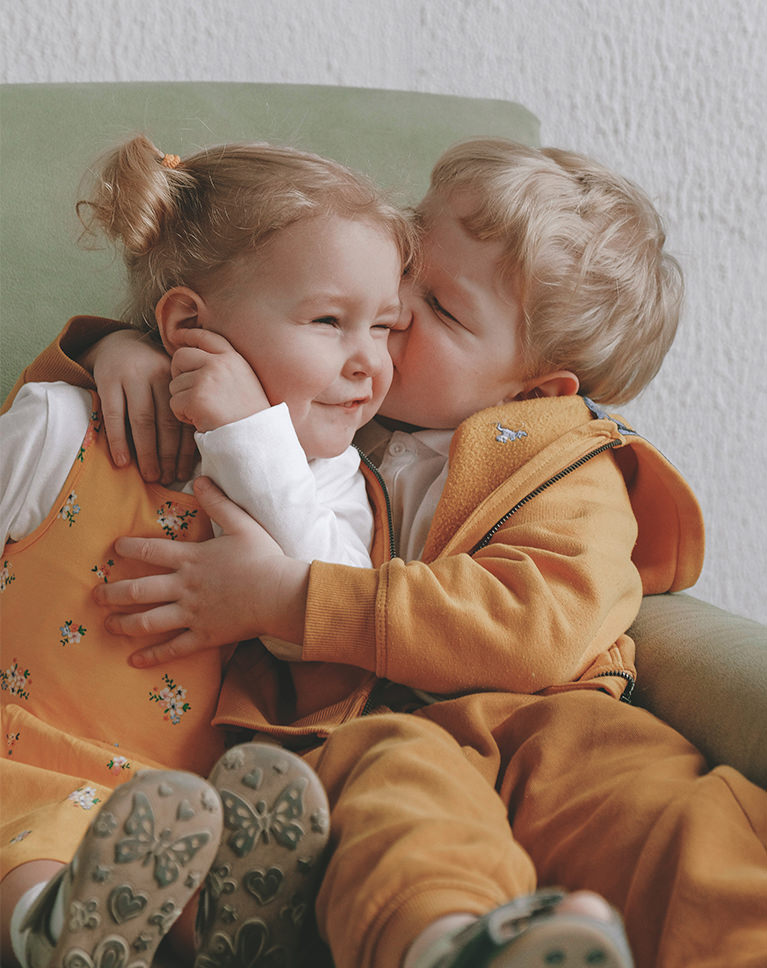
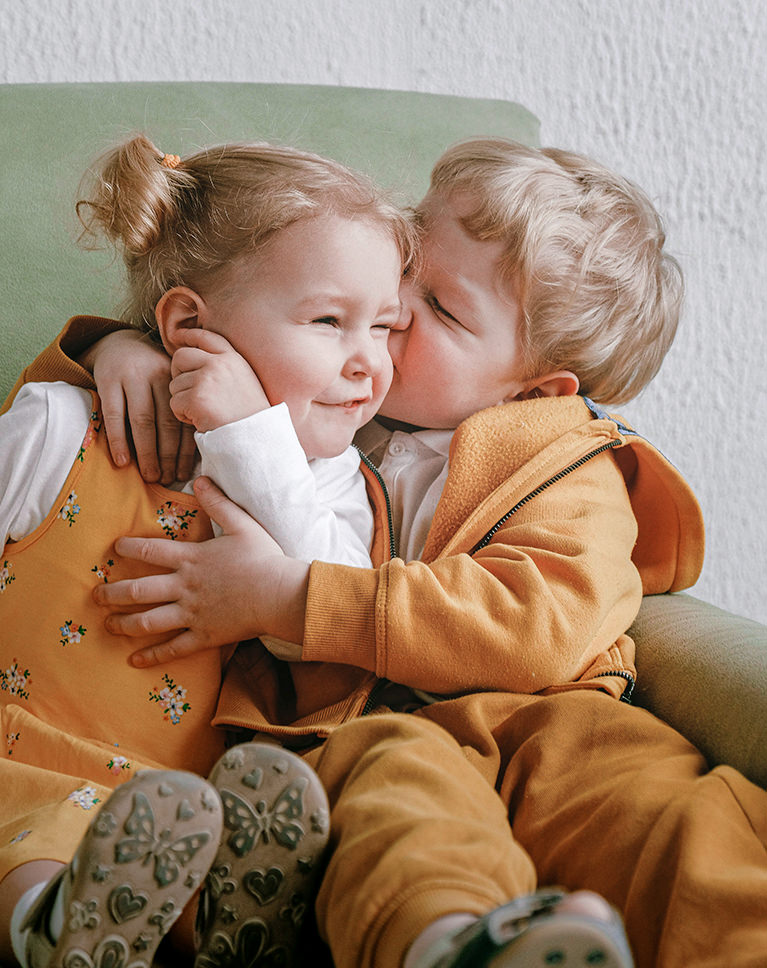
Contrast & Sharpening
If you’re editing family photos, chances are you’re working with a lot of smiling faces. Draw more attention to those loving looks by adding subtle contrast to your subject’s most important features, like eyes, smiles, and hair.
Subtle Color Toning
Sometimes dramatic and stylized color can take away from message of a photograph. Learn how to simplify color and exposure, lifting shadows while adding subtle, warm coloring to help your subjects shine.
Noise Removal
Unwanted noise can give an image a rough, gritty feel. Learn how to soften a photo when you edit family photos in Lightroom Classic by reducing and removing noise with the easy-to-use tools in Lightroom Classic.
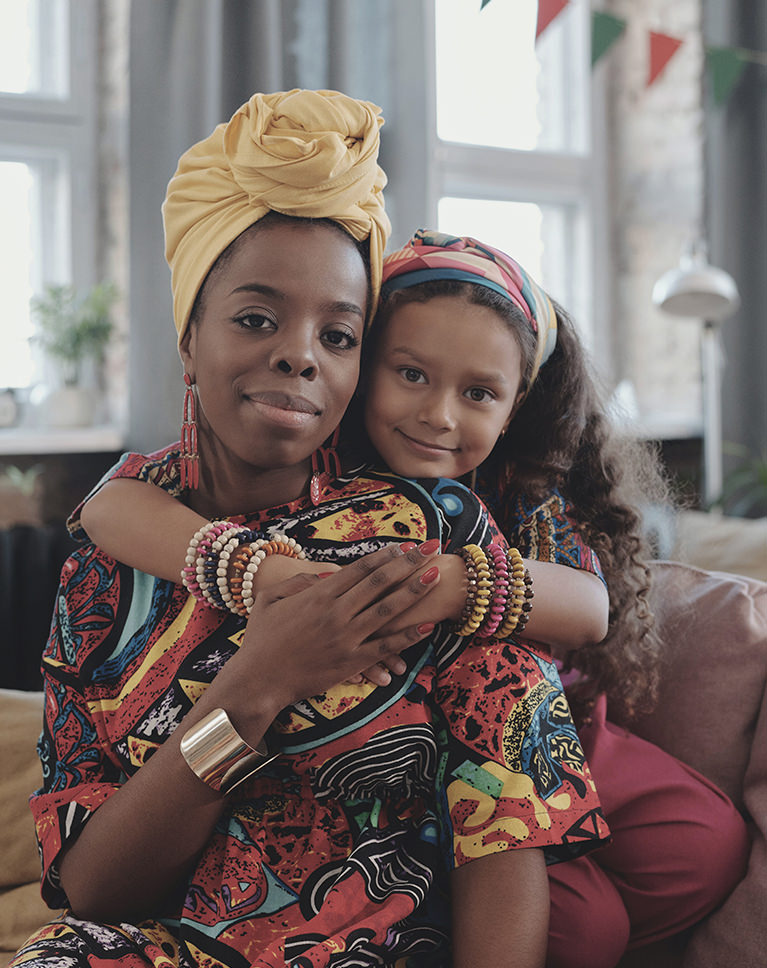
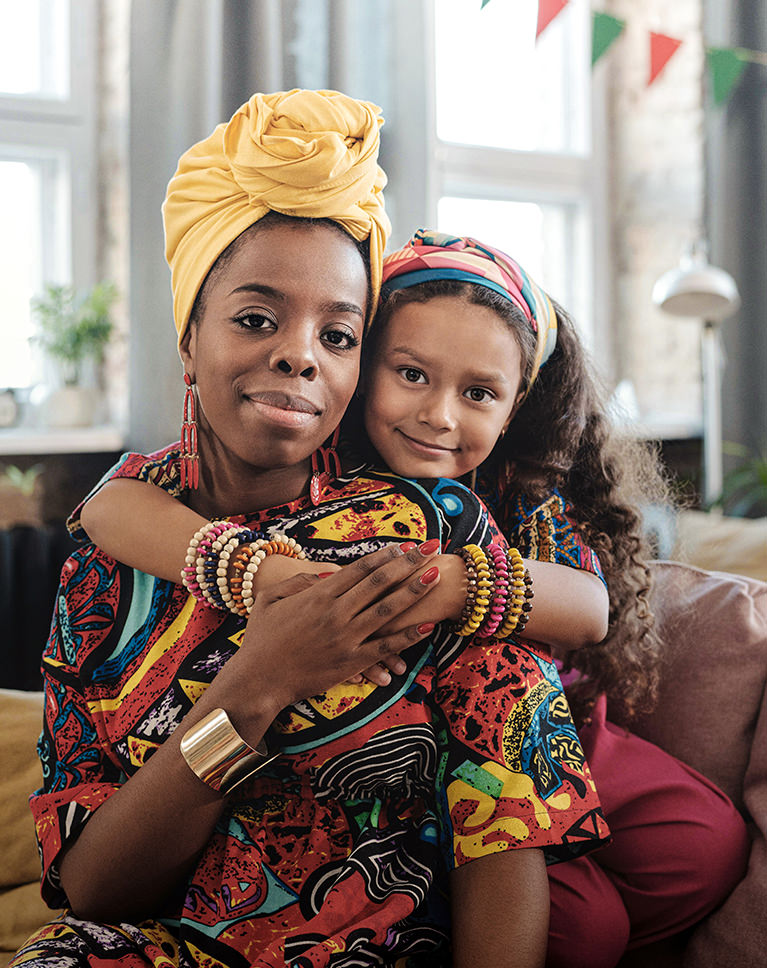
Remove Distractions
You’d be surprised how much small distractions can make a big difference in your images. That’s why we show you how to use the Spot Healing Brush and Clone Stamp Tool in Lightroom Classic to quickly remove unwanted objects, helping the people and moments take center stage.
Vibrance vs. Saturation
What’s the difference between and vibrance and saturation? We’ll show you! Learn how to help colors pop while keeping skin tones warm and natural.
Lightroom Presets & LUTs
If you want even more inspiration on how to edit family photographs, be sure to check out our Family Lightroom Preset Pack and our Family Vibes Color-Grading LUTs!

Class Instructor
Aaron Nace
PHLEARN Founder & Lead Instructor
Aaron Nace is a photographer, digital artist, and the founder of PHLEARN. He has been teaching Photoshop, Lightroom, and photography since 2011, and has taught at Adobe MAX for more than eight years.
Aaron publishes a free tutorial every week and a new in-depth PRO course every month.
- 2M+YouTube subscribers
- 160M+video views
- 1,000+tutorials published
- 15years teaching Photoshop
Special thanks to Alex Green, Askar Abayev, Ketut Subiyanto, and Anna Shvets. Images for this PRO course were sourced from Pexels.
Reviews
Master Photoshop, Lightroom and Photography
Join PHLEARN PRO for $12.99 a month or $99.99 a year. Cancel anytime, with a 100% money-back guarantee.






really helpful – i just could not be with out phlearn. I dont think they have a couple of the tools available any more – for example i dont think (or im blind lol) they have the adjustment point slider in HSL colour any more. that would be so handy to adjust from the picture itself
Great basics for using Lightroom. Highly recommended and Aaron as usual is excellent.
I’m starting to put together a book of photos of our grandson during 2020 using Lightroom and the Blurb Book section. This editing advice is perfect to help me make this book that much better than the 2019 book of photos. Thanks. Perhaps a tutorial on using the Blurb layouts as well would help me make the 2021 book even better?
I thought it was a quick very informative video. I am not a pro but am working my way up that ladder. These quick 4 examples helped to show me how making subtle adjustments can make significant improvements in ‘Family Photos’.