
THIS COURSE INCLUDES
- 13 Lessonsin 2 sections
- 3h 51mof captioned HD video
- Intermediatesome Photoshop basics
- 12 Sample Images+ an action
Part of a Learning Path
Join PHLEARN PRO for instant access to this course and every tutorial on PHLEARN.
- Stream in up to 4K on any device
- Closed captions and chapters on every course
- Download all sample images and PSDs
- New PRO tutorials every month
- Cancel anytime
Description
Hair is one of our most defining physical features. And with so much detail and variation, it’s oftentimes the most challenging part of professional retouching. But not anymore!
Master retouching hair in Photoshop: learn how to rescue details, remove flyaways, add volume, and enhance the definition of hair in any photo. We break down every tool and technique in Photoshop to get picture-perfect hair, every time.
What You’ll Learn
- Remove flyaways and stray hairs with precision
- Shape and add volume to hair with the Liquify Tool
- Rescue detail and enhance definition in any hair
Table of Contents
-
01 - Remove Flyaways36:47m
-
02 - Shape Hair10:51m
-
03 - Recover Details11:14m
-
04 - Change Hairline14:53m
-
05 - Fill in Gaps8:40m
-
06 - Dodge & Burn9:56m
-
07 - Remove Unwanted Hair24:24m
-
08 - Extend Image & Add Hair27:34m
-
09 - Add Volume & Length19:08m
Course Downloads
Make Every Strand Count
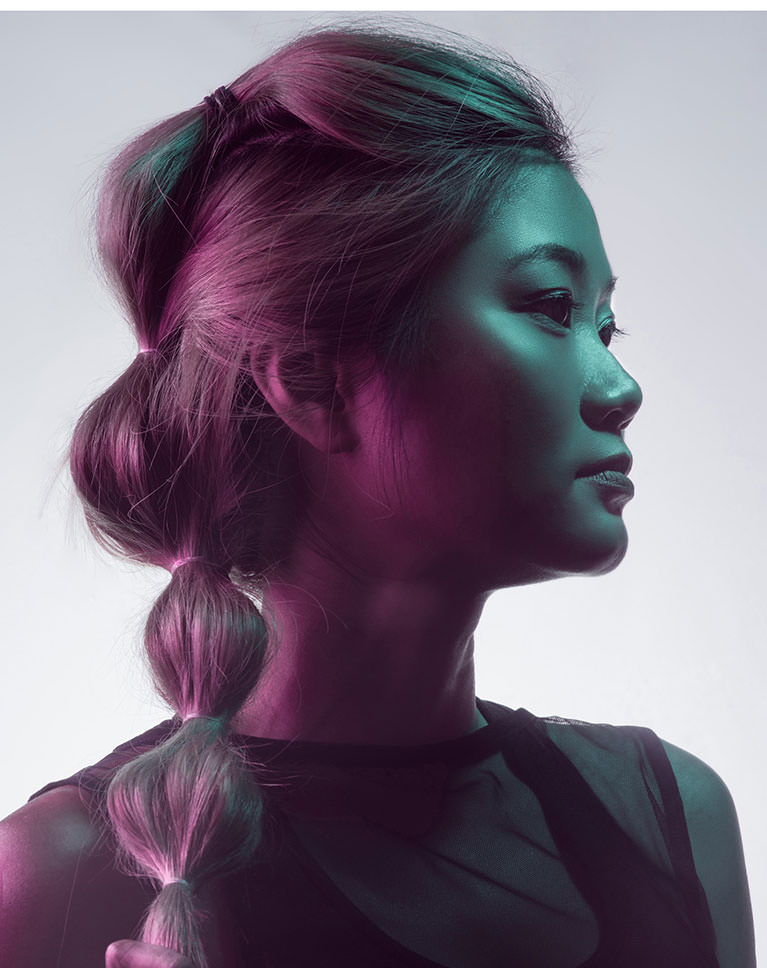
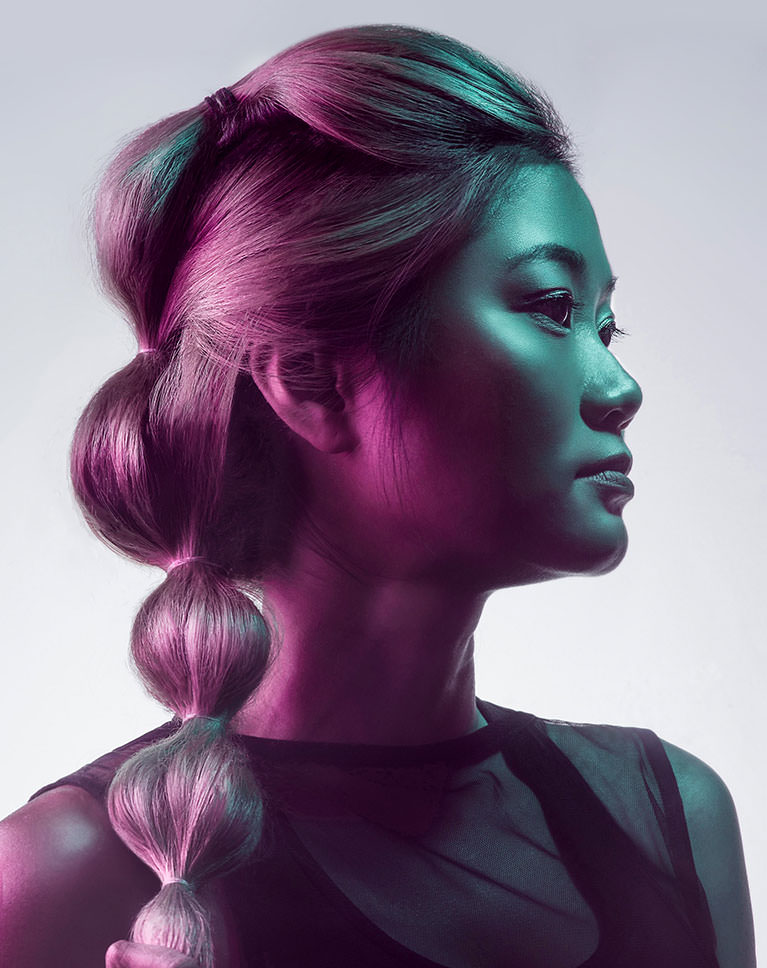
Retouching Hair in Photoshop
Retouching hair is tough. That’s why we show you every trick in the book to help you make any head of hair look beautiful–and in a fraction of the time! Join us and learn how retouching hair in Photoshop can help it shine in any portrait.
Complete Hair Retouching
If you want to help hair look its best, you’re going to need more than one approach to retouching hair. Learn how to remove flyaways, fill in gaps, add length, enhance dimension, dodge and burn, sharpen and more!
Professional Techniques
If you’re capturing headshots, beauty, or fashion portraits, you’ll want professional techniques to deliver a professional product. Master expert techniques that will impress your subjects and clients.
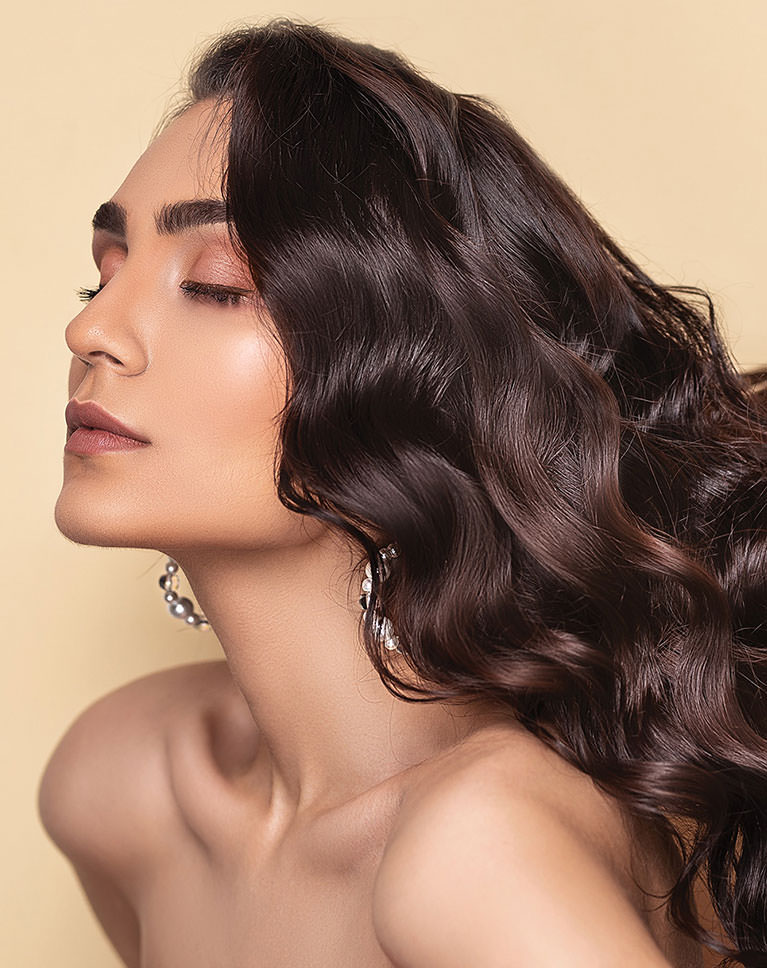
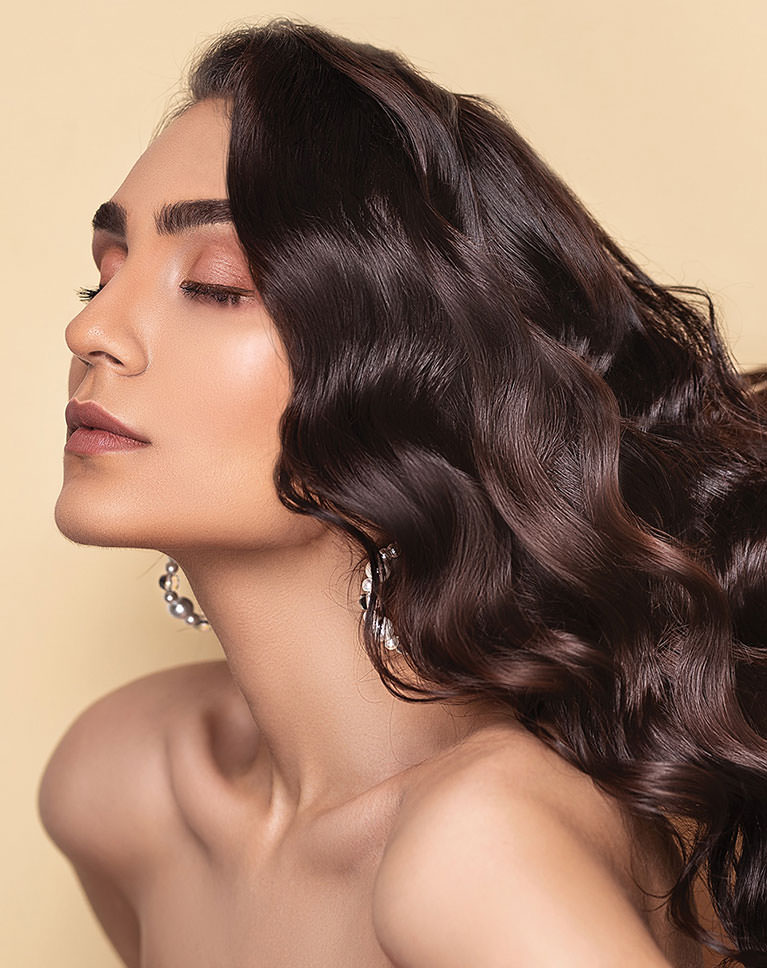
Remove Flyaways
Whether you’re editing hair that’s been meticulously styled or a wild case of bedhead, there’s bound to be some strays that need to be removed when retouching hair. We show you how to clean up any head of hair, quickly and non-destructively.
Add Shape and Definition
Give photographed hair the same volume and dimension that it has in real life with professional Photoshop techniques. Learn how to use the Liquify Tool to reshape hair, dodging and burning to enhance dimension, and even how to composite hair from another image to help it look more full.
Enhance Details
With thousands of strands and a variety of shapes and color variations, hair has a ton of intricate details. Learn how to rescue and enhance those details by making adjustments to the highlights, midtones, and shadows of an image.
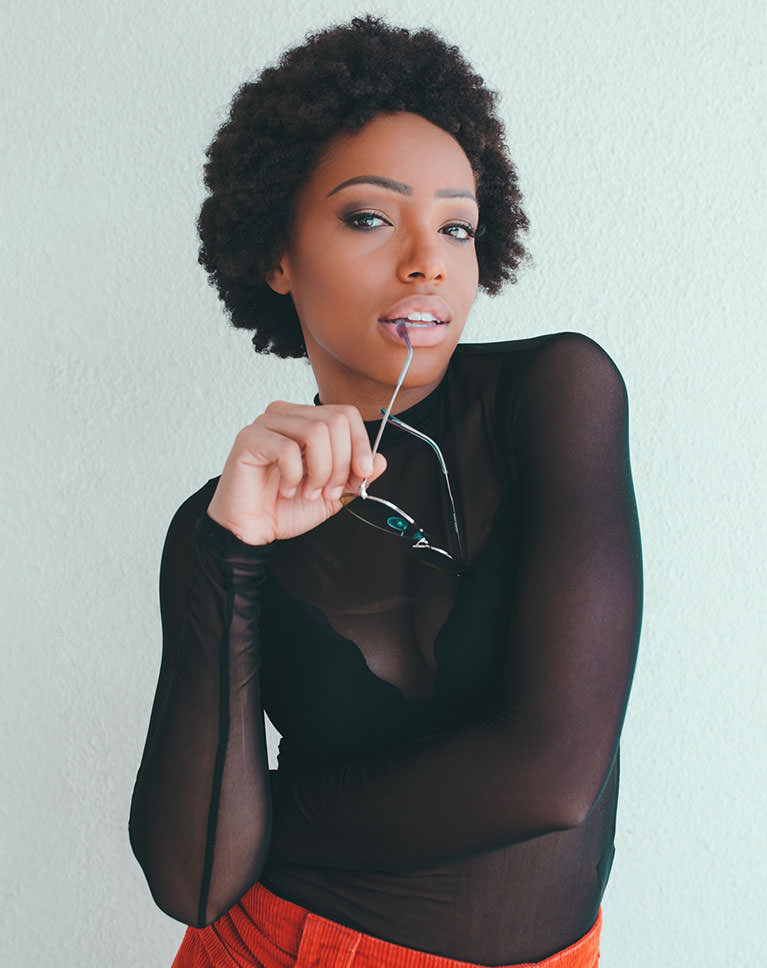
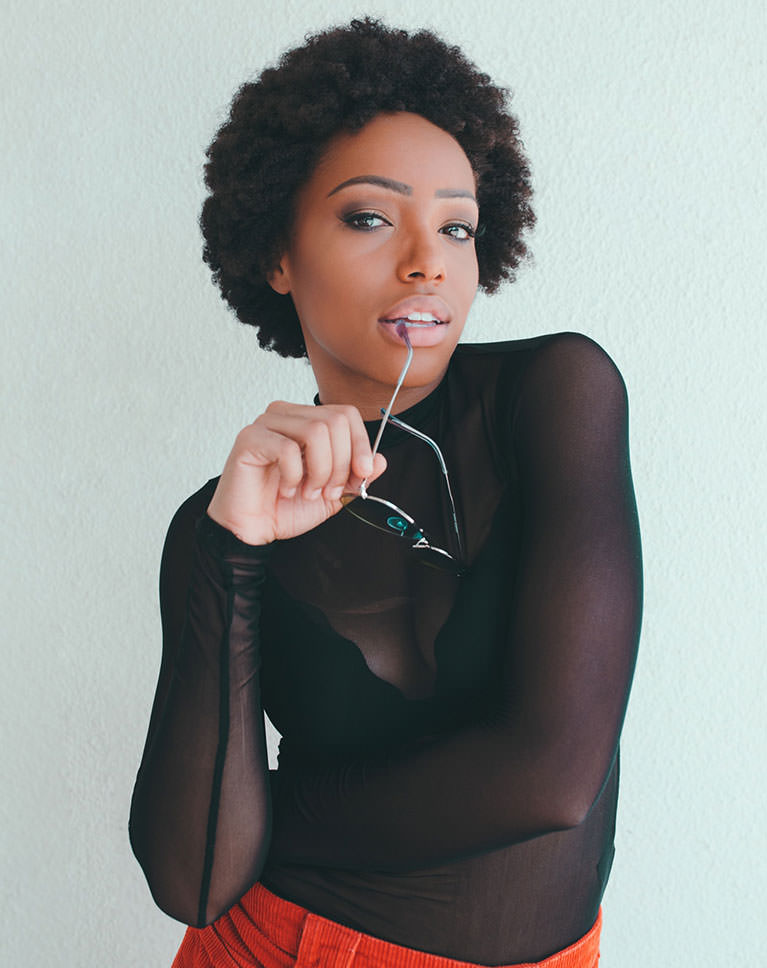
Add Volume and Length
Retouching hair not only helps the subject look their best, but it can also improve the overall composition of an image. Learn how to add length to hair, change the shape, and extend the background of a photo for better composition.
Dodge and Burn
Our old friend dodge and burn. No matter what kind of retouching you’re doing, dodging and burning is one of the most important and powerful skills to have in your repertoire. We show you how to apply fundamental dodge and burn techniques to hair, enhancing shape, definition, and detail.
Add Hair with Compositing
One of the best ways to add hair or fill in hair gaps is to bring it in from another image. Learn how to mask and select hair from one image and blend it into another!
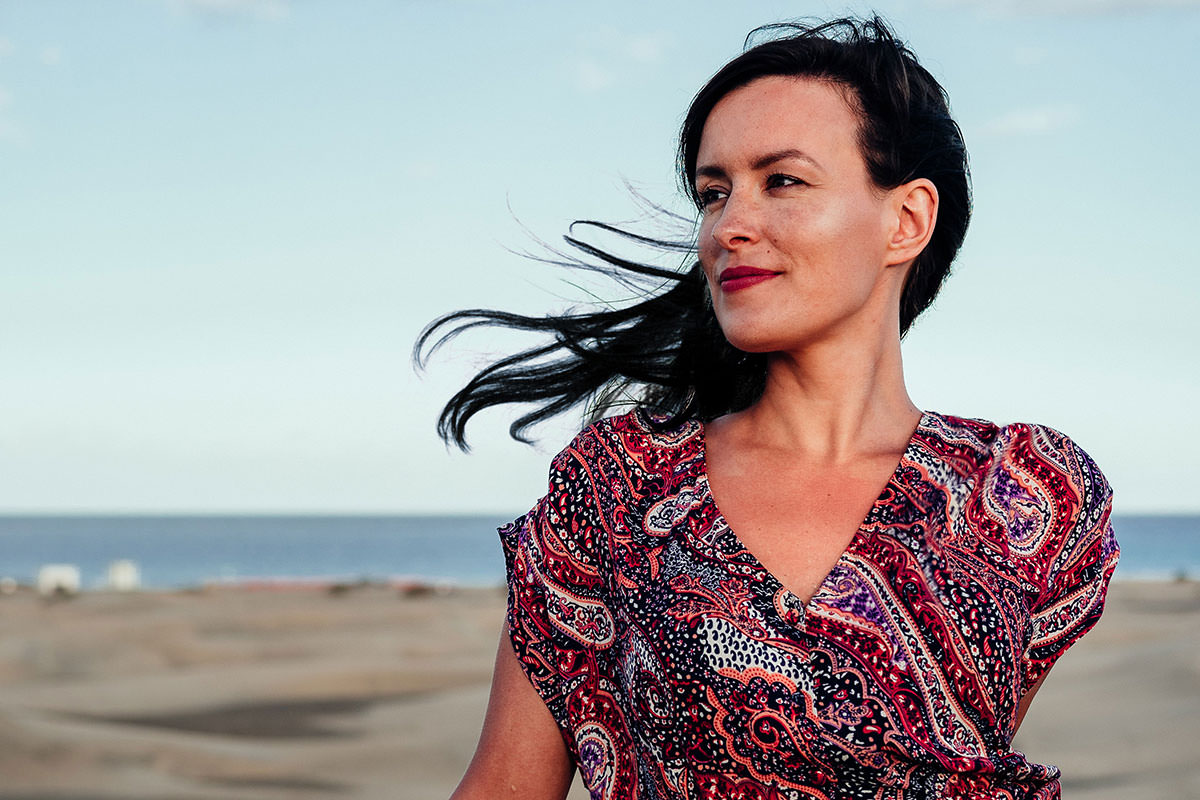
Picture Perfect Hair
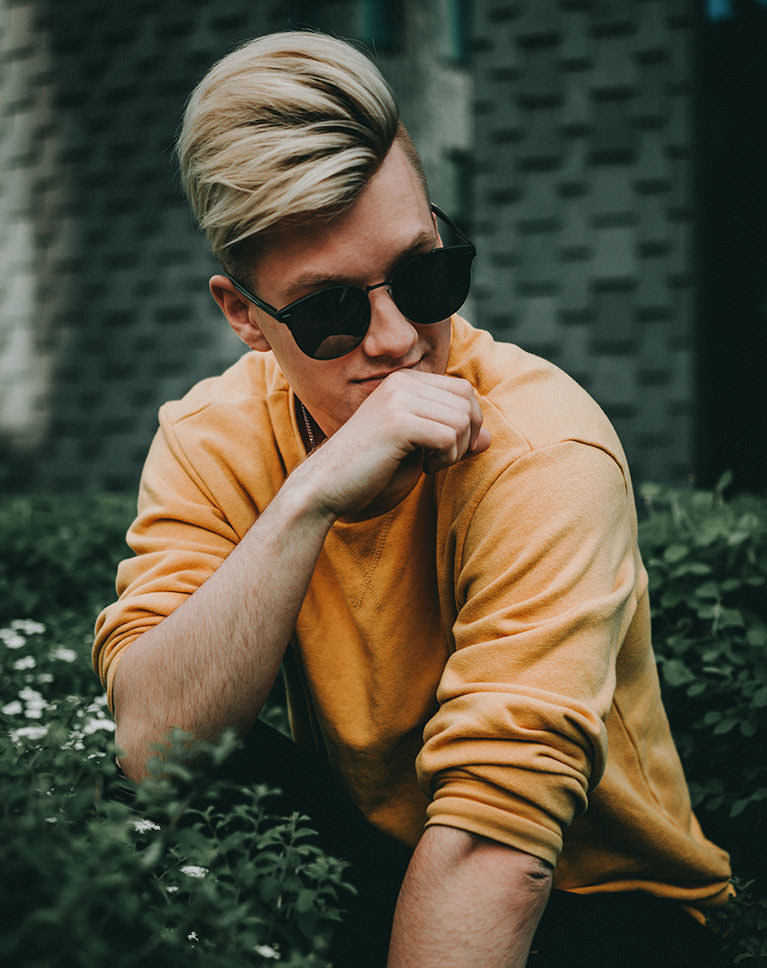
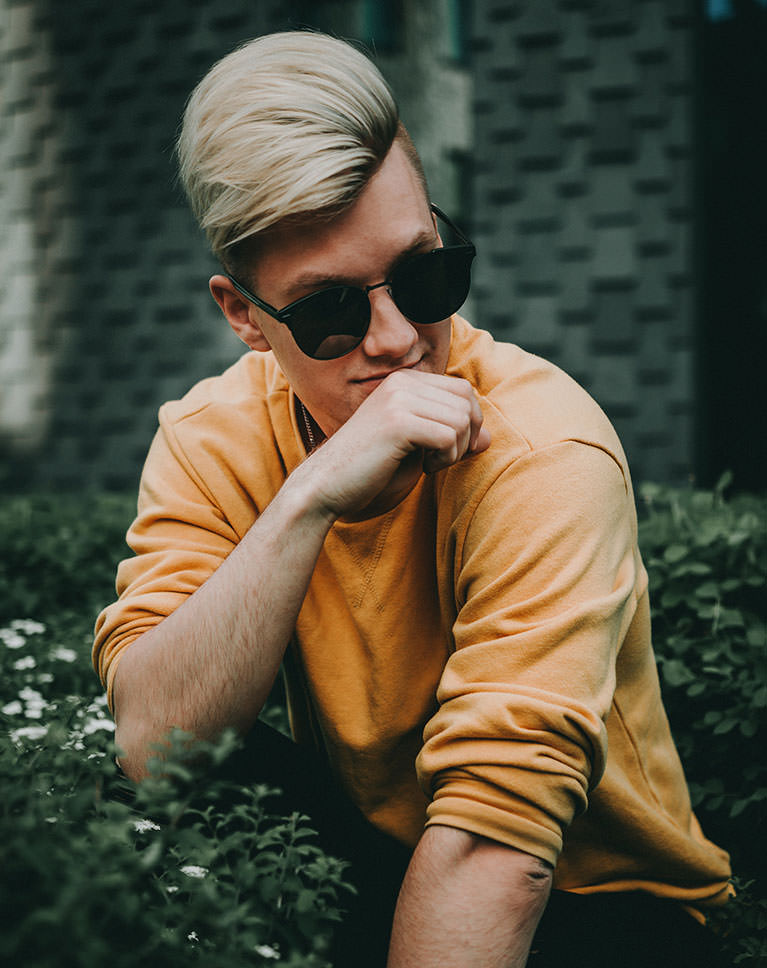
Hair is one of the most challenging parts of retouching. Our professional techniques will help you simplify the process while delivering stunning results—every time.
Professional Sharpening
Sharpening is the best way to wrap up retouching hair in a photo. We show you how to apply multiple levels of sharpening to different areas of a portrait. You’ll also learn how to get the absolute most detail out of your subject’s hair.
Photoshop Action Included
We include our exclusive PHLEARN Sharpening Photoshop Action which makes the sharpening process easier than ever. Save time while getting all the power and precision of doing it manually.
Retouch Any Type of Hair
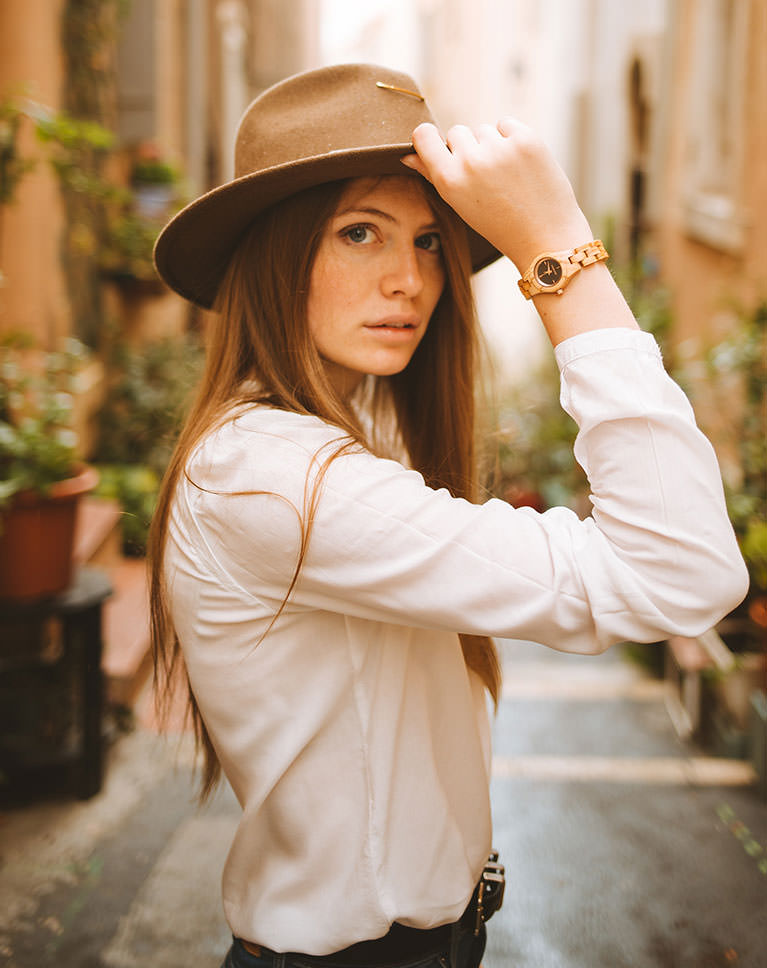
Whether your subject has long flowing locks, bouncy curls, short waves, or sharp spikes, you’ll learn how to clean it up, shape it, and help it shine.
Extend Backgrounds
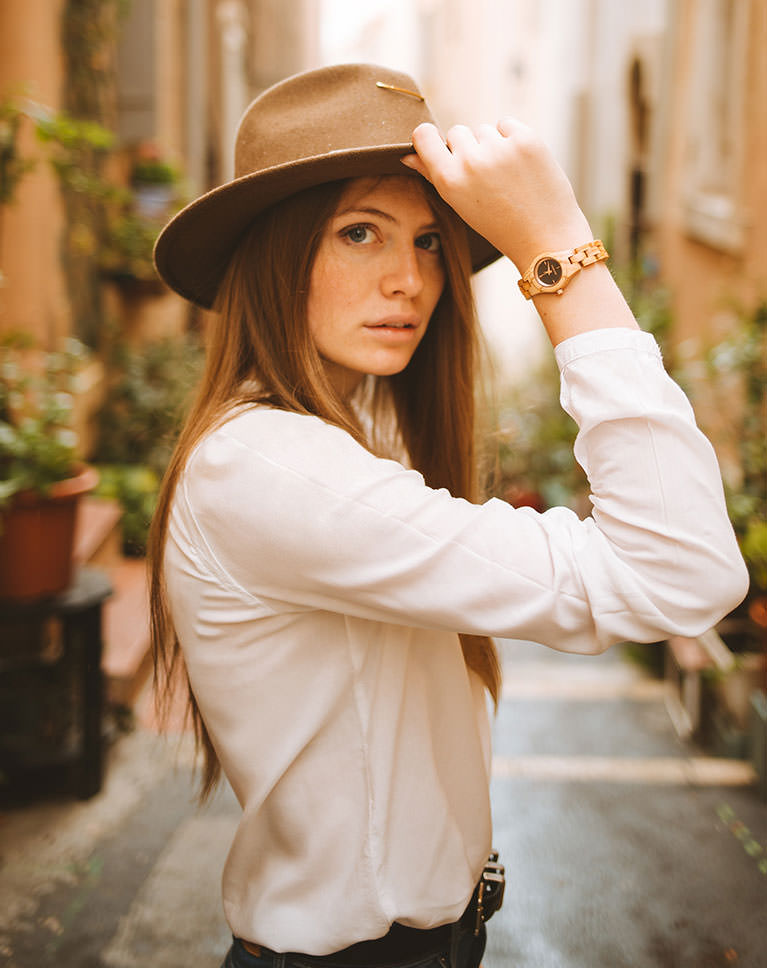
Sometimes you’ll need to make an image larger to show off longer hair. Learn how to add length to hair and then extend the background of a photo to nail the perfect compositon.
Perfect Hair, Perfect Portraits
The best portraits keep the focus on the subject while reducing and removing distractions. Learn how to approach hair retouching to get the most amount of detail out of every strand while keeping the focus on the subject as a whole.
Step-by-step Retouching
We take you through a wide variety of individual techniques to start the tutorial and then we walk you through a complete hair retouch using everything you’ve learned. Whether you want a handy reference or step-by-step guide, this tutorial is for you!
Portrait, Beauty & Fashion
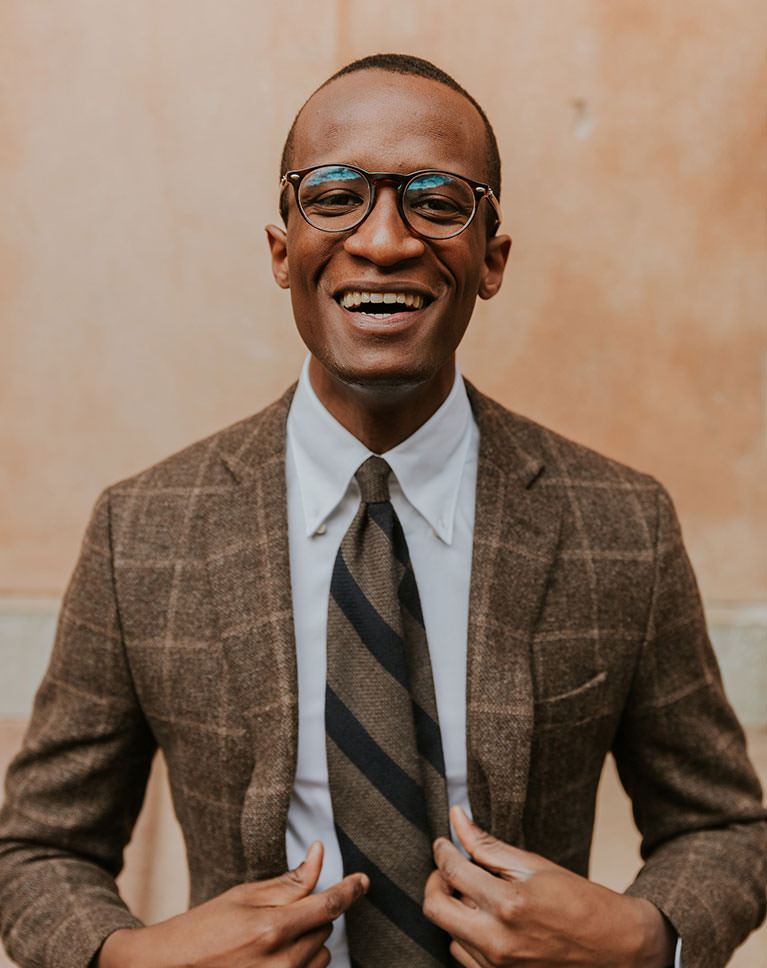
From senior portraits to weddings, fashion photography to e-commerce photos, these techniques will help you no matter what kind of photos you capture.
Natural-looking Hair
Professional retouchers know how to avoid that ‘Photoshopped’ look. Our hair retouching workflow is designed to help you get powerful results while leaving hair looking lush and natural.
Save Time
Your time is valuable. That’s why a fast an efficient workflow is important. Learn how to quickly identify the best tools and techniques to get the job done right. We also show you how to work non-destructively, allowing you to go back and change edits or get back to the original image to start from scratch.
Class Instructor
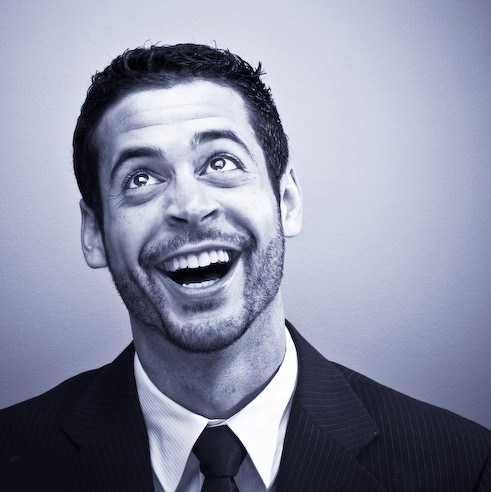
Aaron Nace
PHLEARN Founder & Lead Instructor
Aaron Nace is a photographer, digital artist, and the founder of PHLEARN. Since 2011 he has taught millions of people to edit with confidence in Photoshop and Lightroom, on YouTube and in PHLEARN PRO, and he has been a featured speaker at Adobe MAX for more than eight years.
Every PRO course comes with the sample images and PSDs to follow along step by step, and Aaron adds new courses and free tutorials all year.
- 2M+YouTube subscribers
- 160M+video views
- 1,000+tutorials published
- 15years teaching Photoshop
Reviews
Master Photoshop, Lightroom and Photography
Join PHLEARN PRO for $12.99 a month or $99.99 a year. Cancel anytime, with a 100% money-back guarantee.






Very useful, hair is always the most time-consuming part
Wow! Awesome tutorial. I’m working on women’s pageant head shots and filling in gaps in the hair with this tip is totally easy. I’d love to see this tutorial done on a long haired woman who has fixed her hair with loose curls.
Mastering pen selection and the cloning tool was very challenging. Thank goodness for stop go back and reviewing. Sometimes more than 4 to 8 times. My subscription should me my approval of your teaching style.
This has been a fantastic tutorial! The chapters being so aptly named has been super helpful as well.
Amazing. I learned so much !
Fantastic course! Vote it.
Fantastic course and so useful.
Loved This one ! Great Job..
Fantastic lesson full of useful technique.
Really liked adding texture back in skin. It’s something I’ve never been happy with when using the clone stamp.
Aaron does it again with another perfectly guided tutorial! Love it
I’m really learning a lot. I’ve tried to fill in gaps before with just the clone stamp tool and it didn’t look right. This technique is so great.
I bought it in advance for information. Learning is unlimited. I am very pleased with the Retouch training system. I bought 2 items. I bought this product and watched retoucher hair.
This was fabulous! I especially loved the bits on how to integrate stock photography into an image to extend the hair.
Fantastic, wide ranging tutorial aimed at the intermediate Photoshop user. Aaron Nace is a master of clear teaching who has a wonderful on camera personality. This is a great course.
Amazing!
Wow, this is the best! Oh my gosh I’ve learned how to retouch hair! Uuuuuuuh!