

description
The last part of the Grant Legan feature moves back to the studio, and the point this time is that the photographer has to move too. Keeping the model in motion is what gets you a moment rather than a pose, but a small shift in your own angle can change the frame just as much. Grant is also relaxed about letting a modern camera handle the metering, with one caveat: keep an eye on your settings so the shutter speed does not quietly slide too low.
Enjoying This Free Tutorial?
We publish a new free tutorial every week, each one with sample images and PSDs you can download and follow along with. Sign up and they land straight in your inbox, along with early word on sales, events and subscriber-only offers.
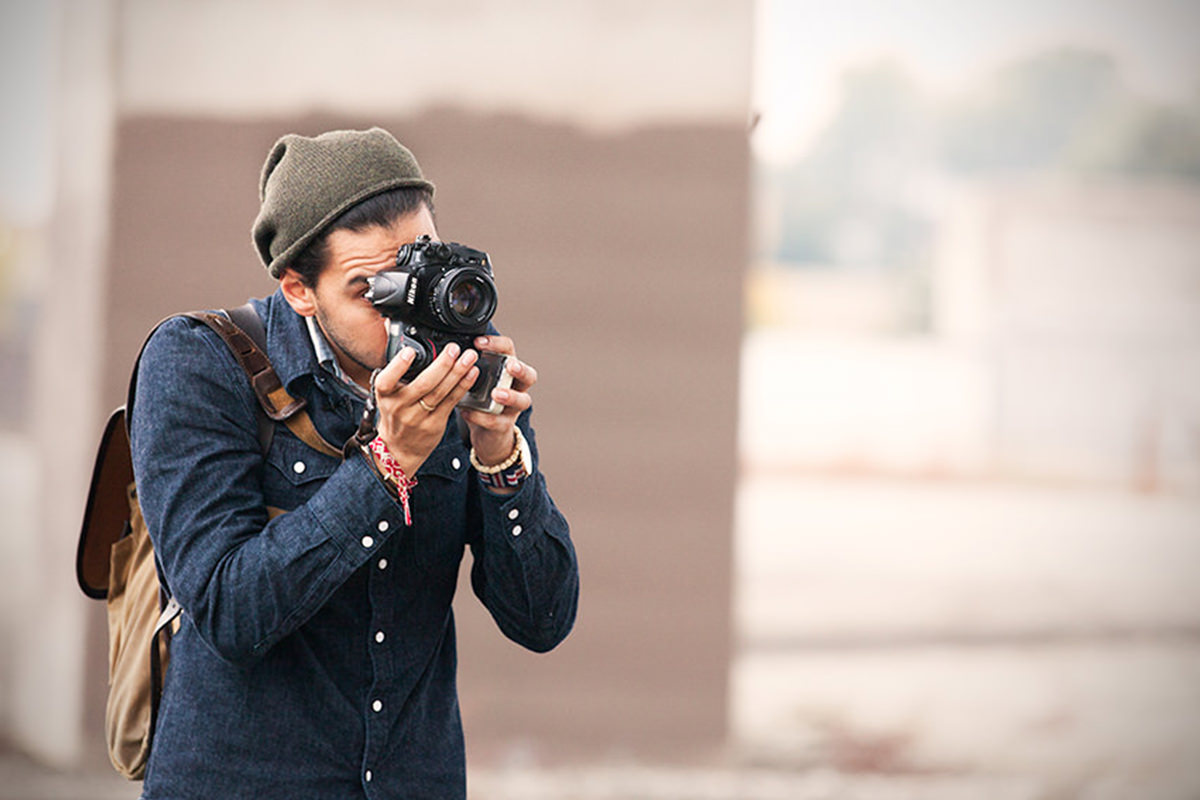
Grant Legan: Back at the studio
Join us for part 3 of our feature on Chicago photographer Grant Legan. You can check out our interview in part one and come on location in part two.
The Importance of Movement, Again
While keeping your model moving is essential to capture “that moment” as opposed to a posed shot, it is equally important to move yourself as the photographer. A slight change in angle can drastically change the image. It also might be a very subtle change that is very important to better feature a part of your model or surroundings.

Let your camera do the hard work
Cameras have become incredibly smart and sophisticated, and despite what others may say it is totally acceptable to let the camera do the hard work when it comes to metering. But you still need to always be aware of what your exposure settings are, you don’t want your shutter speed to drop too low without you noticing and end up with blurry images.
See more of Grant’s work in his portfolio.
The Rest of the Feature
- Part 1: Meeting Grant Legan
- Part 2: Behind the scenes on a fashion shoot
- Part 3: Back at the studio (this page)
Quick Reference: Settings and Tips
- ModeAperture priority, RAW
- ApertureAround f/3 to f/4, up to f/5.6
- Shutter speedNear 1/60 s, raise the ISO or open the aperture
- Exposure compensation-1 to -2 for darker images
- Lenses50mm f/1.4 for most of the shoot, 85mm for close-ups
- AnglesShoot fast, keep the model moving and change your own position within the same idea
- Quick editExposure and whites on one RAW file, then sync the batch
Grant Legan in the Studio: Common Questions
How much direction should I give a model?
Grant adjusts it to the person and the shoot. With a model who moves a lot, each frame brings a new gesture, and when he sees one he likes, he stops and goes back to it.
Why does Grant shoot so many frames so quickly?
He keeps the model moving and shoots almost rapid-fire, so he catches moments within the movement, sometimes ones he didn’t expect. It looks more natural than an overly posed shot.
Why should the photographer move during a shoot?
A slight change of angle can change the whole image. Grant used to look at photos later and wish he’d moved a little left, right or higher, so now he shoots the same idea from several positions.
What camera mode does Grant use?
Aperture priority, shooting RAW. He usually stays around f/3 or f/4, up to f/5.6, and lets the camera set the shutter speed.
What if the shutter speed drops too low?
Keep an eye on it. When it gets down to about a 60th of a second, movement starts to blur, so Grant raises the ISO or opens the aperture further.
Why use negative exposure compensation?
Grant usually sets it down one or two stops because he likes dark images. Shooting RAW gives him room to adjust later.
Which lenses does Grant use?
Mostly a 50mm f/1.4 on this shoot, with an 85mm for closer shots. The 85mm was his go-to for faces; he uses the 50mm more now to bring in the surroundings and tell more of a story.
How does he start editing a shoot?
A quick edit of exposure and whites on one photo, based on what he usually likes, then he syncs it across the batch.
Does Grant style his own shoots?
For more stylized work he gathers inspiration, brings in a stylist and says yes or no to pieces together with them. For agency tests, simple clothes are fine, since the focus is the body and face.
Master Photoshop, Lightroom and Photography
Join PHLEARN PRO for $12.99 a month or $99.99 a year. Cancel anytime, with a 100% money-back guarantee.





