
THIS COURSE INCLUDES
- 5 Lessonsin 2 sections
- 36mof 4K video
- Intermediatesome Photoshop experience
- 8 Sample Images+ 7 layered PSDs
- PDF Guideprintable
- Captionsand chapters on every lesson
Part of a Learning Path
Join PHLEARN PRO for instant access to this course and every tutorial on PHLEARN.
- Stream in up to 4K on any device
- Closed captions and chapters on every course
- Download all sample images and PSDs
- New PRO tutorials every month
- Cancel anytime
Description
Discover exciting new AI-powered features in Photoshop 2025. This course brings the biggest updates from the full release and the Photoshop beta together in one place, in 5 quick lessons. You’ll see what each new tool does well, where it still needs a little help, and when another tool is still the better choice, so you can put the updates to work on your own photos right away.
Learn to remove objects with the updated Remove Tool, including its new options for finding wires, cables and people in the background, and when Generative Fill is still worth the extra steps. Generate backgrounds from a short text prompt, and explore the new gradient options, now in the Contextual Task Bar. Effortlessly select and edit subjects with the Object Selection Tool, which can now pick out individual parts of a person, such as hair or eyes, for quick edits like a new hair color. Finally, explore 3D object integration with the Substance 3D Viewer: bring a free 3D model into Photoshop, rotate it, relight it and blend it into a composite. This tutorial includes a handy PDF guide with all the info you need on system requirements and credit usage.
Note:
The PDF guide also includes links to additional images from Adobe Stock and Poly Haven for you to download.
What You’ll Learn
- Remove objects and generate backgrounds with AI in one click
- Select and edit subjects effortlessly with the new tools
- Add 3D objects and new gradients to your images
Course Downloads
New Year. New Photoshop.


Photoshop 2025: A New Era of Editing
Get ready to be amazed! Photoshop 2025 is here with mind-blowing new features. In this tutorial we’ll explore the new redesigned interface and innovative tools that will help you streamline your workflow like never before.
From Beginner To Pro
This Photoshop 2025 tutorial is designed for those with some Photoshop experience. While we’ll cover key concepts, prior knowledge will deepen your understanding. New to Photoshop? No problem! Start with The Beginner’s Guide to Photoshop. Once you’ve completed that, stream this tutorial to learn the latest updates.
One-Click Remove Tool
Imagine this: you can now magically erase wires, cables, and even unwanted people from your photos with just one click! Photoshop 2025’s new Remove Tool is powered by amazing AI that does the work for you, so you can focus on more important tasks.

Gradients Tool
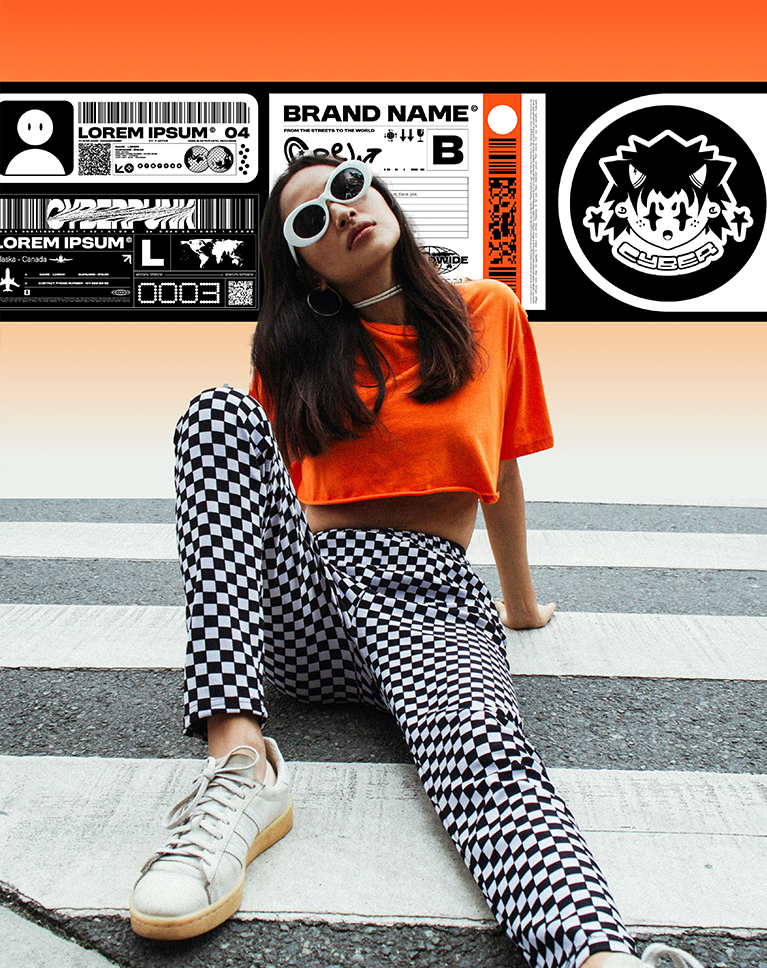
Get ready to create amazing gradients! Photoshop 2025 brings you a brand-new Gradient Tool with a super cool interface. In this tutorial, we’ll show you how to get the best out of it in no time! Easily change colors, add special effects, and create stunning backgrounds.
Using the Gradients Taskbar
The new Gradients Taskbar in Photoshop 2025 offers a streamlined workflow with easy access to a library of pre-defined gradients. You can effortlessly switch between gradient types like linear, radial, and more. Plus, you have full control over the gradient itself, allowing you to add, remove, and adjust color stops directly. And with precise opacity controls, you can fine-tune the look of your gradients for stunning results.
Creating Special Effects
In this tutorial we don’t give you just a tour of the Photoshop 2025 tool, we’ll also show you how to use it to create special effects, such as subtle highlights, vibrant color washes, and even realistic lighting effects.


Your Vision. Faster.
Get ready to fly through your projects! These awesome new Photoshop tools will make you a faster, more powerful artist, so you can do what you love most: the creative process.
Remove & Replace Backgrounds
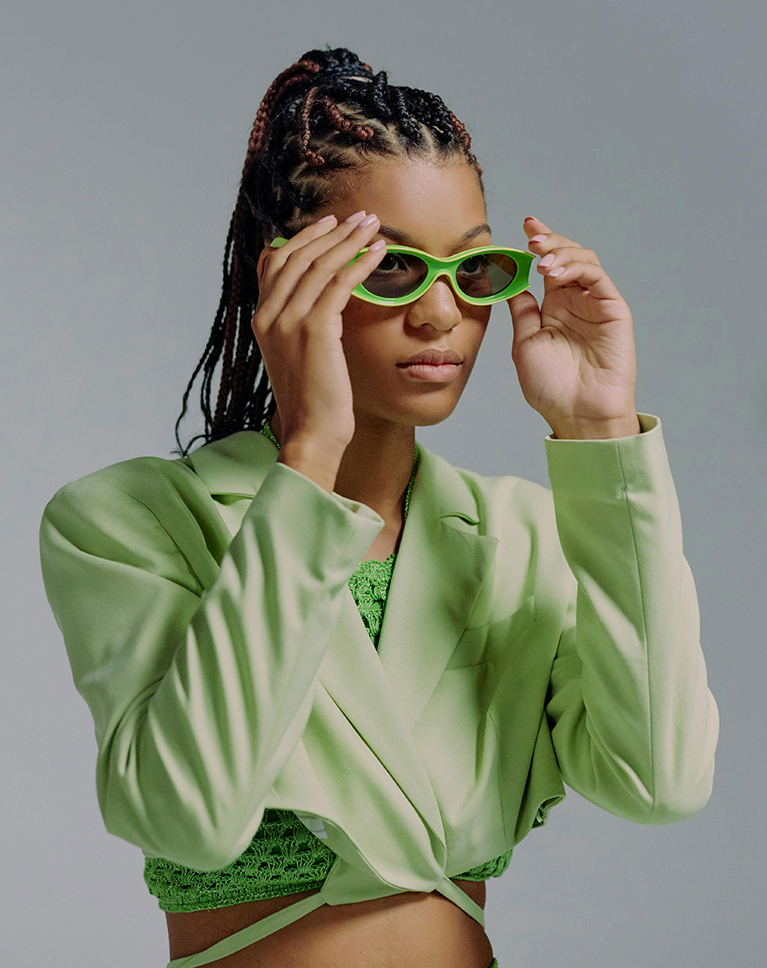
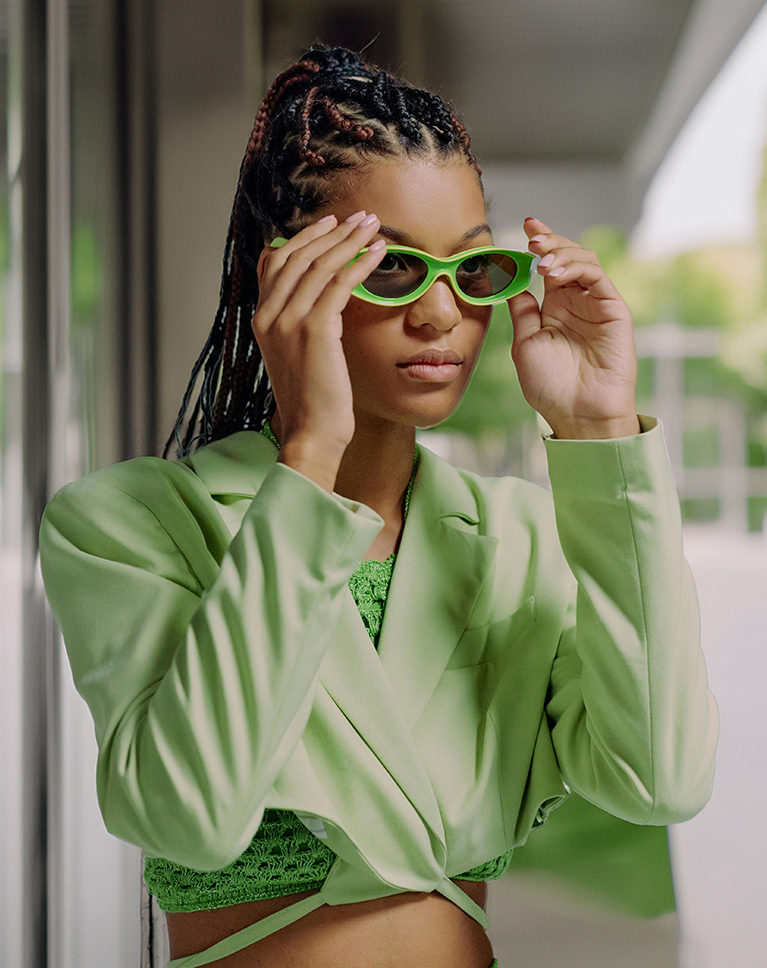
This Photoshop 2025 tutorial guides you through the process of removing existing backgrounds from images and seamlessly replacing them with new ones. Learn to master techniques like manual selection, masking, and leveraging the power of AI-powered tools. Explore creative options for background creation, from simple color fills to stunning AI-generated scenes.
Substance 3D Viewer
Discover the exciting new dimension of 3D within Photoshop 2025 Beta! This tutorial introduces Substance 3D Viewer, a powerful tool that empowers you to seamlessly integrate and manipulate 3D objects.
Seamless 3D Integration
Learn how to seamlessly integrate your 3D models into your photographs, creating captivating and realistic scenes. We’ll teach you the techniques for adjusting lighting, perspective, and blending modes to achieve seamless integration.
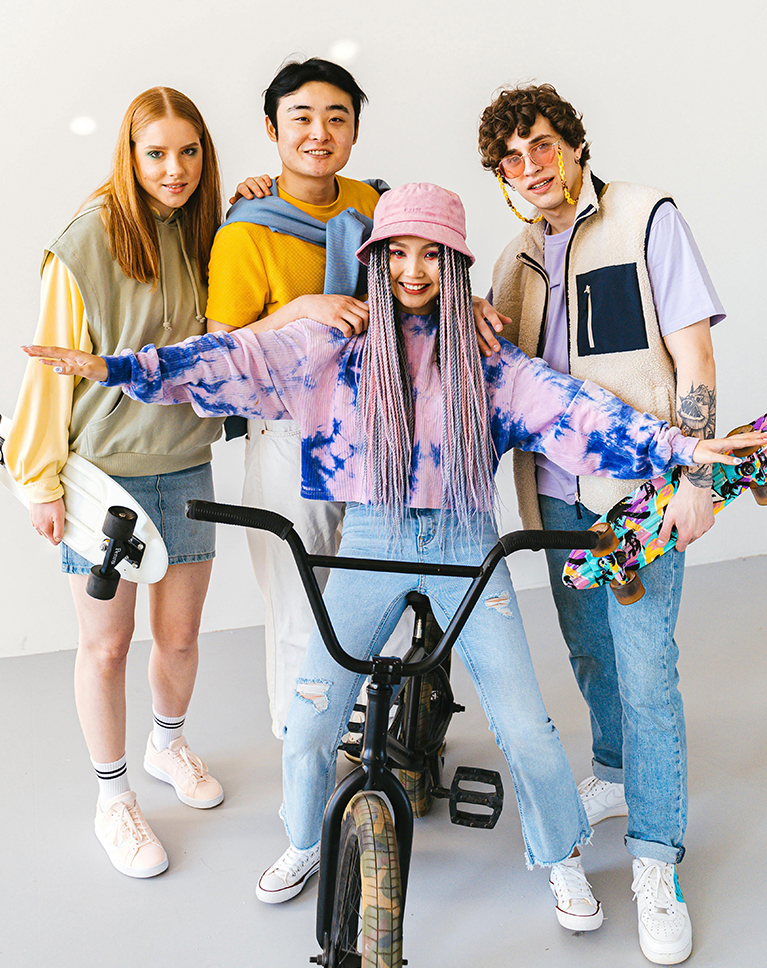
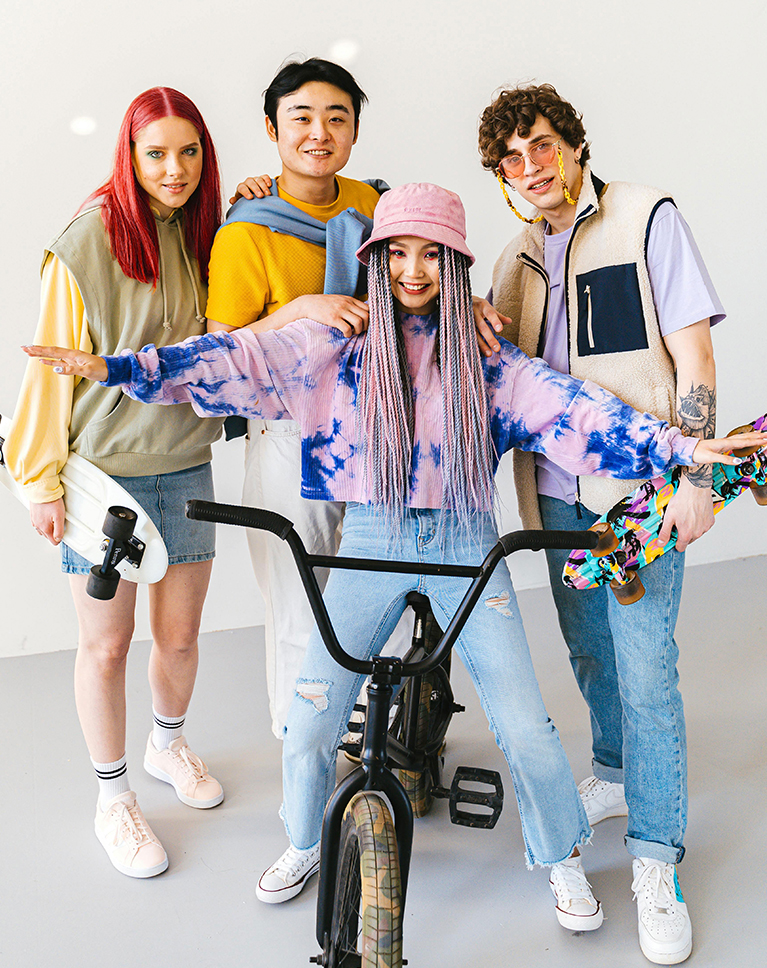
New Object Selection Tool
This tutorial goes beyond the latest Photoshop 2025 release. We’ll also explore the revolutionary Object Selection tool available in Photoshop Beta. Powered by cutting-edge AI, this tool effortlessly selects and isolates different parts in your images with incredible accuracy.
Bonus Resource Included
Get even more out of this tutorial! With Photoshop 2025, we’re not just giving you the sample images and PSD files to practice what you learn. We’re also including a handy PDF guide that tells you everything you need to know about Photoshop’s system requirements and AI Generative credits.
Photoshop Learning Path
Master Photoshop with our exclusive Photoshop Learning Path. From the fundamentals to advanced techniques, this comprehensive guide will help you make the most of this powerful software and bring your creative vision to life.

Class Instructor
Aaron Nace
PHLEARN Founder & Lead Instructor
Aaron Nace is a photographer, digital artist, and the founder of PHLEARN. Since 2011 he has taught millions of people to edit with confidence in Photoshop and Lightroom, on YouTube and in PHLEARN PRO, and he has been a featured speaker at Adobe MAX for more than eight years.
Every PRO course comes with the sample images and PSDs to follow along step by step, and Aaron adds new courses and free tutorials all year.
- 2M+YouTube subscribers
- 160M+video views
- 1,000+tutorials published
- 15years teaching Photoshop
Special thanks to Antoni Shkraba, Elle Calderon, Cottonbro Studio, Javon Swaby, Chandri Anggara, Ron Lach, and Federico Bottos. Images for this PRO course were sourced from Pexels, Unsplash, and Adobe Stock.
Reviews
Master Photoshop, Lightroom and Photography
Join PHLEARN PRO for $12.99 a month or $99.99 a year. Cancel anytime, with a 100% money-back guarantee.






hi… great review… but when you generate a background it seems like it didn’t generate a full image… the middle section was empty… basically the silhouette of the girl was not generated? odd?
Hey there, Thanks for watching!Aaron intentionally left the subject unselected to prioritize generating the surrounding background.
Fabulous tutorials!! I have been following you for a number of years. You are excellent!!! I learned Photoshop with your tutorials! Thank you!!
Fantastic your tutes always are
Loved It!!!
I like the updates, they are concentrated short new knowledge. Thank you to mention blender. Its a fantastic program for modeling, sculpting, texturing, animation and vfx. Its free, but very professionell.
love love love the update videos keep them coming
I love the update videos!
The updates are excellent, and save me a lot of time trying to figure out a new feature. The sample photos help a lot. I pause the video repeatedly so I can do the work on the sample and absorb the information. One suggestion – a second sample with an “assignment” to make certain kinds of changes would be great.
Excellent update, like to see more like this.
The updates are great. It helps to keep up with all the new changes. I have been playing with Photoshop for years. it is not something I do every day so it helps to get the updates so I can figure out the changes much faster. Phlearn is a great teacher.
As always the best teacher
These updates are fantastic-please continue. I am new to Photoshop and have been spending a lot of time watching your previous lessons and am a little confused. With these new PS tools, should I not take the time to learn the traditional tools, techniques, etc. which you have taught? I feel a little embarrassed asking this question but would appreciate your advice. BTW, I have found your training to be very helpful and appreciate it. I am a 77 year old senior struggling to learn but find your training to help reduce my learning curve. Any additional advice would be greatly appreciated. Thanking you in advance.
It’s great to hear you’re enjoying the updates! While AI tools can be powerful, learning traditional Photoshop techniques is still invaluable.Don’t feel embarrassed! Learning is a continuous journey and we’re here to help you every step of the way.
Great tutorials as always .. so good to have these quick updates to keep abreast of the developments too.