

THIS COURSE INCLUDES
- 6 Lessonsin 2 sections
- 4h 2mof 4K video
- Advancedfor experienced editors
- 10 Sample Imagesto follow along
- 12 Layered PSDsto follow along
- Captionsand chapters on every lesson
Part of a Learning Path
Join PHLEARN PRO for instant access to this course and every tutorial on PHLEARN.
- Stream in up to 4K on any device
- Closed captions and chapters on every course
- Download all sample images and PSDs
- New PRO tutorials every month
- Cancel anytime
Description
Ready to transform your average graphics into head-turning, click-worthy ads and mockups? Buckle up for a thrilling ride through the world of Photoshop for advertising!
Photoshop for advertising starts with product mockups: dive deep into them, learn to harness the magic of AI for stunning enhancements, and say goodbye to tedious edits with Effortless Smart Objects. Master the essential Photoshop for advertising skills of text, graphics, and compositing, then bring your creations to life in the real world through billboards, magazines, and more!
Note:
Due to copyright restrictions, we’re only able to share direct links of the FREE Adobe Stock images.
What You’ll Learn
- Build realistic product mockups with Smart Objects
- Place graphics and text into real photos for ads and packaging
- Take your designs to billboards and magazines with confidence
Label It Like a PRO
Photoshop for Advertising: Mockups Made Easy
Creating product mockups in Photoshop for advertising has never been easier! Whether you’re launching your own business or working for clients, this skill allows you to visually represent the finished product or concept in real-world scenarios. This tutorial will cover all the essential aspects, guiding you through the process of integrating text, logos, and creating outstanding graphics for advertising campaigns.
Recreate Labels
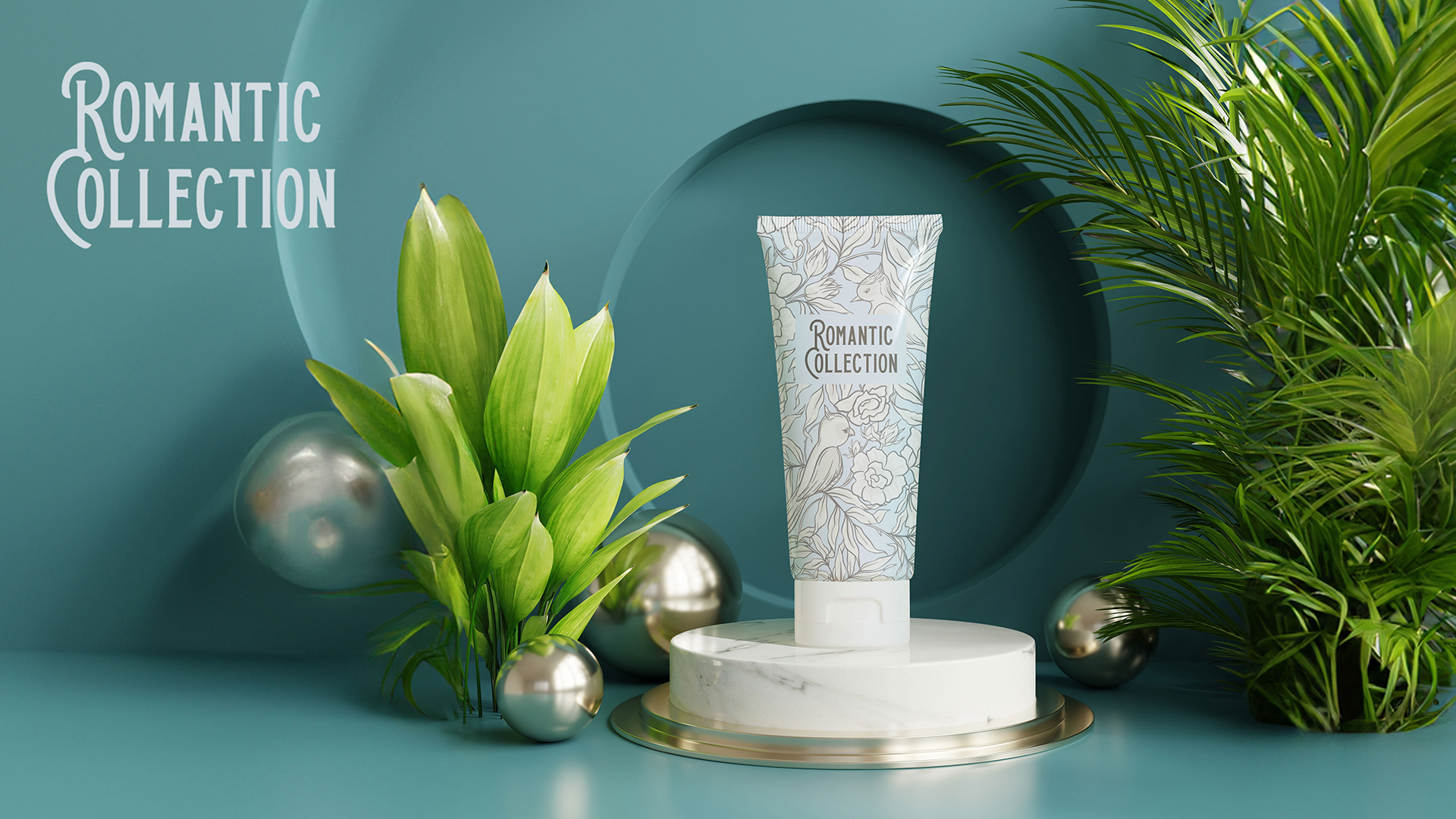
Ever admired those captivating labels on cosmetic bottles? In this tutorial we’ll show you how to recreate them in Photoshop for advertising mockups in a few easy steps. Learn to bend text around curves, master shapes, and use AI to extend and revive background designs. Plus, discover non-destructive editing and smart object creation for ultimate design flexibility.
Craft Highlights & Shadows
Master the art of light and shadow matching, a core skill of Photoshop for advertising work! We’ll guide you through extracting and applying highlights, shadows, and reflections, seamlessly integrating your graphics into any environment.


Craft New Scenes
Discover how to separate items like bottles from their backgrounds in Photoshop for advertising scenes and insert them into captivating new settings. Enhance your products by applying beautiful textures and patterns, adjusting them to fit perfectly.
The Power of Smart Objects
Empower your Photoshop for advertising workflow with Smart Objects! Discover a versatile, non-destructive approach that lets you edit designs effortlessly, even after placing them in complex scenes.
Blending All the Elements
Whether you’re testing how text appears on packaging, experimenting with a complete logo, or seeking a combination of text, shapes, colors, images, and logos in one photo, this Photoshop for advertising tutorial has you covered with all possibilities!
Place Your Designs Into Any Scene
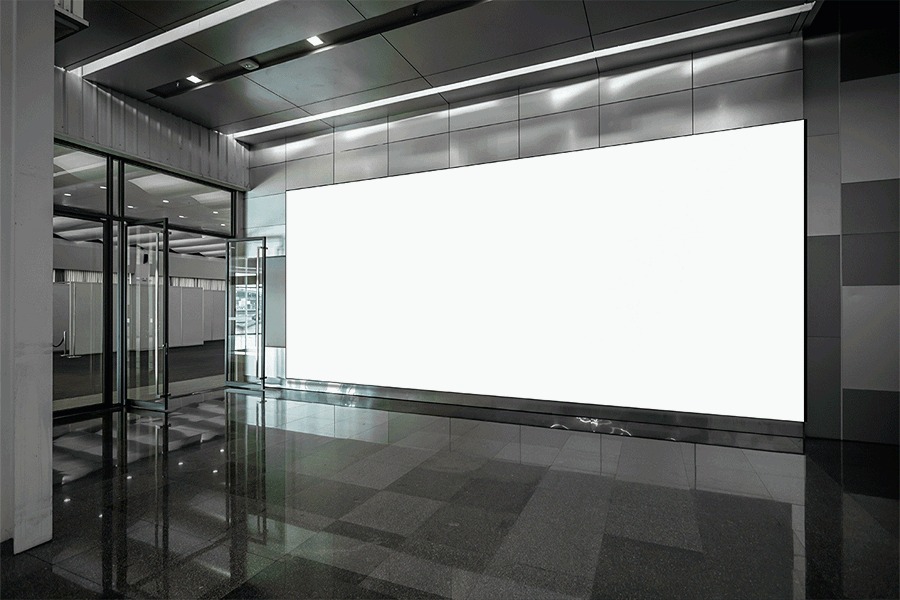
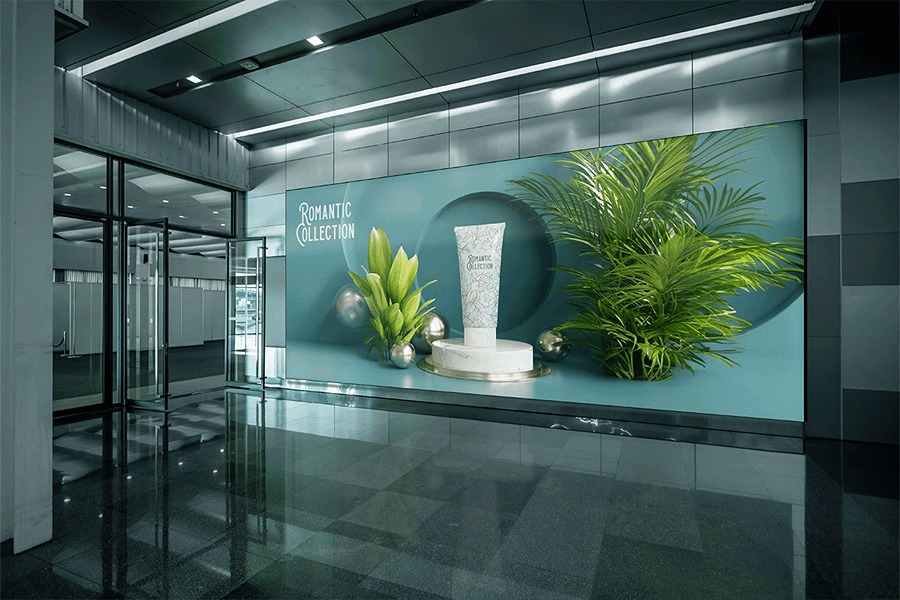
Go beyond basic overlays! Learn how to integrate entire designs seamlessly into both indoor and outdoor environments, recreating lighting and reflections for an ultra-realistic final image.

The Power of Artificial Intelligence
Photoshop’s Generative Expand tool opens whole new worlds of creative possibilities. In this tutorial we’ll show you how to expand backgrounds in any direction to add depth and dimension to your ads.
All About Perspective
Ditch wonky angles! Conquer perspective and bring your designs to life. Master vanishing points, scale relationships, and object placement to create scenes that feel authentic.
Same Design, Different Scenes
Learn how to integrate your design into diverse scenes, capturing the atmosphere and mood to tell a richer story. In this tutorial we’ll show you the entire process, from start to finish!.


Add Text to Fabrics
Learn how to integrate text and logos onto fabrics, creating a realistic and visually compelling effect. Dive into techniques that bring designs to life on textile surfaces with authenticity and precision.
Hands-On Learning
Not only do we walk you through multiple examples, we include the completed PSD files to help you understand how complex projects like these come together and are organized. Start an image from scratch and then compare yours to the final PSD to check your work!
Graphics & Text Learning Path
If you want to explore more tutorials on graphics, we recommend exploring our Graphics & Text Learning Path. Step into a transformative journey designed to empower you with the skills needed to craft eye-catching designs and breathe life into your creative ideas! Follow this link to access the Graphics & Text Learning Path.
Class Instructor
Aaron Nace
PHLEARN Founder & Lead Instructor
Aaron Nace is a photographer, digital artist, and the founder of PHLEARN. Since 2011 he has taught millions of people to edit with confidence in Photoshop and Lightroom, on YouTube and in PHLEARN PRO, and he has been a featured speaker at Adobe MAX for more than eight years.
Every PRO course comes with the sample images and PSDs to follow along step by step, and Aaron adds new courses and free tutorials all year.
- 2M+YouTube subscribers
- 160M+video views
- 1,000+tutorials published
- 15years teaching Photoshop
Reviews
Master Photoshop, Lightroom and Photography
Join PHLEARN PRO for $12.99 a month, or $99.99 a year (save 36%). Cancel anytime, with a 30-day money-back guarantee.






This is why I joined your PRO department! Real information, applicable and easy to understand. Thank you!
Hi, I’m really happy learning with your tutorials ! I like how you manage to learn us the power of ai but sometimes results are random and i’m spending most of the time to prompt whereas i’m sure that manually i will have spent less time. Is-it possible to have like an interlude to show what we can do with ai instead of doing it manually but still show a way to do it manually ? Ai will help us 80% of the time but for now i still need to learn how to do it manually when ai is not reliable. Thank you very much ! Great job as always.
Great course! I learned a lot of little tricks I wasn’t aware of within the program.
VERY helpful for new ideas and reference!
Dear Aaron, I am learning a lot with your tutorials, I think that they are the best, but in this tutorial I have detected some details, when you use IA to create the shadow of the object appears the reflection of the window (light), on the marble in the background of the object, this should not be seen due to the object body, and the second, the object does not appears reflected on the surface of the metallic ball. Could you solve this?, specially the reflection in the ball is really difficult. Thanks in advance.
Jose, thank you for watching so closely and for the kind words — that means a lot. You’re right that those AI-generated details (the window reflection through the object and the missing reflection on the ball) aren’t physically accurate, and getting a clean reflection on something as tricky as a metallic ball usually takes a manual pass — cloning or painting it in by hand with a curved reflection to match the sphere’s shape rather than relying on AI to get it right. I’ll pass this along to the team to see if we can revisit that section.
Fantastic tutorial lots of good tips and tricks for designing in photoshop and compositing designs with photos.