


Tutorial Description
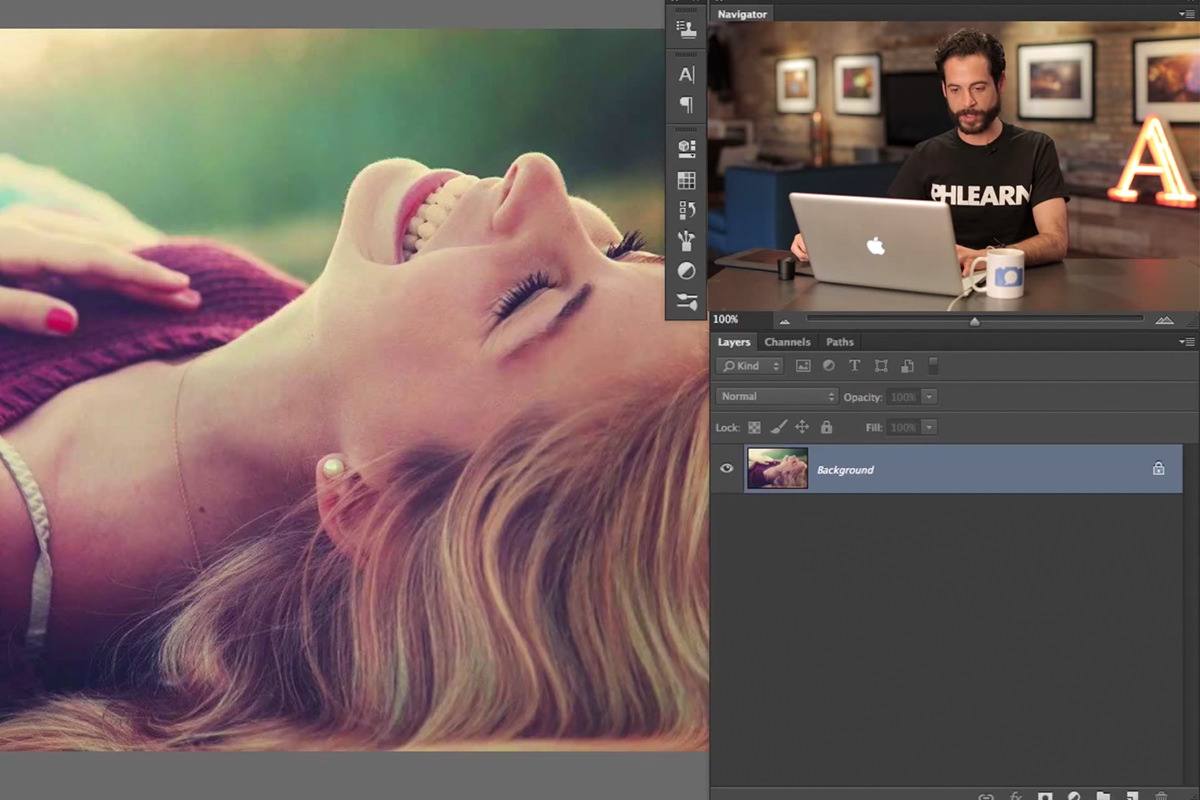
It is easy to miss a small detail during a photo shoot like a bra strap hanging out when you are more focused on other things. In today’s episode we show you how to get rid of those straps (or other similar details) in a very simple tutorial that will have you amazed at how far Photoshop has come.
Using the Spot Healing Brush
The Spot Healing Brush Tool was recently updated in Photoshop and is MUCH better than it used to be. Adobe added the “Content Aware” Option which calculates possible Backgrounds for areas you are patching over. No Tool will work perfectly every time but the Spot Healing Brush just got some major points from Phlearn.











Enjoying This Free Tutorial? Go Further with PRO.
Unlock Full Sample Files, PSDs, and Hundreds of Masterclasses!

Download full project assets, original PSDs, and RAW images for every lesson
Unlimited access to our complete library of PRO Photoshop & Lightroom courses
Instant 4K Ultra HD streaming on all devices, anytime, anywhere
Full access to our entire library of Photoshop Actions, Presets, and LUTs
Flexible monthly and annual membership plans
Cancel anytime with zero hassle or commitments