Catalog > Free Tutorials > How To Create a Cinemagraph- Part 1



Shooting
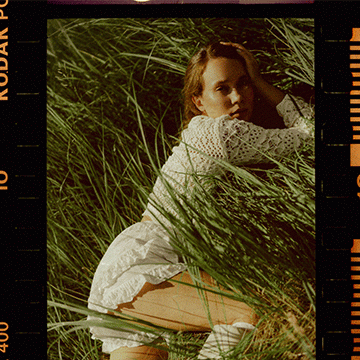
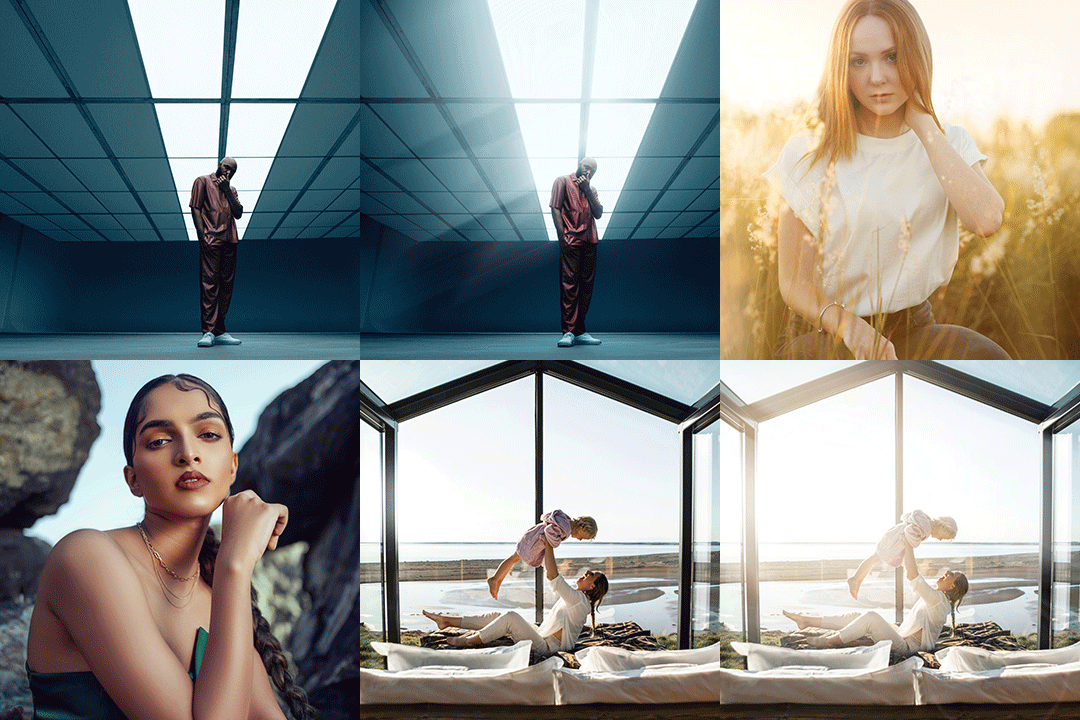
Awhile back this post was pretty popular and many of you wanted to know how to put together something similar in Photoshop. Today’s episode will cover everything you need to know about shooting for a cinemagraph, and tomorrow we’ll cover how to bring it all together in Photoshop GIF!
Cinemagraphs are Animated Gifs, a file format that is neither a photo nor video.
Shooting video for a cinemagraph is better than stills because you can shoot 30fps, meaning you have many more shots to choose from later and the final GIF will Flow together better.
Tips
- make a plan- what will move and what will stay still?
- plan so that it “loops” well
- keep it subtle and start simple
- shoot video if possible so you can have a higher amount of Frames per second
- use a tripod
- Portraits typically make a more interesting cinemagraph