
THIS COURSE INCLUDES
- 7 Lessonsfollow-along
- 3h 6mof 4K video
- Advancedfor experienced editors
- 7 Sample Images+ texture brush
- 1 Sample TIFFto follow along
- Captionsand chapters on every lesson
Join PHLEARN PRO for instant access to this course and every tutorial on PHLEARN.
- Stream in up to 4K on any device
- Closed captions and chapters on every course
- Download all sample images and PSDs
- New PRO tutorials every month
- Cancel anytime
Description
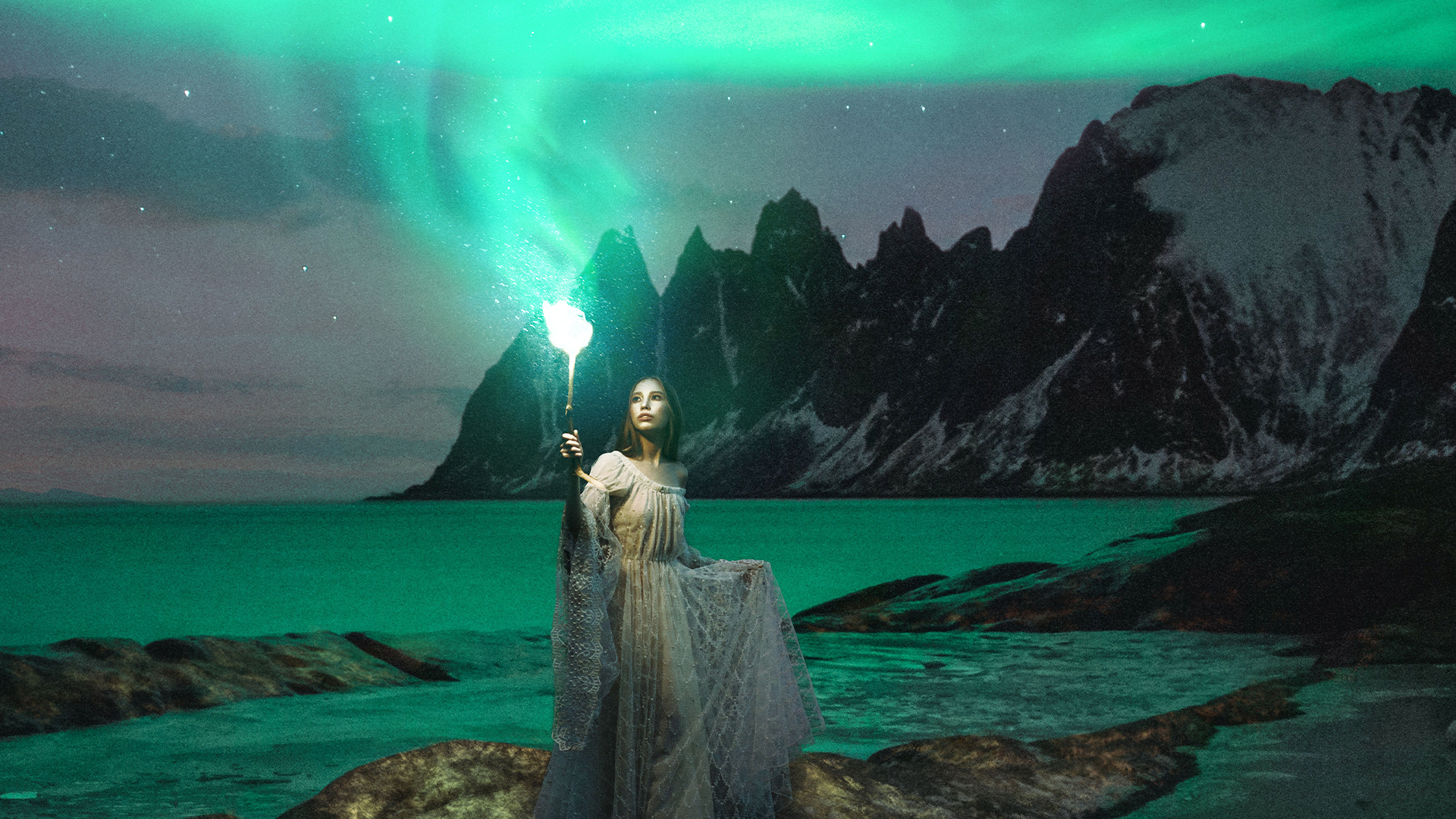
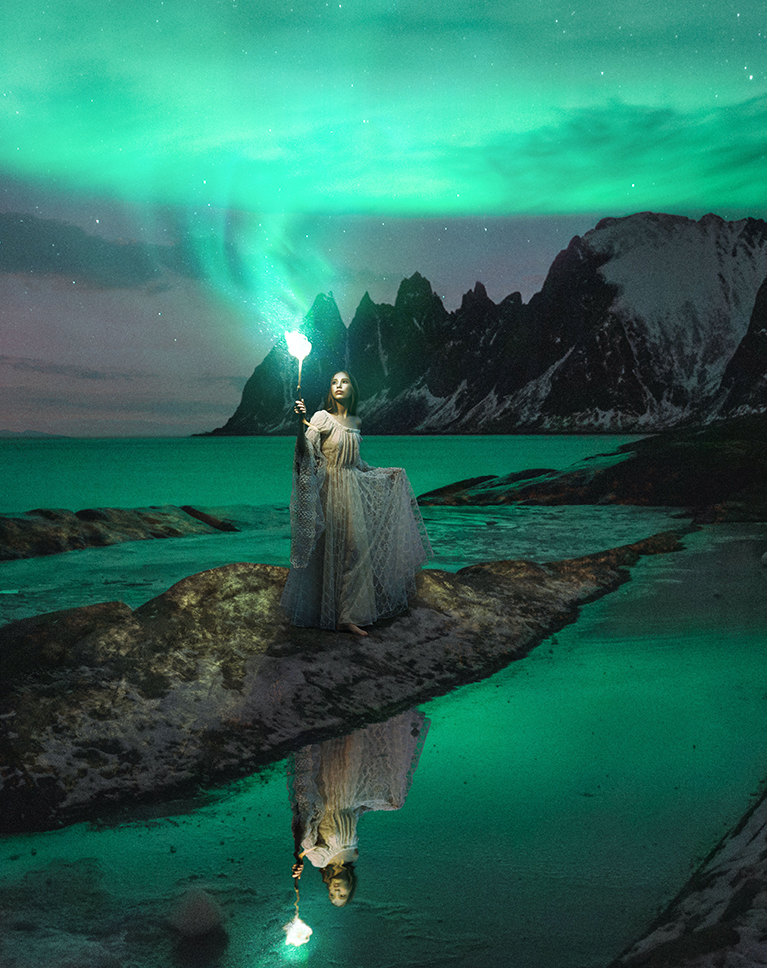
Get ready to dive into the fascinating world of advanced compositing. Discover the art of seamlessly blending a person into a brand new background. In 7 lessons, you’ll build a fantasy scene entirely from stock images: a woman holding a torch on a lakeshore at night, with the northern lights rising from the flame and its glow lighting the ground around her.
Unveil advanced Photoshop compositing techniques such as shadow blending and color matching that will take your final creation to a whole new level of realism. You’ll learn how to blend the ground beneath your subject’s feet into the new scene, build a reflection that sits in the water, rescue the fine lace of a dress shot against a dark background, and paint torchlight across the rocks around her. Then we turn photos of the northern lights and stars into light and embers, cast that color back onto the subject, and finish with the touches that make separate photos read as one image. Along the way you’ll work with Levels, clipping masks, Smart Objects, Select and Mask, Liquify and Blend If. All the sample images, a custom Photoshop brush and the layered PSD are included.
What You’ll Learn
- Blend a person into a brand new background seamlessly
- Match shadows and color for real-looking realism
- Cut out subjects cleanly for any fantasy composite
Table of Contents
-
01 - Compositing Essentials Unveiled17:15m
-
02 - Mastering Subject Integration24:21m
-
03 - Crafting the Perfect Reflection29:16m
-
04 - Refining Layers20:12m
-
05 - Captivating Light Effects39:49m
-
06 - Magical Northern Lights22:52m
-
07 - Adding the Final Touches32:10m
Course Downloads
Compositing Magic Unleashed

Advanced Compositing in Photoshop
Advanced compositing is what we do best, and we’re here to help you unlock the full potential of this technique to create extraordinary visuals. Discover the art of seamlessly blending multiple images into a surreal and captivating composition using Photoshop.
Expand your Skillset
Master essential tools like Levels, Clipping Masks, Smart Objects, and Custom Photoshop Brushes to develop a seamless advanced compositing workflow for combining multiple images. Gain precise control over the elements you’re compositing and elevate your images to the next level.
Use Stock Images
Don’t let the complexity of advanced compositing hinder your progress, especially when it comes to finding the right images for your creation. Our tutorial includes all the necessary images, saving you valuable time and effort.
Complete PSD File
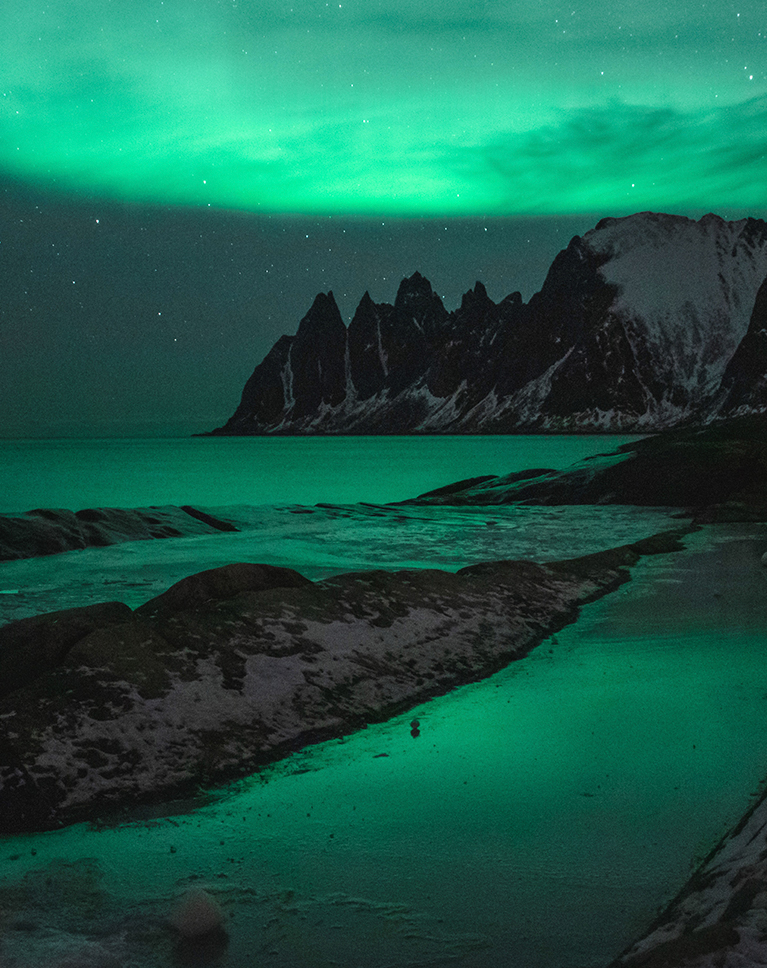
We don’t just show you how to create this stunning image, we include our own completed PSD file for you to explore and reverse-engineer. See how a pro organizes and structures an advanced compositing project to be able to work quickly and non-destructively.
Photoshop Brush
Using brushes in Photoshop is essential for adding artistic touches, creating unique effects, and enhancing your digital artwork. This advanced compositing course includes our custom Photoshop Brush for you to use and keep forever!
Compositing Learning Path
To comfortably navigate through this course, it’s necessary to have some familiarity with Photoshop and experience in compositing, since this is advanced compositing. If you’re new to compositing, we recommend exploring our Compositing Learning Path—a curated selection of our top-notch compositing courses that will guide you from beginner to expert. Follow this link to access the Compositing Learning Path.
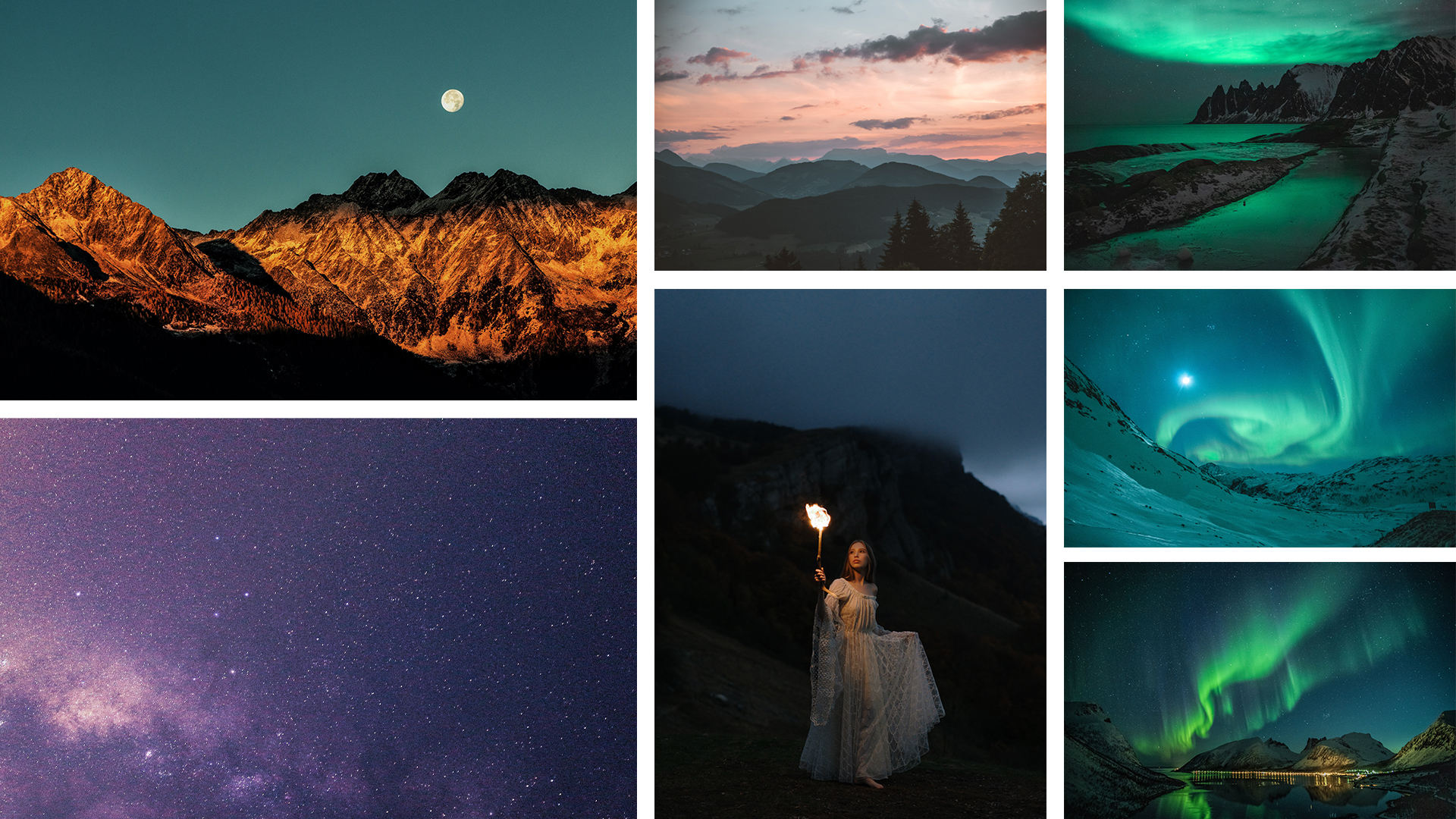
Seven Photos, One Masterpiece
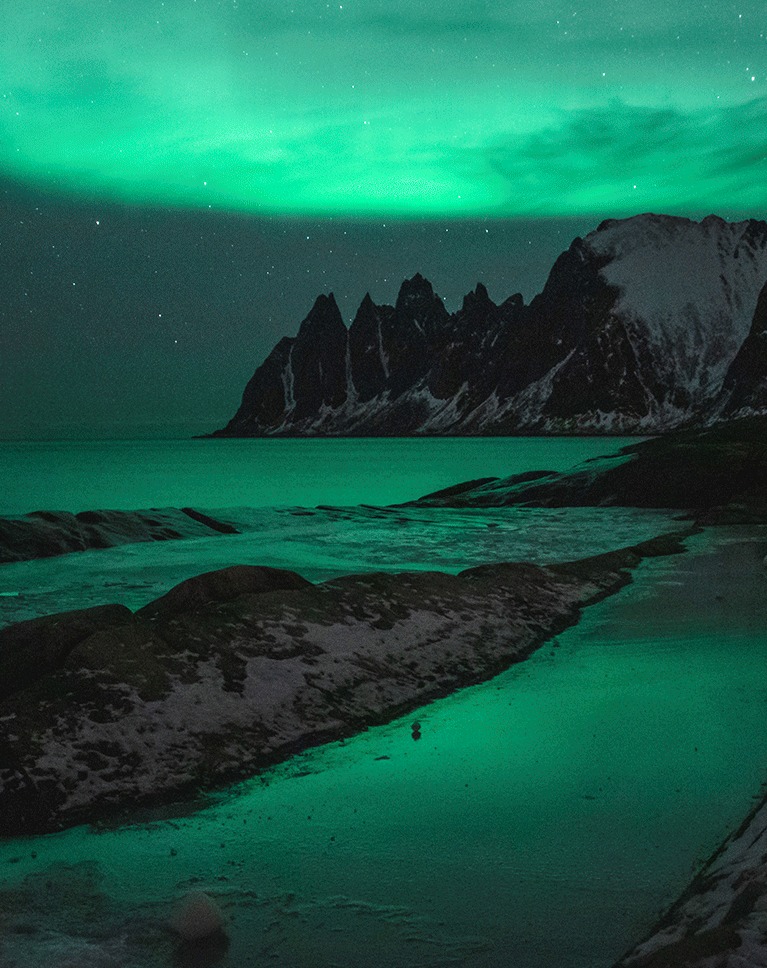
Join us in creating an awe-inspiring scene by blending seven stunning free stock images into a seamless and visually striking composite!
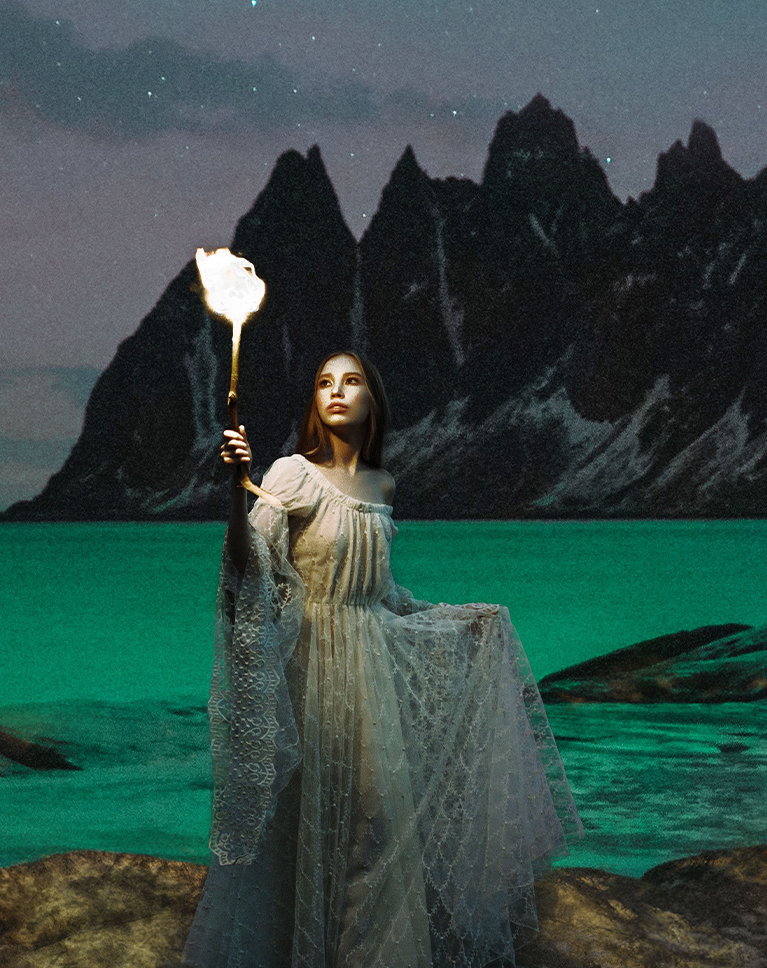
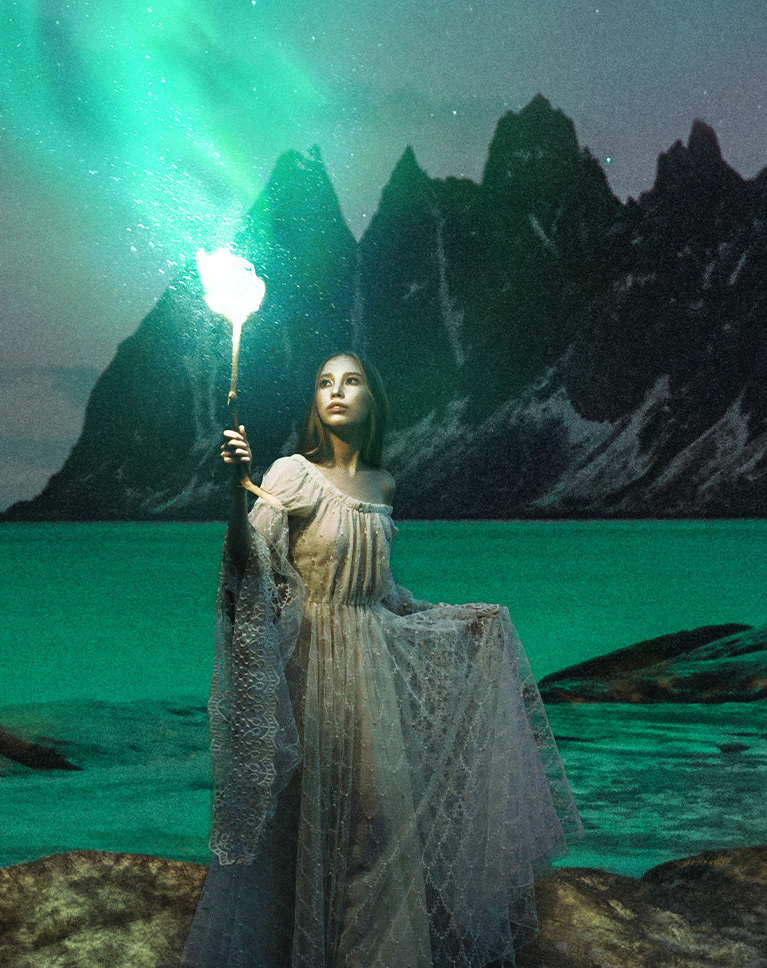
Perfect Color Match
Craft a convincing composite image by flawlessly matching colors. Dive into the world of adjusting colors separately for shadows, mid-tones, and highlights to achieve an authentic and vibrant color blend that brings your composition to life.
The Power of Artificial Intelligence
With AI-powered tools, you can now achieve precise and accurate selections with just a few clicks, saving you valuable time and effort. Say goodbye to tedious manual selection techniques and embrace the convenience of AI for seamless subject extraction in Photoshop.
Sky Replacement
Learn how to easily swap out the sky in your images with a different sky from another photograph. Discover techniques and tools that enable you to smoothly integrate a new sky, effortlessly transforming the mood and atmosphere of your photos.
Texture Integration
Creating textures plays a vital role when blending multiple images in Photoshop. Textures add depth, realism, and cohesion to the final composite, helping to seamlessly integrate various elements.
Efficient Workflow
With almost 15 years of experience under his belt, Aaron Nace has mastered a smooth and efficient compositing workflow. Get ready to learn how to work smart, solve creative challenges, and make the most of various tools to nail your compositing projects.
Mastering Photo Compositing
Once you finish this course, try one of our other advanced compositing courses like Advanced Compositing with Stock Photos and Advanced Compositing with Stock Photos 2!

Class Instructor
Aaron Nace
PHLEARN Founder & Lead Instructor
Aaron Nace is a photographer, digital artist, and the founder of PHLEARN. He has been teaching Photoshop, Lightroom, and photography since 2011, and has taught at Adobe MAX for more than eight years.
Aaron publishes a free tutorial every week and a new in-depth PRO course every month.
- 2M+YouTube subscribers
- 160M+video views
- 1,000+tutorials published
- 15years teaching Photoshop
Special thanks to Eberhard Grossgasteiger, Joshimer Biñas, Stephan Seeber, Tobias Bjørkli, and Zayceva Tatiana. Images for this PRO course were sourced from Pexels.
Reviews
Master Photoshop, Lightroom and Photography
Join PHLEARN PRO for $12.99 a month or $99.99 a year. Cancel anytime, with a 100% money-back guarantee.






This was amazing and also so much fun 🙂
Yet another tremendous and detailed tutorial Aaron and a beautiful piece of art! I love the attention to detail in your compositing tutorials and how fairly random images come together to make something unique and special. The only thing that I wonder about is the reflection. It’s really well done but to my eyes it’s not totally believable because it appears too bright relative to the subject. What do you think? Thanks again!
I really enjoyed this tutorial, and I got a tremendous amount out of it. I don’t do much in the way of compositing yet, but in this tutorial I was introduced to numerous Photoshop techniques that I can use in all my photo work.
As always you have given us some wonderful techniques Aaron. Having gone over the individual tools many times, I find these composite exercises a very satisfying way of putting it all together.
.. Love learning new things on photoshop with phlearn .Aaron make the class so fun and the project so inspiring. Really enjoying this one .thank you Aaron .Bx