

THIS COURSE INCLUDES
- 4 Lessonsfollow-along
- 1h 40mof captioned HD video
- Advancedfor experienced editors
- 4 Sample Imagesto follow along
Join PHLEARN PRO for instant access to this course and every tutorial on PHLEARN.
- Stream in up to 4K on any device
- Closed captions and chapters on every course
- Download all sample images and PSDs
- New PRO tutorials every month
- Cancel anytime
Description
If you only learn one technique to help take your images to the next level, make it dodging and burning. Follow along and learn how to dodge and burn in Lightroom Classic to enhance shape and definition, add detail, and guide the eyes of the viewer using the powerful tools in Lightroom Classic. This used to be Photoshop work, but with range masking, Lightroom can now dodge and burn accurately and naturally, and you don’t need to be an expert painter to get there.
In 4 lessons, you’ll work through four portraits, each with its own challenge: bringing out highlight and shadow, close-up detail in the eyes, doing justice to darker skin tones without changing a person’s skin color, and drawing attention to your subject. You’ll learn to work with the Adjustment Brush, Radial Filter and Graduated Filter, how to dodge and burn clothing as well as faces, and how to keep your work subtle so it doesn’t look overdone. We use a tablet, but everything works just as well with a mouse or trackpad, and every sample image is included so you can follow along.
What You’ll Learn
- Dodge and burn to enhance shape and definition in Lightroom
- Guide the viewer’s eye with light and shadow
- Add fine detail with close-up dodging and burning
Course Downloads
Enhance Shape & Definition
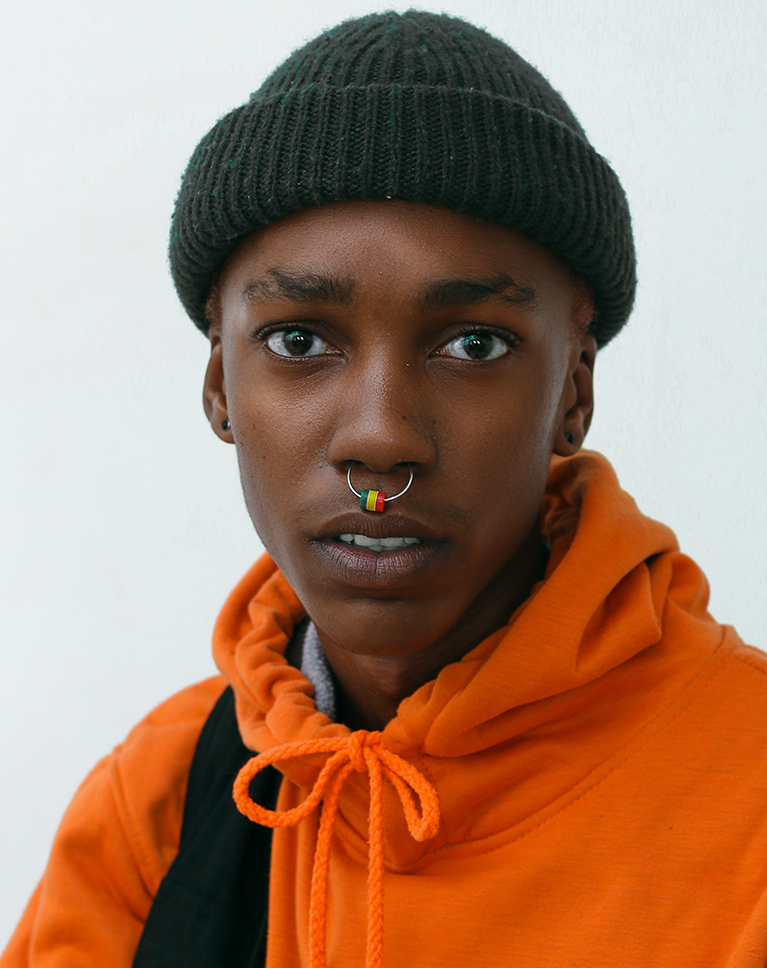
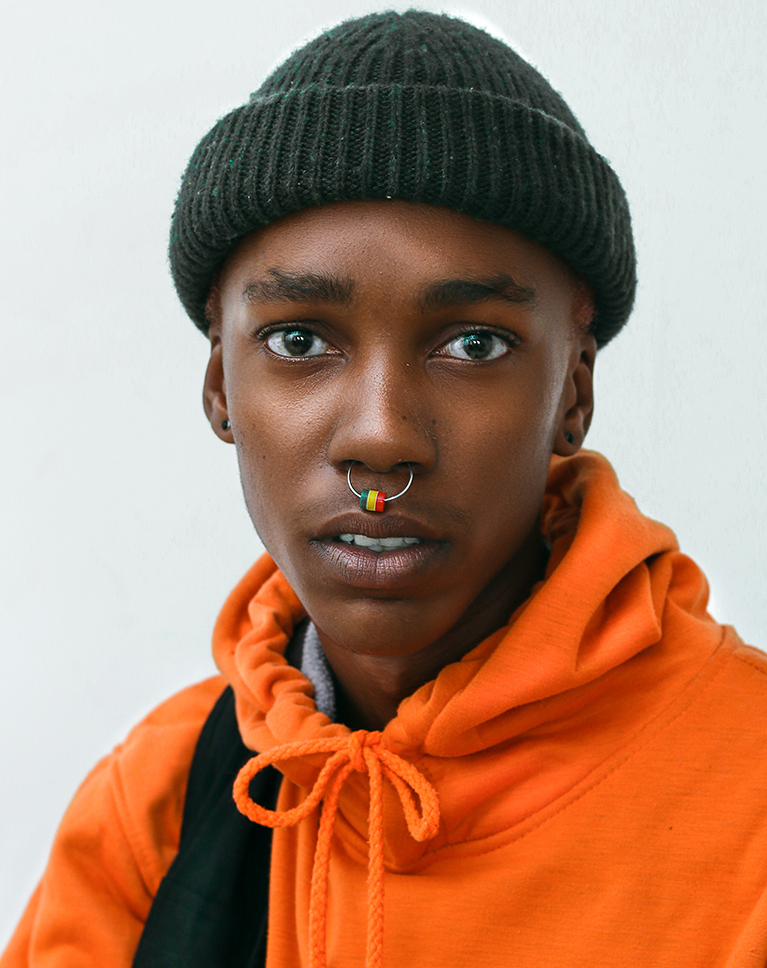
What is Dodging & Burning?
Dodging and burning is the art of enhancing the natural highlights and shadows in a photo. Doing so allows us to add shape and definition to a scene, guide the eyes of the viewer, and even bring out details that otherwise would have been lost.
Dodge and Burn in Lightroom Classic
We’ve covered dodging and burning in Photoshop many times before. But countless photographers and editors live and breathe in Lightroom, so we’re here to show you how to dodge and burn in Lightroom Classic for the same professional finish using the powerful tools in Lightroom Classic.
Picture-Perfect Skin
Skin is delicate and it can be easy to get an unnatural look if you take adjustments too far. We show you how to use precision tools to target skin and make adjustments that maintain natural skin texture and tone while helping the subject look their best.


Highlight & Shadow
The key to a great dodge and burn in Lightroom Classic is being able to analyze and work with highlight, shadow, and contrast. We show you how to do just that, showing you how to sculpt light around details both big and small in your images.
Masking in Lightroom
Range Masking is one of the most powerful and advanced editing tools Lightroom has to offer. Learn how to use Range Masking to dodge and burn in Lightroom Classic on specific areas of an image to make extremely accurate, localized edits for a polished and professional result.
Portraits & Landscapes
We focus on portraits in this courses, but the fundamentals of how to dodge and burn in Lightroom Classic hold true no matter what kind of photos you work with. Whether you’re editing portraits, landscape, or product photos, mastering these essential skill will help your work stand out.
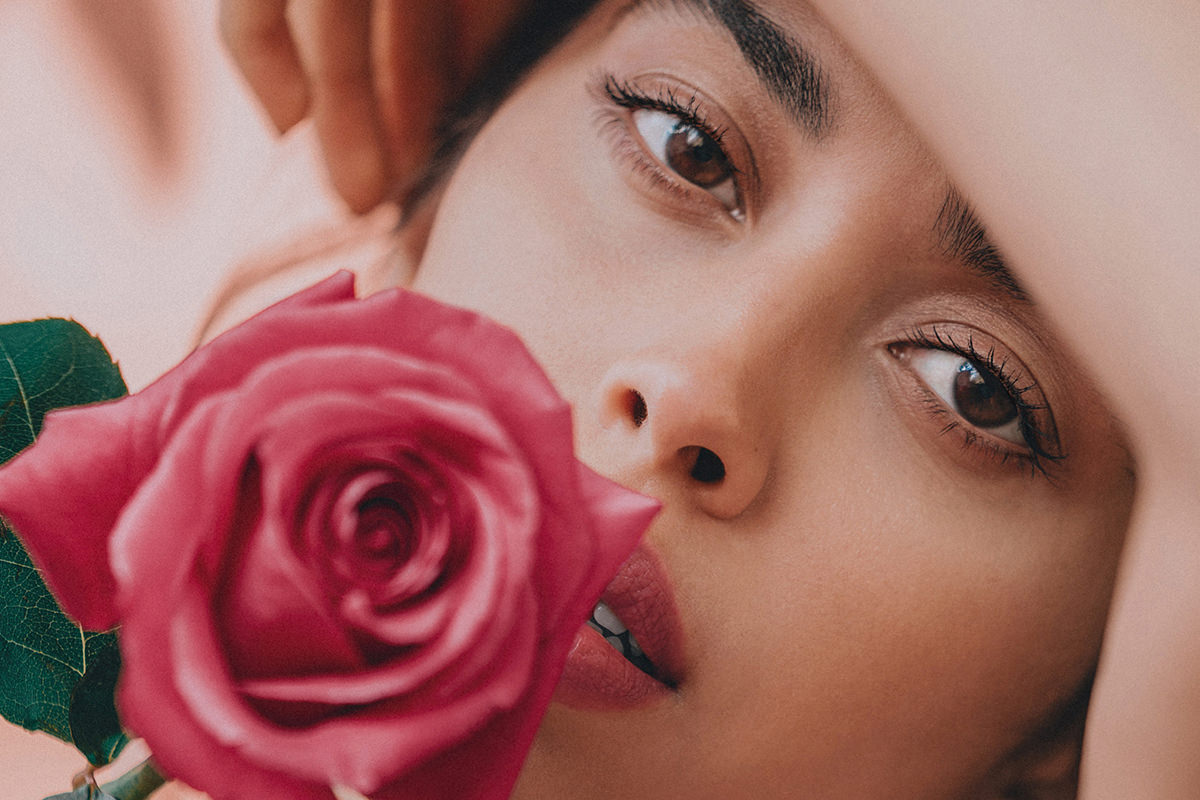
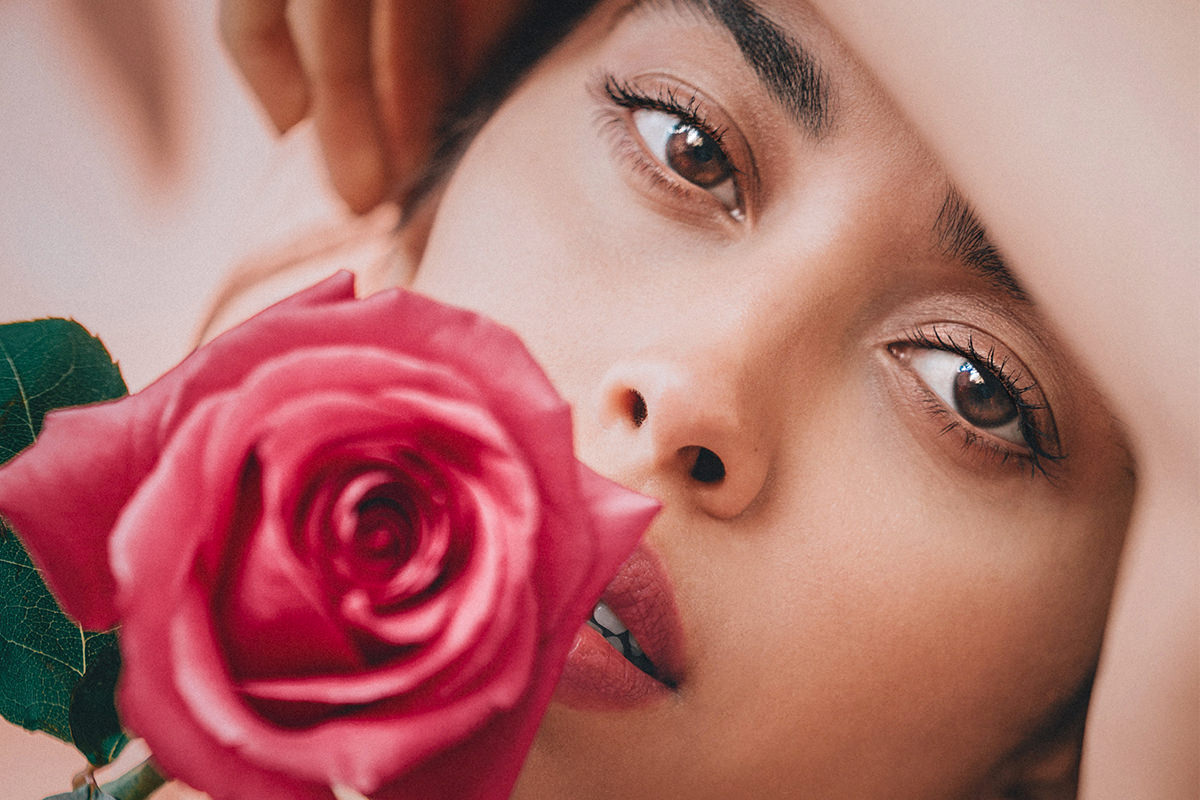
Dodge & Burn in Lightroom
Dodging and burning is the art of sculpting light to enhance the definition in a photo. We break down all of the tools you’ll need to create striking highlights, rich shadows, and beautiful details in your images.


Enhance Details
Dodging and burning can be done at multiple levels. There’s the zoomed-out level where you can work with your image as a whole, wrapping light around your subject’s face and body. You can also zoom in to tackle all the beautiful details, like those in eyes and hair, that can be easy to lose. We show you how to tackle both scales in your photos to achieve an unparalleled final look.
Guide the Eyes of the Viewer
Have you ever wondered why your eyes are naturally drawn to certain areas of a photo? Well, light, shadow, and contrast play a big part in that. We show you how dodging and burning can help guide the eyes of the viewer to the parts of a portrait that matter most, like the eyes and face of a subject.
Photo Editing in Lightroom Classic
We show you some of the most advanced tools that Lightroom Classic’s Develop Tab has to offer. Do we love Photoshop? Absolutely. But Lightroom Classic has everything you need and more to create professional edits quickly and with precision.

Class Instructor
Aaron Nace
PHLEARN Founder & Lead Instructor
Aaron Nace is a photographer, digital artist, and the founder of PHLEARN. He has been teaching Photoshop, Lightroom, and photography since 2011, and has taught at Adobe MAX for more than eight years.
Aaron publishes a free tutorial every week and a new in-depth PRO course every month.
- 2M+YouTube subscribers
- 160M+video views
- 1,000+tutorials published
- 15years teaching Photoshop
Special thanks to Anderson Cavalera, Maksim Goncharenok, KissedByTheGods, and Maria Orlova. Images for this PRO course were sourced from Pexels.
Reviews
Master Photoshop, Lightroom and Photography
Join PHLEARN PRO for $12.99 a month or $99.99 a year. Cancel anytime, with a 100% money-back guarantee.






I have said this before and I will say it again: Aaron is one of the best teachers on the internet. He is a legend; he explains things eloquently from the heart. He teaches philosophy and the general practice and trade; not only the technical stuff. Thank you Aaron. You took my photography career to the next level!
Excellent. Arron focuses on what you really would like to know.
Hi Aaron, Great tutorial with the radial and graduated filters on a stunning image. I have been feeling really stale lately with my editing and feel that this set of tutorials has provided a great platform to dive in and improve my work. Thanks so much. PS. I would love to know more about what “smoothness” actually does and also is Sharpening necessary in both LR Classic and PS (if you are going to export final image from PS)? Thanks and keep smiling. Your energy is awesome! Leanne
Nice tutorials.
I can’t wait to start using these tips on my images. Powerful new tool. Thank you again, Aaron for another great class. I’ve been watching you for years on YouTube and finally bought your program. Kicking myself for not doing so sooner. You are the BEST instructor on the planet hands down.
This was very helpful. It reminds me of BLENDIF.
Absolutely brilliant tutorial. Shows what can really be done in Lightroom.
Outstanding tutorial, especially for those of us who have been using Photoshop to do dodging and burning for a long time. I will us LR for most of my dodging and burning from now on.
Haven’t used this feature in Lightroom before, always in photoshop, so I found it very very helpful. Great as always, Aaron!
Next: Make-up Tutorial by Aaron Nace!! Let’s gooooo!! Hahahaha. Thanks for another great tutorial explaining the new features of Lightroom Classic!