

THIS COURSE INCLUDES
- 8 Lessonsin 2 sections
- 2h 46mof captioned HD video
- Intermediatesome Photoshop basics
- 22 Sample ImagesJPEG + RAW, + sharpen action
Part of a Learning Path
Join PHLEARN PRO for instant access to this course and every tutorial on PHLEARN.
- Stream in up to 4K on any device
- Closed captions and chapters on every course
- Download all sample images and PSDs
- New PRO tutorials every month
- Cancel anytime
Description
Nature is big, colorful, and full of wonderful details. But capturing all that beauty with just a camera is tough. We’ve all seen amazing travel and landscape photos, so how do the pros edit travel and landscape photos like that?
With the magic of Lightroom and Photoshop!
Washed out sky? Replace it with one full of clouds and color. Ground too dark? Fix exposure and rescue those details. Want a landscape that’s truly epic? Create a panorama that shows off all the grandeur that nature has to offer. Learn how to edit travel and landscape photos like a pro, and much, much more!
What You’ll Learn
- Replace washed-out skies and fix exposure for epic landscapes
- Stitch a panorama to capture nature’s grandeur
- Process RAW images in Lightroom and Photoshop like a pro
Table of Contents
Powerful Landscapes, Natural Look
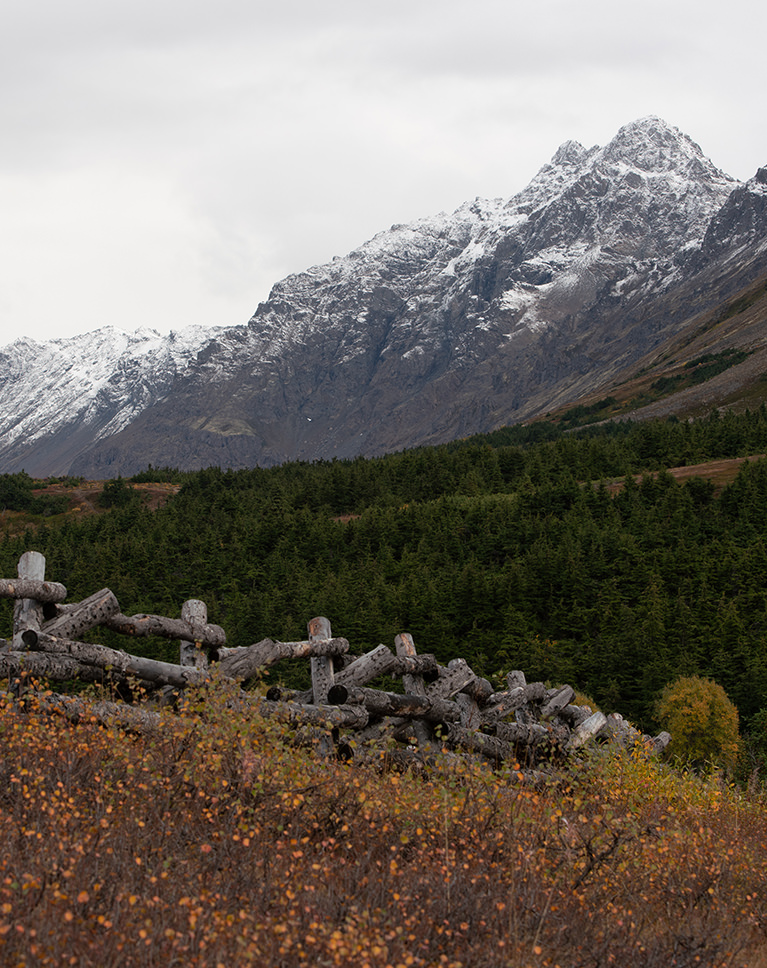
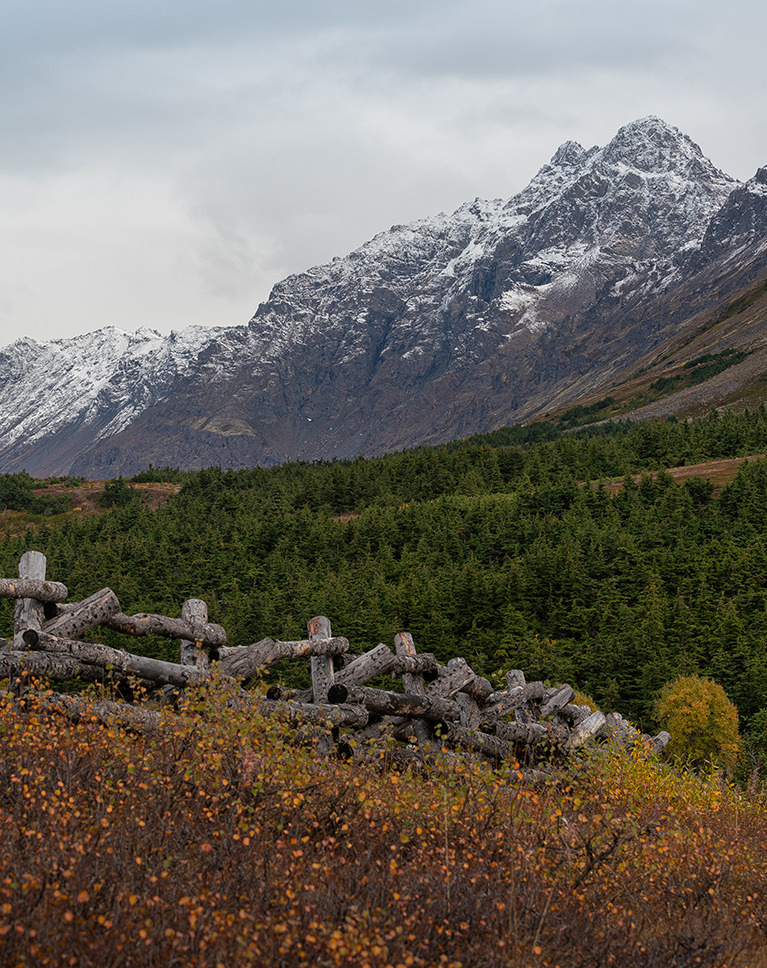
How to Edit Travel and Landscape Photos
Our cameras can’t capture nature quite like our eyes can. That’s where software tools like Lightroom and Photoshop can help! Learn how to fix exposure, rescue details, color grade, and even create your own HDR and panoramic images.
Nature and Travel Photography
Travel and landscape photography is a craft all its own. We show you how to edit travel and landscape photos with a focus on composition, simplicity, and natural, realistic adjustments.
Fix Exposure
The sun is an important part of landscape photography, often informing how we capture light and colors in our images. But, since it’s such a bright and powerful light source, it can pose some problems as well. Learn how to balance out exposure, dialing down the brightness of the sky, while lightening the shadows of the ground below.
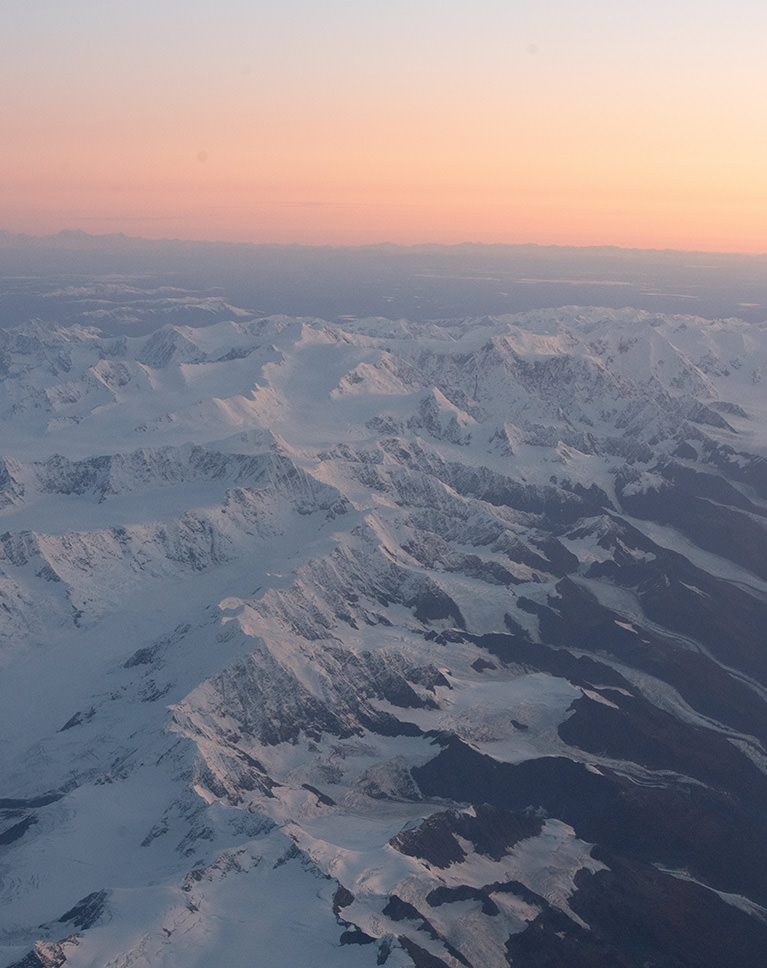
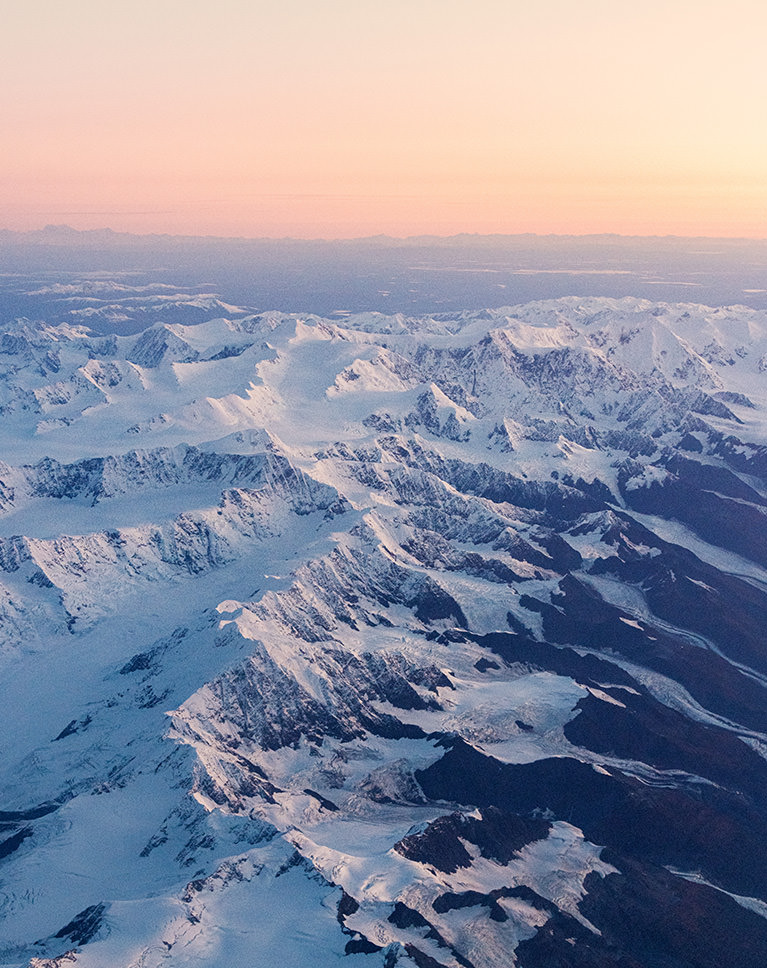
Lightroom and Photoshop
Lightroom and Photoshop have powerful tools designed to help you edit travel and landscape photos of all types. From RAW adjustments, to HDR and panorama, to compositing, learn how to use each to enhance your nature and landscape photos! We also recommend learning Lightroom for Desktop & Mobile, the perfect addition to the travel photographer’s toolkit.
Rescue Color and Details
Sunset photo didn’t come out quite how you remember it? We show you how to enhance colors and rescue details, for beautiful sunsets, sunrises, and landscapes that look like you’re there.
Cropping and Composition
Crooked horizons and off-balance composition can take away from an otherwise wonderful landscape image. Learn how to use tools in both Lightroom and Photoshop to adjust composition and straighten horizon lines, helping the subjects of your images stand out.
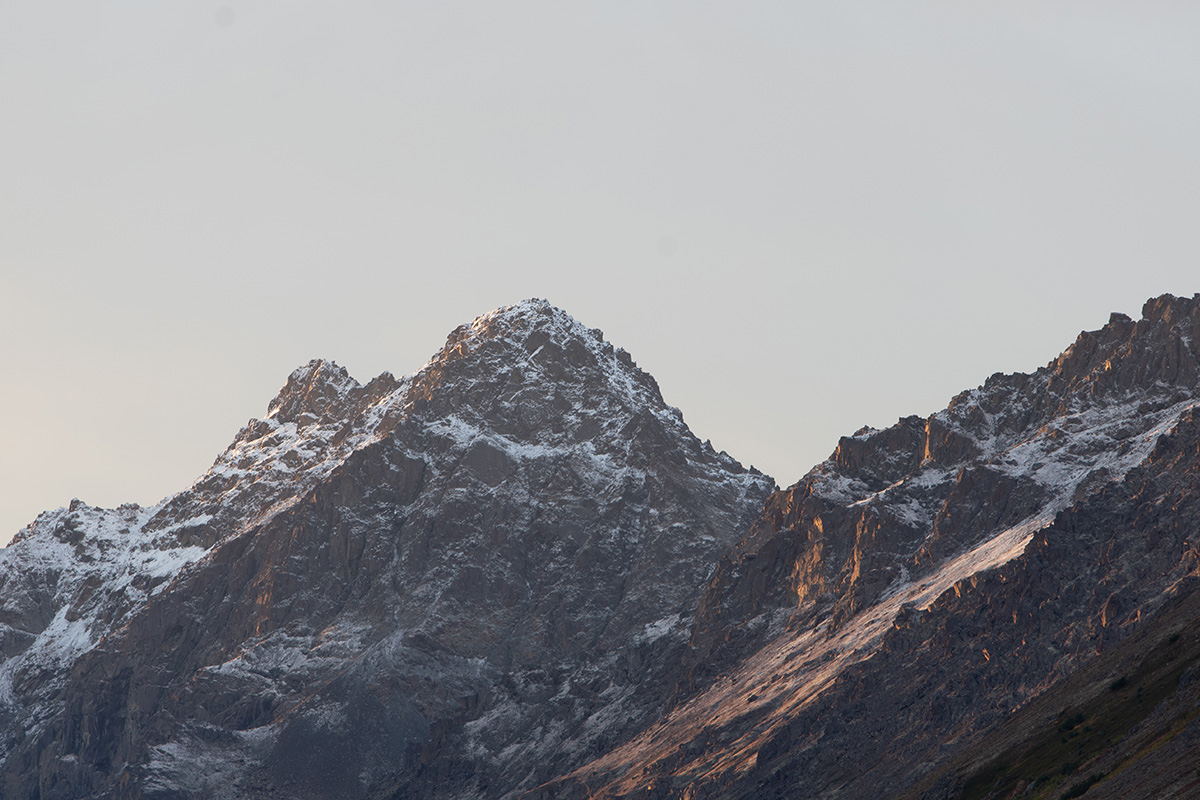
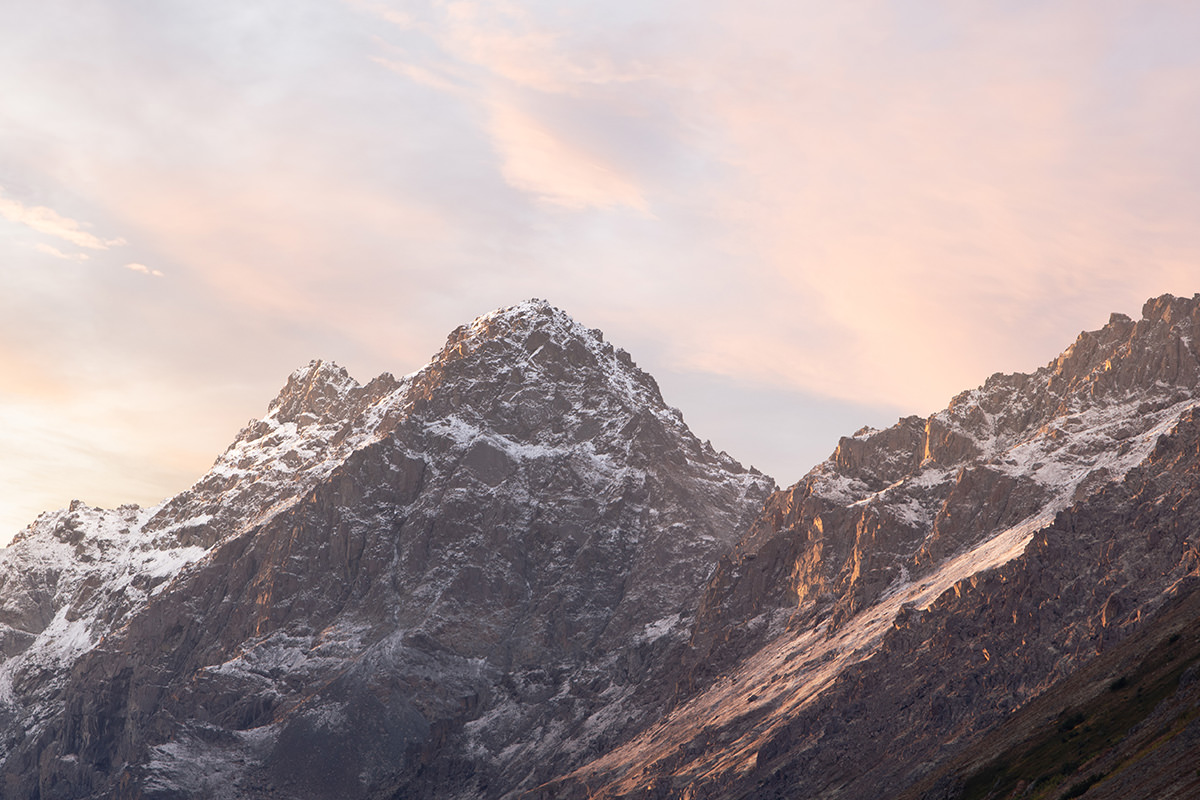
Big Skies & Grand Vistas
Whether it’s the wallpaper on your new computer, or all the photos you see while browsing Instagram, beautiful travel and landscape photos are everywhere. Learn how to create your own eye-catching images, showing off nature how it’s meant to be seen.
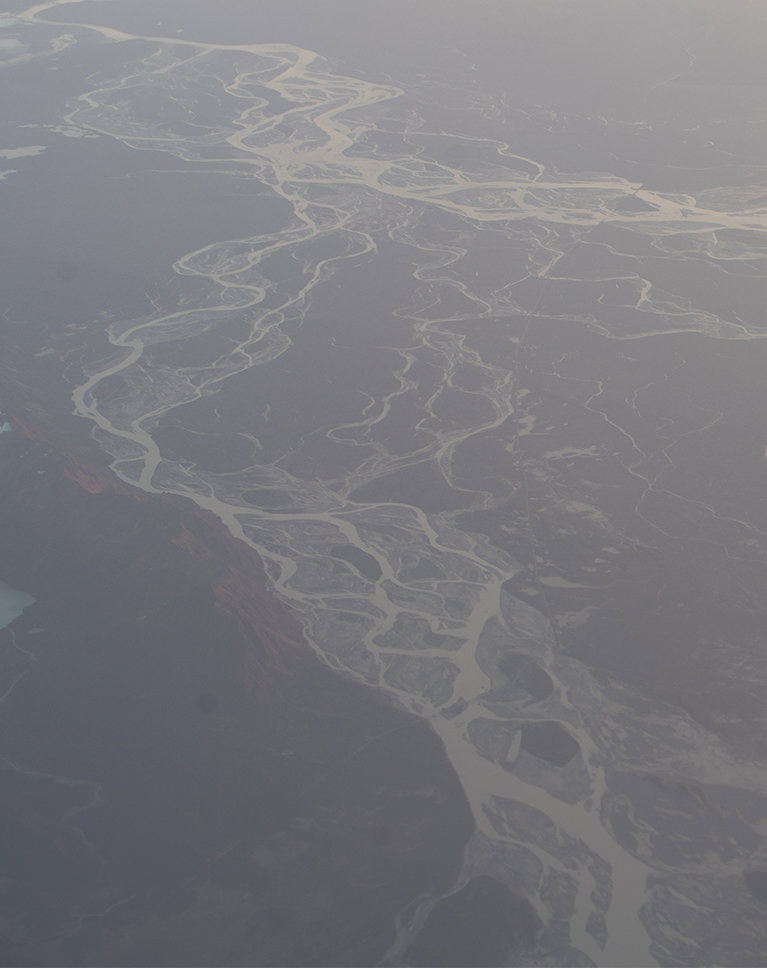
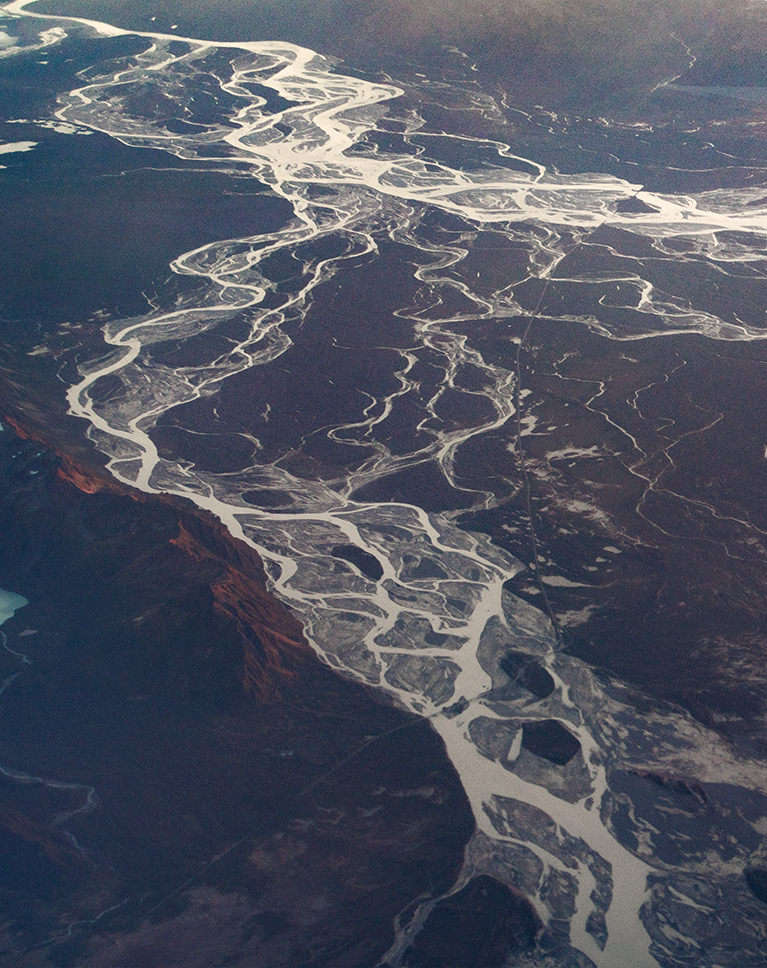
Advanced Techniques
When the basics don’t cut it, it’s time to bring out the advanced tools and techniques to edit travel and landscape photos. Learn how to replace a sky with Photoshop compositing, add precision adjustments with luminosity blending (Blend If), and add shape and dimension to a landscape with professional dodging and burning. After this, try Mastering Luminosity Blending to level up your skills!
Remove Haze
Fog and clouds can sometimes obscure the subject and details in our landscape images. Learn how to reduce and remove haze using tools in both Lightroom and Photoshop.
Basic Adjustments
There are some simple adjustments that can help improve almost any photograph. From exposure, to white balance, to saturation, we show you how to make subtle edits to the light and color of an image for a more balanced look.
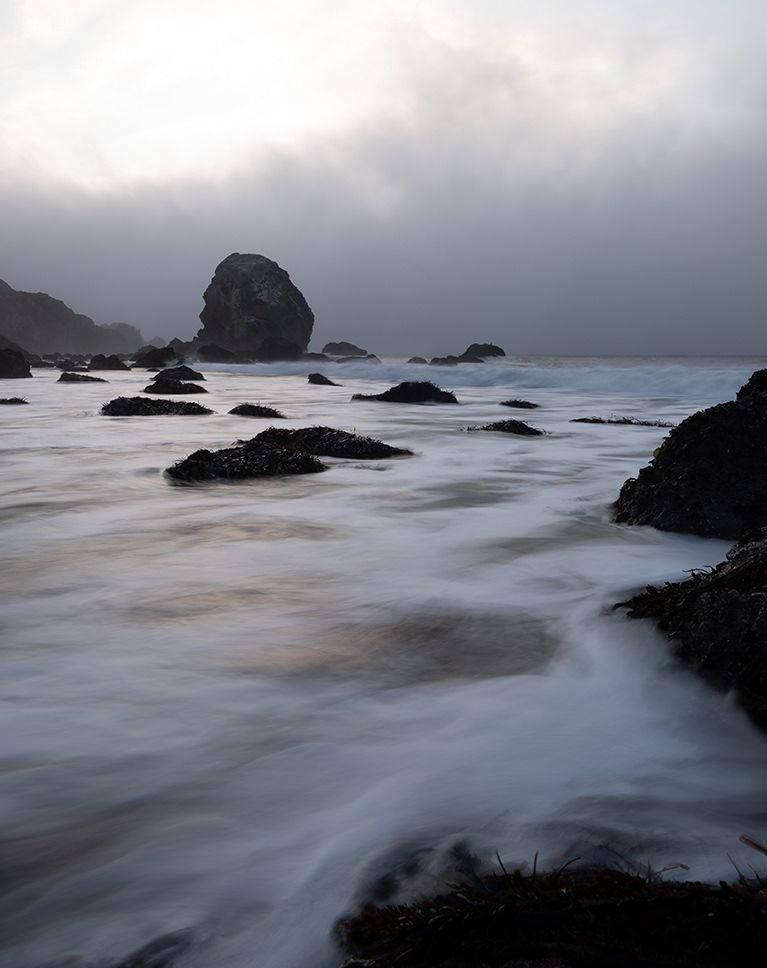
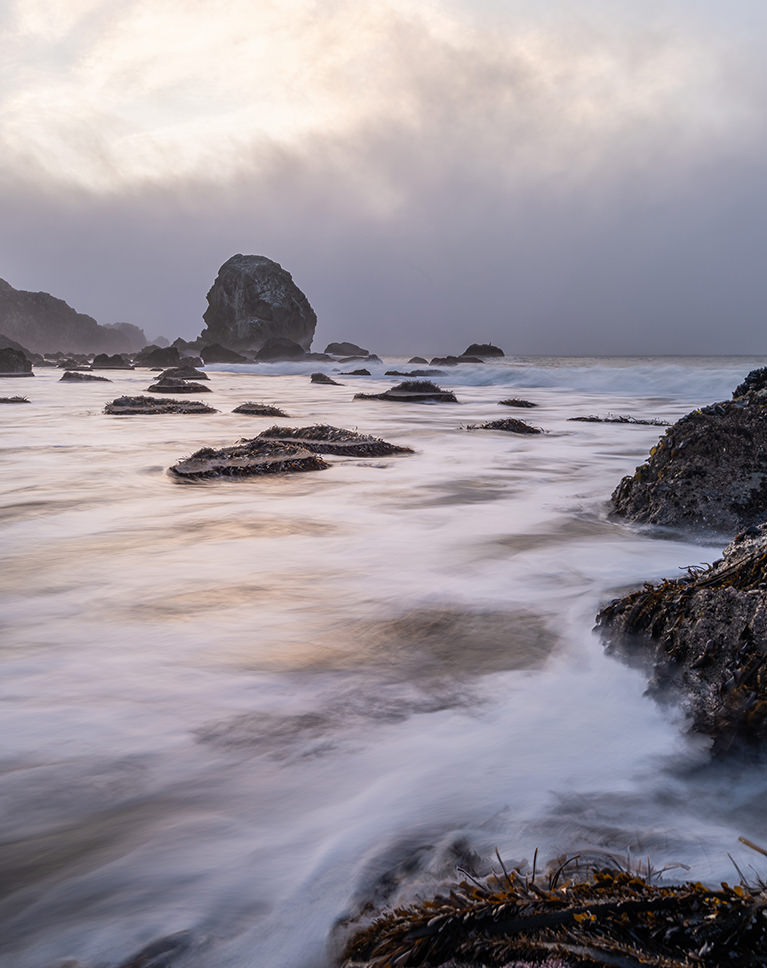
Stunning HDR
HDR stands for high-dynamic range, and it’s a popular way to edit travel and landscape photos, a method of combining multiple exposures of a scene to create images with beautiful detail throughout the highlights, midtones, and shadows. Learn how to blend overexposed and underexposed photos together for detailed skies and rich landscapes. Want to master HDR? Try How to Create a Manual HDR!
Epic Panoramas
Sometimes a scene just can’t be crammed into a 16:9 or 3:2 aspect ratio. If you want an ultrawide view of a landscape, we show you how to stitch multiple photos together for a truly epic scene.
Landscape Photography Tips
All of the included RAW photos were photographed by Aaron Nace, allowing him to provide valuable tips and insight into how he photographed each image. While the course is focused mostly on the post-processing, you can still learn a bit about how to capture travel and landscape photos with your camera.
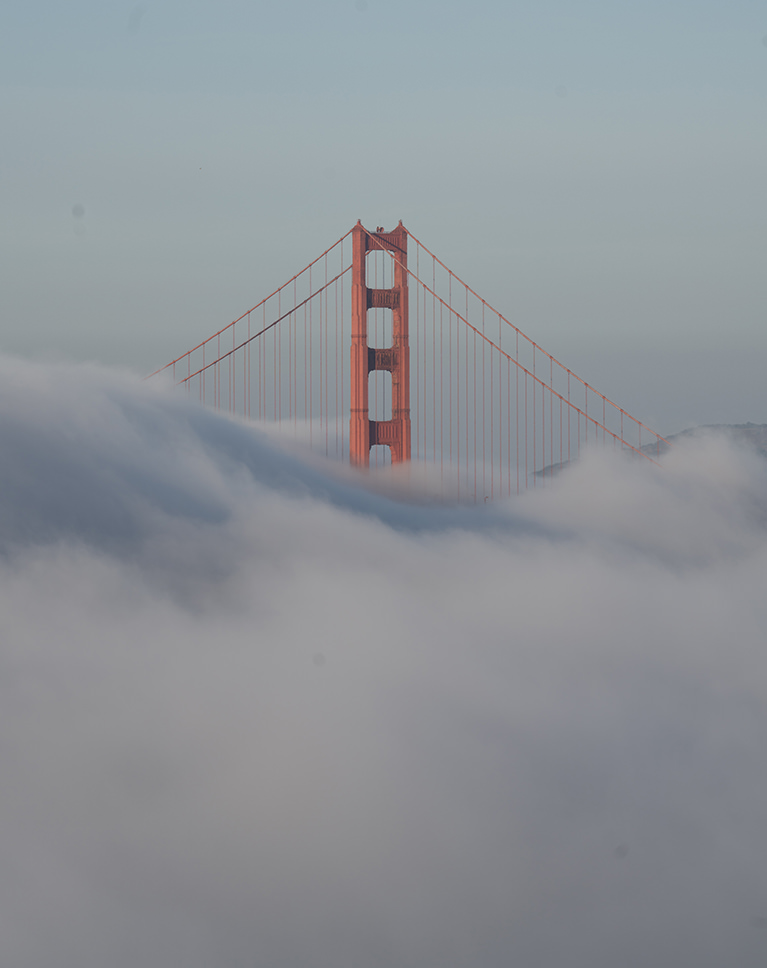
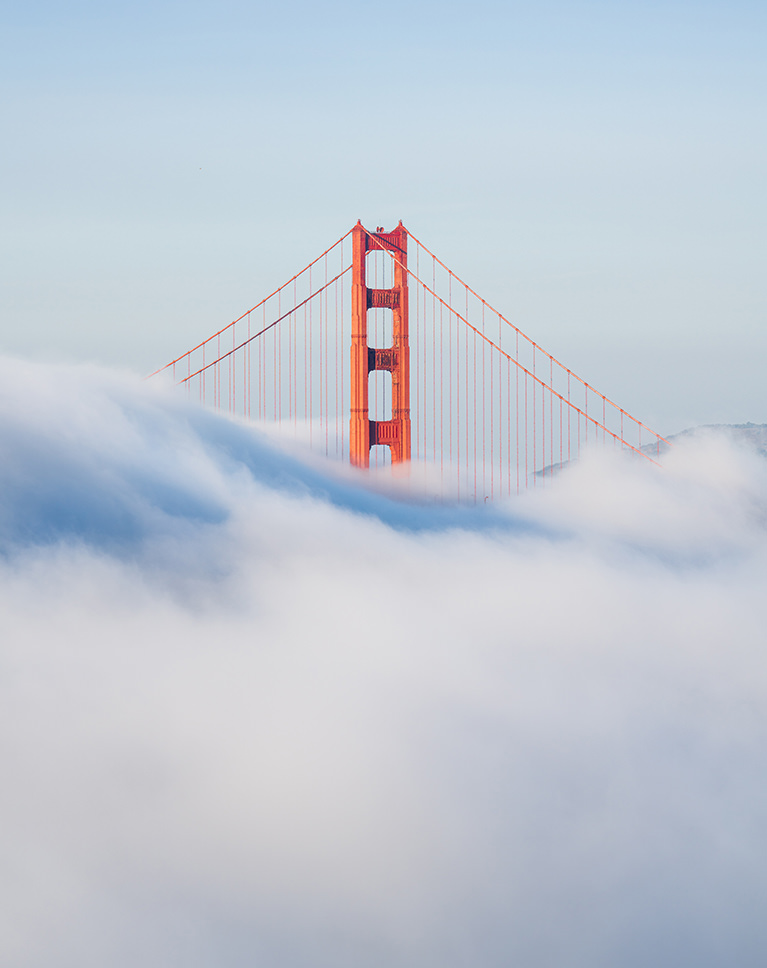
Edit RAW Images
RAW will help you get the absolute most out of your travel and landscape photos. Master the tools within Adobe Camera RAW within both Lightroom and Photoshop to correct common issues, and enhance the color and lighting. New to RAW? Learn all about RAW processing in Adobe Camera RAW.
Keep it Natural
Raise the contrast. Crank up the saturation. It can be easy to overdo landscape photo edits. We show you how to get impressive results using only subtle and natural-looking adjustments.
Color Grade Landscapes
Lush, green forests. Snowcapped mountaintops. Sunsets of blue and gold. Nature provides a lot of wonderful color to work with as we edit. Learn how to make the most out of it using the coloring tools in Lightroom and Photoshop.
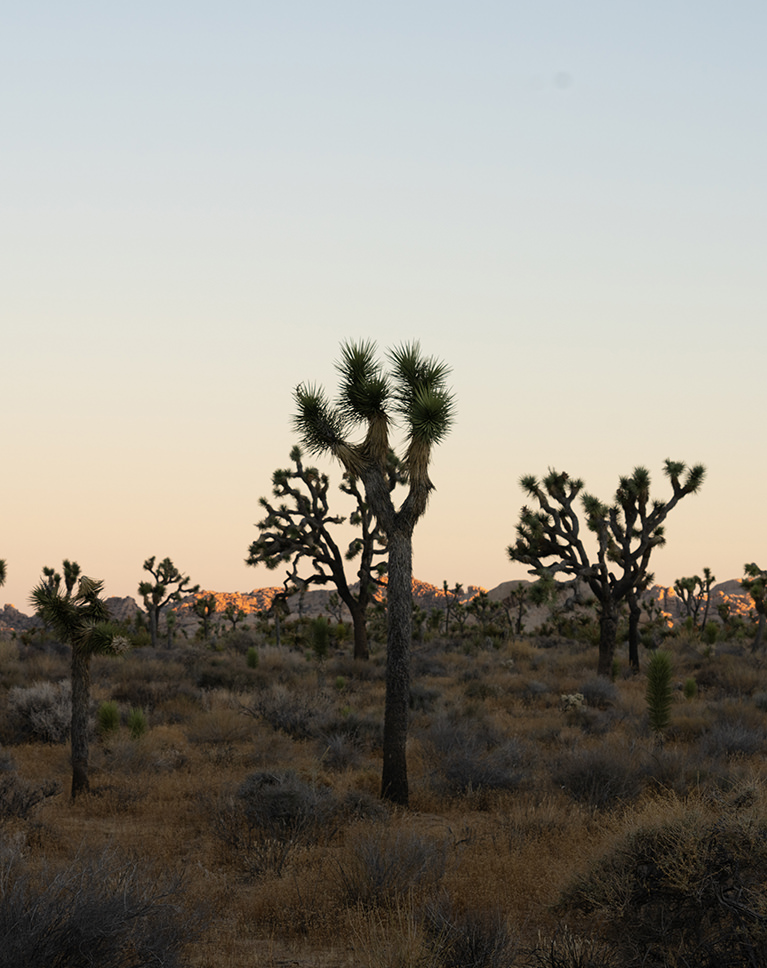
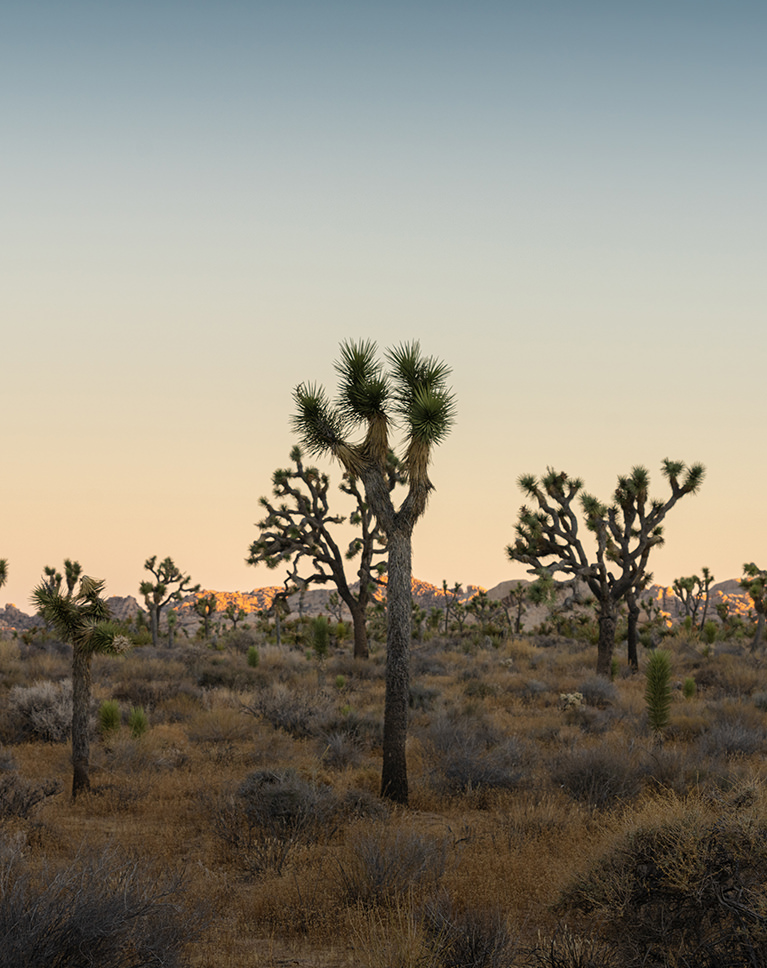
Blue Skies to Warm Sunsets
We show you how to analyze landscape photos, and then make subtle adjustments to enhance all of the natural lighting and details in each scene.
Replace a Sky
When you expose an image to capture all the detail and color in the ground, the sky can turn out overexposed and washed out. Learn how to replace the sky in outdoor scene, adding color and detail for a balanced landscape image.
Professional Portfolios or Travel Blogs
These techniques will help you improve and enhance any landscape or travel photos. Whether you’re a pro landscape photographer, a travel blogger, or you just want your vacation photos to look great, we can help you get there.

Class Instructor
Aaron Nace
PHLEARN Founder & Lead Instructor
Aaron Nace is a photographer, digital artist, and the founder of PHLEARN. Since 2011 he has taught millions of people to edit with confidence in Photoshop and Lightroom, on YouTube and in PHLEARN PRO, and he has been a featured speaker at Adobe MAX for more than eight years.
Every PRO course comes with the sample images and PSDs to follow along step by step, and Aaron adds new courses and free tutorials all year.
- 2M+YouTube subscribers
- 160M+video views
- 1,000+tutorials published
- 15years teaching Photoshop
Reviews
Master Photoshop, Lightroom and Photography
Join PHLEARN PRO for $12.99 a month, or $99.99 a year (save 36%). Cancel anytime, with a 100% money-back guarantee.






Really enjoying the videos – (as an aside – you seem to enjoy using the word ‘fantastic’ over and over which gets a tad tedious especially when used to describe a minor adjustment.. just me maybe.) I do appreciate all the work you have gone through to make really decent and informative tutorials. Thanks
Your are making my edits day by day better….ur learning style is interesting and didn’t feel any boredom.
I really enjoyed this tutorial. I found it very interesting. I prefer landscape photography so now I want to replace some skies. Thanks Aaron!!
This was fantastic.
I learned a lot from this course. Thank you 🙂
Very good course on editing travel and landscape photos! I very much liked the class on how to replace a sky using Photoshop. Maybe not useful for a Pro, but at my level this class was perfect to get me started along the path to having a better sky. This course also provided me with with new tips, techniques and ideas to make my landscape and travel photos standout. Really appreciate all the time and effort Aaron puts into making these courses.
Everything I’ve learnt about Photoshop is from Aaron. Thank you 🙂
Thanks Aaron. Another great course. Take care and stay safe during this difficult time.
Phlearn is the best photo learning site that i could find on a long time! This landscape´s tutorial is one of the easiest and better option to master this kind of photography. Thanks Aaron and all the stuff!
I’m not too inclined to write reviews, but this tutorial deserves a big thumb up It’s one of the best things I have seen. Aaron is really so good at explaining the real important things about landscape photography. I really love this.
Love the tutorial, but video about “replace a sky” was for me too much information.
Good Course but it is more of a beginners course then a PRO course.