
THIS COURSE INCLUDES
- 7 Lessonsfollow-along
- 1h 28mof captioned HD video
- Intermediatesome Photoshop basics
- 7 Sample Imagesto follow along
Part of a Learning Path
Join PHLEARN PRO for instant access to this course and every tutorial on PHLEARN.
- Stream in up to 4K on any device
- Closed captions and chapters on every course
- Download all sample images and PSDs
- New PRO tutorials every month
- Cancel anytime
DESCRIPTION
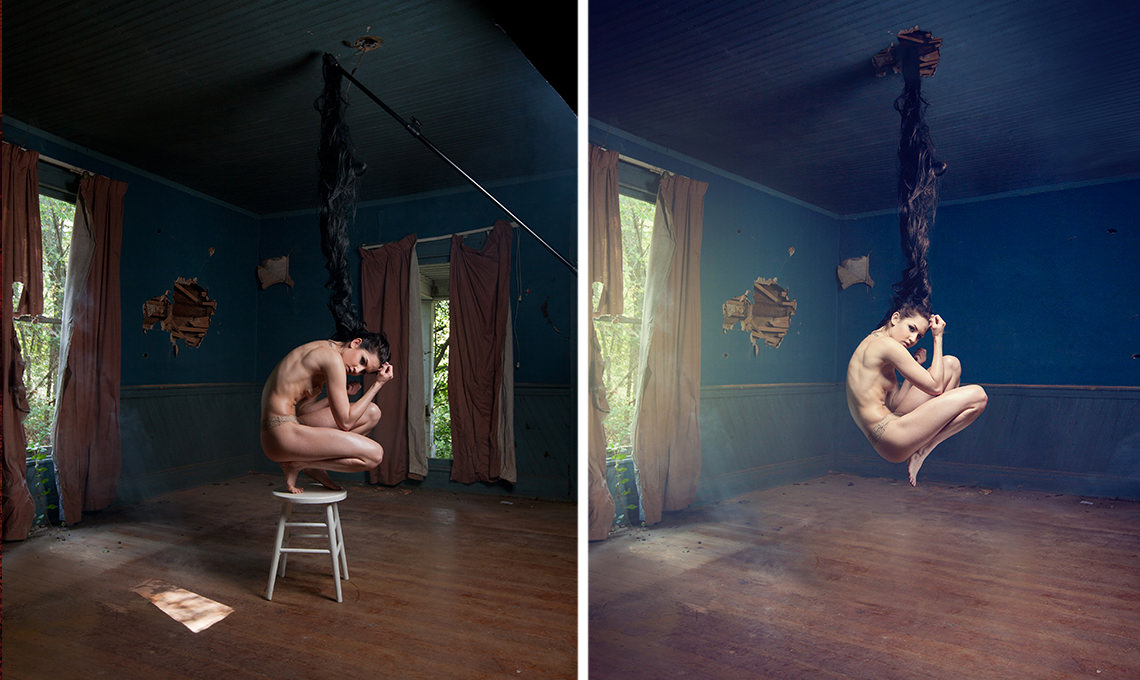
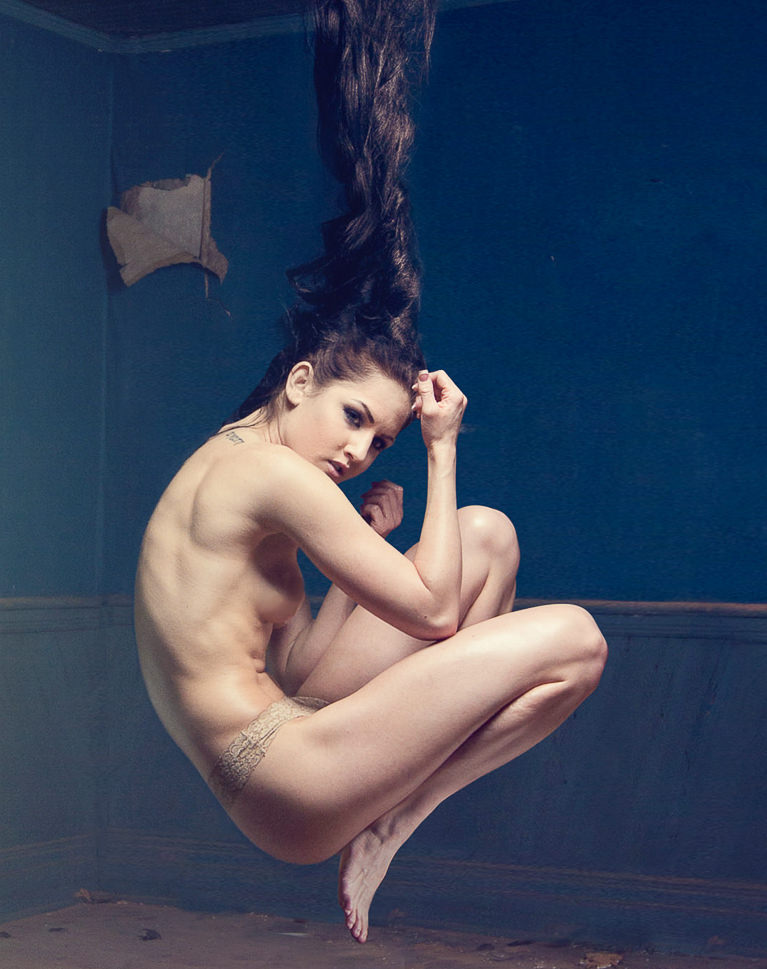
Learn how to suspend a person in the air and seamlessly create even the most complex special effects composite images. In this Phlearn PRO Tutorial you will discover how to cut out objects, use custom brushes, match colors, step and repeat, composite theory and more.
What You’ll Learn
- Suspend a person in the air with a complex composite
- Cut out objects and match colors for a believable scene
- Simplify a background by removing large objects
Course Downloads
Create a Conceptual Composite.
Suspend a Person in the Air with Confidence
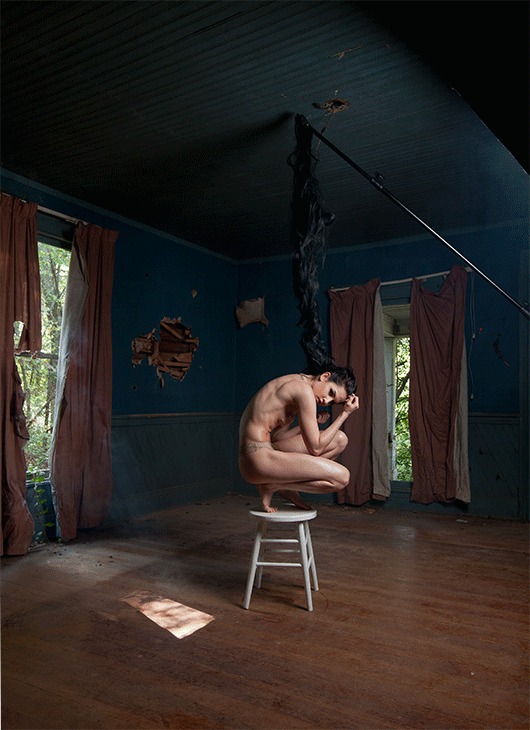
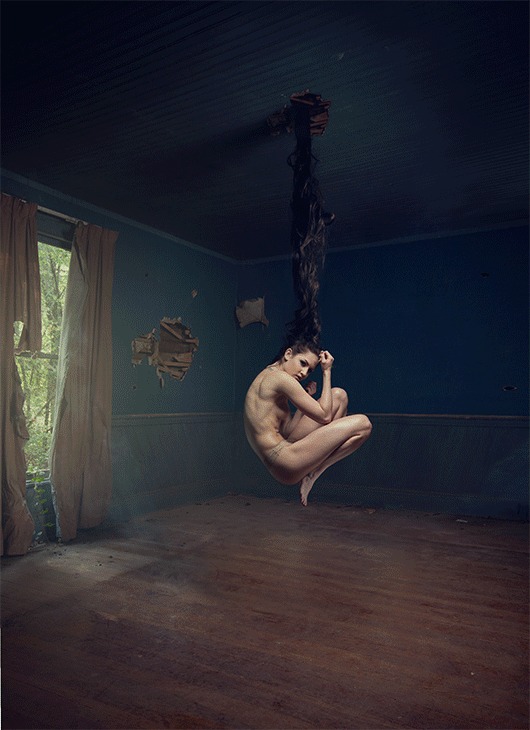
Begin by learning the best methods to approach complex composite images such as this. Use the plan you create to ensure you don’t miss any of the critical steps. The advanced techniques you will learn in this Phlearn PRO Tutorial will help you suspend a person in the air and accomplish incredible special effect composites.
Composite Theory
Learn to composite multiple images together so you can take the best parts of different photos and combine them, saving time on the photo shoot and giving you more creative options. In this tutorial, we cover some of the best practices for evaluating any composite that needs to suspend a person in the air.
Make Perfect Cutouts
Follow along as we explain the correct tools and techniques to cut out the subject so you can suspend a person in the air convincingly. Learn how to use the Pen Tool to create paths and turn the paths into selections. Create
incredible selections and speed up your background cleanup.
Blend Hair to Suspend a Person in the Air
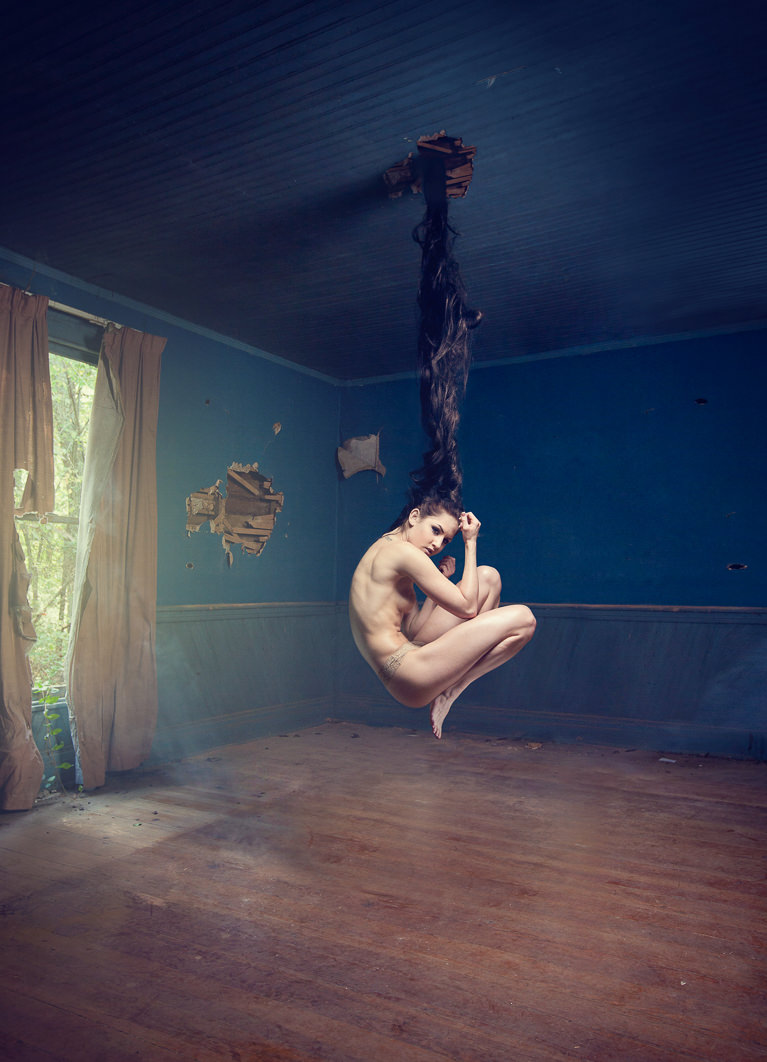
Learn how to extend and enhance your subject’s hair. Use Photoshop to combine many different layers of hair and learn how to mask, color, create highlights and blend the hair perfectly.
Remove Distractions
Refine your images by removing unwanted distractions. Master multiple techniques that will allow you to remove literally anything leaving only the focal points you decide.
Add Light
The trick with adding light to an image is to match the color with the rest of your scene. Learn how to accurately judge color and create the most believable light every time you suspend a person in the air.
The Rebirth
Get familiar with more then compositing tools in this tutorial. Learn the theory behind how and why we use these tools to make realistic composites.
Perfect Color Match
Create the most believable image when you suspend a person in the air by matching the colors perfectly. Learn how to adjust the colors separately between shadows, mid-tones and highlights to create an accurate and realistic color match.
Custom Photoshop Brushes
Create your own Photoshop brushes so you’ll always have the right brush for the job. Custom brushes are excellent for advanced retouching and adding special effects to your images.
Retouch, Quick and Simple
Learn time-saving techniques to significantly speed up your retouching process. Follow along and learn how to easily color-match skin tones from different areas of the body to give any subject a more uniform look.

Class Instructor
Aaron Nace
PHLEARN Founder & Lead Instructor
Aaron Nace is a photographer, digital artist, and the founder of PHLEARN. He has been teaching Photoshop, Lightroom, and photography since 2011, and has taught at Adobe MAX for more than eight years.
Aaron publishes a free tutorial every week and a new in-depth PRO course every month.
- 2M+YouTube subscribers
- 160M+video views
- 1,000+tutorials published
- 15years teaching Photoshop
Reviews
Master Photoshop, Lightroom and Photography
Join PHLEARN PRO for $12.99 a month, or $99.99 a year (save 36%). Cancel anytime, with a 100% money-back guarantee.






Love the concept and result.
Wow, what a explosive, mind blowing tutorial. So many little easy things that would of never entered mymind, You have opened my eyes to so much during this one Aaron you rock
What a beautiful tutorial; the creation of art in the purest form. Thank you for sharing your knowledge.
thanks for this amazing
I work professionally as a Graphic designer and work with Adobe Photoshop every day, so I know the program very well. Still I chose to purchase this tutorial to “up my game” within retouching and photo manipulation. The approaches an methods used in this tutorial differs from how I work usually and really was the knowledge I was looking for.
This tutorial helped me so much. Thank you Aaron!
Very enjoyable tutorial. Although I was stuck for a whole day to sort out 1 problem, I got there at the end.
Hey Aaron…!!! I thoroughly enjoyed your tutorial and learnt so much…!!
It was so much fun working with your pro tutorial…Here is the image I edited, if possible do give your feeback.
Very Helpful