
Fundamentals of Composition & Light in Photoshop
-

-
Add to
favorites

-
DifficultyMedium
-
Length3 hours
-
Software
Description
Master the fundamentals of Lighting and Composition! In this tutorial, you will explore nine hands-on scenarios using Adobe Camera Raw and Photoshop to transform flat photos into dynamic images. Learn techniques like highlight sculpting, dynamic space, and border cleanup to train your eye and capture striking shots right in the field.
THIS COURSE INCLUDES
- 8 Sample Images (JPEG Files)
- 1 Sample Image (RAW File)
- 9 Sample PSDs
Share
Table of Contents
-
01 - RAW Editing43:37m
-
02 - Crop Overlays32:40m
-
03 - Rule of Thirds14:49m
-
04 - Framing Interest11:37m
See Light Differently
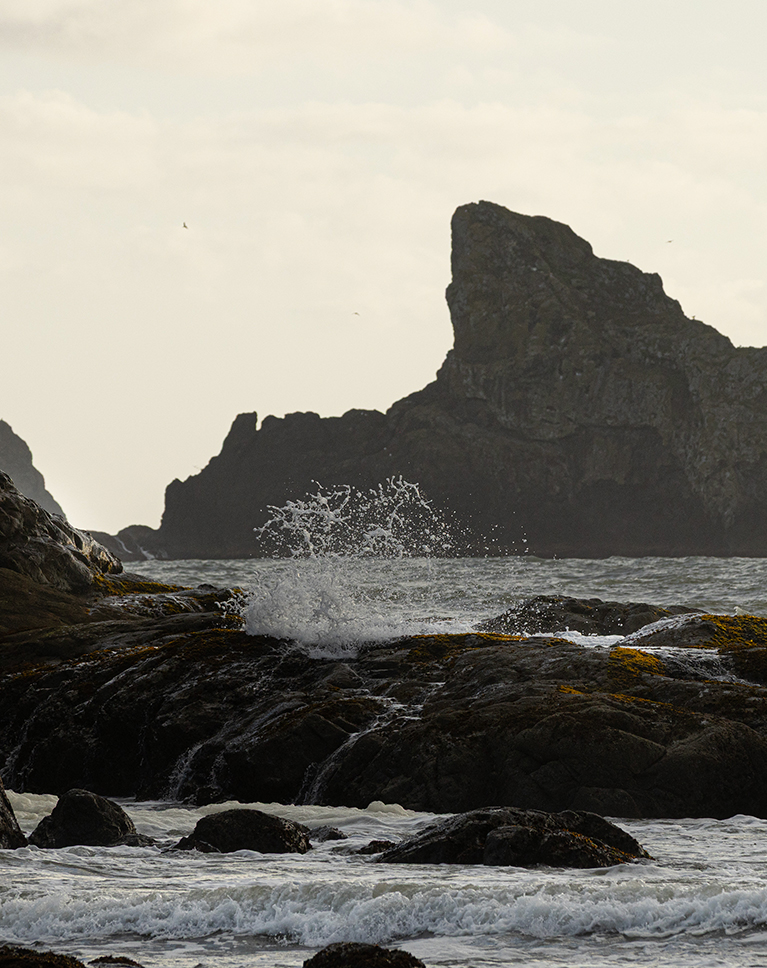


AFTER
BEFORE
Core Photography Skills
Understanding composition and light is what turns simple photos into standout images. Light sets the mood and creates real depth, while smart composition guides your viewer’s eye where it belongs. In this tutorial, we will teach you everything you need to know to build sharper instincts, edit with purpose, and shoot better photos in the field.
RAW Editing Basics
RAW processing is where your editing journey begins. By starting with an uncompressed RAW file, you retain maximum image detail and dynamic range. In our first example, we’ll edit a RAW file from scratch—balancing highlights and shadows, refining colors, and boosting subtle textures to build a solid foundation for your overall photograph.
Analyze Your Frame
A great photo directs the viewer’s attention instantly. By analyzing high-contrast, sharp, and vivid areas, you will quickly identify natural focal points. We will also diagnose framing issues, like empty, uninteresting skies—so you can spot wasted space, crop out distractions, and reconstruct your frame for maximum visual impact.


AFTER
BEFORE
Localized Light & Texture
Sculpting light and detail brings your image to life. We will show you how to use low-flow brushes in Camera Raw for seamless dodging and burning, helping you enhance natural highlights and guide the viewer’s eye. Learn to adjust brush settings on the fly and apply texture selectively to make specific details pop effortlessly.
Enhance & Tone Skies
Transforming flat, overexposed skies is effortless with the right tools. We will show you how to automatically mask sky areas and use Camera Raw’s Color Grading wheels to refine your highlights. Learn to adjust Hue, Saturation, and Luminance to introduce realistic blue hues or warm sunset tones that blend seamlessly.
Breaking Rules
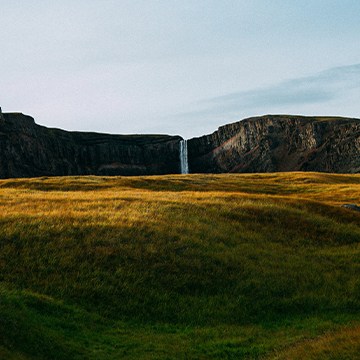
Compositional rules are guidelines, not absolute limits. We will show you when to break the Rule of Thirds to prioritize what truly matters in your image. Learn how shifting your frame to cut uninteresting sky lets rich foreground textures shine, isolating the most compelling elements of your landscape for maximum impact.
Crafting Natural Depth

Sculpting Light
Enhance depth naturally by painting localized exposure boosts onto existing highlights using low-flow brushes to sculpt light without heavy burning adjustments.
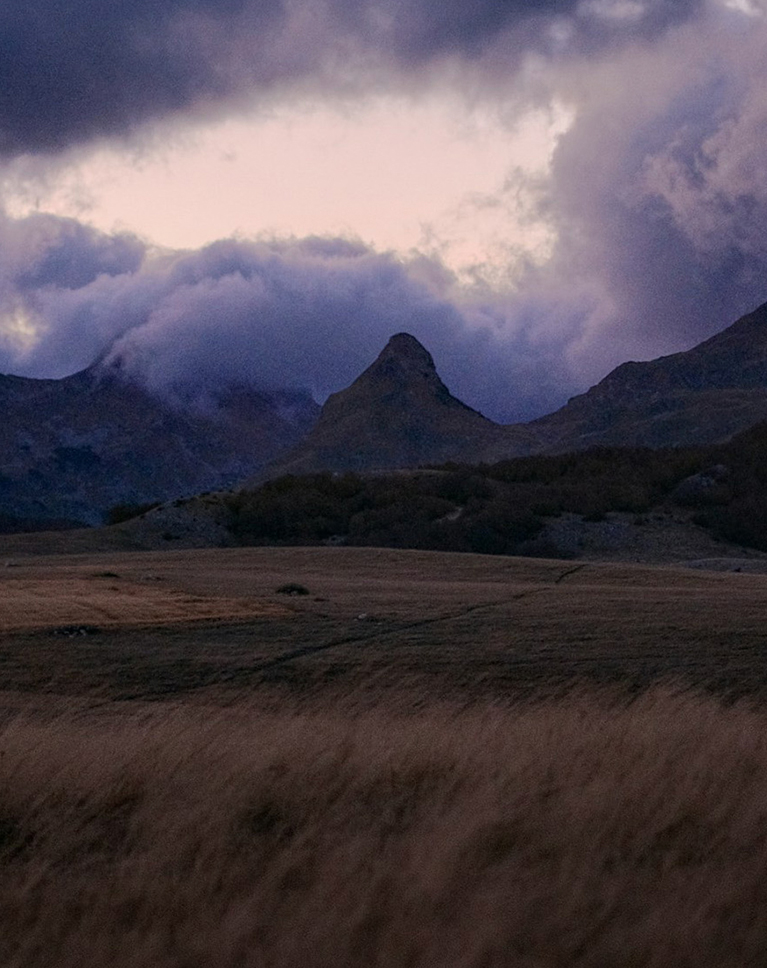

AFTER
BEFORE
Remove Distractions
High-contrast areas can steal focus and derail an otherwise balanced frame. We will show you how bright highlights draw the viewer’s eye away from your main subject. Learn to fix overexposed hot spots using the Remove Tool, while mastering in-camera solutions like exposure bracketing to handle harsh sky contrast seamlessly.
Smart Sketching
Learn how quick visual planning directly on your canvas can transform every image. We’ll show you how to spot high-interest focal points, from dramatic rock formations to active subjects—and map out natural leading lines. Plus, you’ll see how to identify empty dead space so you can crop it away for maximum impact.
Non-Destructive Editing
Learn how to apply targeted, professional refinements using non-destructive workflows in Photoshop and Camera Raw. Discover how to use AI selections to add crisp texture exclusively to water and rocks without gritting up soft backgrounds. Plus, see how Smart Filters let you tweak colors and dial back over-processed edits to keep your landscapes looking natural.
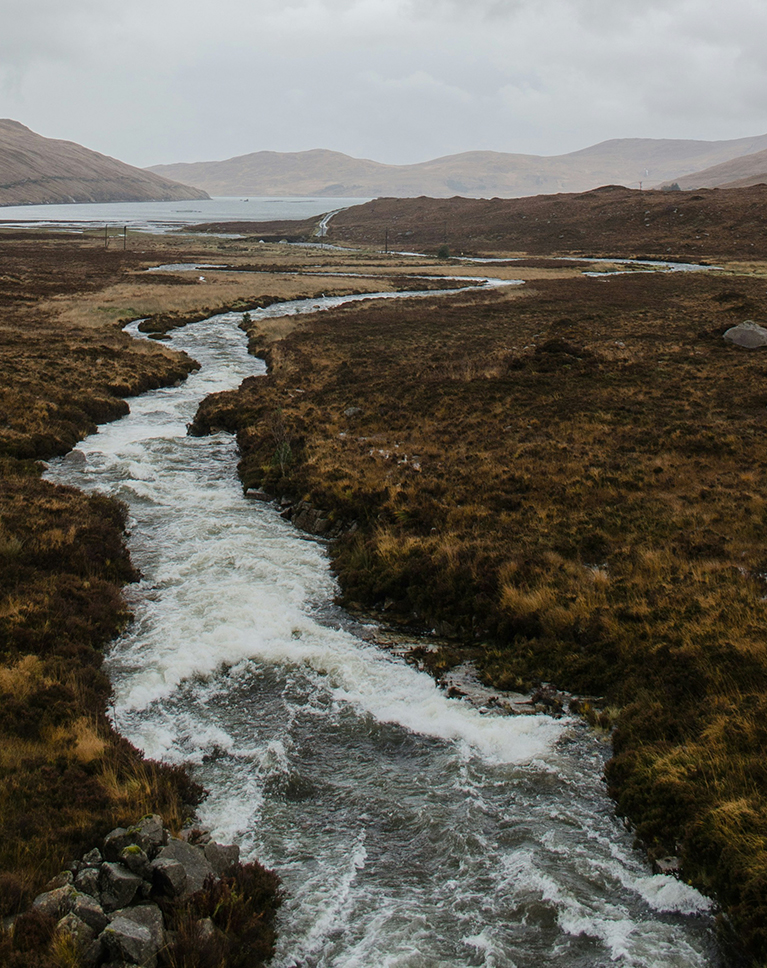
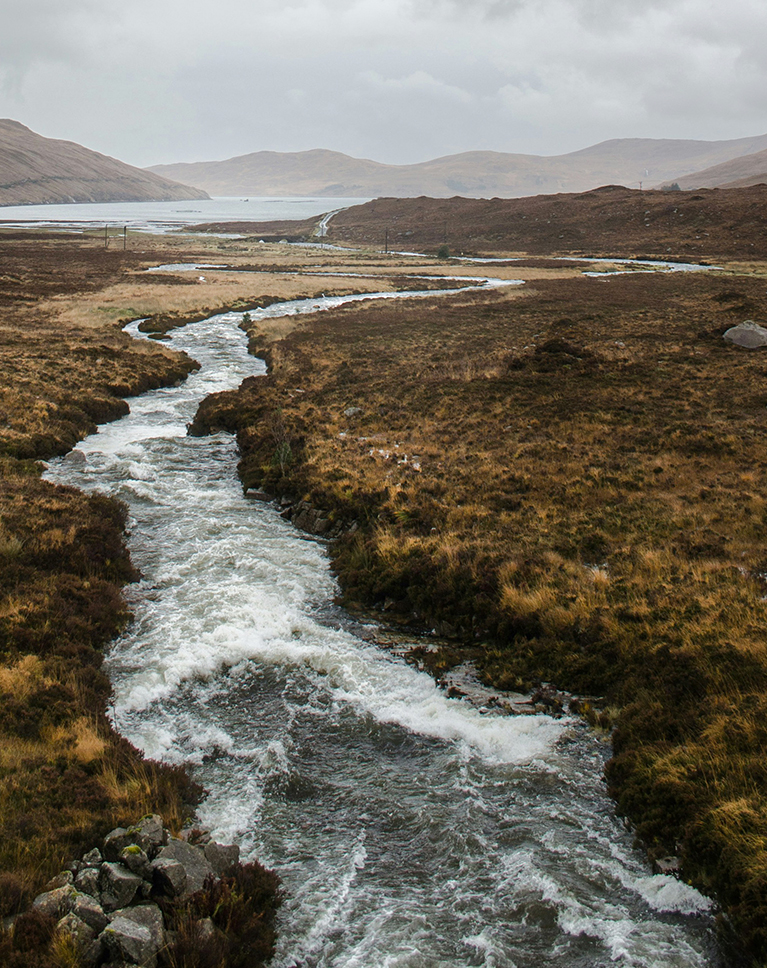
AFTER
BEFORE
Balancing Motion & Direction
Discover the psychological principles of leaving negative space ahead of moving or looking subjects so viewers naturally follow their path. Trimming trailing dead space behind subjects removes distractions, instantly strengthening your overall composition and giving your story room to breathe.
Hands-On Learning
We believe in learning by doing, which is why this tutorial includes 8 high-resolution images, including one RAW file! To help you get the most out of every lesson, we’re also giving you all the layered PSD files so you can follow along step-by-step and practice right alongside us.
Photoshop Learning Path
Dive deep into the world of Photoshop with our Photoshop Learning Path. Across 11 courses and 53 hours of engaging content, you’ll learn Photoshop’s ins and outs, master pro-level tools, and tackle fun and challenging projects. From the fundamentals to advanced techniques, this comprehensive guide will help you make the most of this powerful software and bring your creative vision to life.

Aaron Nace
PHLEARN Founder – Class Instructor
Aaron Nace is a photographer, Photoshop artist and founder of PHLEARN. He is the #1 Photoshop instructor in the world with millions of YouTube subscribers.

Art We There Yet?
Interdisciplinary Artists
A big thanks to Cora Rose and Jose Vilchez for providing us with the RAW image to use in this tutorial! Cora and Jose are artists who travel the world in a converted school bus, creating art and music inspired by their journeys. Their project, Art We There Yet, celebrates our shared humanity and gives back to the communities they visit.
Reviews
There are no reviews yet.






Unlock This Course & Every PRO Tutorial.
Get Instant Access with PHLEARN PRO!

Instant streaming in 4K Ultra HD on any device, anytime
Download full project assets, original PSDs, and sample images
Unlimited access to all PRO Photoshop, Lightroom, and Retouching courses
Includes full access to Photoshop Actions, Lightroom Presets, and LUTs
Flexible monthly and annual plans to fit your workflow
Cancel anytime with zero hassle or fees