
THIS COURSE INCLUDES
- 6 Lessonsin 2 sections
- 3h 9mof 4K video
- Advancedfor experienced editors
- 26 Sample Imagesto follow along
- 6 Layered PSDsto follow along
- Captionsand chapters on every lesson
Join PHLEARN PRO for instant access to this course and every tutorial on PHLEARN.
- Stream in up to 4K on any device
- Closed captions and chapters on every course
- Download all sample images and PSDs
- New PRO tutorials every month
- Cancel anytime
Description
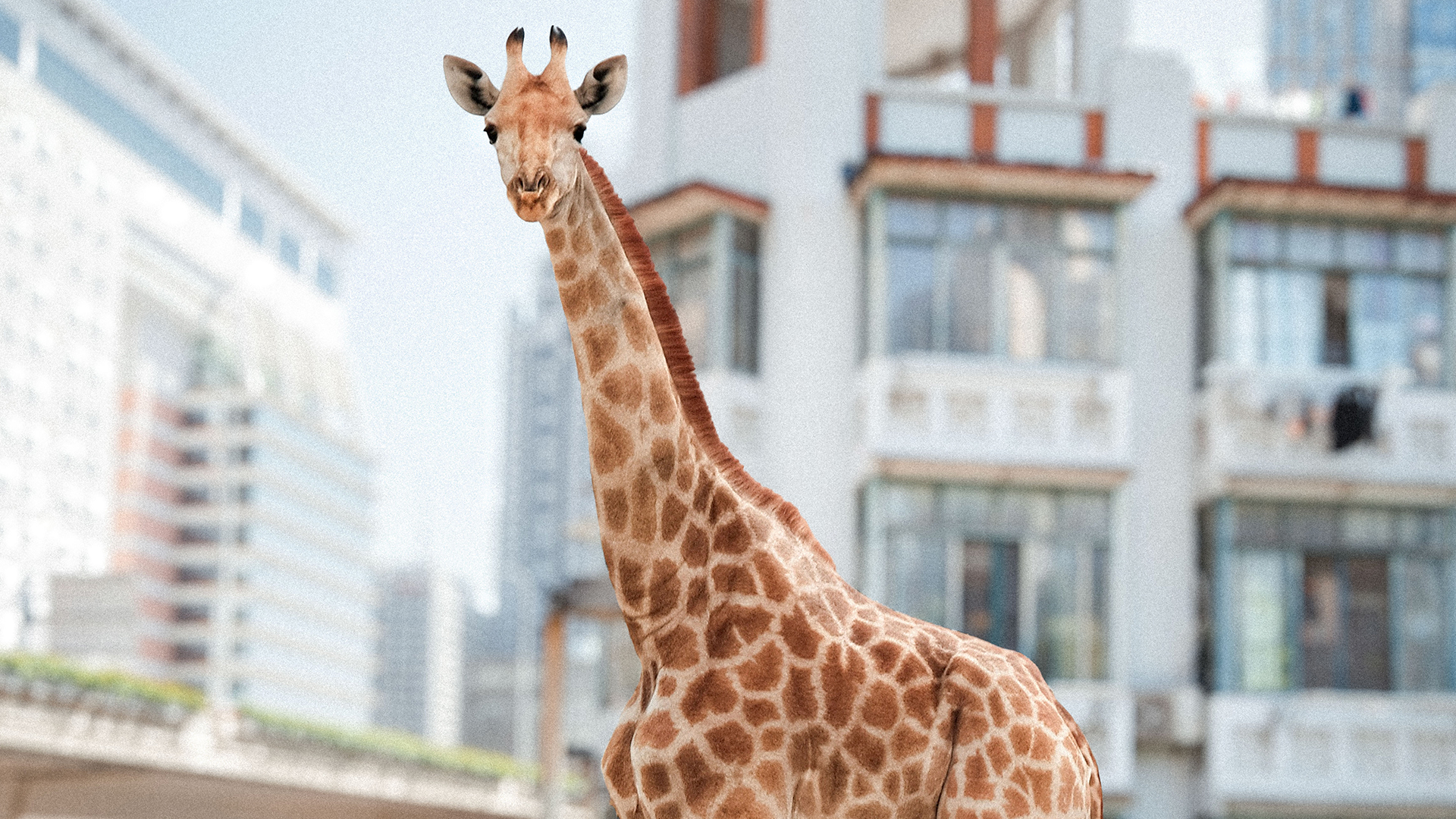
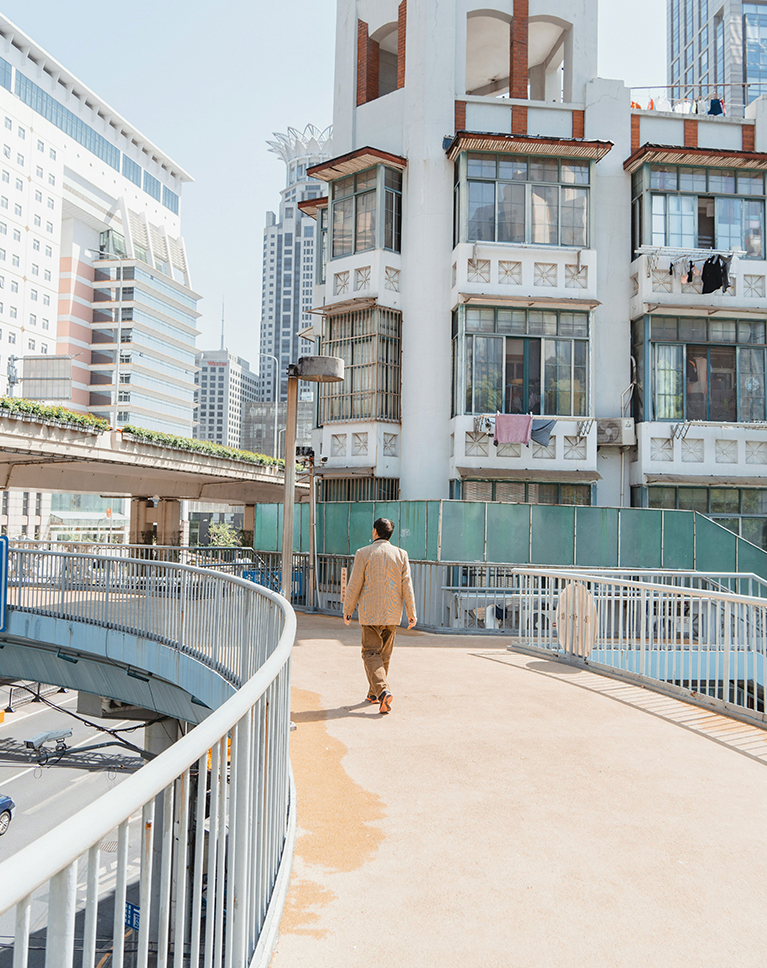
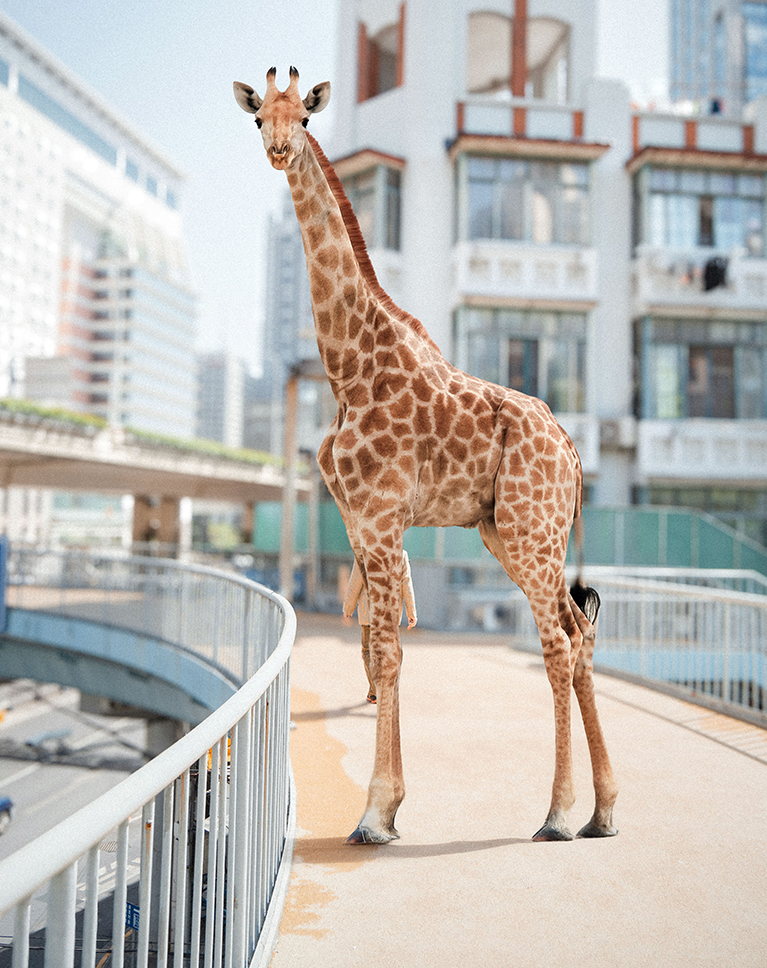
Discover the art of compositing in Photoshop 2025. In this course, we go through six examples to help you create realistic images by blending multiple photos together, from an everyday job like hanging a painting on a wall to a giraffe in the big city and a dark, moody mountain scene built from many photographs. We cover AI tools like Harmonize as well as traditional techniques, so you can get a realistic result even when the AI doesn’t give you exactly what you want.
You’ll learn how to seamlessly remove backgrounds, match color and light, line up perspective so your subject belongs in its new scene, and match focus so the final image looks like one photograph. Along the way we replace skies, blend a castle into a mountain peak with Generative Fill, fill a moody church scene with crows, and bring each composite together with the Camera Raw Filter. We show you where Harmonize saves you time and where a manual fix with levels, curves and blend modes still does the job better. Every example includes the sample images, the layered PSD and the final photo, so you can follow along and see exactly how each image was built.
What You’ll Learn
- Blend photos into one realistic scene across six projects
- Match color and light so composites feel real
- Combine AI tools and manual techniques for full control
Course Downloads
Compositing in 2025
Compositing in Photoshop 2025: Seamless Blending
One of the keys to great compositing in Photoshop 2025 is blending different elements, so that they appear to be part of the same original photograph. In this tutorial we’ll explore the best tools and techniques to seamlessly blend a subject into a new environment, from understanding the basics of perspective to using advanced AI features to match light, color, and shadow.
Combining Tools
Learn how to combine the power of both AI and manual techniques. We’ll show you how to leverage new AI tools like Harmonize for speed and efficiency, while also teaching you essential manual skills. This will help you understand when each approach is best, giving you complete control over your creative vision.
Non-Destructive Editing
Non-destructive editing is essential in compositing in Photoshop 2025 to maintain flexibility and control. In this tutorial you’ll learn how to work with smart objects and adjustment layers, so you can easily modify and refine your composite without affecting the original image.
Matching Perspective
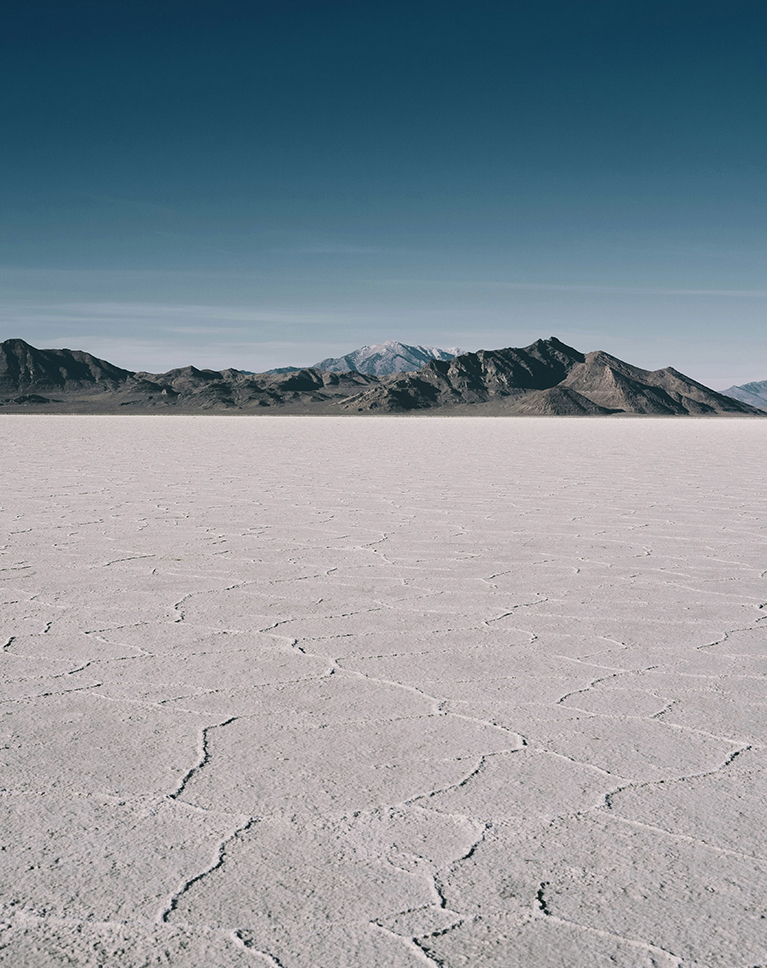
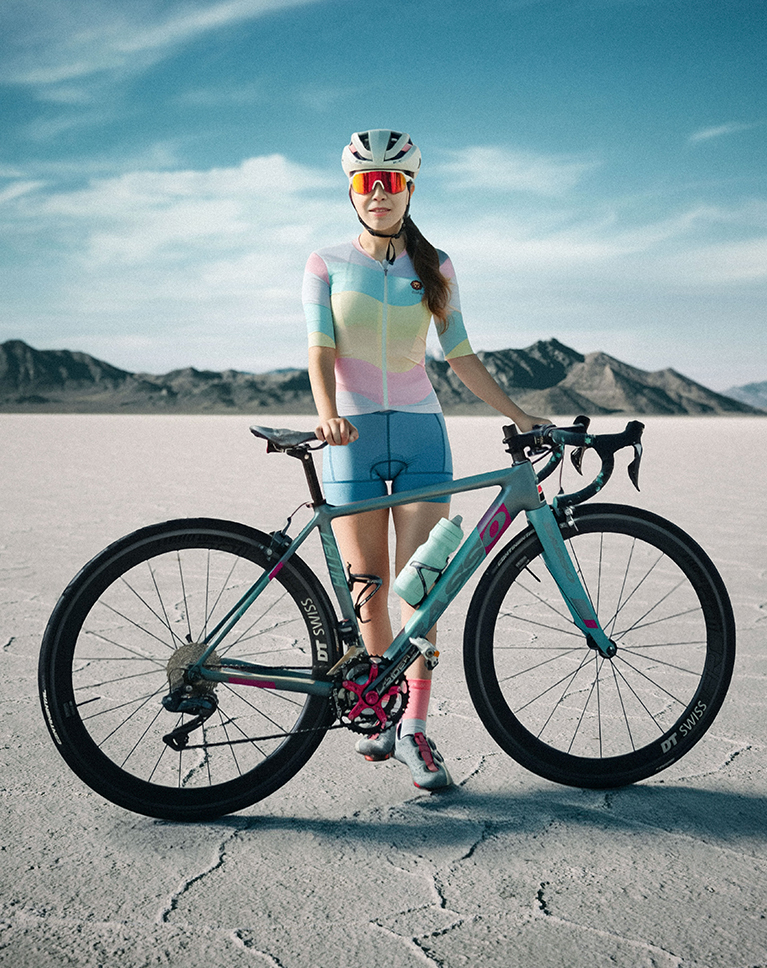
Matching perspective is a key to making compositing in Photoshop look real. We’ll show you how to align the horizon lines of your subject and background so they look like they belong in the same photo. Learning this skill is critical because it makes your images believable, and we’ll teach you exactly how to do it.
Select & Refine
Making a perfect selection is the foundation of great compositing in Photoshop 2025. Photoshop’s Select Subject tool uses AI to quickly isolate a subject, but it’s rarely perfect. We’ll show you how to refine these selections, from cleaning up edges to perfecting fine details, so you can achieve great results every time.
Sky Replacement
Learn how to use Photoshop’s Sky Replacement feature to transform a scene. We will show you how this powerful AI tool automatically selects and replaces the sky. You’ll also see why it’s a valuable skill, as it allows you to instantly change the mood and drama of a photo with just a few clicks.
Six Images Into One Masterpiece
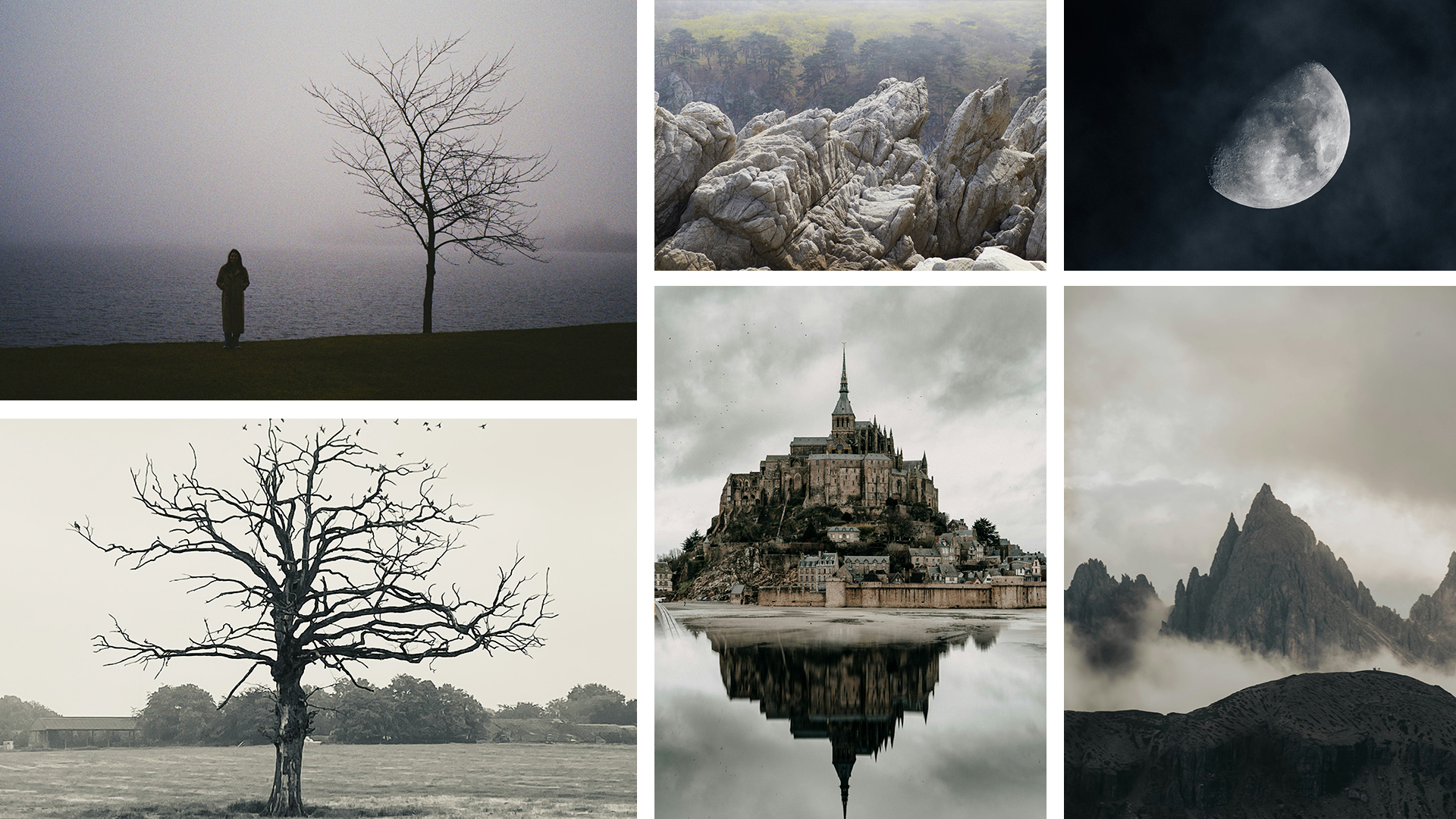
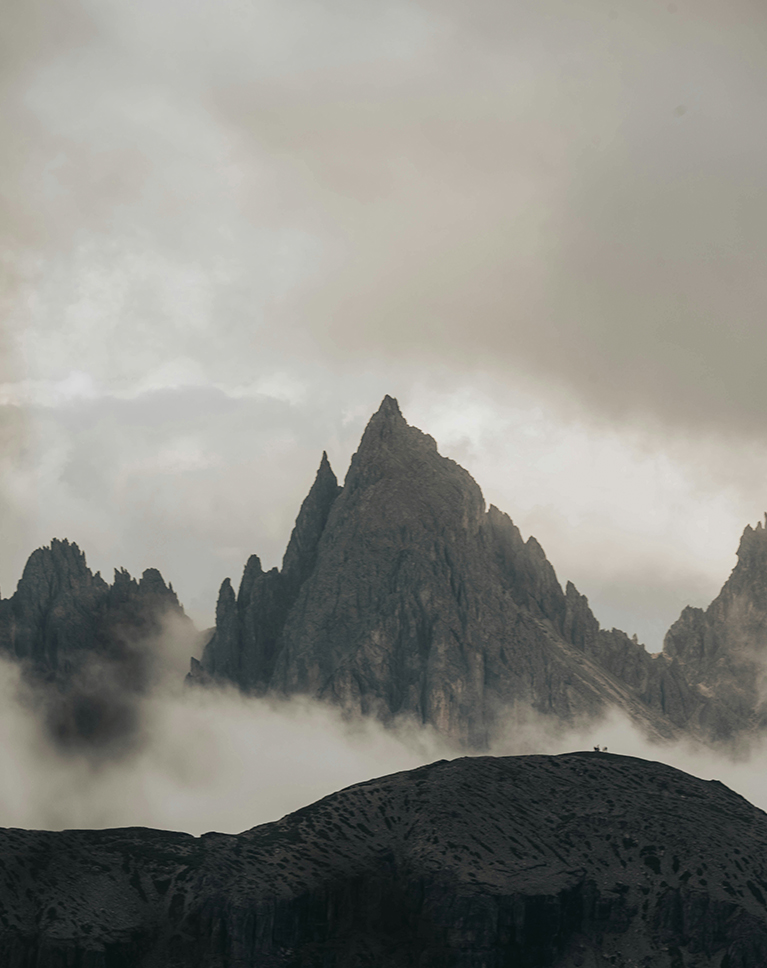
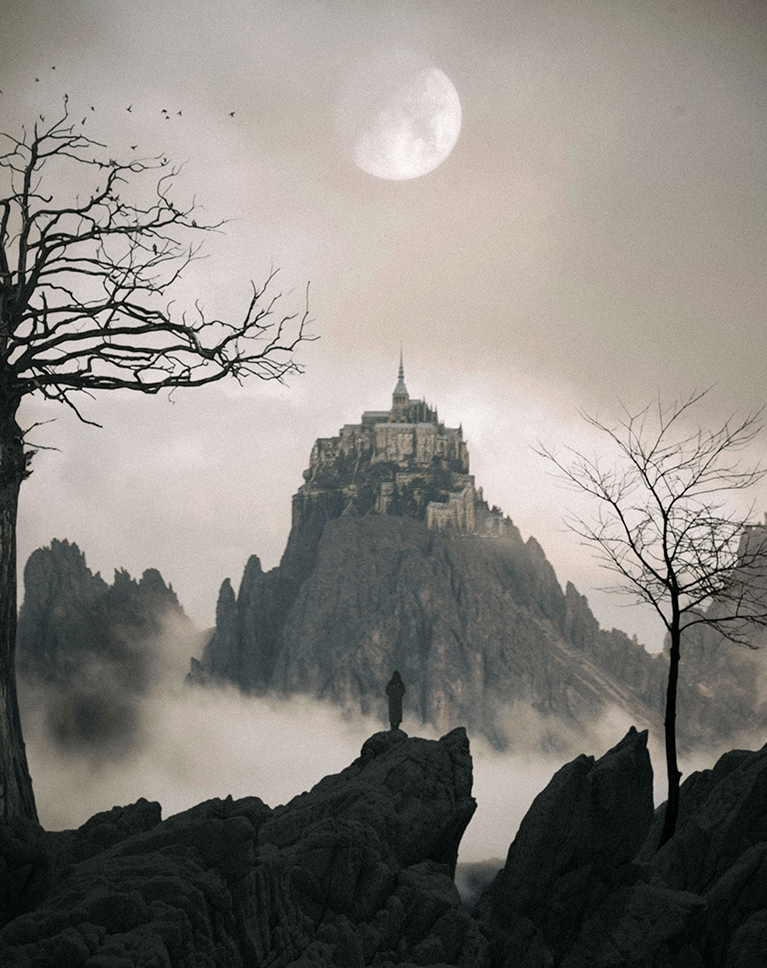
Follow along as we use six beautiful images from free stock photo websites and combine them into a stunning scene, turning simple photos into a fantastical, surreal work of art.
Crafting Your Vision
We’ll teach you the power of rough composition, the planning stage of compositing in Photoshop 2025. Before you get into the details, you’ll learn to quickly place all your images into a scene to see how they look together. This crucial first step allows you to experiment with your creative vision, ensuring your composite has the right feel before you begin the final refinements.
Matching Light & Color
Convincing compositing in Photoshop 2025 comes from flawlessly matching light and colors. Dive into the world of adjusting colors separately for shadows, mid-tones, and highlights to achieve an authentic and vibrant color blend that brings your composition to life.
Blending Modes
In compositing in Photoshop, Blending Modes control how pixels on one layer interact with the layers below, dramatically affecting how light, color, and texture blend. In this tutorial, we’ll show you how to use them properly to instantly integrate elements like a moon or clouds into a scene.
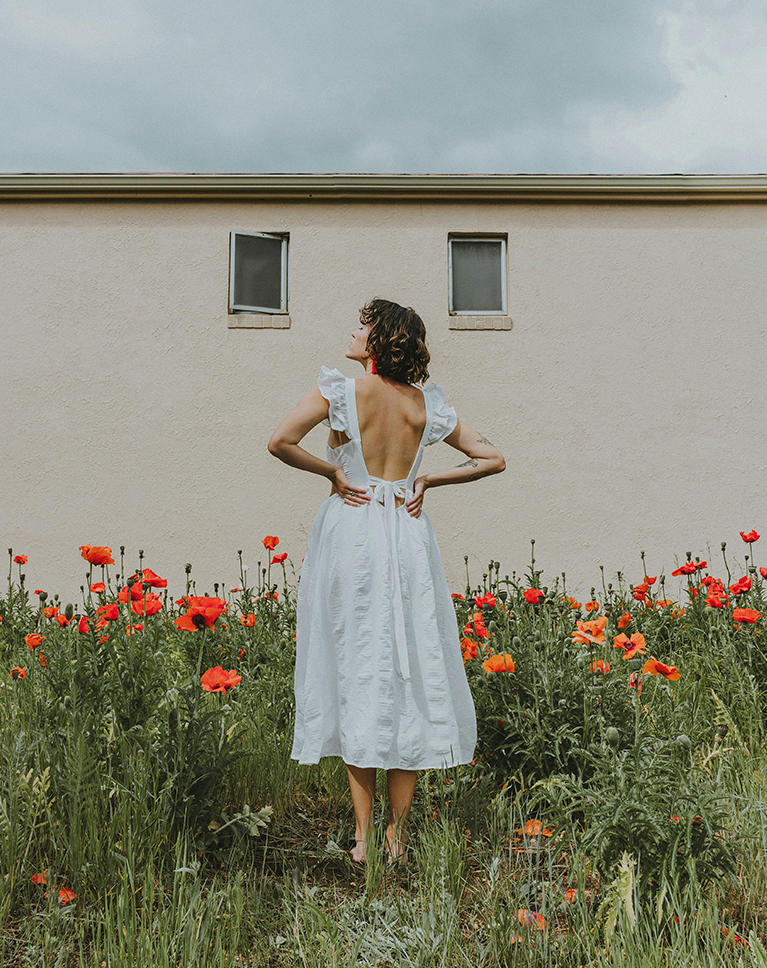
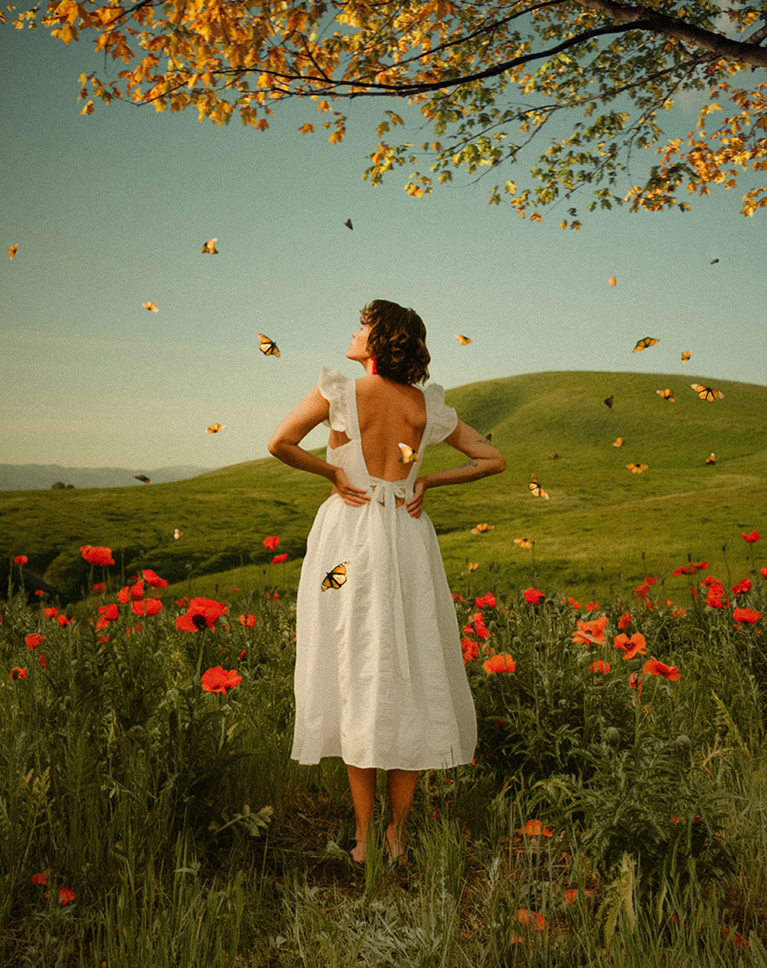
Harmonize Tool
Discover the power of the Harmonize tool, the biggest change to compositing in Photoshop 2025. You’ll learn how to use this AI feature to instantly match a subject’s lighting and color to its new background. We’ll also show you how to use Harmonize as a guide for making your own manual color and light adjustments, giving you full creative control.
Hands-On Learning
Get ready for an awesome learning experience! This compositing in Photoshop 2025 tutorial includes 26 sample images and a detailed PSD file, all available for download. These assets are your guide, so you can follow along step by step and create your very own masterpiece.
Compositing Learning Path
Master the art of conceptual Compositing with our Magical Compositing Learning Path. This path covers everything you need to know, from mastering subject cutouts and harmonizing color and lighting in multiple images to even crafting a captivating parallax animation in After Effects!.

Class Instructor
Aaron Nace
PHLEARN Founder & Lead Instructor
Aaron Nace is a photographer, digital artist, and the founder of PHLEARN. He has been teaching Photoshop, Lightroom, and photography since 2011, and has taught at Adobe MAX for more than eight years.
Aaron publishes a free tutorial every week and a new in-depth PRO course every month.
- 2M+YouTube subscribers
- 160M+video views
- 1,000+tutorials published
- 15years teaching Photoshop
Special thanks to Elise Wilcox, Shiebi AL, Drew Walker, Aaron Burden, ALisa Marie Theck, Riccardo Saraceni, Glen Carrie, Jens Aber, Jonathan Varghese, Justlomi, Narubono, Veronica Dudarev, Jonas Degener, Mykhailo Volkov, Rita Burza, Ron Szalata, Tengy Art, Teslariu Mihai, Victor Rosario, Valeksandra Dementeva, Clay Banks, Katie Luka, Nir Himi, Ting Tse Wang, and Thomas Evans for the stock images used in this course, sourced from Unsplash.
Reviews


Unlock This Course & Every PRO Tutorial.
200+ courses. 1,000+ practice files. One membership.

Unlimited access to every PRO course
New PRO courses every month
Layered PSDs and RAW files to follow along
100+ Lightroom Presets, LUTs, Actions and Brushes
Stream in up to 4K, with captions and chapters
Watch on any device: desktop, tablet or phone
4.93 average from 3,900+ reviews · 2M+ students
The Compositing In Photoshop 2025 course was comprehensive and well organized. Aaron explains a lot of information at a pace we can absorb. Plus we can do the steps with the identical images he provides I have watched the one video on applying textures with blend modes to an image.. I’d love to see more videos on using textures in composites in greater depth. thanks Aaron.
So a great workshop hope to see more like this! The woman with the butterfly is a interest concept…. I hope to see more work like this….. stay doing the the manual and automatically way because we need to know the basic…
Great tutorial as always. Pro tip: You should not fix the horizontal perspective with the transform tool as you did rather use the rotation of the image, as the horizontal line is fixed if you take the photo properly. only use it in a vertical one 😉
Love. Love these Pro tutorials. Especially “The Power of Compositing in Photoshop 2025”. I have now been using Aaron’s finishing technique in Camera Raw to blend all the different images together in my old composites – what a difference. Aaron’s personality shines through and makes me smile as I learn. Thank you!
Appreciate all the hints to make compositing more realistic. Needed the manual method of matching color and light! I could not use the beta version of Photoshop to try the harmonize feature because for some reason, the beta was not compatible with my Lightroom). Can’t wait to try harmonize in the future. Would love a class on the recognition of light/shadow features to facilitate compositing. For example, orientation of light for sky replacement, identifying critical highlights and shadows in background that need to be matched. Are there other tools besides threshold that help?
Just watched the Giraffe section. SO GOOD! I could not have done this before … well, it wouldn’t have looked good!
Okay, WOW! How cool is all this? And of course, in the style of Araon Nace, he’s articulate, humorous and doesn’t make you feel stupid. Can’t wait to dive into the other sections!
I had a great time following all the tutorials and learned a terrific amount, thank you I seem to have lost Beta but my photoshop has neural filters. I haven’t used them a lot but looks interesting! Maybe some help in that direction?
Excellent! This tutorial on the power of compositing in Photoshop 2025 is incredibly informative and educational. The combination of new AI tools like Harmonize and traditional techniques is truly impressive. I recently wrote an article discussing how AI-based design tools can further enhance compositing techniques. I hope you find it insightful and provide some valuable feedback.
This is one of my favorites. Compositing is what first drew me into Photoshop years ago, and it’s still the most fun part of it. Aaron’s techniques elevate a simple collage into a true work of art—something unified and believable, as if it were captured in-camera. I could do a hundred tutorials on this subject.
Thank you! I’ll probably dream about all the steps involved in creating a believable composite. I’m anxious to start making them.
I love to see the personality of Aaron come out in his tutorials. The smile, jokes and laughter throughout make it a great experience while learning!
Brilliant and informative in a friendly and accessible way as always…Been a subscribers for years.Thank you very much.B
I loved it and learned a lot. But….. I kept waiting for you to remove the guy on the bridge, behind the giraffe.
Very interesting class which included so many easy to follow steps. Although I understood perspective I will now certainly look at using the perspective of both images and the use of the rotate tool was an extra. The whole section on camera raw was great because you clearly explained why each feature was used to enhance the overall image. As a retired ICT teacher I really appreciate your style and interaction with the audience a skill I feel not everyone has.
Really really great compositing class. Have been doing PS for over 20 years but still pick up tips and tricks on all your classes. Always worth the time to watch. Thanks, Aaron!
I love compositing but have problems making my selections look realistic. Also, your class taught me to put final touches on the final composite. I look forward to using your techniques on my work. Thank you!
Nice Course Thanks Aaron