

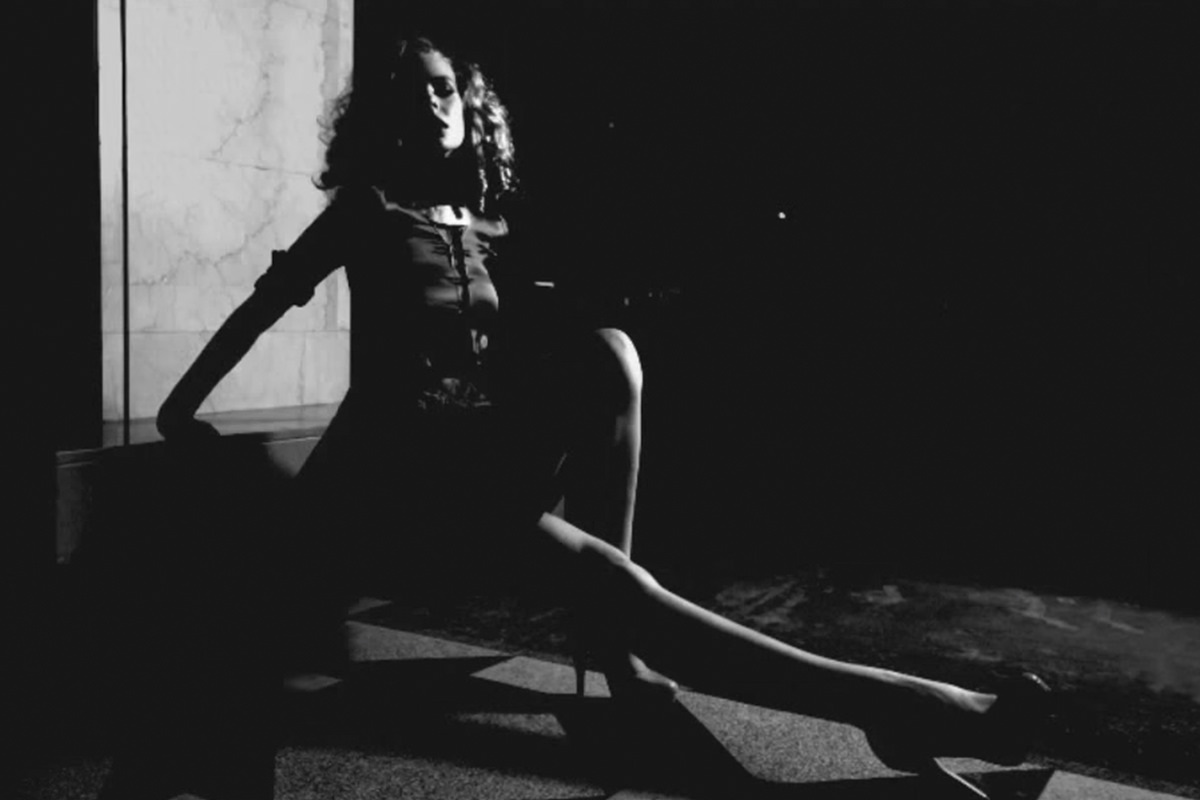

Taking Your Black and White to the Next Level
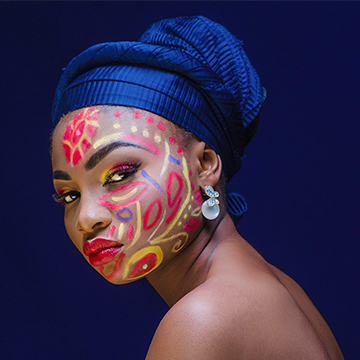
In today’s episode you will learn how to use Curves to take control of your Black and White. We use show you how to analyze your Histogram and use input and output Channels to dial in your Light and dark Levels.
After fine tuning the image with Curves, we use Channels to select lighter areas of the photo and fill them with white to bring extra attention their way.
We finish the image off by creating a Light leak type effect and transforming it onto our subject.








Enjoying This Free Tutorial? Go Further with PRO.
Unlock Full Sample Files, PSDs, and Hundreds of Masterclasses!

Download full project assets, original PSDs, and RAW images for every lesson
Unlimited access to our complete library of PRO Photoshop & Lightroom courses
Instant 4K Ultra HD streaming on all devices, anytime, anywhere
Full access to our entire library of Photoshop Actions, Presets, and LUTs
Flexible monthly and annual membership plans
Cancel anytime with zero hassle or commitments