Selection, Masking & Editing Tools
Every advanced Photoshop technique starts with an accurate selection. This free playlist covers the selection, masking, and action tools that make everything downstream — compositing, retouching, color work — faster and more precise.
What You’ll Learn
Seven tutorials on Photoshop’s selection and masking tools, from quick subject selections to the AI-powered masking built into Camera Raw.
- Speed up subject selection How to Use Cloud Processing with Select Subject in Photoshop and How to Use the Object Selection Tool in Photoshop cover two ways to isolate a subject fast.
- Master the core masking skill How to Create and Use Layer Masks in Photoshop and Refine Selections with Select & Mask in Photoshop cover the two techniques every other masking tool builds on.
- Let Camera Raw build the mask for you The Power of Object Masking in Photoshop 2026, How to Use AI Landscape Masking in Lightroom and Camera Raw, and How to Use AI Depth Masking in Photoshop cover three ways Adobe’s AI now finds a mask before you draw one.
Who This Series Is For
Every advanced Photoshop technique starts with an accurate selection, so this playlist is a foundational stop for anyone working through the site’s other free playlists.
It’s especially useful if you’ve been relying on one selection method for everything; several tutorials here show when a newer AI-assisted tool actually beats the manual approach, and when it doesn’t.
How Long It Takes
Seven tutorials, 10-15 minutes each — about 2 hours total.
Frequently Asked Questions
Do I need a PHLEARN PRO membership for this playlist?
No — this playlist is entirely free.
Which tutorial should I start with if I only have time for one?
How to Use Cloud Processing with Select Subject in Photoshop — it’s the fastest way to isolate a subject and the natural starting point before the masking tutorials.
Do these tools work the same in older Photoshop versions?
The core selection tools (Object Selection, Select & Mask, Layer Masks) have existed for years; the AI-powered masking features — Object Masking, AI Landscape Masking, and AI Depth Masking — are newer additions, noted in their respective tutorials.
Where to Go Next
ON THIS PAGE
PHLEARN PRO
Ready to go deeper on selections and masking? PRO membership unlocks the complete PHLEARN library, with sample files.
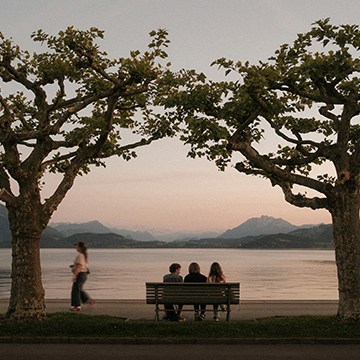
Learn how to rescue dark foregrounds and balance exposure. This tutorial shows you how to easily isolate complex details using Camera Raw’s updated object masking tool.
Photoshop | Photo Editing | Medium | 15 mins | 1 video
1 Sample Image | 1 Sample PSD


Elevate your landscape photos! Learn to use AI selection tools in Lightroom and Camera RAW, enhancing skies, mountains, and more for stunning results.
Lightroom, Photoshop | Photo Editing | Medium | 15 mins | 1 video
2 Sample Images | 1 PSD File

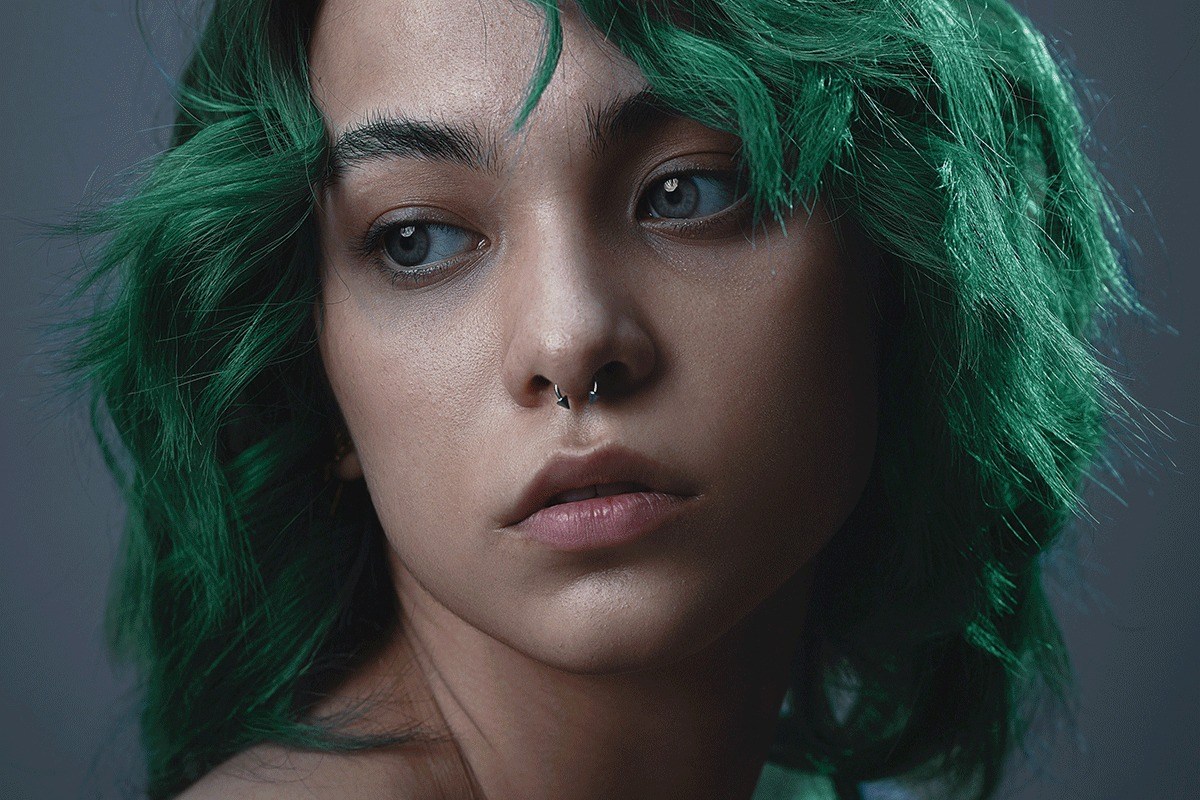


Learn how to use advanced selections tools in Photoshop, like the Object Selection Tool, to cut people out of complicated backgrounds!
Photoshop | Photo Editing | Easy | 30 mins | 1 video
2 Sample Images | 1 Sample PSD