
Download Assets
This tutorial includes sample images. Downloads are free with a PHLEARN account.
- Free sample files with every tutorial on PHLEARN
- New tutorials published every week
- Unlimited downloads with your free PHLEARN account
description
A crumpled paper effect lives or dies on the light and shadow across the folds, and all of that work happens before the photo is involved at all. This Quick Tip converts the paper texture to a Smart Object, desaturates it and pushes its contrast with Levels, then blends the photo over it in Overlay mode so the creases read through the image.
Enjoying This Free Tutorial?
We publish a new free tutorial every week, each one with sample images and PSDs you can download and follow along with. Sign up and they land straight in your inbox, along with early word on sales, events and subscriber-only offers.

How to Create a Crumpled Paper Effect in Photoshop
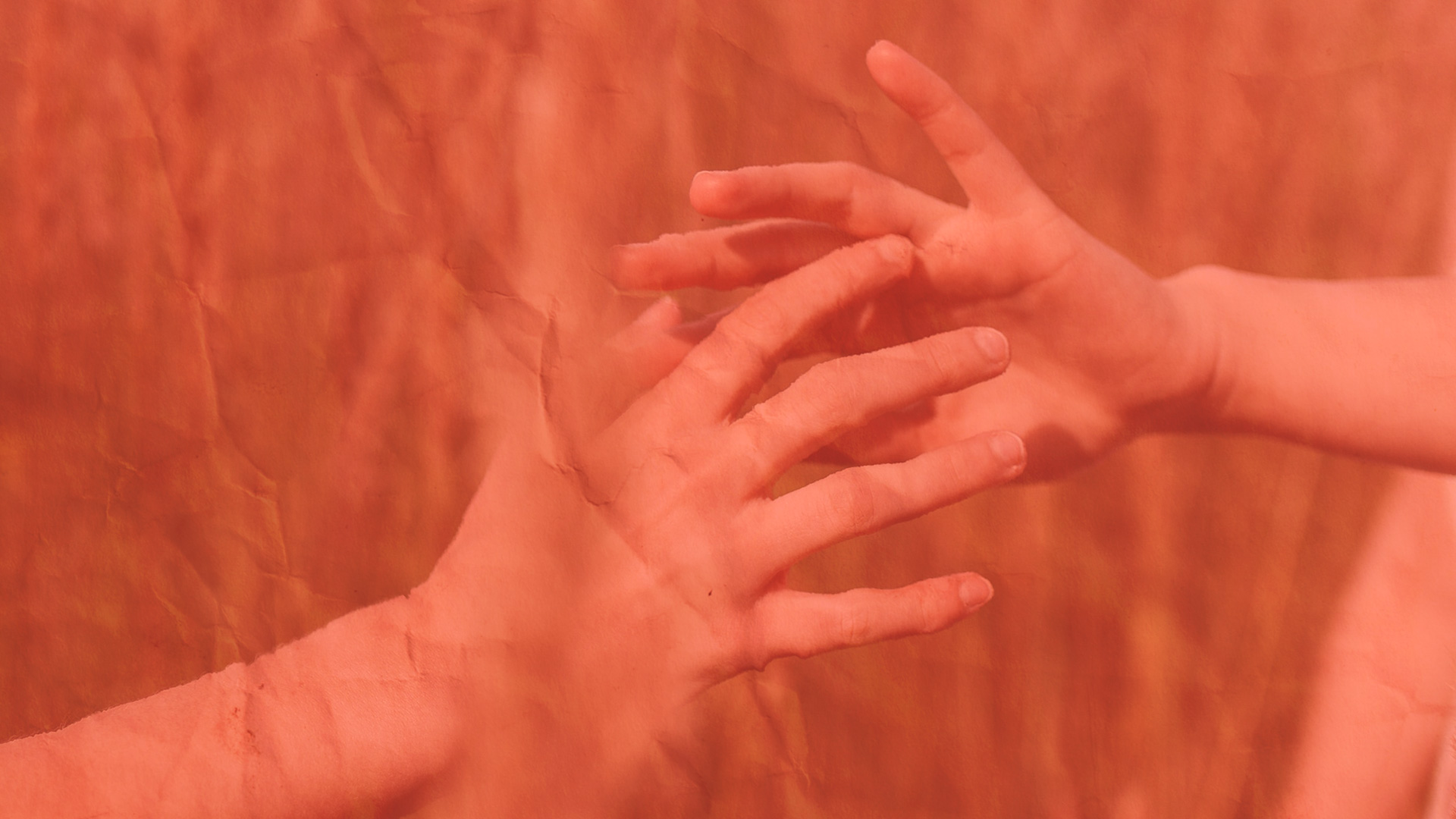
This Quick Tip gives a photo the look of being printed on crumpled paper, prepping a paper texture image separately before blending it with the photo in Overlay mode so the paper’s folds and shadows show through.
Converting the Paper Texture to a Smart Object
The crumpled paper texture image is right-clicked and converted to a Smart Object first, keeping the adjustments made to it non-destructive and editable later.
Lowering the Saturation
A Hue/Saturation adjustment is used to lower the saturation of the paper texture, stripping out any color cast so the texture reads as neutral paper rather than tinted.
Raising the Contrast
A Levels adjustment then raises the contrast on that same texture, deepening the shadows in its folds and creases so the crumpled paper’s dimension reads more clearly.
Why Contrast Matters More Than Detail Here
A crumpled paper texture is mostly about the pattern of light and shadow across its folds; pushing contrast higher exaggerates that pattern, which is what makes the effect visible once it’s blended with the photo.
Working with the Paper and Photo Side by Side
The paper texture and the photo are opened together, using Full Screen mode, pressed with the F key, to view both documents at once while bringing them together.
Why Both Files Need to Be Visible Together
Combining two separate images into one composite is easier with both visible at the same time, rather than switching back and forth between two maximized windows one at a time.
Setting the Photo to Overlay
The photo layer’s blend mode is set to Overlay on top of the prepared paper texture, letting the paper’s light and dark folds show through the image instead of the photo simply sitting flat on top of it.
Why Overlay Instead of a Lower-Opacity Normal Blend
Overlay lets the paper’s contrast interact directly with the photo’s own tones, brightening where the paper is light and darkening where it’s creased, which reads as the photo actually printed onto that surface rather than a texture faded on top of it.
Bringing In the Adjusted Paper File
The paper file that was adjusted and saved earlier is the one chosen when building the final composite, making sure the contrast and saturation work done at the start carries through into the finished effect rather than starting from the original, unedited texture.
More Free Photoshop Tutorials
- Add Textures to Any Photo in Photoshop
- How to Add Textures to Photos in Photoshop
- Add a Film Border to Any Image in Photoshop
Why This Technique Works
A crumpled paper effect depends entirely on believable light and shadow across the paper’s folds, which is exactly what the saturation and contrast adjustments set up before the photo ever gets involved. Overlay mode is what lets that prepared texture actually interact with the photo’s own tones, producing something that reads as one printed surface instead of two separate images stacked on top of each other.
Final Thoughts
Creating a convincing crumpled paper effect comes down to preparing the texture first, desaturating it and boosting its contrast, then blending the photo over it in Overlay mode so the paper’s own folds and shadows carry through into the final image.
Related Tutorials
Master Photoshop, Lightroom and Photography
Join PHLEARN PRO for $12.99 a month, or $99.99 a year (save 36%). Cancel anytime, with a 100% money-back guarantee.