Light Rays Photoshop Action Vol 1
-

-
Add to
favorites

-
DifficultyEasy
-
Length15 mins
-
Software
Photoshop Action Downloads
DESCRIPTION
Get ready to take your photos to the next level with this incredible Photoshop Action that add mesmerizing light rays. With just a few simple steps, you can effortlessly enhance any backlit image and give it a stunning, realistic touch.
THIS COURSE INCLUDES
- 1 Sample Image
- 1 Photoshop Action
- 1 PDF Quick Install Guide
Share
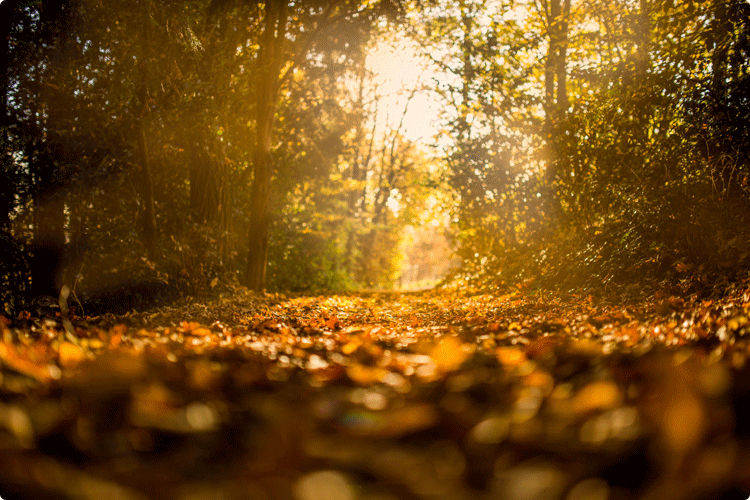

Instantly Enhance Your Photos with Realistic Light Rays
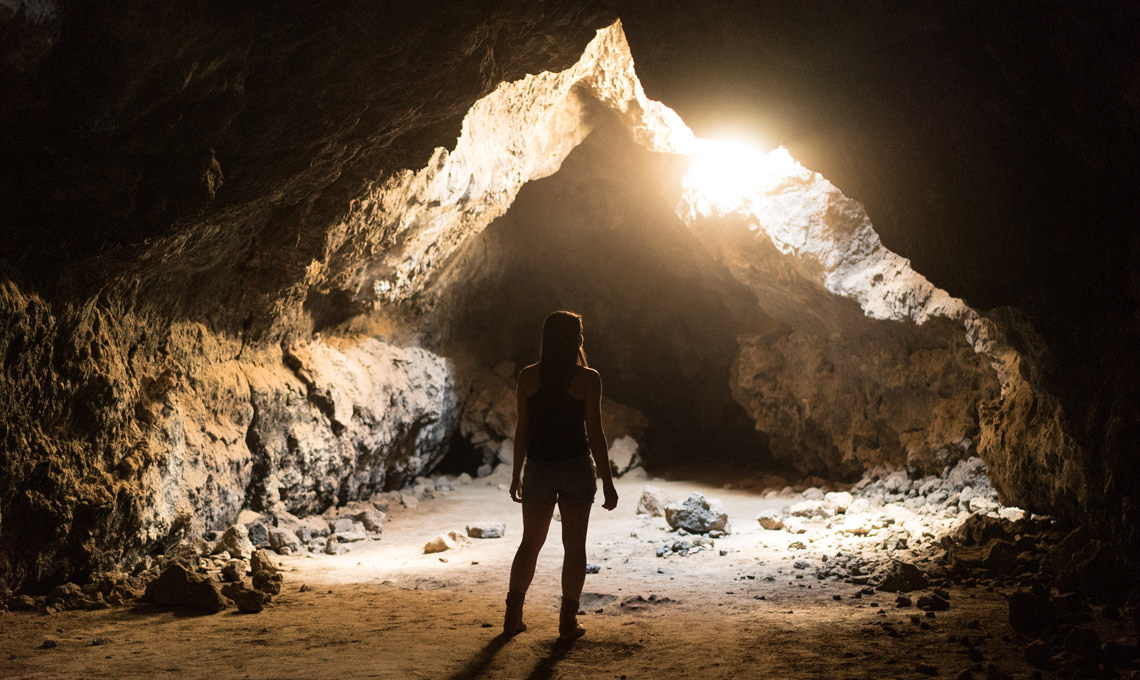
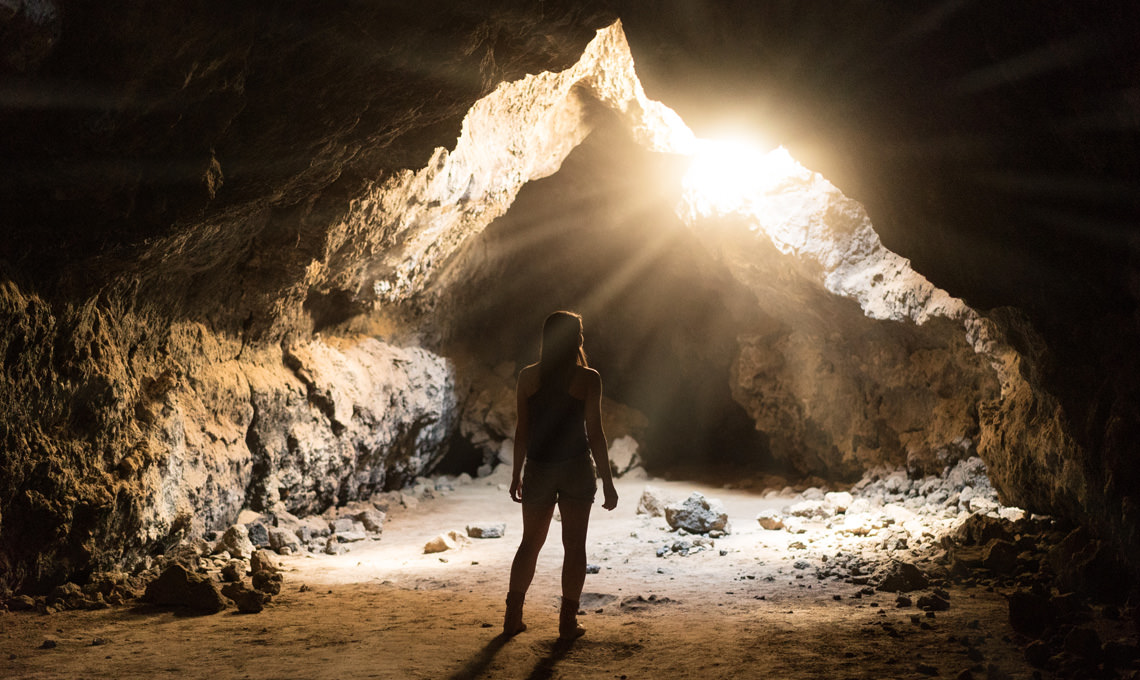
Help Your Photos Shine
Our light ray Actions are designed to work on almost any photo where you can see a light source shining through through objects, dust, or atmosphere.
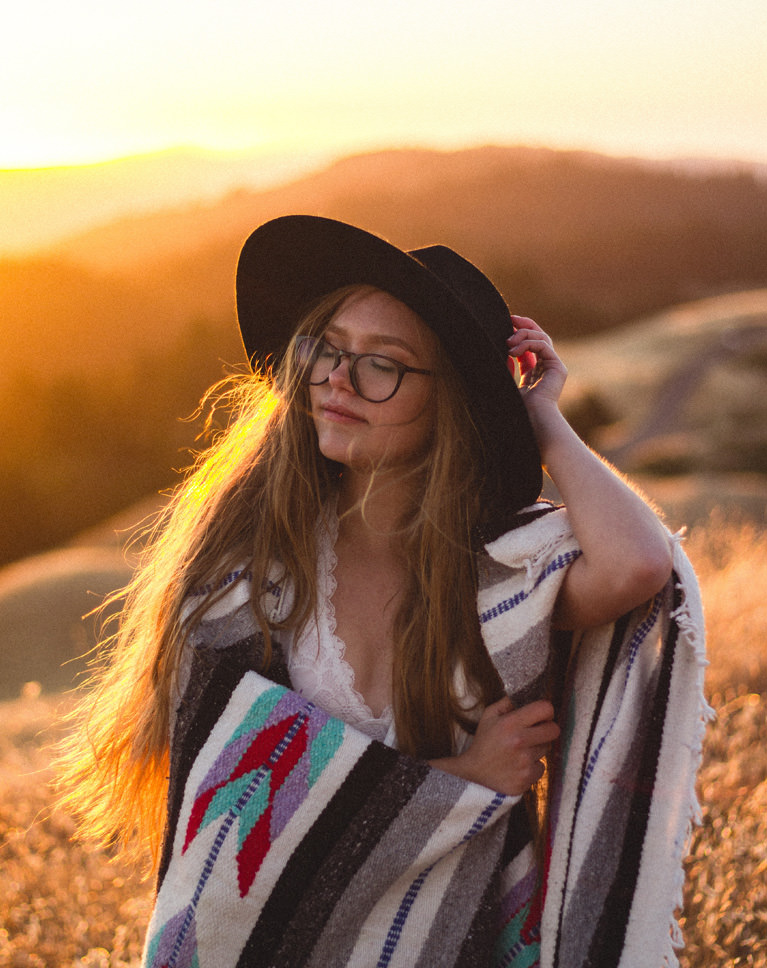
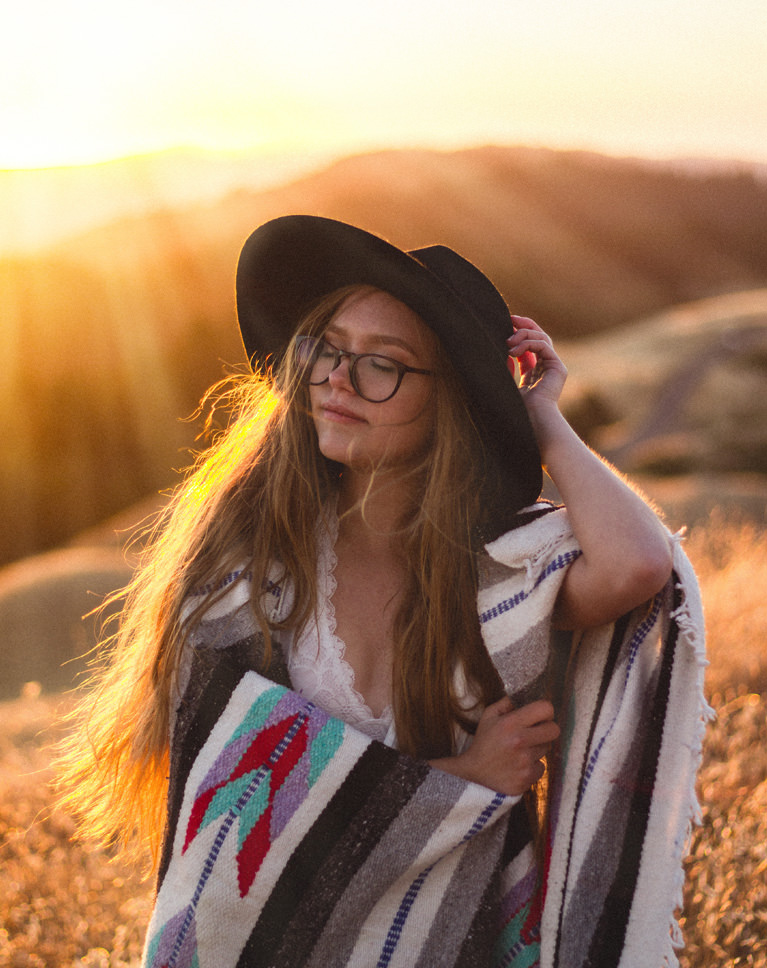

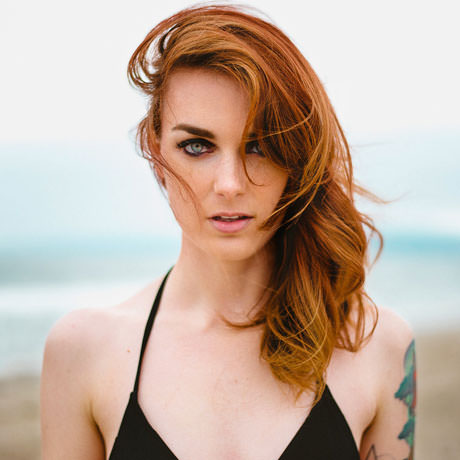
ADD LIGHT RAYS TO PORTRAITS
ORIGINAL
Add Light Rays to your Photo
Looking for a way to add more drama and visual interest to your photos? Light rays and light effects can help! Our Photoshop Actions are designed to work on almost any photo where the sun (or any other large light source) is visible. Add realistic lens flare, light rays, haze, and more!
Learn to Install & Use
Using our Actions is an absolute breeze! Even if you’re new to Photoshop, you’ll find our user-friendly interface and simple instructions make the process a piece of cake. Just a few clicks and you’ll be able to add realistic light rays to your photos effortlessly.
Look for the Light
If you can see the light source in a photo, these Actions will work for you! Whether it’s the sun or a bright neon sign, if you can see the light source in frame, you can add some light rays to enhance the mood.
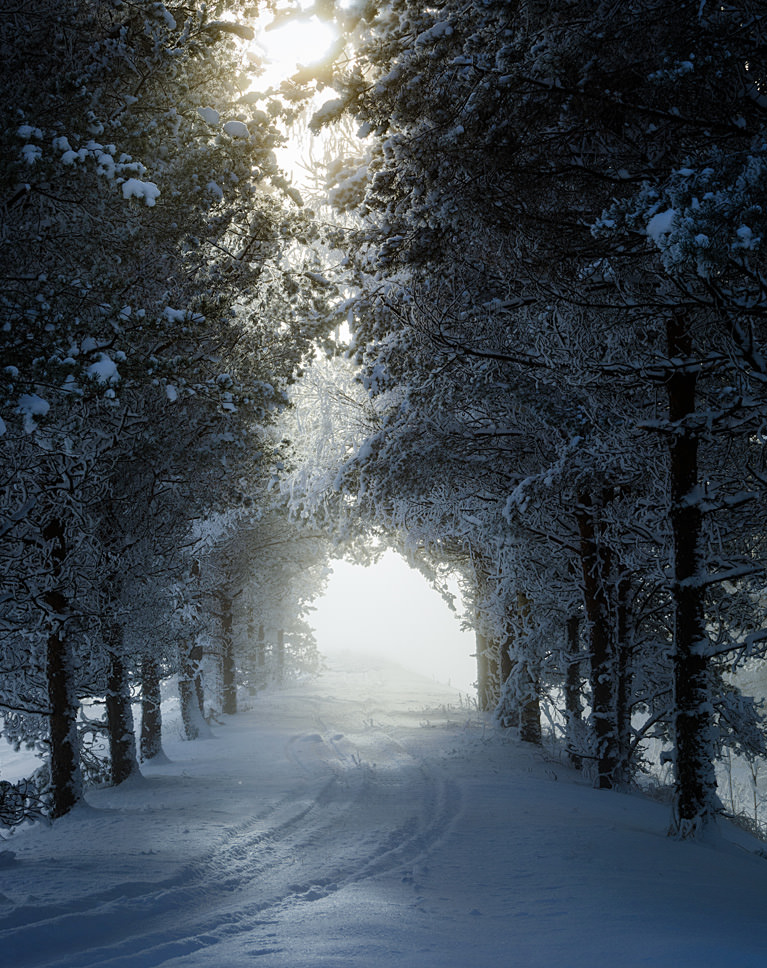
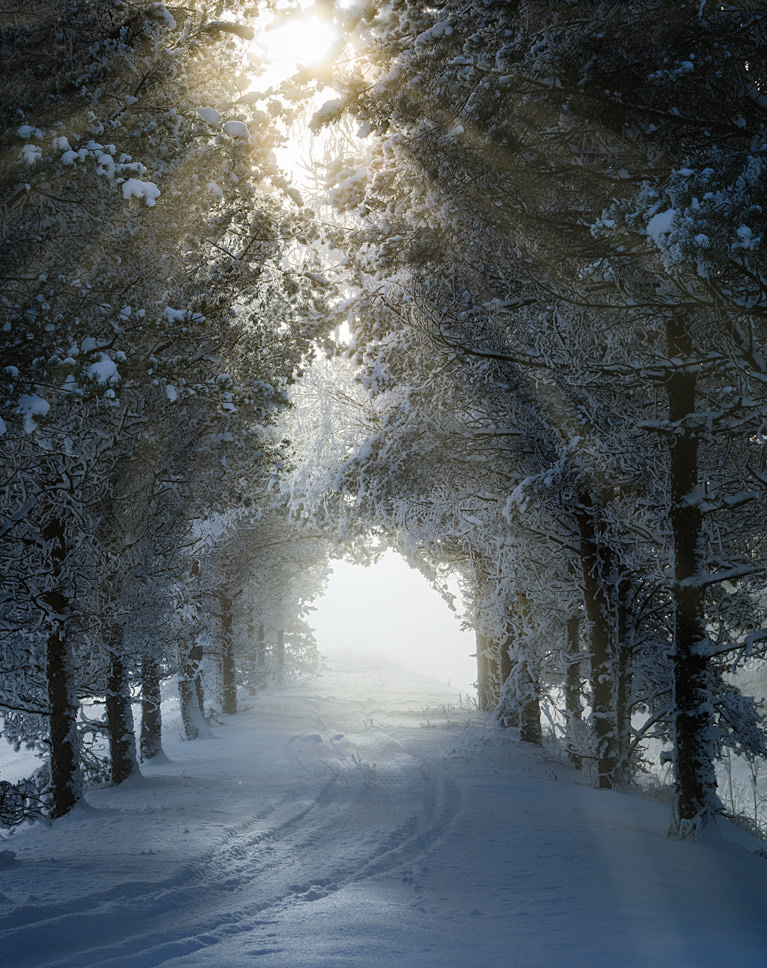
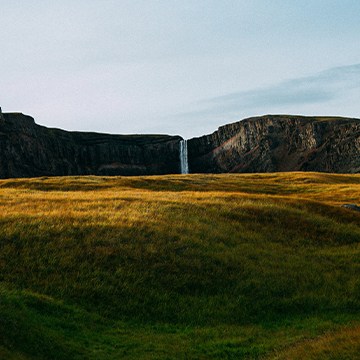
ADD LIGHT RAYS TO LANDSCAPES
ORIGINAL
Sunrise & Sunset
Light rays are more visible when the sun is lower in the sky. These Actions are perfect for any images where the sun is rising or setting. For maximum realism, try to avoid adding light rays to photos where the sun is high in the sky!
Through Trees, Clouds & Atmosphere
Light rays are caused by light being broken up as it shines between objects. Look for photos where light is shining through trees, clouds, buildings, dust, or fog–anything where you might see light rays in real life.
Change Color & Intensity
Whether you’re working with warm, red light from a summer sunset, or cool, blue light from a winter morning, our Light Ray Actions can be customized for any color and intensity you need.
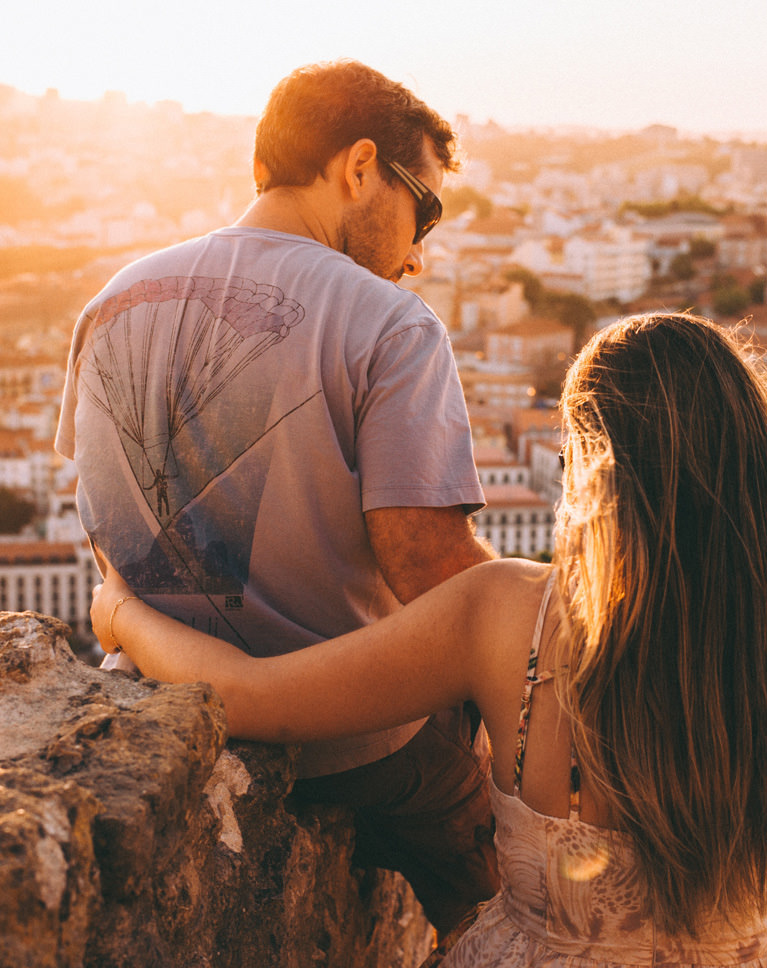
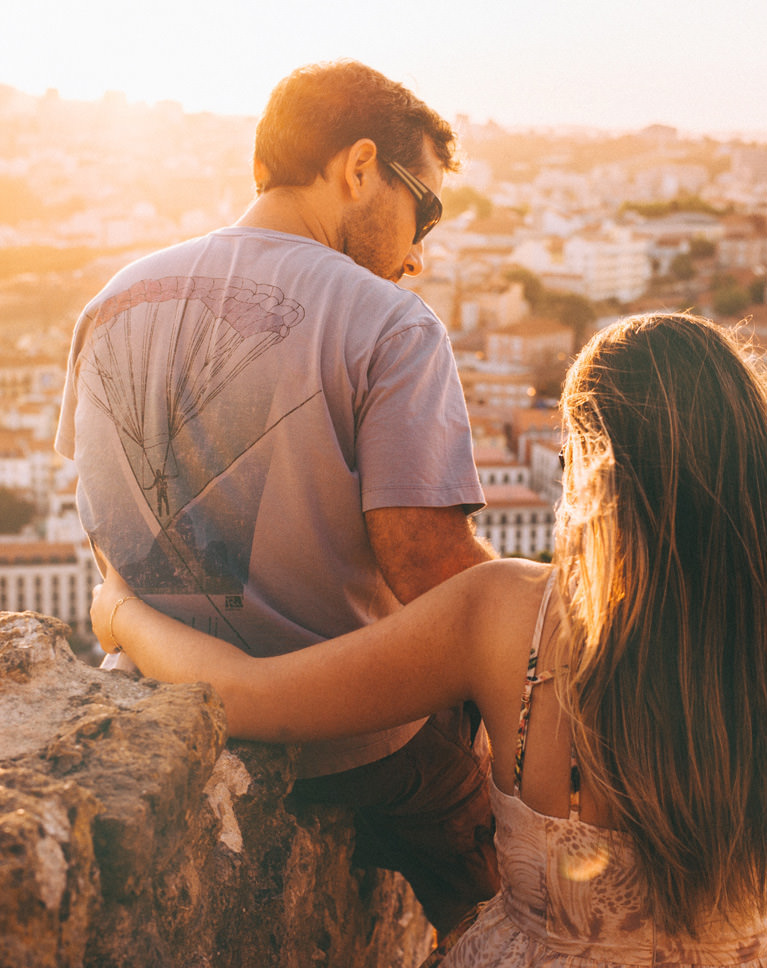
CREATE SUBTLE LIGHT RAYS
ORIGINAL
Save Time
Our Photoshop Actions are designed to help you save time while still giving you the ability to control how your images look. Get professional-level effects that can fit any photo in just a few clicks.
Ready for More?
Take your color and lighting effects even further with our PRO tutorial Advanced Lighting & Coloring in Photoshop. Learn how to create realistic lighting and beautiful color effects–from scratch.
Actions, Presets, LUTs & More
With a PHLEARN PRO subscription, you get unlimited access to our extensive library of Photoshop Actions, Lightroom Presets, and custom LUTs. Save time, add color and style, and create amazing effects!

Reviews
There are no reviews yet.



Unlock This Course & Every PRO Tutorial.
Get Instant Access with PHLEARN PRO!

Stream in up to 4K on any device, with closed captions and chapters
Download full project assets, original PSDs, and sample images
Unlimited access to all PRO Photoshop, Lightroom, and Retouching courses
Includes full access to Photoshop Actions, Lightroom Presets, and LUTs
Flexible monthly and annual plans to fit your workflow
Cancel anytime with zero hassle or fees