New Photoshop & Lightroom Features Explained
The newest features in Photoshop, Lightroom, and Camera Raw, explained as they launch: new adjustment layers, masking and selection updates, the Remove tool, AI models, and beta tools. Each tutorial shows what changed, when it helps, and how it fits into a real editing workflow.
What You’ll Learn
Adobe ships updates constantly, and the release notes rarely say whether a feature is worth your time. These tutorials try each new tool on real photos and give a straight answer.
- What changed. A quick look at the new tool or setting and where to find it.
- Where it helps. Real photos where the feature saves time or gives a better result.
- Where it falls short. Limits, credit costs, and the cases where the old way is still better.
- How to use it well. Settings and steps that get the best result on the first try.
Where to Start
Recent releases include the new Light adjustment layer, the Blemish Removal tool, and Enhance Edge. For a full tour of the current versions, the PRO course Master Photoshop & Lightroom 2026 covers every major update.
Free and PRO Tutorials
Free tutorials are complete lessons, not previews. PRO tutorials go deeper and longer, and they include the sample images, RAW files, actions, and presets used in the lesson so you can follow along on the exact same file. The PRO update courses include the sample files used in each lesson. A PHLEARN PRO membership unlocks every PRO tutorial on the site, including all of the ones in this category.
Frequently Asked Questions
How do I get the newest Photoshop features?
Update Photoshop from the Creative Cloud app. Beta features appear in Photoshop (Beta), which you can install alongside the regular version.
Are beta features safe to use for client work?
Beta tools can change or disappear before release, so use them for testing and keep client files in the regular version of Photoshop.
How often does PHLEARN cover new features?
New features get a tutorial soon after they launch, usually within a week of a major Photoshop or Lightroom update.
Where to Go Next
Many new features are AI tools, covered in depth in AI & Generative Tools. For the tools that don’t change every year, see Tools & Techniques.
Master the 2026 Versions
Every major Photoshop and Lightroom update, taught in one PRO course.
On This Page
PHLEARN PRO
Every PRO tutorial in this category, with sample and RAW files, plus the full PRO library.

Transform photos into art! Learn to blend multiple images in Photoshop, from AI tools to classic techniques, to create stunning, realistic composites with perfect color and light.
Photoshop | Compositing | Advanced | 3.25 hours
26 Sample Images | 6 Sample PSDs
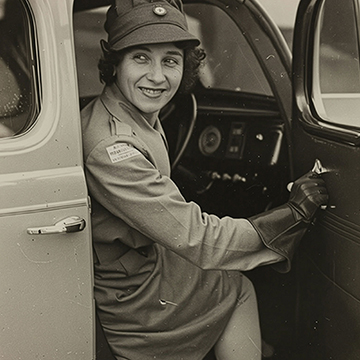
Generative Upscale rebuilds a low-resolution file at a usable size. Check your starting point first, because it invents detail rather than recovering it.
Photoshop | AI & Generative Tools | Easy | 15 mins | 1 video
1 Sample Image | 1 PDF Guide
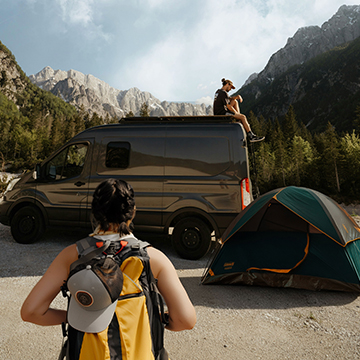
The Harmonize tool matches a pasted object to the photo it lands in. It works well on objects, unevenly on people, and you should not use it on skies.
Photoshop | AI & Generative Tools | Medium | 15 mins | 1 video
4 Sample Images | 1 Sample PSD | 1 PDF Guide
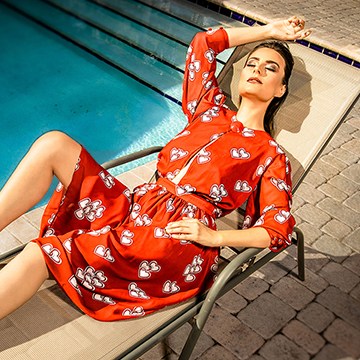
Transform your portraits! This advanced tutorial in Photoshop and Camera Raw guides you through editing eight diverse RAW photographs, tackling unique challenges. Learn AI masking, reshape lighting, and more!
Photoshop | Photo Editing | Advanced | 3.5 hours
8 Sample Images (RAW Files) | 8 Sample PSDs

AI landscape masking finds the sky, the land and the water for you. Learn where it works in Lightroom, where it works in Camera Raw, and how to stack two masks.
Lightroom, Photoshop | Selections & Masking | Medium | 15 mins | 1 video
2 Sample Images | 1 PSD File | 1 PDF Guide
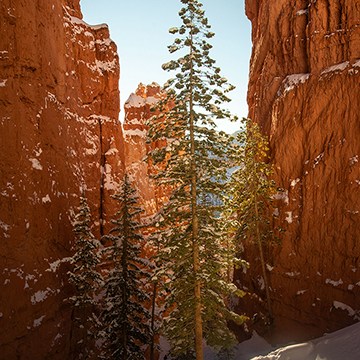
Master advanced landscape editing in Photoshop and Adobe Camera RAW. Learn Aaron’s must-do adjustments, advanced Sky Replacement, color grading, and more! This tutorial includes RAW files so you can follow along.
Photoshop | Photo Editing | Advanced | 3.75 hours
6 Sample Images (RAW Files) | 6 Sample Images (JPEG Files) | 5 Sample PSDs

Cloud processing sends Select Subject to Adobe’s servers instead of your machine. On hair, fur and fine edges the extra few seconds are worth it.
Photoshop | Selections & Masking | Medium | 30 mins | 1 video
4 Sample Images | 1 PDF Guide

The AI Actions panel takes a plain description of what you want and builds the layers to do it. Useful, but it is the parts it leaves behind that matter.
Photoshop | AI & Generative Tools | Easy | 15 mins | 1 video
1 Sample Image | 1 Sample PSD | 1 PDF Guide
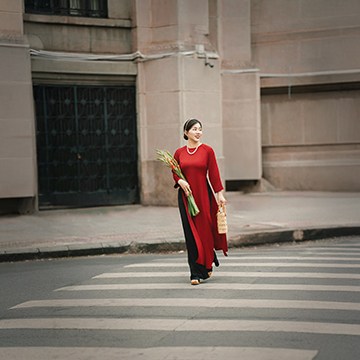
Photoshop on iPhone is a real editor now. Remove distractions, widen the frame, brighten the subject and add a vignette without touching a desktop.
Photoshop | AI & Generative Tools | Easy | 15 mins | 1 video
1 Sample Image | 1 PDF Guide

Master advanced color grading in Lightroom and Camera Raw. Perfect hues, create unique styles, and craft reusable presets with included RAW files. Explore different looks using snapshots!.
Lightroom, Photoshop | Color & Tone | Advanced | 2.5 hours
8 RAW Sample Images | 1 Sample PSD

Dynamic text in Photoshop Beta reflows to fit the shape you draw. Reshape the frame and the type follows, and the styling survives every change.
Photoshop | Text & Graphic Design | Easy | 15 mins | 1 video
1 Sample Image | 1 PDF Guide

Adobe Firefly now generates video from a text prompt and from images you upload. Learn the settings that matter and how to write a prompt it can follow.
Adobe Firefly | AI & Generative Tools | Easy | 30 mins | 1 video
2 Sample Images | 1 Sample Video | 1 PDF Guide
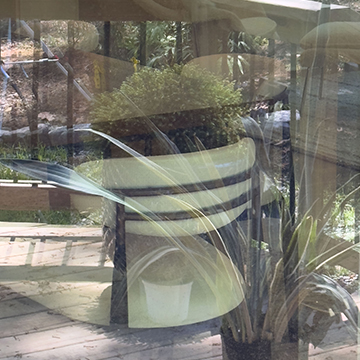
Remove Reflections in Adobe Camera Raw works on raw files only. Enable it in Technology Previews, then expect a good start rather than a finished result.
Photoshop | Object Removal & Cleanup | Easy | 15 mins | 1 video
2 Sample RAW Files | 1 PDF Guide
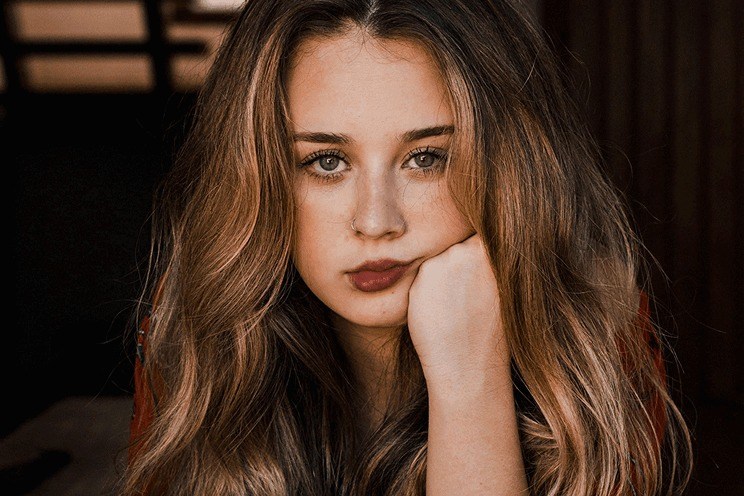
Hue/Saturation in Photoshop has an on-image control now. Click the color you want to change and the range picks itself, then adjust several ranges at once.
Photoshop | Color & Tone | Easy | 15 mins | 1 video
1 Sample Image | 1 Sample PSD | 1 PDF Guide
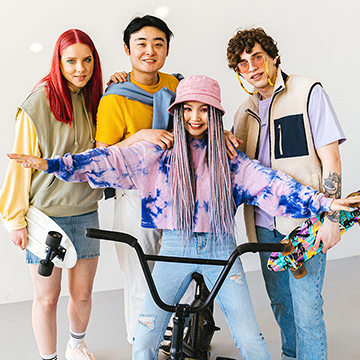
Discover Photoshop 2025! This tutorial will get you up to speed with the latest features and tools. We’re even including a handy PDF guide with all the info you need on system requirements and credit usage.
Photoshop | New Features | Medium | 45 mins
8 Sample Images | 7 Sample PSDs | 1 PDF Guide

Photoshop 2023 has some great new features! This tutorial will show you how to use the Gradient Tool, Remove Tool, Contextual Task Bar, and Adjustment Presets more efficiently. You’ll also learn how to use the Generative Fill tool to create stunning images.
Photoshop | New Features | Medium | 1.5 hours
12 Sample Images | 8 Sample PSD