
AI Tutorials for Photoshop, Lightroom & Firefly
Learn the AI tools in Photoshop, Lightroom, and Adobe Firefly: Generative Fill and Expand, Firefly models and partner models like Nano Banana, Harmonize, Generative Upscale, Reference Image, AI masking, Denoise, and assisted culling. About 90 free and PRO video tutorials from Aaron Nace on what each tool does well and where it falls short.

Lightroom Open Eyes opens closed eyes in one tap on your phone. Learn the steps, what it costs in credits, the AI behind it and how real the eyes look.
Lightroom | AI & Generative Tools | Easy | 15 mins | 1 video
3 Sample Images | 1 PDF Guide
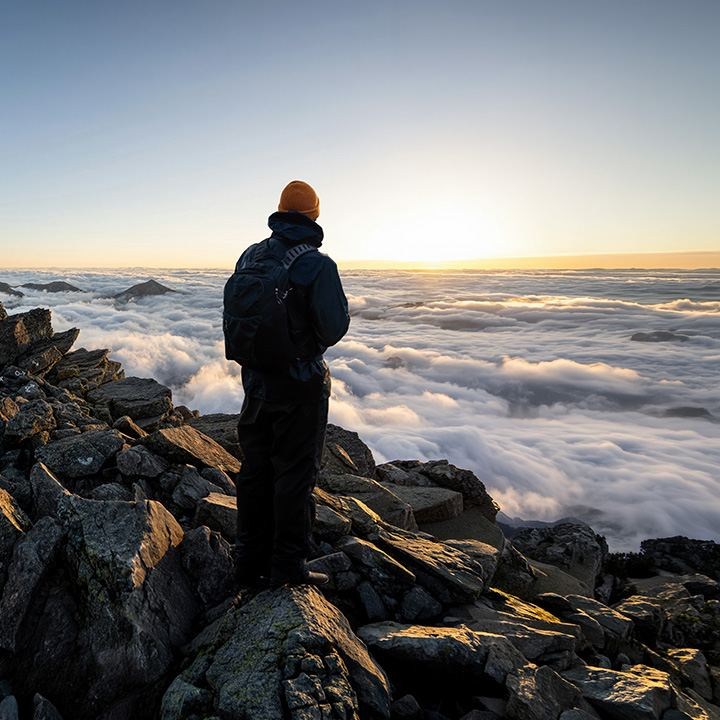
Relight in Photoshop lets you move the light after a photo is taken. Learn the settings, the 30-credit cost, the Lighten fix and how it compares to Harmonize.
Photoshop | AI & Generative Tools | Easy | 15 mins | 1 video
2 Sample Images | 1 Sample PSD | 1 PDF Guide

Use Rotate Object in Photoshop to turn a pasted object in 3D, then match the light with Harmonize and ground it with a generated shadow for a real composite.
Photoshop | Compositing | Easy | 30 mins | 1 video
2 Sample Images | 1 Sample PSD | 1 PDF Guide
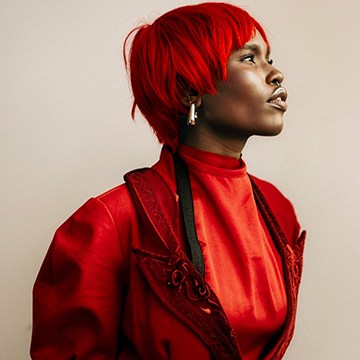
Is the new AI slider in Photoshop 2026 worth the generative credits? We test Precision Flow on a portrait and compare it with a manual, non-destructive fix.
Photoshop | AI & Generative Tools | Easy | 15 mins | 1 video
1 Sample Image | 1 Sample PSD | 1 PDF Guide

Clean up and polish your photos in Photoshop: strip out background clutter with the Remove tool, rebuild tight framing, swap a flat sky, and blend it all.
Photoshop | Object Removal & Cleanup | Easy | 15 mins | 1 video
2 Sample Images | 1 Sample PSD | 1 PDF Guide

Learn how to use Firefly 5 in Photoshop for Generative Fill: how the credits work, how to control the result, and how to blend AI edits so they look real.
Photoshop | AI & Generative Tools | Easy | 30 mins | 1 video
1 Sample Image | 1 Sample PSD | 1 PDF Guide
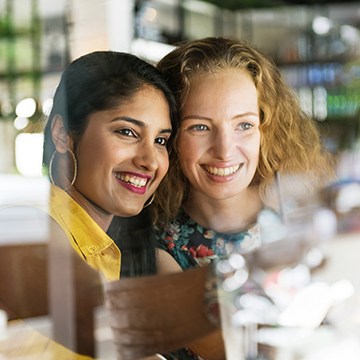
Remove reflections from faces in Photoshop 2026: run the automatic tool, mask back the detail it flattens, and clean up the glare it leaves behind.
Photoshop | Retouching | Easy | 15 mins | 1 video
1 Sample Image | 1 Sample PSD | 1 PDF Guide
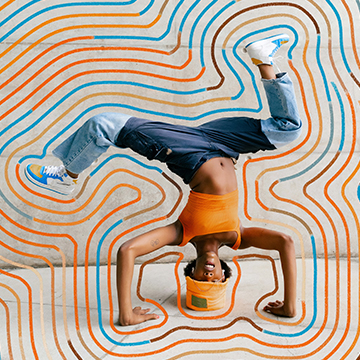
Discover the power of graphics in Photoshop! Blend photography, illustrations, and textures across six unique projects using advanced masking, 3D compositing, and the newest editing tools.
Photoshop | Photo Effects | Medium | 3 hours
25 Sample Images | 7 Sample PSDs

Use AI depth masking in Photoshop to separate foreground from background by distance, then lift your subject and direct the eye without a single selection.
Photoshop | Selections & Masking | Easy | 15 mins | 1 video
1 Sample Image | 1 Sample PSD | 1 PDF Guide

See what the updated Remove tool in Photoshop can do: find distractions automatically, clear clutter, fix what it breaks, and finish the retouch by hand.
Photoshop | Object Removal & Cleanup | Easy | 15 mins | 1 video
1 Sample Image | 1 Sample PSD | 1 PDF Guide
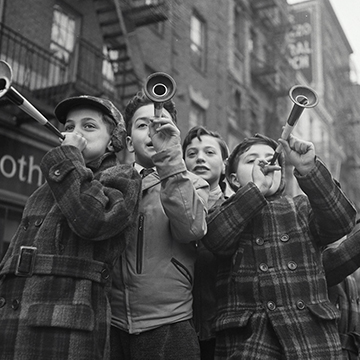
The new Upscale tool in Photoshop 2026 rebuilds detail with AI instead of stretching pixels. See how to run it, compare the result, and where it falls apart.
Photoshop | AI & Generative Tools | Easy | 15 mins | 1 video
1 Sample Image | 1 Sample PSD | 1 PDF Guide
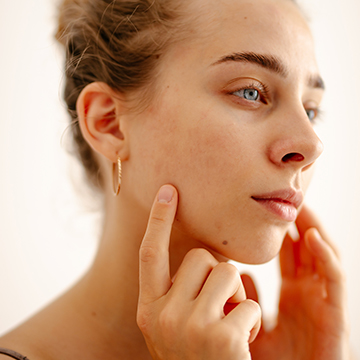
Test the new blemish removal tool in Lightroom Mobile: run it from Quick Actions, see what it clears in one tap, then clean up what it misses by hand.
Lightroom | Retouching | Easy | 15 mins | 1 video
1 Sample Image | 1 Sample PSD | 1 PDF Guide
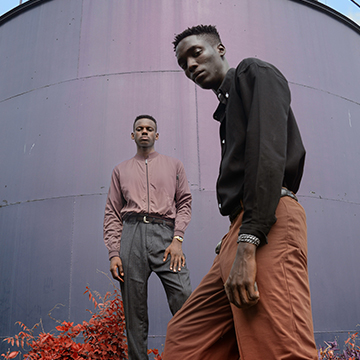
Use Reference Image in Photoshop 2026 to make Generative Fill precise: select the object, drop in a reference photo, and pick the variation that actually fits.
Photoshop | AI & Generative Tools | Medium | 30 mins | 1 video
5 Sample Images | 1 Sample PSD | 1 PDF Guide
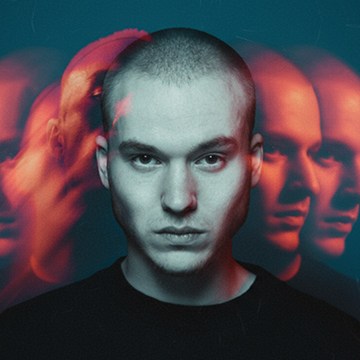
Firefly Boards is Adobe’s AI workspace in a browser tab. Set up a board, merge two images, refine one result, and turn a still into motion without leaving it.
Photoshop | AI & Generative Tools | Easy | 15 mins | 1 video
2 Sample Images | 1 PDF Guide
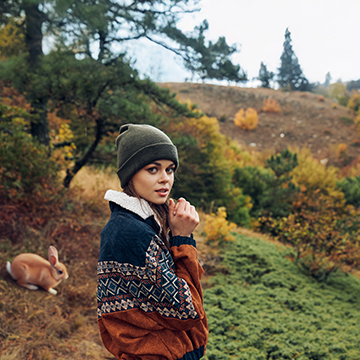
Which Adobe AI tools spend generative credits, which are free, how fast your balance drains, and what happens when it hits zero in Photoshop and Lightroom.
Photoshop, Lightroom | AI & Generative Tools | Easy | 30 mins | 1 video
1 PDF Guide | 1 Sample PSD
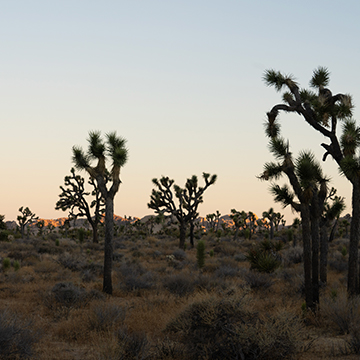
Use AI dust removal in Lightroom and Photoshop: clear every sensor spot on one frame in a click, then sync the detection across the whole shoot.
Photoshop, Lightroom | Object Removal & Cleanup | Easy | 15 mins | 1 video
3 Sample Images (RAW Files) | 1 Dust Removal Settings (XMP File) | 1 PDF Guide
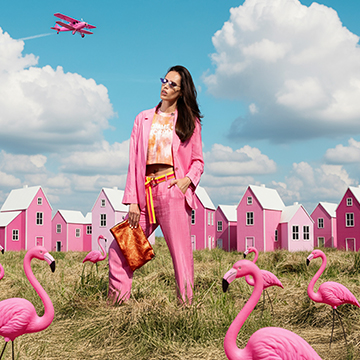
Master 2026’s Photoshop and Lightroom AI updates, from Harmonize to Assisted Culling we cover it all. This pro tutorial includes 30 practice images including 3 RAW files to perfect your workflow.
Photoshop, Lightroom | AI & Generative Tools | Advanced | 2 hours
26 Sample Images (JPEG Files) | 3 Sample Images (RAW Files) | 8 Sample PSDs | 2 Sample Videos

Nano Banana PRO in Photoshop rebuilds the whole scene around your subject. See how to select, prompt, review the variations, and what each generation costs.
Photoshop | AI & Generative Tools | Medium | 15 mins | 1 video
3 Sample Images | 3 Sample PSDs | 1 PDF Guide
Use assisted culling in Lightroom Classic to sort a shoot fast: run it during import, read the scores, auto-stack near-duplicates, and reject the weak frames.
Lightroom | Workflow & Productivity | Medium | 15 mins | 1 video
15 Sample Images

Use Lens Blur and AI Denoise in Lightroom to fix what a cheap lens can’t: add believable background blur, refine the mask, then clear noise without mush.
Lightroom | AI & Generative Tools | Medium | 15 mins | 1 video
1 Sample Image (RAW File) | 2 Sample Images (JPEG File)

Sync Lightroom masks across a whole shoot: build one masked edit on a portrait or landscape, then copy the masks to every other frame in a few clicks.
Lightroom | Workflow & Productivity | Medium | 15 mins | 1 video
4 Sample Images
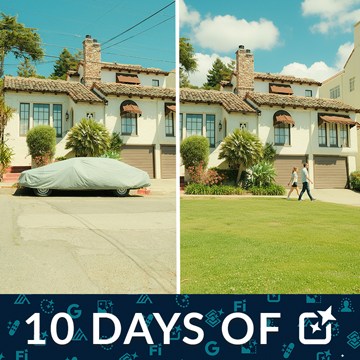
Partner models put Nano Banana and other companies’ AI inside Photoshop’s Generative Fill. See how to pick one, what each costs in credits, and where they fail.
Photoshop | AI & Generative Tools | Medium | 15 mins | 1 video
4 Sample Images | 4 Sample PSDs | 1 PDF Guide

Harmonize matches the color and light of a pasted subject to its new background, and Generative Upscale rebuilds the detail. See where each one works and fails.
Photoshop | AI & Generative Tools | Medium | 15 mins | 1 video
5 Sample Images | 3 Sample PSDs

AI masking in Camera Raw selects the subject, sky and background for you. Set it up non-destructively, refine the mask, then edit each area on its own.
Photoshop | Selections & Masking | Advanced | 15 mins | 1 video
2 Sample Images | 2 Sample PSDs

Remove objects in Photoshop with the right tool for the job: the Remove tool for most things, Generative Fill for big gaps, and a manual patch when speed matters.
Photoshop | AI & Generative Tools | Medium | 15 mins | 1 video
4 Sample Images | 4 Sample PSDs

Generative Expand rebuilds a photo beyond its edges: turn a vertical into a horizontal, fix the resolution it costs you, and know when the result falls apart.
Photoshop | AI & Generative Tools | Medium | 15 mins | 1 video
3 Sample Images | 3 Sample PSDs

Generative Fill does three different jobs, and each one wants a different selection. See how to select for removing, adding and replacing, and what goes wrong.
Photoshop | AI & Generative Tools | Medium | 15 mins | 1 video
4 Sample Images | 4 Sample PSDs
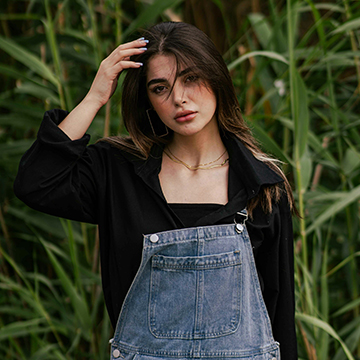
AI Assisted Culling in Lightroom sorts a big shoot for you: set the criteria, let it group and rank the frames, then make the final calls yourself.
Lightroom | Workflow & Productivity | Easy | 30 mins | 1 video
38 Sample Images | 1 PDF Guide
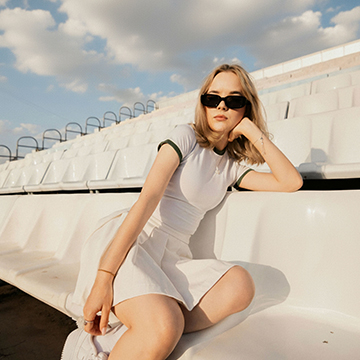
Nano Banana and Flux Kontext Pro turn Generative Fill into a conversation in Photoshop Beta. Learn which model to pick and how to write the prompt.
Photoshop | AI & Generative Tools | Medium | 30 mins | 1 video
8 Sample Images | 8 Sample PSDs | 1 PDF Guide

Every edit should produce two files, not one. Learn the Photoshop export settings that decide what everyone else actually sees, and when JPEG is wrong.
Photoshop | Workflow & Productivity | Medium | 15 mins | 1 video
1 Sample Image | 1 Sample PSD
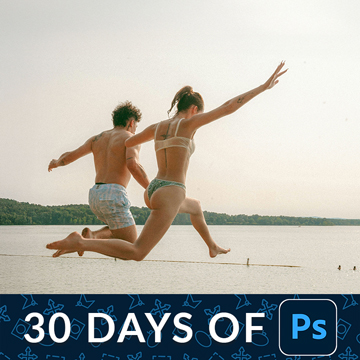
The Crop tool can add as well as take away. Straighten in one drag, use the overlays to place the subject, then expand the frame with Generative Expand.
Photoshop | Tools & Techniques | Easy | 15 mins | 1 video
1 Sample Image | 1 Sample PSD
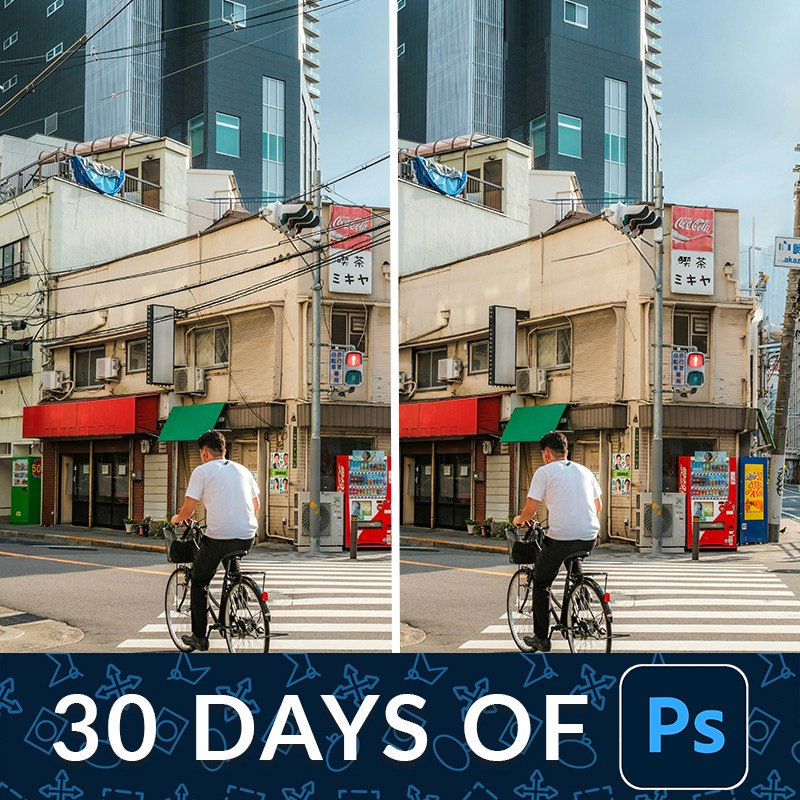
Remove distractions in Photoshop on a duplicate layer so the original pixels stay intact. One click handles most of it; the rest is a short manual pass.
Photoshop | Object Removal & Cleanup | Medium | 15 mins | 1 video
2 Sample Images | 2 Sample PSDs
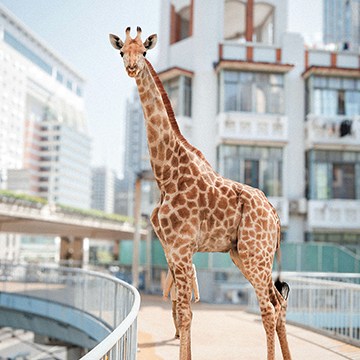
Transform photos into art! Learn to blend multiple images in Photoshop, from AI tools to classic techniques, to create stunning, realistic composites with perfect color and light.
Photoshop | Compositing | Advanced | 3.25 hours
26 Sample Images | 6 Sample PSDs
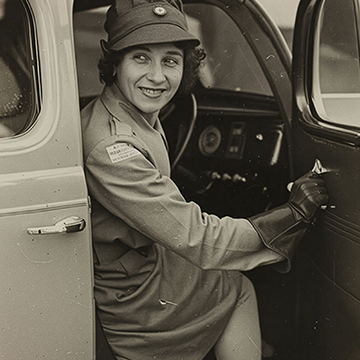
Generative Upscale rebuilds a low-resolution file at a usable size. Check your starting point first, because it invents detail rather than recovering it.
Photoshop | AI & Generative Tools | Easy | 15 mins | 1 video
1 Sample Image | 1 PDF Guide
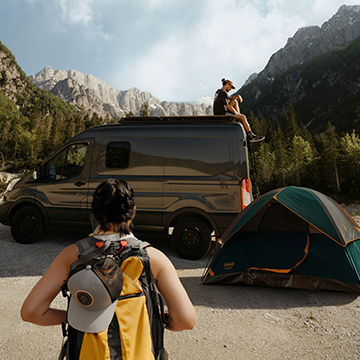
The Harmonize tool matches a pasted object to the photo it lands in. It works well on objects, unevenly on people, and you should not use it on skies.
Photoshop | AI & Generative Tools | Medium | 15 mins | 1 video
4 Sample Images | 1 Sample PSD | 1 PDF Guide
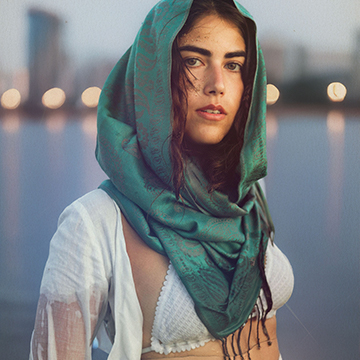
The AI Actions panel takes a plain description of what you want and builds the layers to do it. Useful, but it is the parts it leaves behind that matter.
Photoshop | AI & Generative Tools | Easy | 15 mins | 1 video
1 Sample Image | 1 Sample PSD | 1 PDF Guide
What You’ll Learn
AI tools change every few months, and not every update is worth using. These tutorials test each feature on real photos and show how to combine it with the classic techniques that still give the best results.
- Generative Fill and Expand. Adding, removing, and replacing anything, extending a canvas, and getting usable results instead of random ones.
- Firefly and partner models. Firefly 5, Nano Banana, and Flux in Photoshop, Firefly Boards, and how generative credits work.
- Compositing with AI. Harmonize to match light and color, Reference Image, and Rotate Object for believable composites.
- AI masking and editing. Select Subject, Camera Raw and Lightroom AI masks, Denoise, Lens Blur, and the AI slider.
- Speed in Lightroom. Assisted culling, syncing AI masks across a shoot, and Generative Remove.
Where to Start
Start with How Generative Fill Selections Work in Photoshop, the first day of 10 Days of AI, then The Ultimate Guide to Generative Credits so you know what each generation costs. The PRO course The Ultimate Guide to AI in Photoshop goes deeper on real client-style projects.
Free and PRO Tutorials
Free tutorials are complete lessons, not previews. PRO tutorials go deeper and longer, and they include the sample images, RAW files, actions, and presets used in the lesson so you can follow along on the exact same file. The PRO courses include the original photos, so you can compare your generations to Aaron’s. A PHLEARN PRO membership unlocks every PRO tutorial on the site, including all of the ones in this category.
Frequently Asked Questions
Is Generative Fill free to use?
Generative Fill uses generative credits included with Creative Cloud plans. Standard features use fewer credits than premium partner models; the generative credits tutorial explains how many each feature costs.
Will AI replace manual editing in Photoshop?
Not yet. AI is fast for removing and extending, but hair, edges, skin, and exact color still need manual tools. The tutorials here show where to combine both.
Which AI features are in Lightroom?
Lightroom has AI masking for subjects, skies, and people, Denoise, Lens Blur, Generative Remove, and assisted culling for picking the best shots.
Where to Go Next
Follow AI into Object Removal & Cleanup and Compositing, where it saves the most time. For the newest releases as they ship, see New Features.
10 Days of AI
A free, day-by-day series on every major AI tool in Photoshop and Lightroom.
On This Page
PHLEARN PRO
Every PRO tutorial in this category, with sample and RAW files, plus the full PRO library.