Retouching – Free & PRO Tutorials
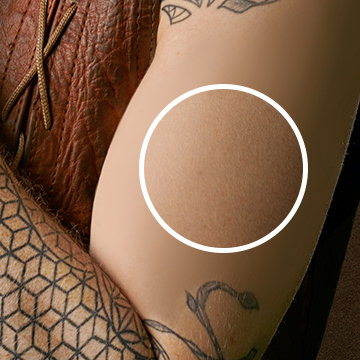
Learn how to create skin texture from scratch in Photoshop using professional tools and techniques and the included free Photoshop Brushes!
Sample Image & PSD Included
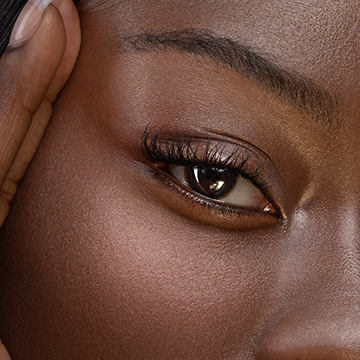
Master a complete, professional retouching workflow in Photoshop. From skin smoothing, to dodging and burning, to frequency separation, we cover it all!
Photoshop | Medium | 2.5 hours
1 RAW Sample Image | 1 Sample PSD | 1 Photoshop Brush | 2 Photoshop Actions

Learn how to make clothing and fabric look amazing in Photoshop. Remove wrinkles, change color, recover details, add shape and definition, and much more!
Photoshop | Medium | 2.5 hours
13 Sample Images | 1 Sample PSD | 1 Photoshop Action
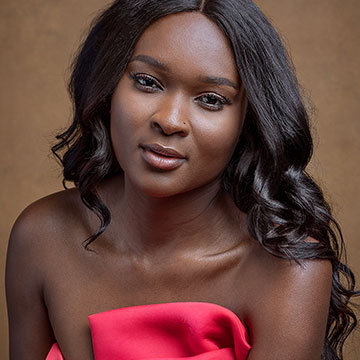
Your time is valuable! Learn how to retouch a portrait quickly and efficiently as we take you through every step of the professional’s workflow. And all in under an hour!
1 RAW Sample Image | 1 Sample PSD | 2 Photoshop Actions
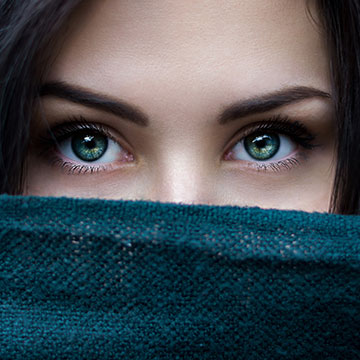
Learn a professional approach to retouching eyes in Photoshop. Brighten up dark eyes, change iris color, enhance the details with dodge and burn, and more. Picture-perfect peepers, every time!
7 Sample Images | 2 Photoshop Brushes | 2 Photoshop Actions
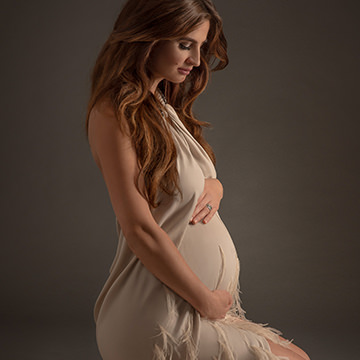
Learn how to create beautiful, soft portraits in Photoshop! Join us as we walk you through a maternity photoshoot before diving into the post-production, covering dodging and burning, frequency separation, and more!
Photoshop | Medium | 5.5 hours
2 RAW Sample Images | 2 Photoshop Actions
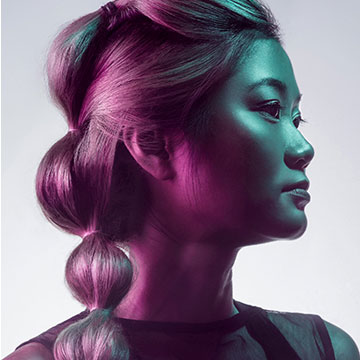
Learn professional hair retouching in Photoshop! Learn how to rescue details, remove flyaways, add volume, and enhance the definition of hair in any photo.
12 Sample Images | 1 Photoshop Action

Learn how to create beautiful product images for e-commerce! Master the tools and techniques professionals use to change backgrounds, retouch products, and export multiple formats for the web, banners, and ads.
28 RAW Sample Images | 2 Sample PSDs | 2 Photoshop Actions
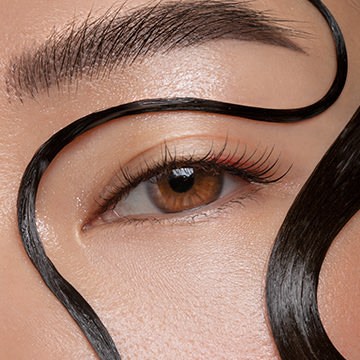
Master the art of professional beauty retouching in Photoshop! Learn advanced skills like dodging and burning, frequency separation, and sharpening–all for creating beautiful portraits with commercial appeal.
Photoshop | Advanced | 4 hours
4 RAW Sample Images | 1 Sample PSD | 2 Photoshop Actions | 1 Photoshop Brush

Professional retouching is a valuable skill and a great way to improve any photo. Learn how to remove skin blemishes, smooth skin tones, clean up flyway hairs, fix exposure, and make subtle adjustments for an all-natural look.
21 Sample Images | 1 Photoshop Brush | 1 Photoshop Action
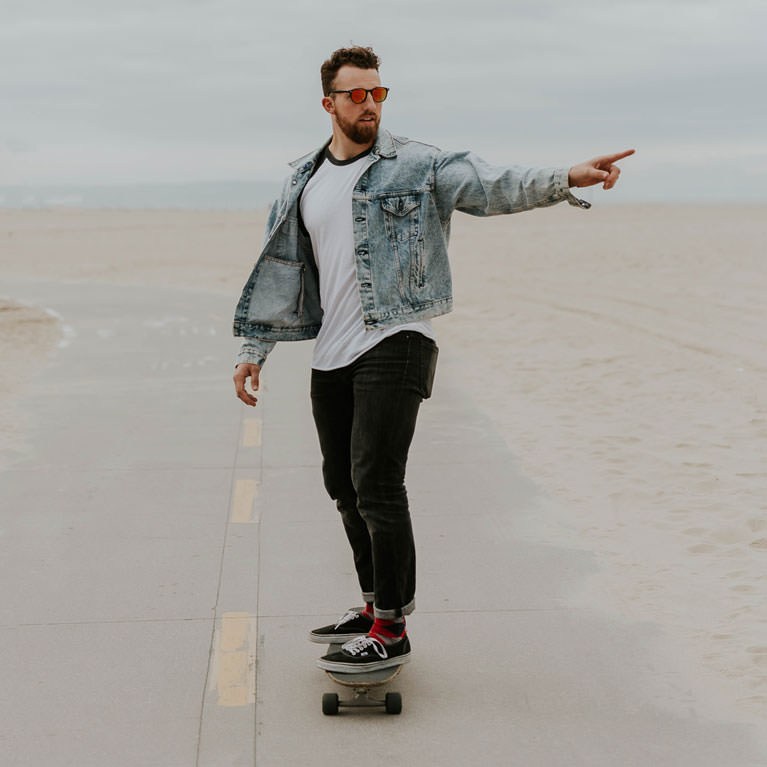
Every photo has them; small distractions that take away focus from the subject and scene. Learn how to remove unwanted elements from any photo using the Spot Healing Brush Tool.
Sample Images Included
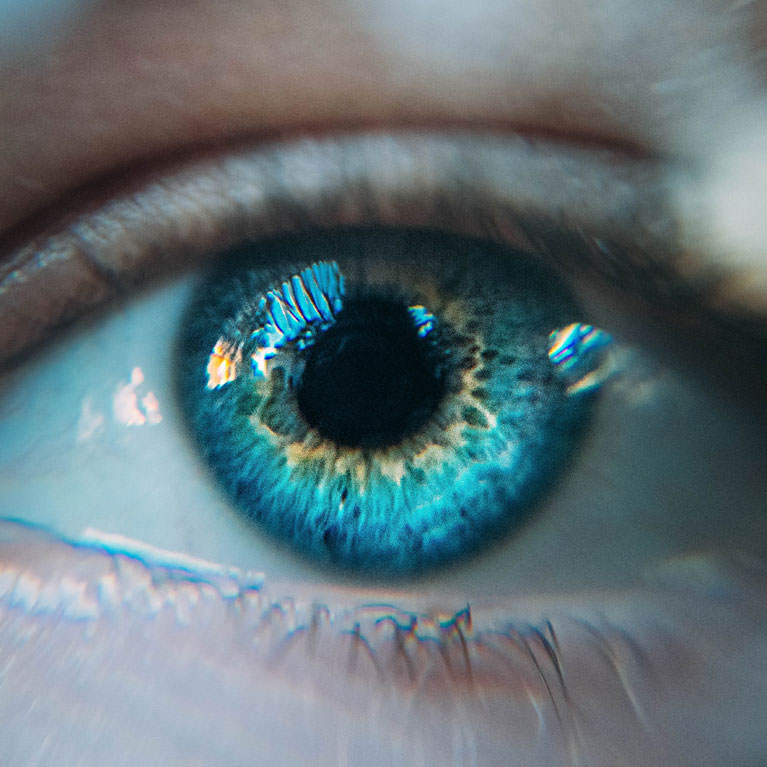
Learn to help eyes look their best by enhancing highlights with Curves, enhancing and adding color with Solid Color Fill, and by applying professional level sharpening with Unsharp Mask.
Sample Images Included
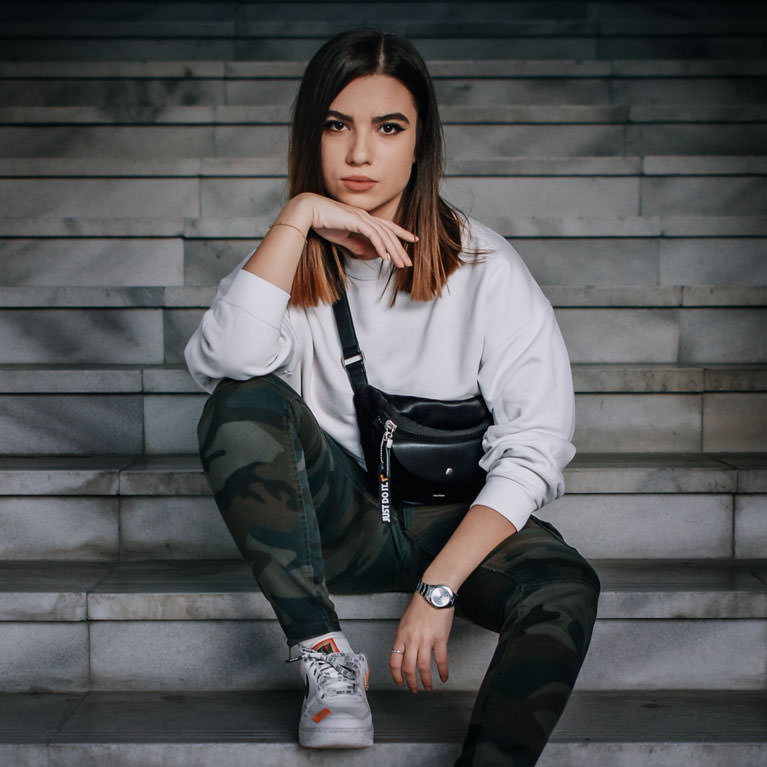
Learn how to use Curves Adjustment Layer to quickly and easily dodge and burn any photo. Add more dimension and draw more attention to your subjects!
Sample Images Included
Dodging and burning is a staple technique for professional photographers and retouchers. Learn how to sculpt highlights and shadows to add dimension, remove blemishes, and guide the eyes of the viewer to the most important parts of a photo.
16 Sample Images | 1 Photoshop Brush

Join Ross Floyd and Aaron Nace as they walk you through 10 product photo edits from start to finish. Learn to cut out objects, remove blemishes, reshape products, and master advanced techniques like frequency separation and dodging & burning.
Photoshop | Medium | 13.25 hours
31 Sample Images | 2 Photoshop Actions

Learn how to color correct skin using Selective Color Adjustment Layers to isolate and adjust individual color channels to dial in the perfect look for your portraits.
Sample Images Included
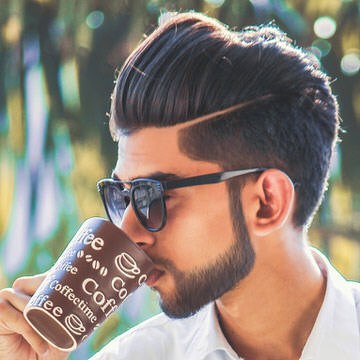
With so much natural variation, hair can be one the most challenging things to style and recreate in Photoshop. Not anymore! We break down some simple techniques that will help you shape, fill in, and paint new, realistic hair in minutes.
Sample Images Included
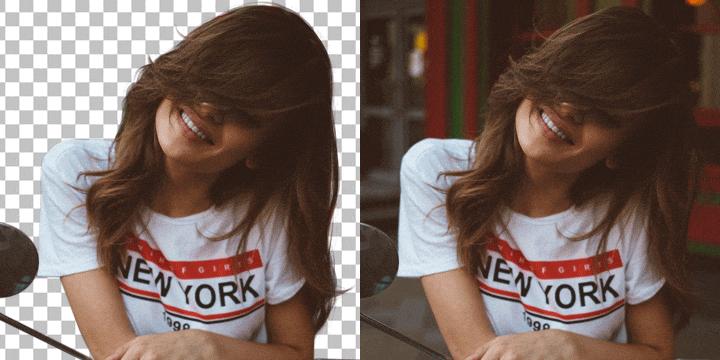
Learn to realistically cut out and paint hair in Photoshop. Make quick selections using Select Color Range, make advanced selections with Channels, and paint in new, ultra-realistic hair with the Brush Tool.
Photoshop | Medium | 4.75 hours
12 Sample Images | 10 Photoshop Brushes
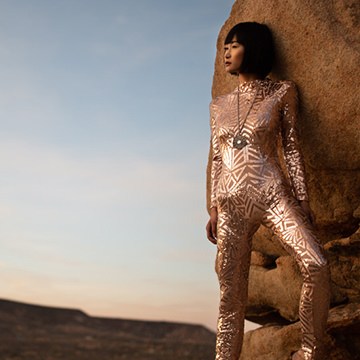
Dodging and burning is an incredibly useful technique to add contrast, depth, and definition to your photos.
Learn to dodge & burn in Lightroom with the power of RAW!
Sample Images Included
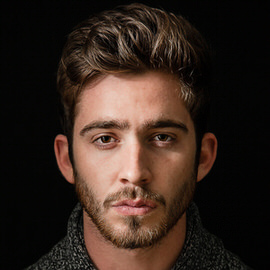
Sharpening is an important last step when finishing an edit. In this tutorial, we show you when and how to sharpen an image using our tried and tested method.
Sample Images Included

Having a soft, out-of-focus background is an extremely effective way of drawing the viewer’s eye to your subject. This is best done in camera, but we’ll show you how to do it in Photoshop.
Sample Images Included
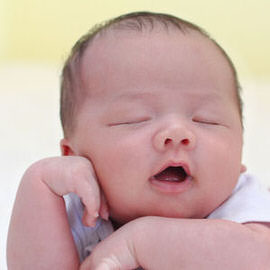
From adjusting red, blotchy areas to cleaning up dry, flaky skin, we’ll walk you through some newborn retouching techniques that anyone can learn to help capture memories that will last a lifetime.
Sample Images Included
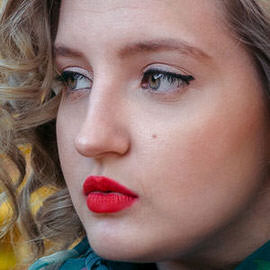
In this tutorial, we break down an easy process for reducing the dark circles that can often appear under eyes in a photo.
Sample Images Included
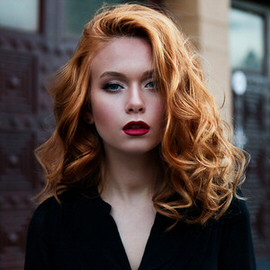
Hair will always be one the most challenging areas to retouch and enhance. In this tutorial, we’ll show you how to increase the volume of hair using the Liquify Tool and color it with one of Aaron’s favorite methods, a Gradient Map.
Sample Images Included

Don’t give up on underexposed images! In this tutorial, we’ll walk you through some techniques to brighten a portrait and, to show you how easy it can be, we’ll do it in only two minutes!
Sample Images Included
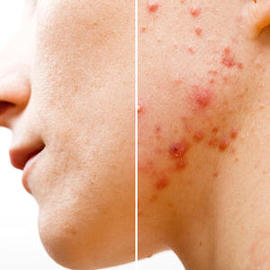
A portrait doesn’t need to be all clear skin and perfect hair. But whether you want to remove distractions from an everyday photo, or smooth skin until it’s flawless for a studio portrait, these 5 tools will make your life easier.
Sample Images Included
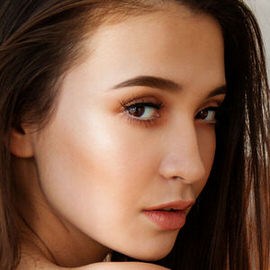
Add volume to eyebrows in Photoshop to achieve that trendy perfect brow. Start with shaping and then create a custom brush to add hair.
Sample Images Included

In this tutorial, we’ll walk you through how to create your own custom Photoshop Brush to add realistic freckles to any portrait in Photoshop!
Sample Images Included
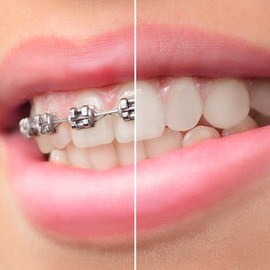
Sometimes there is not enough information in the image for the Clone Stamp Tool or the Healing Brush Tool to work effectively. This is where knowing how to make the most out of the brush tool comes in handy!
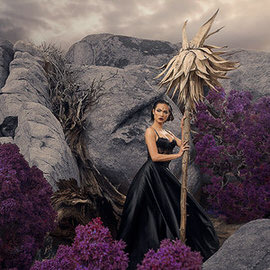
What makes a great photo? In this comprehensive series, we take you from beginner to post-processing professional. Learn to make quick, subtle, and basic edits then level-up to making an all-out fully retouched composite.
Photoshop | Medium | 20.75 hours
139 Sample Images | 1 Photoshop Action | 1 Photoshop Brush