Free Photography Tutorials: Camera, Light & Composition
Free photography lessons from a working photographer: exposure, natural and studio light, composition, posing, and the shooting habits that make editing easier. Nearly 50 free video tutorials from Aaron Nace, no account needed.
What You’ll Learn
These are the free shooting lessons on PHLEARN. Each one is a complete tutorial on a single idea, from reading a histogram to lighting a portrait with one window, filmed on real shoots rather than in a lecture.
- Camera fundamentals. Aperture, shutter speed, ISO, RAW versus JPEG, metering, and reading the histogram so you stop guessing.
- Natural light. Window light, open shade, golden hour, backlight, and reflectors, and how to place a person in each.
- Composition. The rule of thirds, leading lines, negative space, color, and framing for the crop you will want later.
- Posing and direction. Simple direction for portraits, couples, and groups that fixes stiff hands, chins, and shoulders.
- Shooting for Photoshop. Bracketing, plates, backgrounds, and product setups that give you the files a good edit needs.
Where to Start
Begin with Photography 101, then follow the Photography & Photo Editing Learning Path, which takes each shoot into the edit. The full photography library including PRO courses is at Photography.
Free and PRO Tutorials
Free tutorials are complete lessons, not previews. PRO tutorials go deeper and longer, and they include the sample images, RAW files, actions, and presets used in the lesson so you can follow along on the exact same file. A PHLEARN PRO membership unlocks every PRO tutorial on the site, including all of the ones in this category.
Frequently Asked Questions
What camera do I need to follow these tutorials?
Any camera with manual controls, including a recent phone in pro mode. The lessons are about light, exposure, and composition, none of which depend on the body or lens.
How do I take better portraits with natural light?
Find soft, directional light such as a large window or open shade, turn the subject so the light falls across the face, and expose for the skin. The natural light tutorials here show it on real people.
Is it better to fix a photo in camera or in Photoshop?
In camera, always, when you can: a well-exposed RAW file edits in minutes and a badly exposed one never fully recovers. That is the reason PHLEARN teaches shooting alongside editing.
Where to Go Next
Every shoot becomes an edit, so the next stops are Photo Editing and Retouching. For light in depth, see Lighting; for full professional shoots, Behind the Scenes; and for the PRO courses, PRO Photography.
Start With Photography 101
The free foundation lesson on exposure, light, and composition that the rest of the path builds on.
On This Page
PHLEARN PRO
Every PRO tutorial in this category, with sample and RAW files, plus the full PRO library.

Aaron sits down with wilderness landscape photographer Josh Cripps as he shares 10 tips to help us improve our landscape photos!
Guest Interview
Free Tutorials | Easy | 30 mins | 1 video
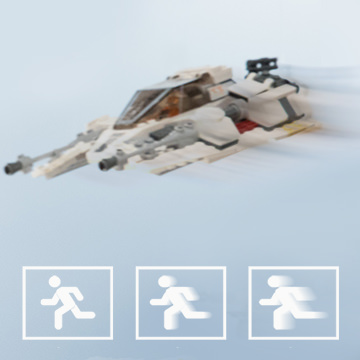
Learn the fundamentals of shutter speed to freeze time or capture dynamic motion! Be sure to check out our other videos in this series covering aperture and ISO.
Sample Images Included
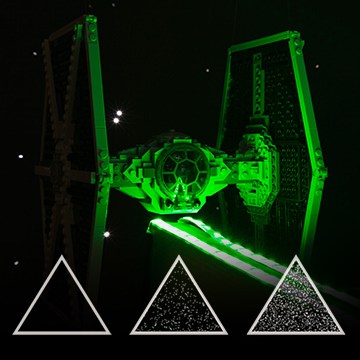
Anyone can learn the fundamentals of how a camera works. As you do, you will become more well-equipped to discover your creativity through photography. Master ISO with the PHLEARN team and Star Wars LEGO!
Sample Images Included
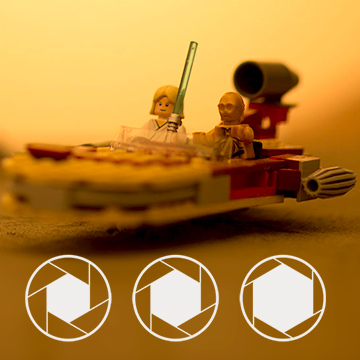
Anyone can learn the fundamentals of how a camera works. As you do, you will become more well-equipped to discover your creativity through photography. Master aperture with the PHLEARN team and Star Wars LEGO!
Sample Images Included

If you’re looking for a camera that will inspire you to go out and take photos every day, look no further than the Fujifilm X100F. Join us as we share what we love about this small and powerful camera!
Sample Images Included
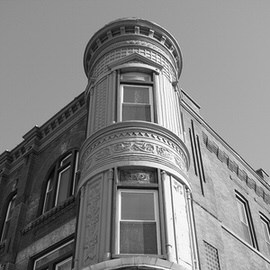
Creating a great black and white image involves more than just dropping the saturation on a photo. We hit the streets of Chicago to focus on five photography fundamentals that are crucial for creating beautiful images in monochrome.
Sample Images Included
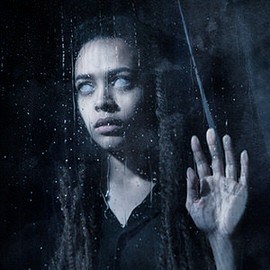
The last in our series of Horror movie posters! Join us from shoot to edit as we create a dark and creepy poster with some DIY special effects.
Sample Images Included
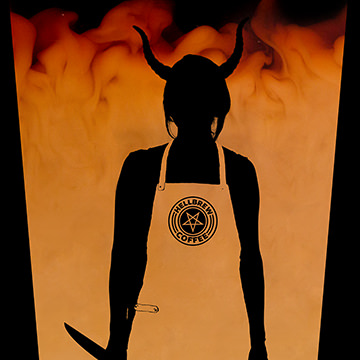
In part two of our Horror Movie Poster Series, coffee and cream are transformed into our background, providing some texture and an eerie transition from light to dark.
Sample Images Included
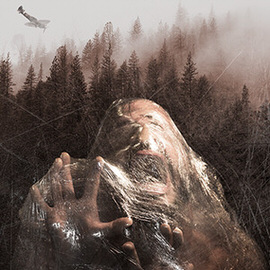
Join Aaron and the team for a photoshoot using some DIY effects anyone can do. Then we hop in Photoshop to bring all of our images together, do a bit of coloring, and finish things off with some texture.
Sample Images Included
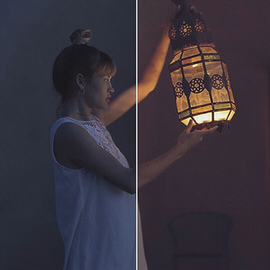
Adding color to video is as easy as color toning your photos. In this tutorial, we show you how to use adjustment layers over a video timeline to make color grading a breeze.
Sample Images Included

To show the versatility of reflectors, we created six different lighting setups using a combination of reflectors and v-flats. A v-flat is a large reflector made from two 4’x8′ sheets of poster board taped together.
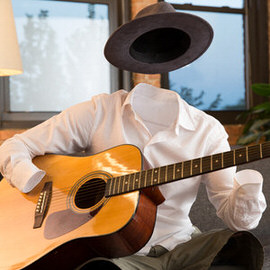
In this tutorial, we walk you through the process of photographing and compositing images together to create the invisible effect.
Sample Images Included
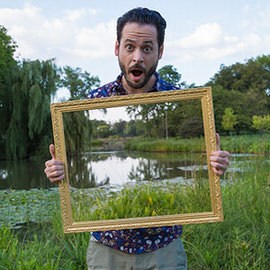
Learn how to make a see through frame effect in Photoshop!This fun tutorial is perfect for beginners. Creating a see-through frame effect takes just a couple of minutes and anyone can do it!
Sample Images Included
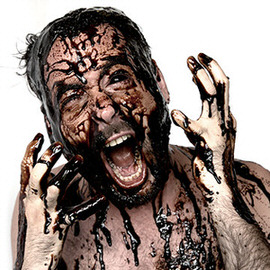
Follow along during our photoshoot where we pour black liquid on Aaron’s head, then take the image into Photoshop for finishing touches, including blacking out his eyes.
Sample Images Included
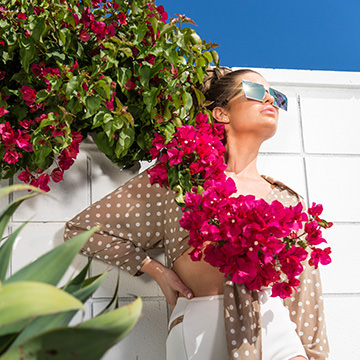
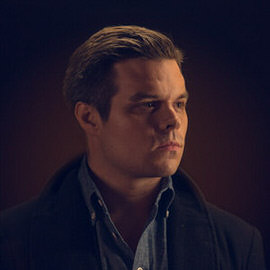
In today’s episode, learn how to Light an Amazing Portrait with a low cost DIY Lighting Kit. Our kit is under $50!
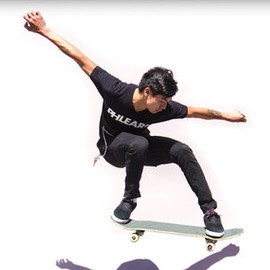
Freezing Motion can be incredibly useful in photography because it will allow you to create images that the human eye cannot. By utilizing shutter speed, cameras can freeze a tiny moment in time perfectly.

Come behind the scenes with Aaron Nace and the Phlearn team for our latest Pro Tutorial, “Liquid Portrait”. We discuss developing a concept, lighting, photographing splashes and much more!
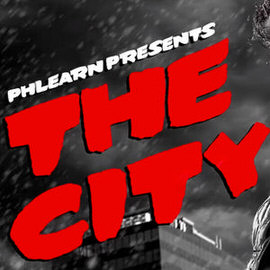
In this Photography tutorial we focus on three key elements necessary to produce this image. You will learn about lighting, Styling and props and shooting for a Composite.
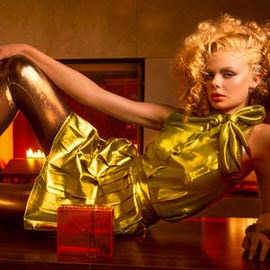
Come behind the scenes with us on one of our fashion shoots! These shoots can be intense, especially when everyone is on a strict time crunch.
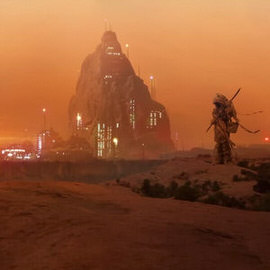
Join us behind the scenes as we cover what it took to create our “A Dark Force” composite.

Part 2: Here is a behind the scenes of our latest “High Fashion” pro tutorial. See how we lit these amazing images and learn how to do it yourself.
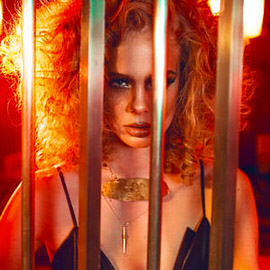
Part 1: Here is a behind the scenes of our latest “High Fashion” pro tutorial. See how we lit these amazing images and learn how to do it yourself.

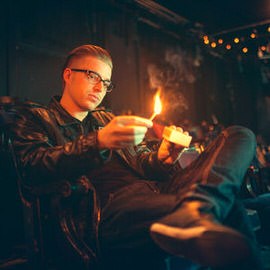
Warning please do not try this without the proper safety measures. After Rob Woodcox broke into the Phlearn studio, he literally lit it on fire! Not only did he bring the heat, he shared some great Insights on being a conceptual surreal artist.

Sometimes it’s just fun to make a mess. We had wanted to play with paint for a while, and came up with this concept to create shoes splashing and blending with paint.

Aaron hops behind the camera to share a few tricks on using a wide aperture to eliminate distractions.
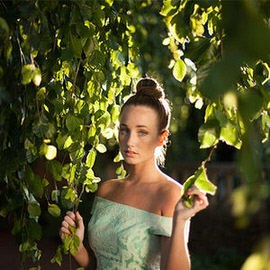
A 5-in-1 reflector can be extremely useful when taking pictures in natural Light.
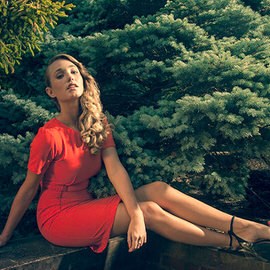
Watch as we explain the lighting that went into the portrait below, just in time to beat the impending torrential downpour!

A gobo can be anything, as long as it’s placed in between a light source and your subject. This casts unique looking Shadows on your subject.
Yesterday we took you behind the scenes and showed you the lighting that went into this image. Today we’re going to clean it up in Photoshop and make the Colors really pop.
Join us behind the scenes of our Portrait Photoshoot. We wanted it to seem natural and embody the subjects life.