

Learn how to use the new Style Transfer Neural Filter in Photoshop to apply eye-catching art styles to your photos in just a few clicks.
Sample Image & PSD Included
Photoshop | AI & Generative Tools | Easy | 15 mins | 1 video
1 Sample Image | 1 Sample PSD | 1 PDF Guide

Learn how to use Levels and Hue/Saturation Adjustments to turn black into any color in Photoshop!
Sample Image Included
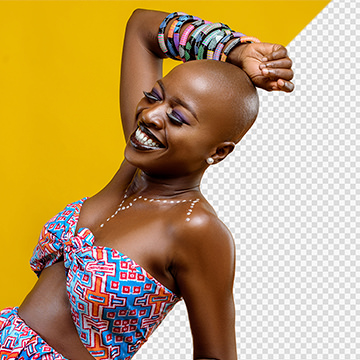
Learn how to cut out subjects in front of relatively simple backgrounds, recover and recreate fine details in hair, and fix common issues like color fringing.
Photoshop | Selections & Masking | Easy | 2.25 hours
5 Sample Images | 5 Sample PSDs
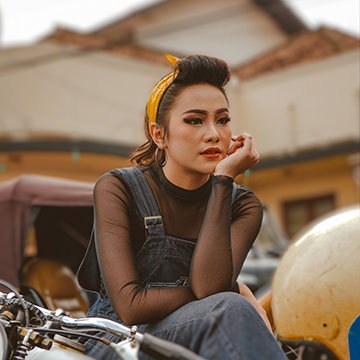
Learn how to blur any background in just a few clicks using Photoshop’s new Depth Blur Neural Filter!
Sample Image & PSD Included
Learn how to remove creases and distractions from studio backgrounds in Photoshop!
Sample Image Included
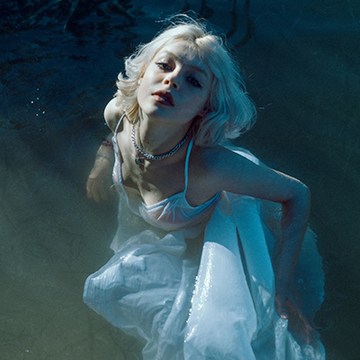
Learn how to turn a photographed texture into a custom Photoshop brush, and then use that brush to add subtle vintage textures to your own photos!
Sample Image & PSD Included
Photoshop | Photo Effects | Easy | 15 mins | 1 video
2 Sample Images | 1 Sample PSD | 1 Photoshop Brush | 1 PDF Guide
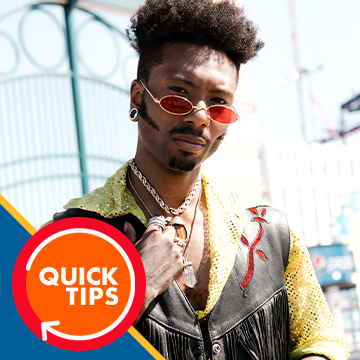
Learn how to use Camera RAW in Photoshop to recover lost details and fix your overexposed photos!
Sample Image Included
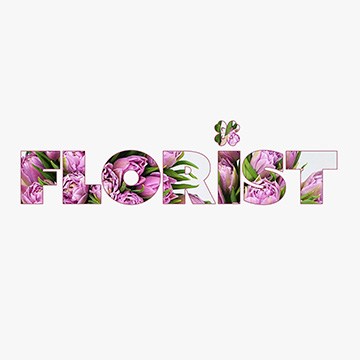
Learn how to create a popular effect, filling in plain text with any image in Photoshop!
Sample Image & PSD Included
Photoshop | Text & Graphic Design | Easy | 15 mins | 1 video
2 Sample Images | 1 Sample PSD | 1 PDF Guide
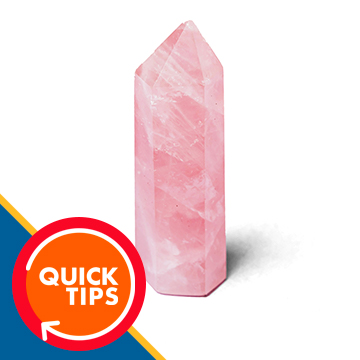
Learn how to swap the background behind an object while preserving the natural shadows from the original image!
Sample Image Included

Explore some of the most advanced tools and techniques for removing large objects and distractions from complex environments.
Photoshop | Object Removal & Cleanup | Advanced | 3.5 hours
7 Sample Images | 5 Sample PSDs | 2 Photoshop Brushes | 1 PDF Companion Guide
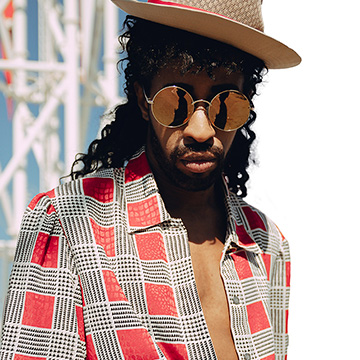
Learn how to cut out subjects and hair and remove backgrounds using the Select and Mask workspace in Adobe Photoshop 2021!
Sample Image & PSD Included
Photoshop | Selections & Masking | Easy | 30 mins | 1 video
1 Sample Image | 1 Sample PSD | 1 PDF Guide
Learn how to create the illusion of a glass window in front a subject in Photoshop!
Sample Images Included

Learn how to remove power lines and other distractions from your urban landscapes and travel photos!
Sample Image & PSD Included
Photoshop | Object Removal & Cleanup | Easy | 15 mins | 1 video
1 Sample Image | 1 Sample PSD | 1 PDF Guide
Learn how to quickly change the color of almost any background in Photoshop!
Sample Images Included
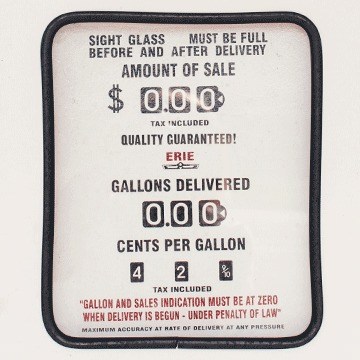
Learn how to identify a font in any image and then recreate text that fits perfectly into the scene.
Sample Image & PSD Included
Photoshop | Text & Graphic Design | Easy | 15 mins | 1 video
1 Sample Image | 1 Sample PSD | 1 PDF Guide
Learn how to create a realistic crumpled paper texture effect in Photoshop!
Sample Images Included

Learn how to remove objects from busy backgrounds while recreating complex textures, patterns, and background elements from scratch in Photoshop!
Photoshop | Object Removal & Cleanup | Medium | 3 hours
5 Sample Images | 5 Sample PSDs | 2 Photoshop Brushes | 1 PDF Companion Guide

Noisy photos? No problem! Join as we test a variety of noise reduction tools and programs.
Sample Images & PSD Included
Lightroom, Photoshop | Tools & Techniques | Easy | 15 mins | 1 video
7 Sample Images | 1 Sample PSD | 1 PDF Guide
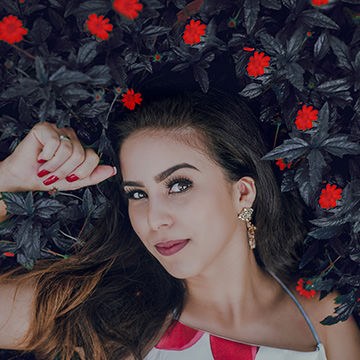
Learn how to quickly change the color of plants and flowers in Photoshop.
Sample Image & PSD Included
Photoshop | Color & Tone | Easy | 15 mins | 1 video
1 Sample Image | 1 Sample PSD | 1 PDF Guide

Learn how to remove text and graphics from any object in a photograph using some easy Photoshop tools!
Sample Images Included

Learn how to quickly outline a portrait in Photoshop to create graphics and thumbnails that pop!
Sample Images Included
Learn the fundamentals of object removal in Photoshop to clean up and simplify any photo!
Photoshop | Object Removal & Cleanup | Easy | 1.75 hours
5 Sample Images | 5 Sample PSDs | 1 PDF Companion Guide
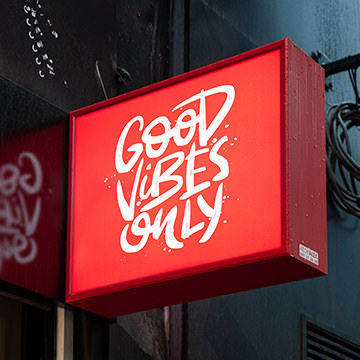
Learn how to add your own text and graphics to any sign in Photoshop!
Sample Images & PSD Included
Photoshop | Text & Graphic Design | Easy | 15 mins | 1 video
1 Sample Image | 1 Alternate Logo | 1 Sample PSD | 1 PDF Guide
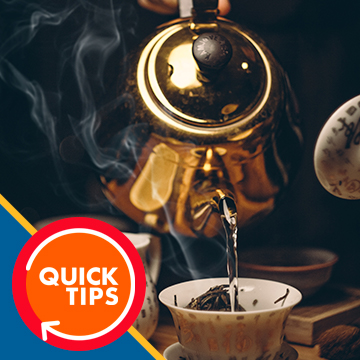
Learn how to add realistic steam, smoke, or fog to any image in Photoshop!
Sample Images Included
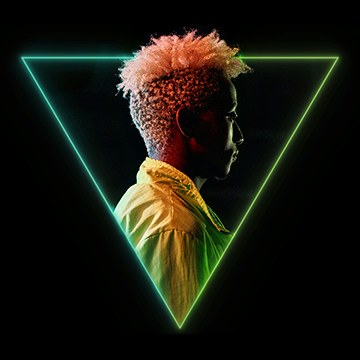
Learn how to create a stylish neon graphic effect in Photoshop! Perfect for creating stylized portraits or profile photos for your website or social media accounts.
Sample Images & PSD Included
Photoshop | Photo Effects | Easy | 30 mins | 1 video
1 Sample Image | 1 Sample PSD | 1 PDF Guide

Learn how to take a logo or icon and wrap it around any object in a photo–perfect for creating your own realistic product mockups!
Sample Images Included
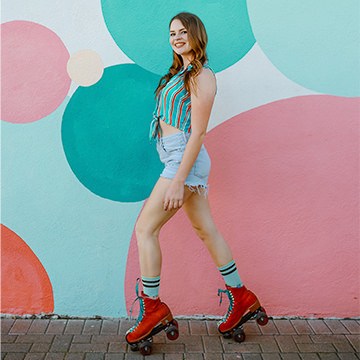
Learn how to change the color of clothing to better match the colors in a background using some simple Photoshop tools!
Sample Image & PSD Included
Photoshop | Color & Tone | Easy | 15 mins | 1 video
1 Sample Image | 1 Sample PSD | 1 PDF Guide
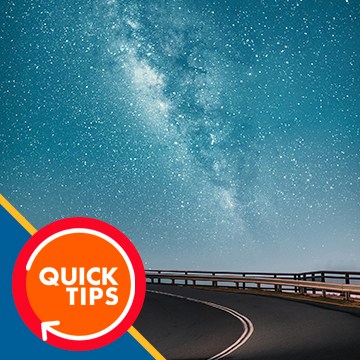
Learn how to use Blending Modes and Layer Masks to add the Milky Way to any nighttime landscape photograph!
Sample Images Included
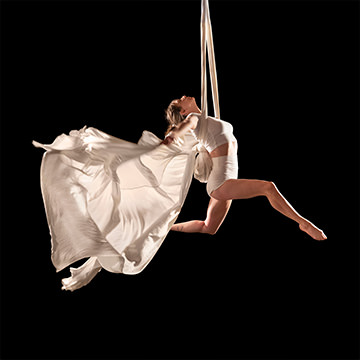
Learn how to cut subjects out from busy studio backgrounds, place them on pure black and pure white backgrounds, and add professional finishing with color and light work.
Lightroom, Photoshop | Selections & Masking | Medium | 1.5 hours
4 Sample Images | 2 Sample PSDs
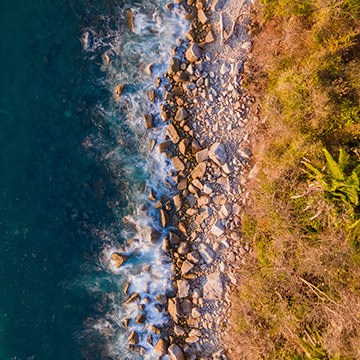
Learn how to capture better images with a drone with some helpful tools and settings, then use Lightroom to create stunning HDR photos!
Sample Images Included
Lightroom | Photography & Lighting | Easy | 15 mins | 1 video
4 JPEG Sample Images | 4 RAW Files | 1 PDF Guide
Learn how to quickly replace the sky in any photo with Photoshop!
Sample Images Included
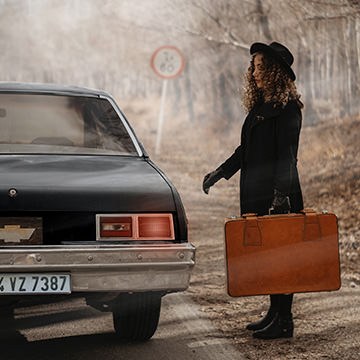
Learn how to create a custom fog brush in Photoshop and then use it to add realistic fog and atmosphere to a photo!
Sample Image & PSD Included
Photoshop | Photo Effects | Easy | 30 mins | 1 video
2 Sample Images | 2 Sample PSDs | 1 Photoshop Brush | 1 PDF Guide
Learn how to quickly replace the sky in any photo with Photoshop!
Sample Images Included

Learn how to use the Face-Aware Liquify Tool and Smart Portrait Neural Filters to make subtle adjustments to facial features and even facial expressions!
Sample Image Included

Learn how to place any image inside of text in Photoshop to create stunning effect.
Sample Images Included
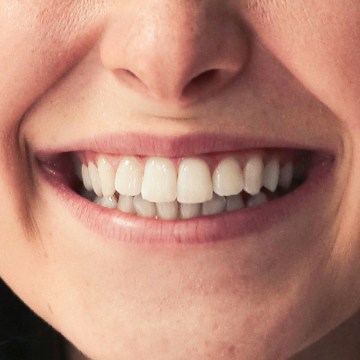
Learn how to help teeth look brighter and whiter in any photograph using these easy Photoshop techniques.
Sample Image Included
Photoshop | Retouching | Easy | 15 mins | 1 video
1 Sample Image | 1 PDF Guide