Photoshop & Lightroom Tutorials, Presets & Actions
1,280+ free and PRO tutorials, plus Lightroom presets, Photoshop actions, brushes and LUTs. Filter by topic, software, skill level or downloads, or search for a tool or technique.
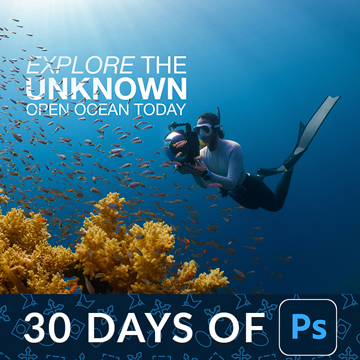
Dynamic text keeps the layout when the words change. Set the type once, and leading, tracking and alignment hold while you rewrite the headline.
Photoshop | Text & Graphic Design | Medium | 15 mins | 1 video
1 Sample Image | 1 Sample PSD
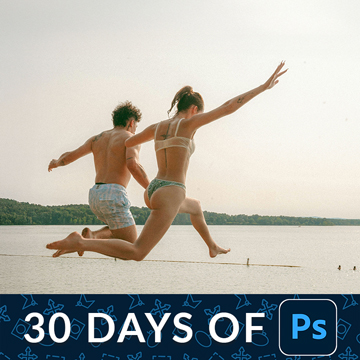
The Crop tool can add as well as take away. Straighten in one drag, use the overlays to place the subject, then expand the frame with Generative Expand.
Photoshop | Tools & Techniques | Easy | 15 mins | 1 video
1 Sample Image | 1 Sample PSD
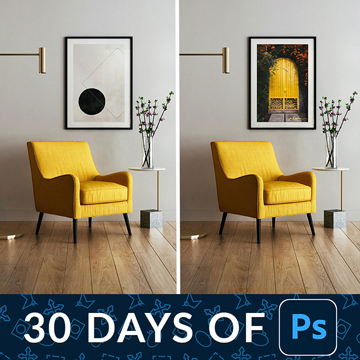
Free Transform looks like four corner handles. It is actually a distortion engine: the modifier keys give you skew, perspective and warp from the same box.
Photoshop | Tools & Techniques | Medium | 30 mins | 1 video
3 Sample Images | 1 Sample PSD
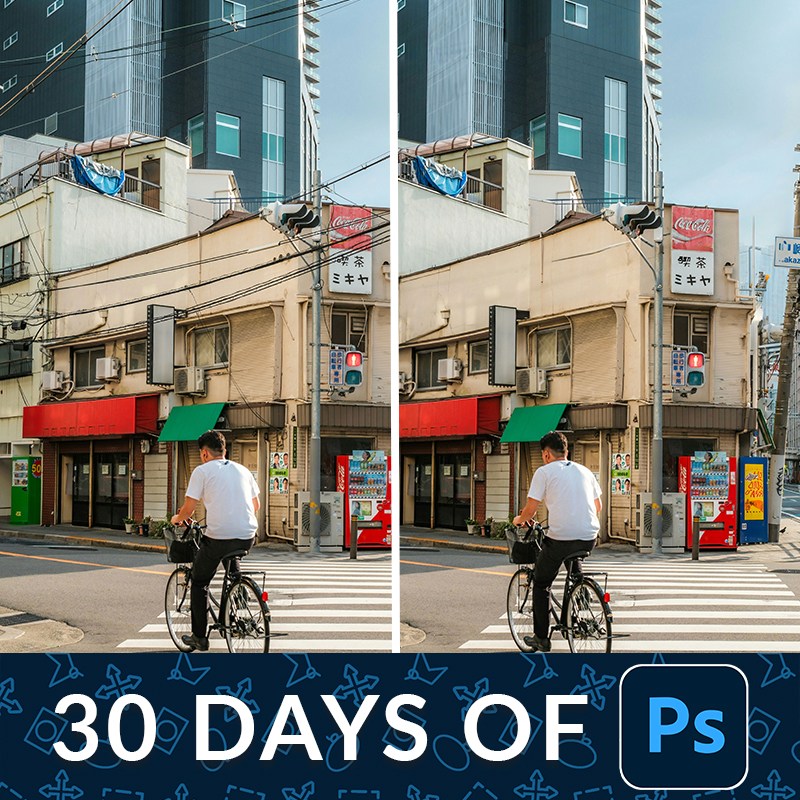
Remove distractions in Photoshop on a duplicate layer so the original pixels stay intact. One click handles most of it; the rest is a short manual pass.
Photoshop | Object Removal & Cleanup | Medium | 15 mins | 1 video
2 Sample Images | 2 Sample PSDs
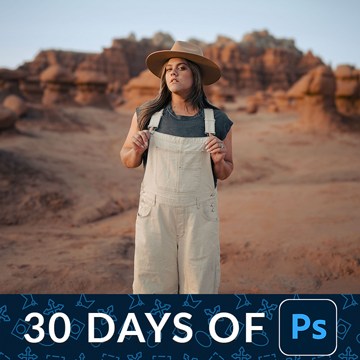
Adobe Camera Raw is a complete raw processor inside Photoshop. Convert to a smart object first and every mask, slider and grade stays editable forever.
Photoshop | Tools & Techniques | Medium | 15 mins | 1 video
1 Sample Image | 1 Sample PSD
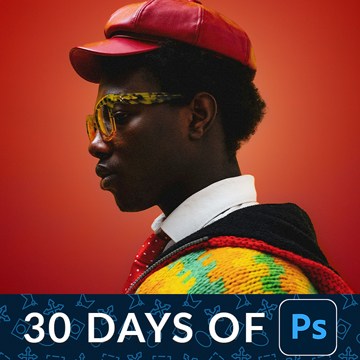
Select Subject has quietly become the most useful button in Photoshop. Switch it to the cloud engine and it handles hair and fine edges properly.
Photoshop | Selections & Masking | Medium | 15 mins | 1 video
2 Sample Images | 2 Sample PSDs
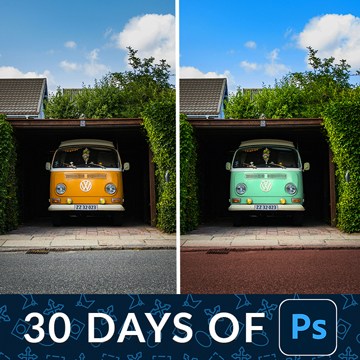
Change the color of anything in Photoshop with two decisions: tell Photoshop where to work, then dial in the new hue. Both stay editable afterwards.
Photoshop | Color & Tone | Medium | 15 mins | 1 video
1 Sample Image | 1 Sample PSD

Levels vs curves comes down to one real difference: how many points you can place. Everything Levels does, Curves does, and the eyedroppers matter more.
Photoshop | Tools & Techniques | Medium | 30 mins | 1 video
1 Sample Image | 1 Sample PSD
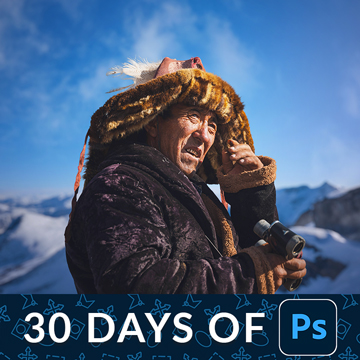
A layer mask hides part of a layer without deleting anything. That one sentence is the whole idea, and it is why nothing you do has to be permanent.
Photoshop | Tools & Techniques | Medium | 30 mins | 1 video
3 Sample Images | 1 Sample PSD
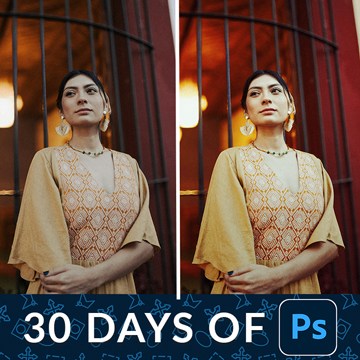
Adjustment layers are how you edit light and color in Photoshop without editing the photograph. Three ways to make one, and the handful actually worth using.
Photoshop | Tools & Techniques | Medium | 30 mins | 1 video
1 Sample Image | 1 Sample PSD
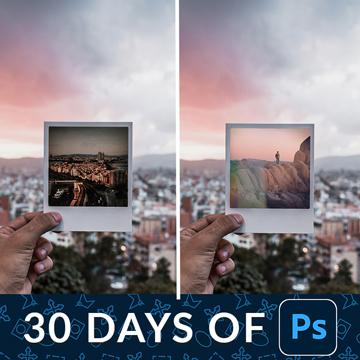
Layers and layer masks are the one feature that separates Photoshop from every other editor. Learn what each kind of layer is for and when to mask instead.
Photoshop | Tools & Techniques | Easy | 30 mins | 1 video
3 Sample Images | 1 Sample PSD
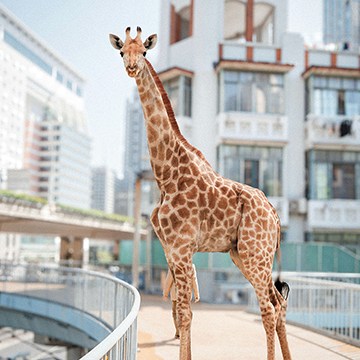
Transform photos into art! Learn to blend multiple images in Photoshop, from AI tools to classic techniques, to create stunning, realistic composites with perfect color and light.
Photoshop | Compositing | Advanced | 3.25 hours
26 Sample Images | 6 Sample PSDs
Photoshop file formats split into two groups: the ones you keep work in and the ones you send out. Learn which to use, and what the quality numbers mean.
Photoshop | Tools & Techniques | Easy | 30 mins | 1 video
1 Sample Image | 1 Sample PSD

Every Photoshop project runs the same loop: open a file, work in layers, save the layered master, then export a flat copy for everyone else to see.
Photoshop | Tools & Techniques | Easy | 30 mins | 1 video
1 Sample Image | 1 Sample PSD

The Photoshop interface is four areas and a handful of panels. Learn what each one is for, build a workspace that suits you, and set two preferences first.
Photoshop | Tools & Techniques | Easy | 45 mins | 1 video
1 Sample Image | 1 Sample PSD

LUTs in Photoshop are easier to build than to find. Grade an image with adjustment layers, export the result as a LUT, then load it onto anything.
Photoshop | Color & Tone | Medium | 15 mins | 1 video
2 Sample Images | 2 Sample PSDs | 1 Photoshop LUT | 1 PDF Guide

The alignment tools do in one click what most people nudge at with the arrow keys. Align to the canvas, to a selection, or to each other, then fine-position.
Photoshop | Text & Graphic Design | Easy | 15 mins | 1 video
1 Sample Image | 1 Sample PSD | 1 PDF Guide
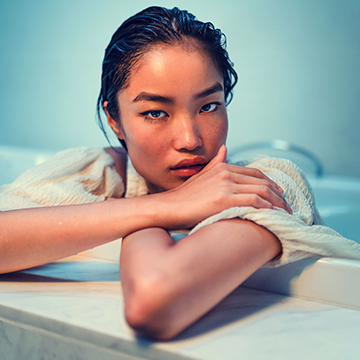
Keyboard shortcuts are the fastest workflow change in Photoshop. Assign your own, reassign the ones Adobe wasted, and print the whole set as a reference.
Photoshop | Workflow & Productivity | Medium | 15 mins | 1 video
1 Sample Image | 1 Sample PSD | 1 PDF Guide
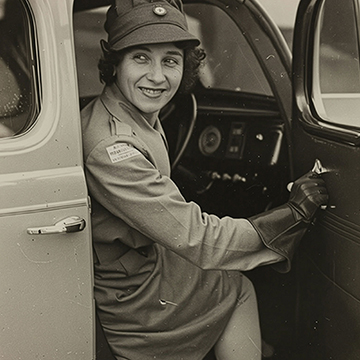
Generative Upscale rebuilds a low-resolution file at a usable size. Check your starting point first, because it invents detail rather than recovering it.
Photoshop | AI & Generative Tools | Easy | 15 mins | 1 video
1 Sample Image | 1 PDF Guide
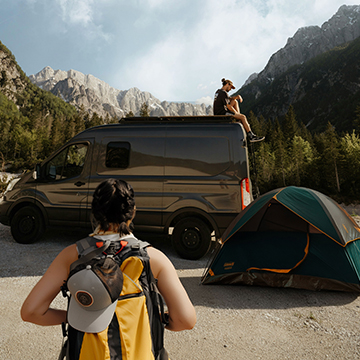
The Harmonize tool matches a pasted object to the photo it lands in. It works well on objects, unevenly on people, and you should not use it on skies.
Photoshop | AI & Generative Tools | Medium | 15 mins | 1 video
4 Sample Images | 1 Sample PSD | 1 PDF Guide

Master lighting effects in Photoshop with our top ten techniques! Create cinematic glows, sparkling skin, sun flares, and retro film looks. Learn to intensify highlights, sculpt light, and more!.
Photoshop | Photo Effects | Advanced | 3.75 hours
27 Sample Images | 10 Sample PSDs

Customize your workspace once and Photoshop stops fighting you. Strip the panels back to what you use, group them by task, then save and lock the layout.
Photoshop | Tools & Techniques | Easy | 30 mins | 1 video
1 Sample Image | 1 PDF Guide
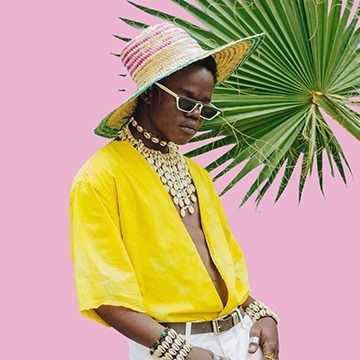
The Eyedropper tool does more than pick a color. Change the sample size, set the background color without switching tools, and track several colors at once.
Photoshop | Tools & Techniques | Easy | 15 mins | 1 video
1 Sample Image | 1 Sample PSD | 1 PDF Guide
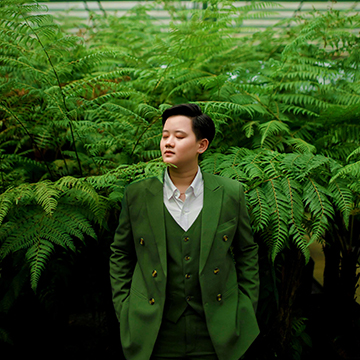
Vibrance protects the colors that are already strong; saturation pushes everything equally. Learn which to reach for, and why skin tones decide it.
Photoshop | Color & Tone | Easy | 15 mins | 1 video
1 Sample Image | 1 Sample PSD | 1 PDF Guide
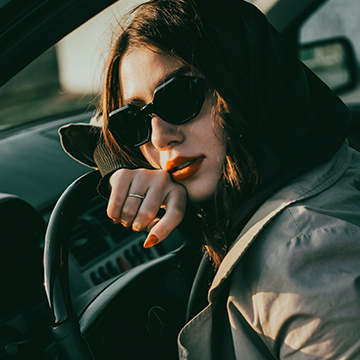
Color grading presets in Adobe Camera Raw give you a finished look in one click. Convert to a smart object first and the strength stays adjustable forever.
Photoshop | Color & Tone | Easy | 15 mins | 1 video
1 Sample Image | 1 PDF Guide

Glare on eyeglasses is a borrowing problem, not a cloning one. Take clean skin from elsewhere on the face, warp it to fit the lens, then mask it down.
Photoshop | Retouching | Medium | 15 mins | 1 video
1 Sample Image | 1 Sample PSD | 1 PDF Guide
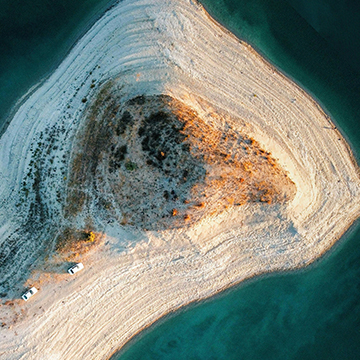
Flip and rotate images in Photoshop and you are choosing between two operations: rotating the canvas, or transforming the layer. One of them costs quality.
Photoshop | Tools & Techniques | Easy | 15 mins | 1 video
1 Sample Image | 1 Sample PSD | 1 PDF Guide
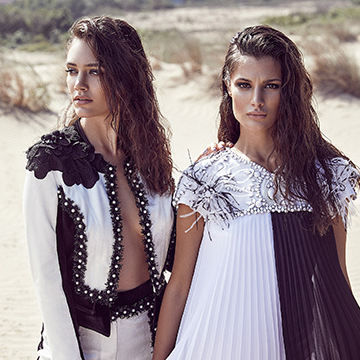
Customize the toolbar once and the tools you never use stop getting in the way. Hide them, regroup them, and keep the shortcuts you rely on.
Photoshop | Workflow & Productivity | Easy | 15 mins | 1 video
1 Sample Image | 1 PDF Guide
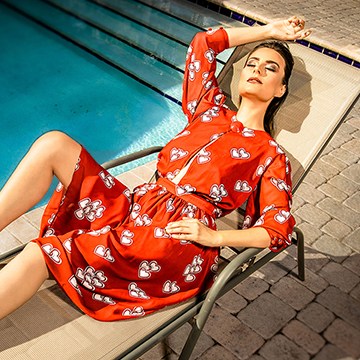
Transform your portraits! This advanced tutorial in Photoshop and Camera Raw guides you through editing eight diverse RAW photographs, tackling unique challenges. Learn AI masking, reshape lighting, and more!
Photoshop | Photo Editing | Advanced | 3.5 hours
8 Sample Images (RAW Files) | 8 Sample PSDs
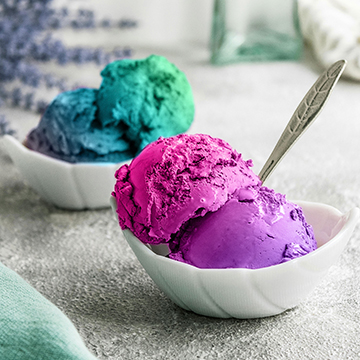
Change any color into a gradient in Photoshop and a flat object suddenly has light falling across it. Select, draw the gradient, then set the blend mode.
Photoshop | Color & Tone | Medium | 15 mins | 1 video
1 Sample Image | 1 PSD File | 1 PDF Guide
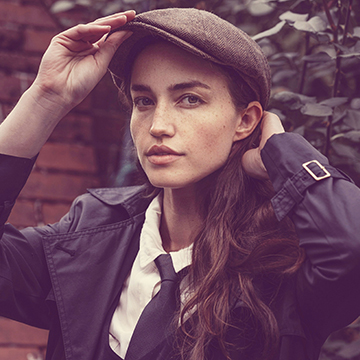
Adjustments vs adjustment layers comes down to one thing: whether you can change your mind later. One bakes the change in, the other stays live forever.
Photoshop | Tools & Techniques | Easy | 15 mins | 1 video
1 Sample Image | 1 Sample PSD | 1 PDF Guide