Object Removal Tutorials for Photoshop & Lightroom
Learn to remove anything you don’t want in a photo: people in the background, power lines, trash, dust, logos, and messy backdrops. The Remove tool, Generative Fill, Content-Aware Fill, the Clone Stamp, and the manual techniques that still win on hard textures. More than 80 free and PRO video tutorials from Aaron Nace.
What You’ll Learn
A good clean-up is invisible. These tutorials show which tool to reach for first, how to fix the patterns and smudges the automatic tools leave behind, and how to rebuild what was hidden behind the object.
- One-click removal. The Remove tool, Find Distractions, Generative Fill, and Lightroom’s Generative Remove and Dust removal.
- Classic tools that still matter. Content-Aware Fill, the Clone Stamp, the Healing Brush, and the Patch tool for full control.
- People and crowds. Clearing tourists out of travel and landscape photos without leaving blurry patches.
- Wires, signs, and logos. Removing power lines, street clutter, branding, and text from clothing and products.
- Rebuilding complex areas. Patterns, edges, and textures that need to be reconstructed by hand or with stock images.
Where to Start
Start with the latest Remove tool update and How to Remove People from Landscape Photos in Photoshop. For difficult backgrounds, the PRO course Master Object Removal Using AI & Manual Tools in Photoshop covers every tool and when it fails.
Free and PRO Tutorials
Free tutorials are complete lessons, not previews. PRO tutorials go deeper and longer, and they include the sample images, RAW files, actions, and presets used in the lesson so you can follow along on the exact same file. The PRO courses include the original images, so you can practice on the exact same distractions. A PHLEARN PRO membership unlocks every PRO tutorial on the site, including all of the ones in this category.
Frequently Asked Questions
What is the fastest way to remove an object in Photoshop?
Brush over it with the Remove tool or select it and use Generative Fill. For large objects, select a little wider than the object so Photoshop has room to blend the new background.
Why does Content-Aware Fill leave repeating patterns?
It copies pixels from elsewhere in the image. Narrow the sampling area in the Content-Aware Fill workspace, or finish the area with the Clone Stamp and Healing Brush.
Can I remove objects in Lightroom?
Yes. Lightroom’s Remove tool with Generative AI handles people, wires, and dust spots, and its dust removal can find sensor spots across a whole shoot.
Where to Go Next
Object removal pairs with Retouching for people and products, and with AI & Generative Tools for Generative Fill in depth. Clean selections from Selections & Masking make every removal easier.
Master Object Removal
The PRO course covers AI and manual removal on real, difficult photos.
On This Page
PHLEARN PRO
Every PRO tutorial in this category, with sample and RAW files, plus the full PRO library.

Clean up and polish your photos in Photoshop: strip out background clutter with the Remove tool, rebuild tight framing, swap a flat sky, and blend it all.
Photoshop | Object Removal & Cleanup | Easy | 15 mins | 1 video
2 Sample Images | 1 Sample PSD | 1 PDF Guide

See what the updated Remove tool in Photoshop can do: find distractions automatically, clear clutter, fix what it breaks, and finish the retouch by hand.
Photoshop | Object Removal & Cleanup | Easy | 15 mins | 1 video
1 Sample Image | 1 Sample PSD | 1 PDF Guide
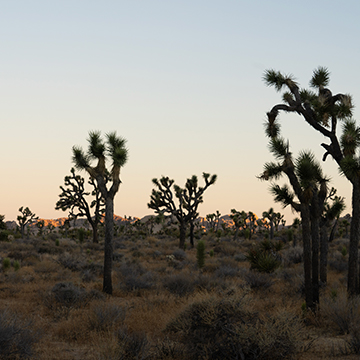
Use AI dust removal in Lightroom and Photoshop: clear every sensor spot on one frame in a click, then sync the detection across the whole shoot.
Photoshop, Lightroom | Object Removal & Cleanup | Easy | 15 mins | 1 video
3 Sample Images (RAW Files) | 1 Dust Removal Settings (XMP File) | 1 PDF Guide
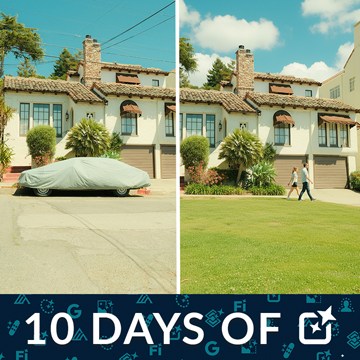
Partner models put Nano Banana and other companies’ AI inside Photoshop’s Generative Fill. See how to pick one, what each costs in credits, and where they fail.
Photoshop | AI & Generative Tools | Medium | 15 mins | 1 video
4 Sample Images | 4 Sample PSDs | 1 PDF Guide

Remove objects in Photoshop with the right tool for the job: the Remove tool for most things, Generative Fill for big gaps, and a manual patch when speed matters.
Photoshop | AI & Generative Tools | Medium | 15 mins | 1 video
4 Sample Images | 4 Sample PSDs

Generative Fill does three different jobs, and each one wants a different selection. See how to select for removing, adding and replacing, and what goes wrong.
Photoshop | AI & Generative Tools | Medium | 15 mins | 1 video
4 Sample Images | 4 Sample PSDs

The Clone Stamp tool copies real pixels instead of inventing them. Set it up non-destructively, clone without smearing, and work across separate layers.
Photoshop | Object Removal & Cleanup | Easy | 15 mins | 1 video
1 Sample Image | 1 Sample PSD | 1 PDF Guide
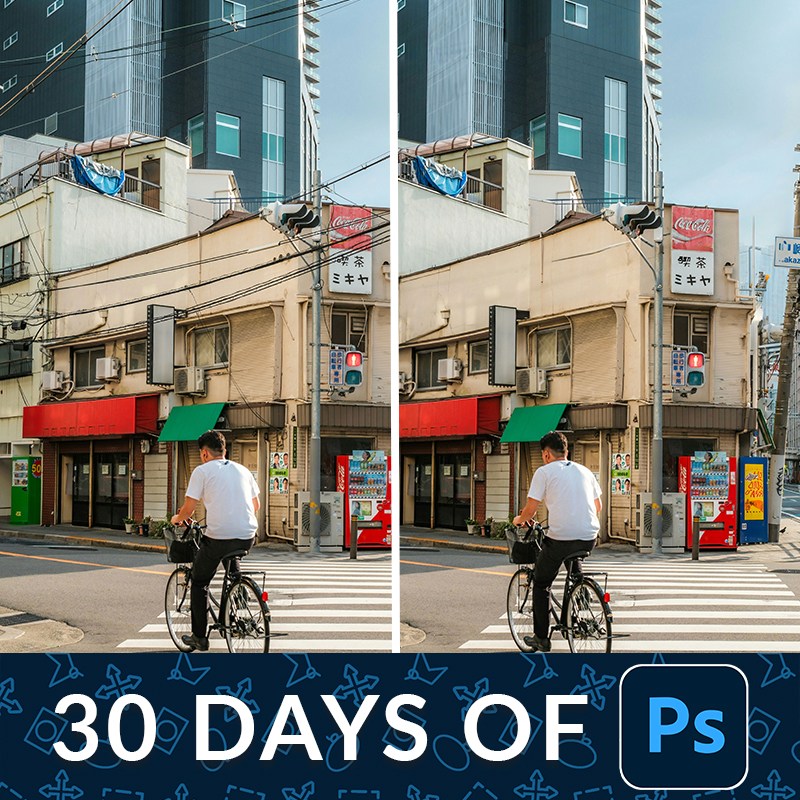
Remove distractions in Photoshop on a duplicate layer so the original pixels stay intact. One click handles most of it; the rest is a short manual pass.
Photoshop | Object Removal & Cleanup | Medium | 15 mins | 1 video
2 Sample Images | 2 Sample PSDs

Master advanced color grading in Lightroom and Camera Raw. Perfect hues, create unique styles, and craft reusable presets with included RAW files. Explore different looks using snapshots!.
Lightroom, Photoshop | Color & Tone | Advanced | 2.5 hours
8 RAW Sample Images | 1 Sample PSD
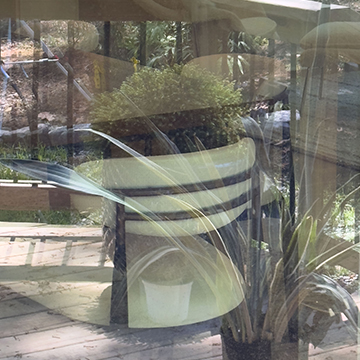
Remove Reflections in Adobe Camera Raw works on raw files only. Enable it in Technology Previews, then expect a good start rather than a finished result.
Photoshop | Object Removal & Cleanup | Easy | 15 mins | 1 video
2 Sample RAW Files | 1 PDF Guide

The Remove tool in Lightroom Classic does the boring part of retouching for you. Paint the object, let it generate, then refine what it got wrong.
Lightroom | Object Removal & Cleanup | Medium | 15 mins | 1 video
1 Sample RAW File

Learn how to get rid of distractions in complicated situations using AI and manual techniques. This tutorial even shows you how to streamline your workflow with a Photoshop Action!
Photoshop | Object Removal & Cleanup | Medium | 2 hours
9 Sample Images | 2 Sample PSDs | 1 Frequency Separation Action

Generative Fill vs Clone Stamp vs Spot Healing Brush: what each one actually does to your pixels, where each fails, and which to reach for first.
Photoshop | Object Removal & Cleanup | Easy | 15 mins | 1 video
1 Sample Image | 1 Sample PSD | 1 PDF Guide

How to use the Remove Tool in Photoshop: run Find Distractions for wires and people, brush the rest away, and keep Generative AI enabled for better fills.
Photoshop | Object Removal & Cleanup | Easy | 15 mins | 1 video
3 Sample Images | 1 PDF Guide

How to remove people from landscape photos in Photoshop: the Lasso Tool for a few figures, Quick Mask for a crowd, and why painting beats selecting.
Photoshop | Object Removal & Cleanup | Easy | 15 mins | 1 video
2 Sample Images | 2 Sample PSDs | 1 PDF Guide

How to use Generative Remove in Lightroom Classic: where to find it, how to get a good mask, how to choose between variations, and what it cannot do.
Lightroom | Object Removal & Cleanup | Easy | 15 mins | 1 video
3 Sample Images | 1 PDF Guide

How to remove distractions from portraits using AI in Photoshop: an empty Generative Fill prompt, a slightly wider selection, and matching texture and grain.
Photoshop | Object Removal & Cleanup | Medium | 15 mins | 1 video
3 Sample Images | 3 Sample PSDs | 1 PDF Guide

Master the art of landscape editing! In this tutorial we’ll show you how to leverage Lightroom and Photoshop, to create stunning images. Learn how to adjust exposure, craft HDR images, and more!
Photoshop, Lightroom | Photo Editing | Medium | 1.75 hours
87 RAW Files | 3 Sample TIFFs

How to clean up studio backdrops in Photoshop: remove seams and creases with Generative Fill, extend the backdrop with Generative Expand, then refine with masks.
Photoshop | AI & Generative Tools | Easy | 15 mins | 1 video
6 Sample Images | 6 Sample PSDs | 1 PDF Guide

Tap into the power of AI photo editing! Learn how to expand images, remove objects, replace backgrounds, create artistic effects, retouch photos and more.
Photoshop | AI & Generative Tools | Advanced | 2.5 hours
33 Sample Images | 33 Sample PSDs

How to use Delete and Fill in Photoshop: select an object, remove it in one keystroke, clean up what content-aware missed, then replace the sky convincingly.
Photoshop | Object Removal & Cleanup | Medium | 15 mins | 1 video
2 Sample Images | 1 Sample PSD | 1 PDF Guide

Learn to most powerful tools in Photoshop to improve any photo! Follow along and download the included frequency separation photoshop action.
Medium | 2.25 Hours | 2 Sample Images | Download PSD & Action
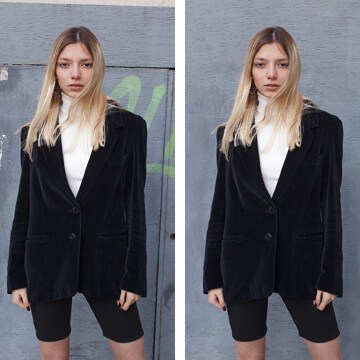
Learn the best workflow for using Content Aware Fill to quickly and easily remove unwanted elements from your images.
Photoshop | Object Removal & Cleanup | Easy | 15 mins | 1 video
1 Sample Image | 1 Sample PSD | 1 PDF Guide

Learn to remove distractions and create a cleaner image in Photoshop.
Photoshop | Object Removal & Cleanup | Easy | 30 mins | 1 video
1 Sample Image | 1 Sample PSD | 1 PDF Guide
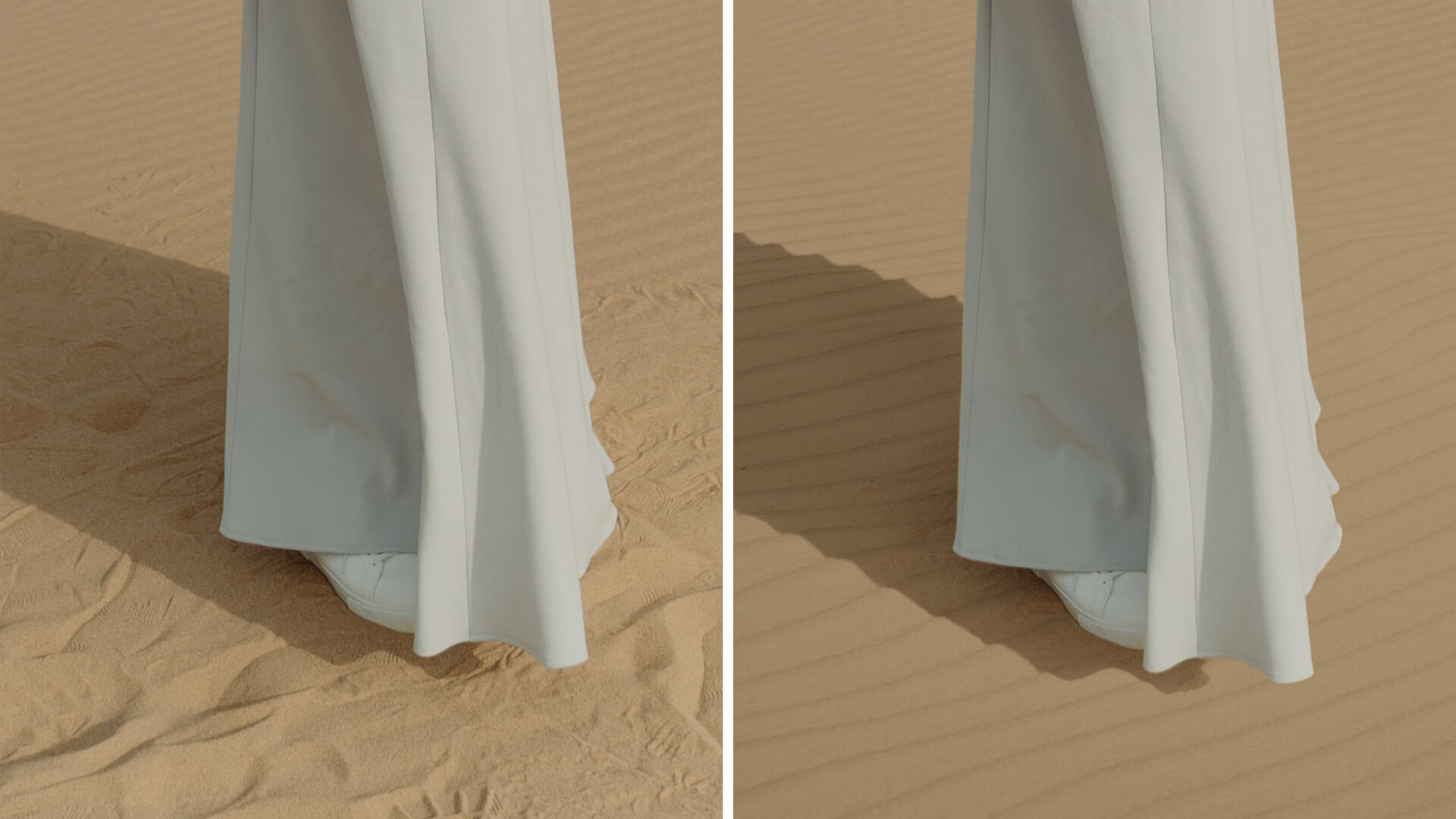
Learn to remove difficult distractions in sand by using additional stock images.
Photoshop | Object Removal & Cleanup | Easy | 30 mins | 1 video
2 Sample Images | 1 Sample PSD | 1 PDF Guide

Learn to remove even the toughest objects with this brush tool hack!
Photoshop | Object Removal & Cleanup | Easy | 30 mins | 1 video
1 Sample Image | 1 Sample PSD | 1 PDF Guide
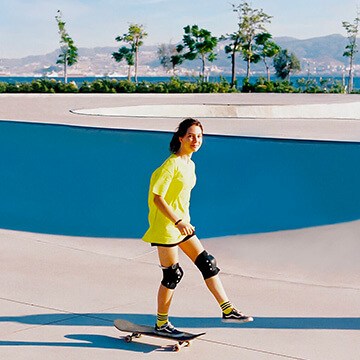
Learn to most powerful tools in Photoshop to improve any photo! Follow along and download the included frequency separation photoshop action.
Photoshop | Photo Editing | Medium | 2 hours
2 Sample Images | 2 Sample PSDs | 1 Photoshop Action

Learn how to fix clothing issues with the clone stamp and liquify tool
Photoshop | Retouching | Easy | 30 mins | 1 video
1 Sample Image | 1 Sample PSD | 1 PDF Guide

In the final episode of our object removal in Photoshop series, learn how to remove distractions when the background is busy and full of complex textures!
Photoshop | Object Removal & Cleanup | Easy | 45 mins | 1 video
1 Sample Image | 1 Sample PSD | 1 PDF Guide

In episode three of our four-part series, learn how to use the Clone Stamp Tool to remove both large and small objects from a background with a lot of lines, edges, and detail.
Sample Image & PSD Included
Photoshop | Object Removal & Cleanup | Medium | 30 mins | 1 video
1 Sample Image | 1 Sample PSD | 1 PDF Guide
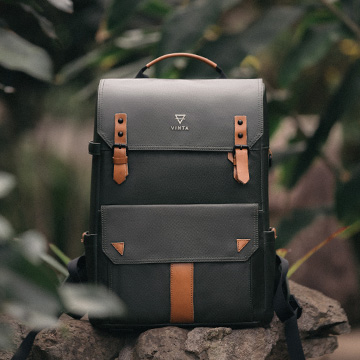
Join us as we explore a professional product retouching workflow in Photoshop. Learn how to retouch and reshape products, remove scratches and blemishes, sculpt highlights and shadows, and more!
Photoshop | Photo Editing | Easy | 1.5 hours
7 Sample Images | 6 Sample PSDs | 1 Photoshop Action