Free Photoshop &
Lightroom Tutorials
Learn pro editing techniques with step-by-step video lessons in Adobe Photoshop and Lightroom. Every free tutorial includes downloadable sample files and practice images so you can follow along.

New Free Tutorials View All »








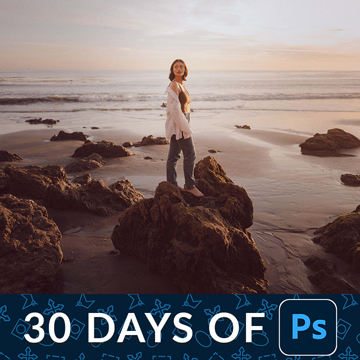
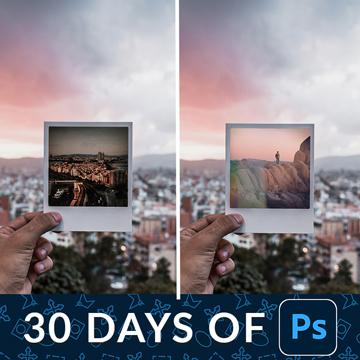
30 Days of Photoshop
Join us for 30 tutorials that cover some of the most important tools and techniques in Photoshop 2025! Master everything from foundational skills like layers and selections to advanced techniques in compositing, retouching, and AI.


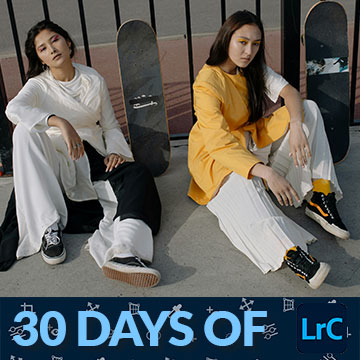
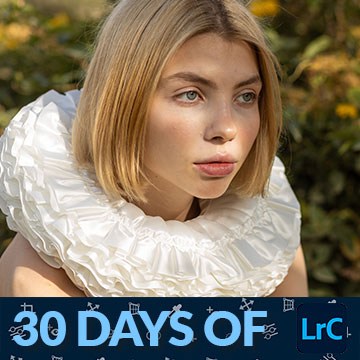
30 Days of Lightroom Classic
Join us on a journey of the basics, master powerful tools and techniques, and even learn how to create stunning presets for consistent edits, craft compelling black and white images, and expertly retouch portraits for a professional finish.

30 Days of Lightroom View All »


Browse Free Tutorials by Topic
Every free tutorial on PHLEARN is sorted into a playlist, so you can work through one subject start to finish — layers and masks, retouching, color, compositing, Lightroom, AI tools. Pick a topic below and watch in order, or jump to whatever you need today.

Learning Path
What’s New in Photoshop
Every meaningful Photoshop feature update from the last two years, as short, practical walkthroughs.

Learning Path
Essential Skills
Layers, selections, masks, smart objects, and the tools you will use in every single edit.

Learning Path
Portrait Retouching
Skin, eyes, hair, dodge and burn, and frequency separation done tastefully — so people still look like themselves.

Learning Path
Compositing
Cutting subjects out cleanly, matching light and color, and blending them into a new scene.

Learning Path
Color Grading
Curves, color balance, LUTs, and building a look you can repeat across an entire shoot.

Learning Path
Selection & Masking Tools
Selections, masking, and the automation tools that make every other edit faster and more precise.

Learning Path
Organize & Cull in Lightroom
Catalogs, collections, flags, and stars — find any photo in seconds, even across huge shoots.
Learning Path
AI in Photoshop & Lightroom
Generative Fill, Generative Expand, AI masking, Denoise, and Assisted Culling — the newest features, used with control.

Learning Path
AI & Generative Tools
Generative Fill, Firefly, Nano Banana, and the AI features Adobe keeps shipping — what’s actually useful, tool by tool.

Learning Path
Design, Text & Graphic Effects
Font matching, drop shadows, textures, mock-ups, and patterns — the design-side Photoshop skills that turn a photo into a finished piece.
Get Free Tutorials in Your Inbox
- A new free Photoshop or Lightroom tutorial every single week
- Download the sample images and PSDs for every free tutorial
- Be the first to know when PHLEARN PRO goes on sale, so you always get the best price
No spam — unsubscribe anytime.

Founder & Master Instructor
Meet Your Instructor, Aaron Nace
Aaron started PHLEARN in 2011 with a simple idea: post-production should be fun to learn, and the best way to teach it is to show every step on a real image. Since then he has taught millions of photographers, retouchers, and designers, spoken at Adobe MAX eight times, and led workshops around the world — and he still records a new free tutorial every week.
Every lesson on this page is taught the same way: high-energy, thorough, and approachable, with nothing hidden behind a paywall. When you are ready for longer, deeper courses, the same teaching style continues in PHLEARN PRO.
Photographers Who Learned Here
When it comes to learning about all things digital photography, look no further than Aaron and PHLEARN.
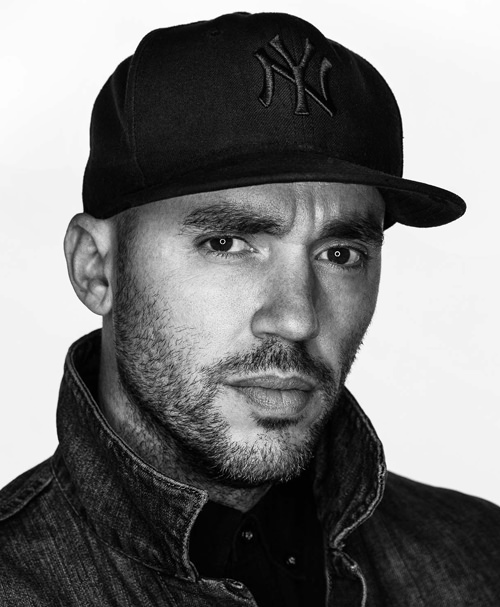 Jeremy CowartPhotographer, Hotelier, Artist
PHLEARN has been such an important part of my career as a photographer. When I was first starting my journey, PHLEARN gave me both the inspiration and the techniques to push my career forward. I still use PHLEARN to brush up on my skills!
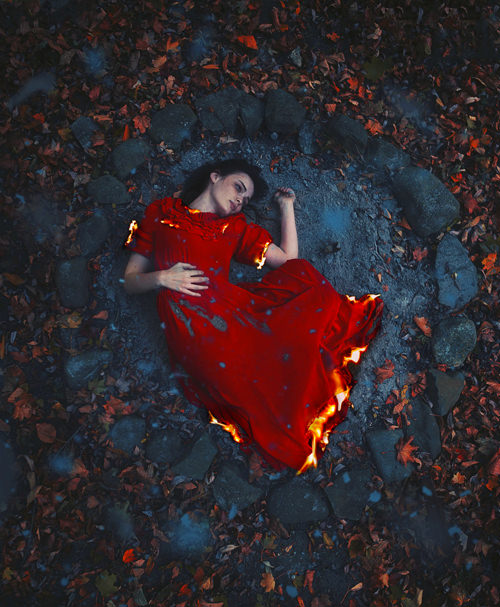 Sarah Ann LorethPhotographer
PHLEARN has made a name for themselves in the photography world for a reason; the tutorials, products, and services that they offer in general are of the highest quality you can find online, and provide enormous value to the community as a whole in so many ways.
 Sean MundyPhotographer
What You Get With Every Free Tutorial
PHLEARN has been teaching Adobe Photoshop and Lightroom since 2011, and the free tutorials have always been the heart of it. Every one is a complete, full-length lesson built around a real image and a real problem — not a teaser for a paid course. You can watch every free tutorial right here on the site, and most of them come with the exact sample images and PSDs used in the lesson so you can edit along and compare your result to the finished file.
Full-Length, Step-by-Step Lessons
Nothing is skipped or sped up. Aaron walks through every setting, every shortcut, and every decision so you can pause, rewind, and follow along in your own copy of Photoshop or Lightroom.
Sample Files for Nearly Every Lesson
Download the practice images and layered PSDs from the sidebar of any free tutorial. Editing the same file you see on screen is the fastest way to make a technique stick. A free PHLEARN account is all you need.
A New Free Tutorial Every Week
We publish a brand-new free tutorial every week, covering the newest Photoshop and Lightroom features alongside the timeless techniques that never go out of style. The full free library goes back years.
Taught by Aaron Nace
Every tutorial is taught by PHLEARN founder Aaron Nace, an eight-time Adobe MAX speaker who has spent more than a decade making post-production approachable, thorough, and fun to learn.
Browse Free Tutorials by Software

Free Photoshop Tutorials
Layers, selections, masking, retouching, compositing, color grading, text effects, and the newest AI tools — hundreds of lessons for every skill level.
Free Lightroom Tutorials
Organize and cull a catalog, master the Develop module, build your own presets, and export photos that look right everywhere — in Lightroom Classic and Lightroom.
Browse Free Tutorials by Skill Level
Level 1 · Foundations
Beginner
If you have never opened Photoshop or Lightroom, start with a 30-day series. 30 Days of Photoshop covers the interface, layers, selections, and masks from scratch, and 30 Days of Lightroom Classic takes you from an empty catalog to a finished shoot. One lesson a day, in order, and you will be comfortable in a month.
Level 2 · Real Projects
Intermediate
Once selections and masks are automatic, move into the work photographers actually get hired for: natural skin retouching in the Retouching & Portrait Editing, color and tone in Color Grading, and your first multi-image builds in the Compositing & Visual Effects.
Level 3 · Mastery
Advanced
Full creative control over light, perspective, texture, and scale. Build believable fantasy scenes with Compositing & Visual Effects, push your images further with Visual Effects, and learn to use the newest AI tools with taste in 10 Days of AI in Photoshop & Lightroom.
Free Tutorials vs. PHLEARN PRO
Everything on this page stays free whether you ever subscribe or not. PRO exists for people who want to go deeper: longer courses that cover complete projects from start to finish, every project file, and the full library of actions, presets, and LUTs. Here is how the two compare.
| What you get | Free Tutorials | PHLEARN PRO |
|---|---|---|
| Full-length video lessons | Hundreds, free to watch | 200+ in-depth courses, plus every free tutorial |
| New releases | A new tutorial every week | New PRO courses every month |
| Sample images & PSDs | Included with nearly every free tutorial (free account required) | Full project assets, original PSDs, and RAW files for every lesson |
| Photoshop actions, Lightroom presets & LUTs | Free sample packs | The entire library, included |
| Video quality | Full HD | 4K Ultra HD streaming on any device |
| Price | Free, forever | $12.99/month or $99.99/year — cancel anytime |
| Browse all free tutorials | JOIN PHLEARN PROCancel anytime |
Common Questions About Our Free Tutorials
Are these Photoshop and Lightroom tutorials really free?
Yes. Every tutorial in the free section is a complete, full-length lesson — not a preview or a sample chapter. That includes the entire 30 Days of Photoshop and 30 Days of Lightroom Classic series, and every new free tutorial we release each week. PRO is a separate paid membership for people who want the longer courses and the full project files.
Do I need an account to watch?
No. You can watch every free tutorial on this site without signing up for anything. A free PHLEARN account lets you download the sample files, save tutorials to your favorites, and pick up where you left off, and it takes about a minute to create.
I am a complete beginner. Where should I start?
Pick the application you want to learn and start on Day 1. 30 Days of Photoshop starts with a tour of the interface and assumes no prior experience; by Day 30 you will have built a full composite. 30 Days of Lightroom Classic starts with creating a catalog and importing photos and ends with presets, black and white, and portrait retouching. Do one lesson a day, in order — each one builds on the last.
Where do I download the sample images and PSDs?
On any free tutorial page, look for the download link in the sidebar next to the video. You will get the images used in the lesson and, for most Photoshop tutorials, the layered PSD so you can open the finished file and see exactly how it was built. You need to be logged in to a free PHLEARN account to download.
Which version of Photoshop or Lightroom do I need?
Our newest tutorials are recorded in the current releases of Adobe Photoshop and Lightroom Classic, and lessons on tools like Generative Fill or AI masking only apply to recent versions. The core techniques — layers, masks, selections, curves, the Develop module — work in any version from the last several years. Adobe sells both applications together in the Photography plan, and you can check current pricing on Adobe’s site.
Do you teach Lightroom Classic or Lightroom?
Most of our Lightroom tutorials, including 30 Days of Lightroom, are taught in Lightroom Classic, the desktop version most working photographers use. The editing tools are nearly identical in Lightroom (the cloud-based version) and Lightroom Mobile, so almost everything carries over. Where a feature differs, we say so in the lesson.
How often do you release new free tutorials?
Every week. New free tutorials appear at the top of this page in the New Free Tutorials section, and you can sign up for the newsletter above to have them sent to your inbox along with the sample files.
How long does it take to learn Photoshop or Lightroom?
You can be productive in about a month. Thirty days of focused practice will make you comfortable with layers, selections, masking, and basic retouching in Photoshop, or with organizing, editing, and exporting a full shoot in Lightroom. Specialties like high-end retouching or advanced compositing take longer, which is what our learning paths and PRO courses are for.
What is the difference between free and PRO tutorials?
Free tutorials teach one technique end to end. PRO courses are longer, cover complete projects, go deeper into decision-making and workflow, and include every sample image, brush, action, preset, and LUT used in the lesson. PRO is $12.99 per month or $99.99 per year, you can cancel anytime, and everything on this page stays free whether you subscribe or not. See everything included in PRO.
Do I need a drawing tablet?
No. Every tutorial on this site can be completed with a mouse or trackpad. A pen tablet makes masking and dodge-and-burn work faster and more precise, but it is a convenience, not a requirement.
I am having trouble with a download or install. Where do I get help?
Start with our step-by-step guides on installing Lightroom presets and installing Photoshop brushes. Accounts, downloads, streaming, and billing are all covered in the PHLEARN Help Center, and you can always contact us directly.
Go Further with PHLEARN PRO.
Unlock Full Sample Files, PSDs, and Hundreds of In-Depth Courses!
Plans from $8.33/month billed annually, or $12.99 monthly — cancel anytime.

Download full project assets, original PSDs, and RAW images for every lesson
Unlimited access to our complete library of PRO Photoshop & Lightroom courses
Instant 4K Ultra HD streaming on all devices, anytime, anywhere
Full access to our entire library of Photoshop Actions, Presets, and LUTs
Flexible monthly and annual membership plans
Cancel anytime with zero hassle or commitments